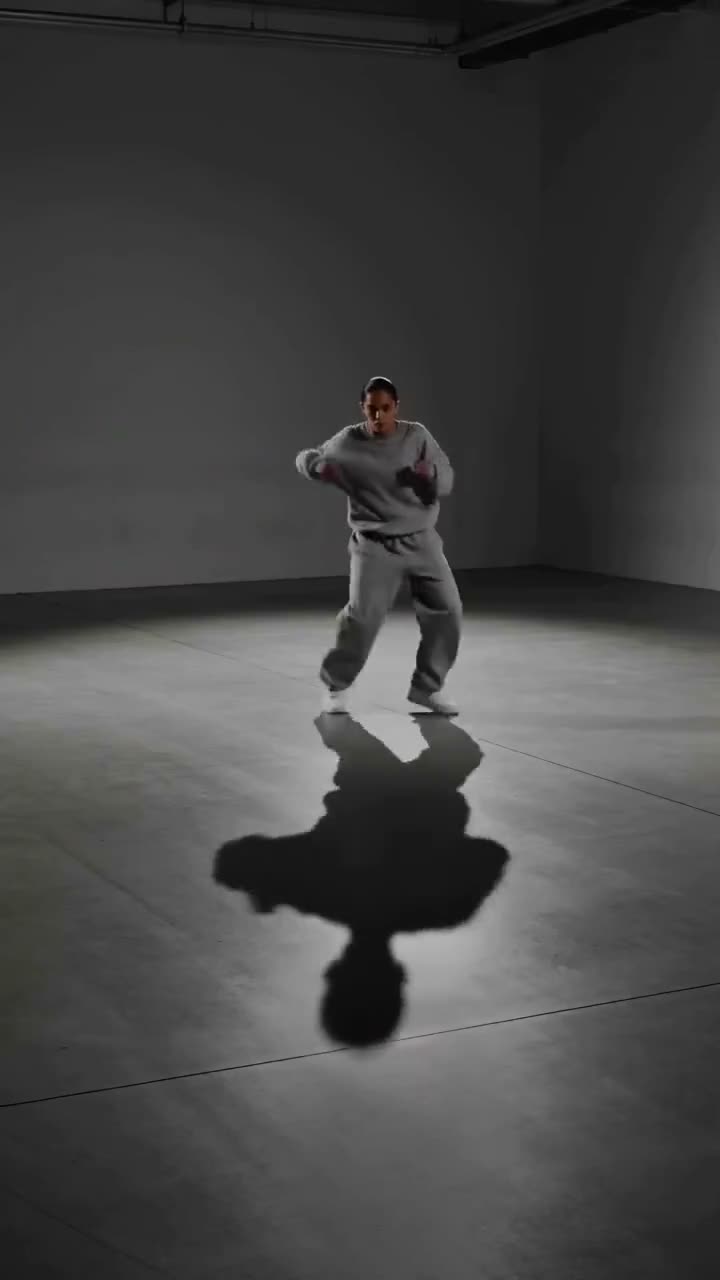
Swapping a face in a still photo is one frame of work. To face swap a video, the new face has to follow every head turn, catch the same light as it moves, and blink and talk with the original performance. Done badly it flickers; done well it looks like the person in the photo was there on the day.
This article shows how to do it with Kinoseed's Video Face Swap, which keeps everything except the face exactly as filmed.
What you need
- The target video: a clip between 3 and 10 seconds long.
- A clear, front-lit photo of the face going in, with the eyes visible.
- Consent from the person whose face you use, and from the person in the video.
Step by step
- 1
Upload the Target video
The clip you want to modify. Everything but the face is kept, so pick the take you actually want: the movement, the wardrobe and the framing are all coming with it. The slot accepts clips from 3 to 10 seconds.
- 2
Upload Your photo
The face to insert. A clear, front-lit portrait with the eyes visible swaps far better than a profile, a selfie at arm's length in the dark, or a face in a crowd.
- 3
Decide on Keep the original audio
The box is ticked for you, so the dialog and sound of the original clip come through untouched. Untick it for a silent result.
- 4
Press Swap Face
Kling O1 Video Edit matches the inserted face to the scene's skin tone, light direction and head angle in every frame. The result plays in the feed, ready to expand, download or recreate.
What to expect
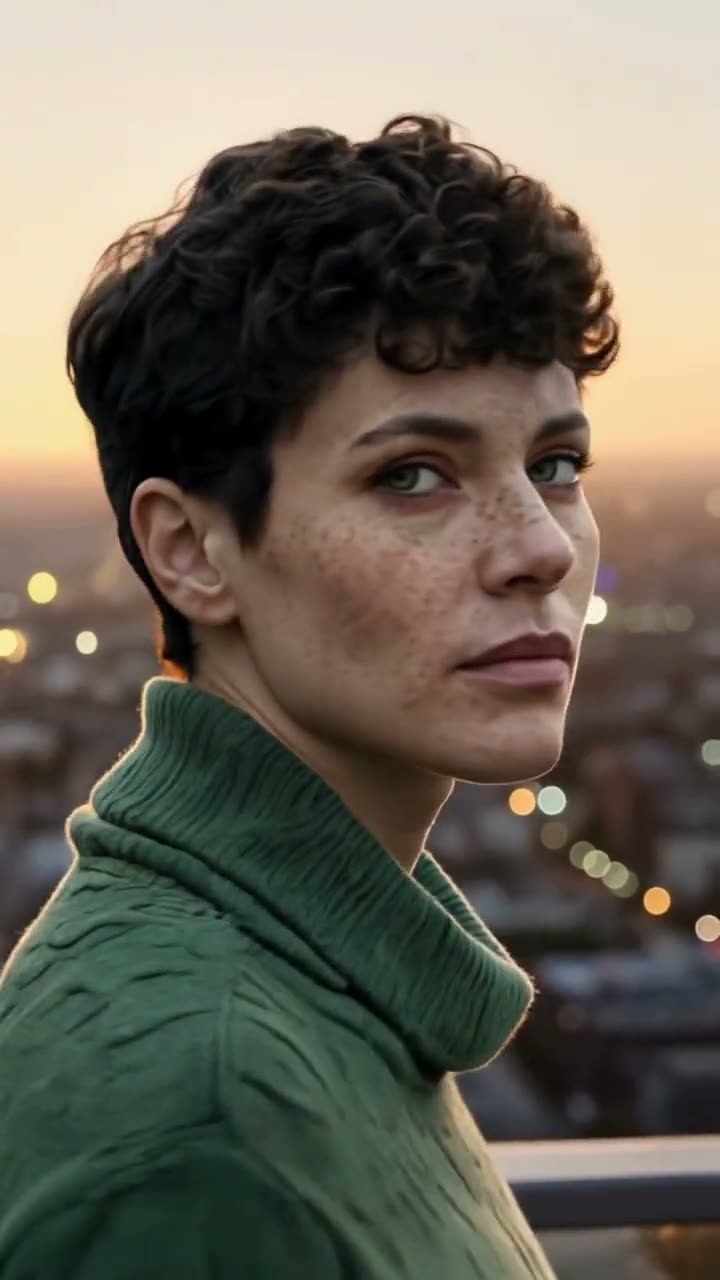
This is a reference edit: the model is given your photo and told to replace only the face, keeping hair, body, wardrobe, hands, pose, camera and background. The result reads as the new person in the original performance, and the face is blended into the scene rather than pasted over it. That blend is what makes it look natural, and it also means the identity is a close match rather than a pixel copy of your photo.
Picking a target clip that swaps well
The face should be clearly visible for most of the clip and reasonably large in frame. A head-and-shoulders shot that turns gently is ideal. Fast whip pans, faces that leave the frame, and hands repeatedly crossing the face are where swaps struggle. Lighting matters less than in a still, because the model relights the face, but a face in near darkness gives it little to match.
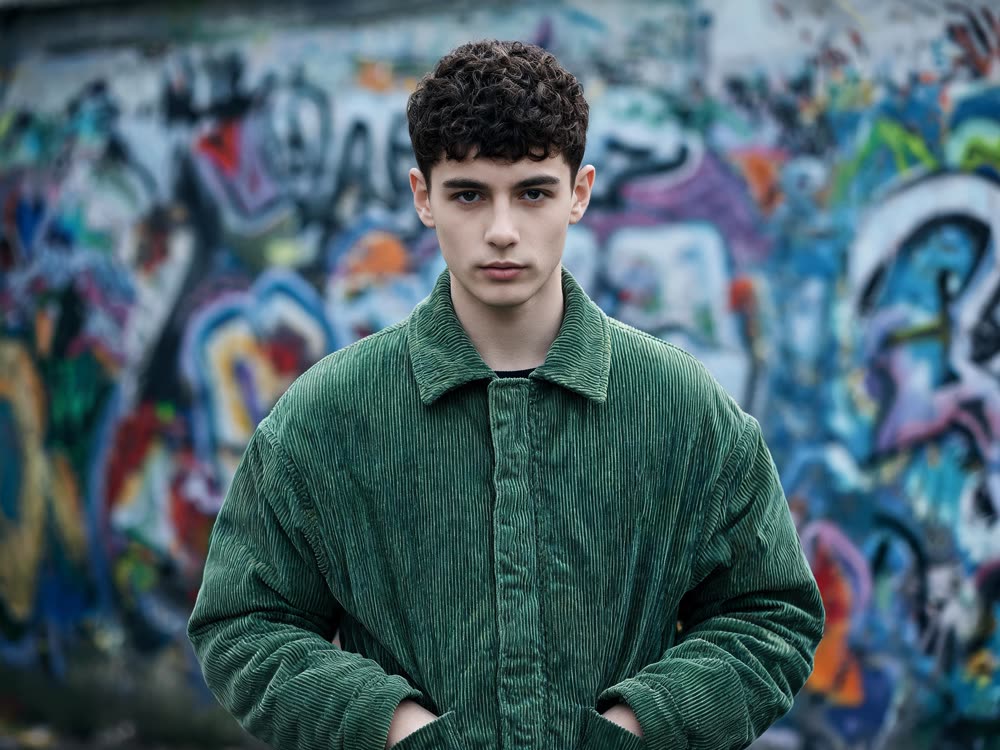
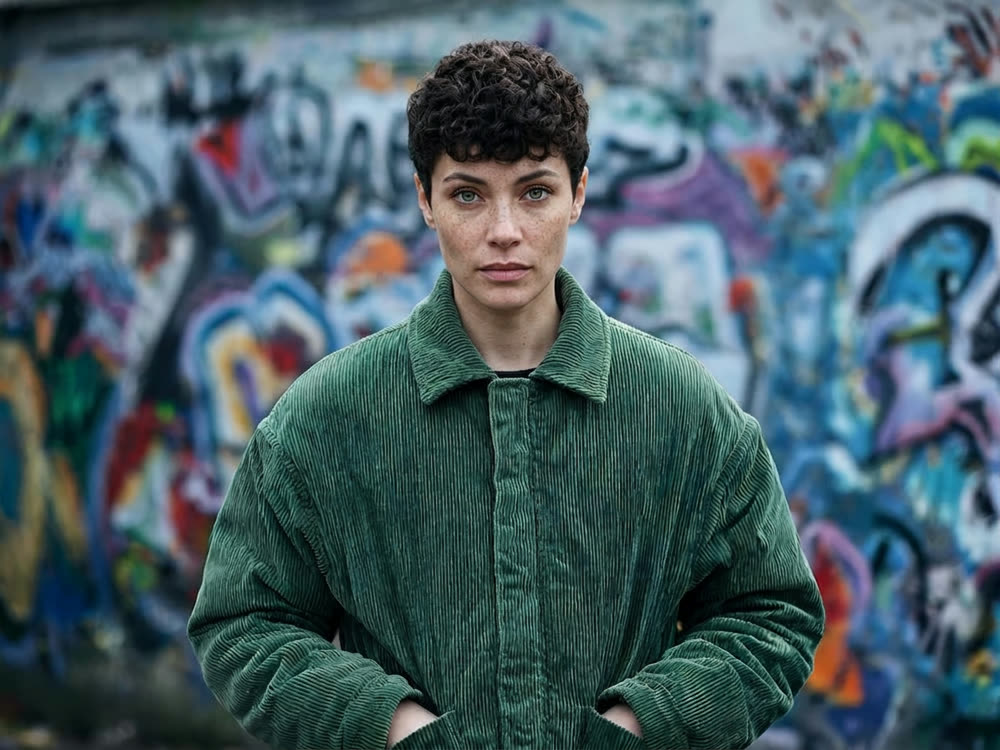
More examples
Tips for better results
- Match the angle. A front-facing photo swaps best onto a performer who faces the camera most of the time.
- Use a sharp, high-resolution face photo. The model can only carry over the detail it is given.
- Swapping a still instead? Face Swap for photos does it for a fraction of the credits.
- Want the whole body and outfit replaced, not just the face? Use Recast.
Frequently asked questions
How long can the video be?
Between 3 and 10 seconds. For a longer scene, split it into shots and swap each one.
Does it keep the original voice and sound?
Yes, as long as Keep the original audio is ticked, which it is by default.
How much does a video face swap cost?
It is priced on the length of the target clip, and the exact number is on the Swap Face button before you run it. It costs more than a photo face swap because every frame is processed. Failed runs are refunded automatically.
Is face swapping a video allowed?
Only with consent. Kinoseed's terms prohibit impersonating a real person without their permission, including non-consensual deepfakes. Use your own face, or faces you have the right to use.
Try it on your own shot.
Video Face Swap is open to explore. The price of a run is on the button before you spend anything.