Face Swap
Two photos in: the scene you want to be in, and the face to put there. The pose, the clothes and the light all stay as they were.
The photo whose face gets replaced
The face to insert — one clear, well-lit shot
12creditsCtrl⏎
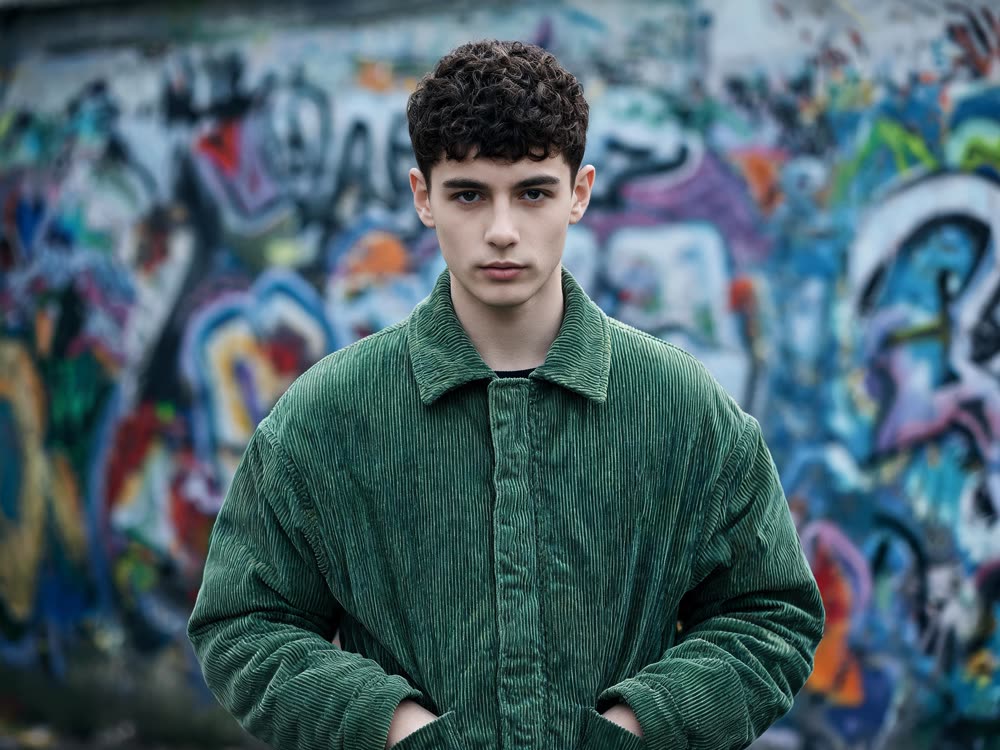
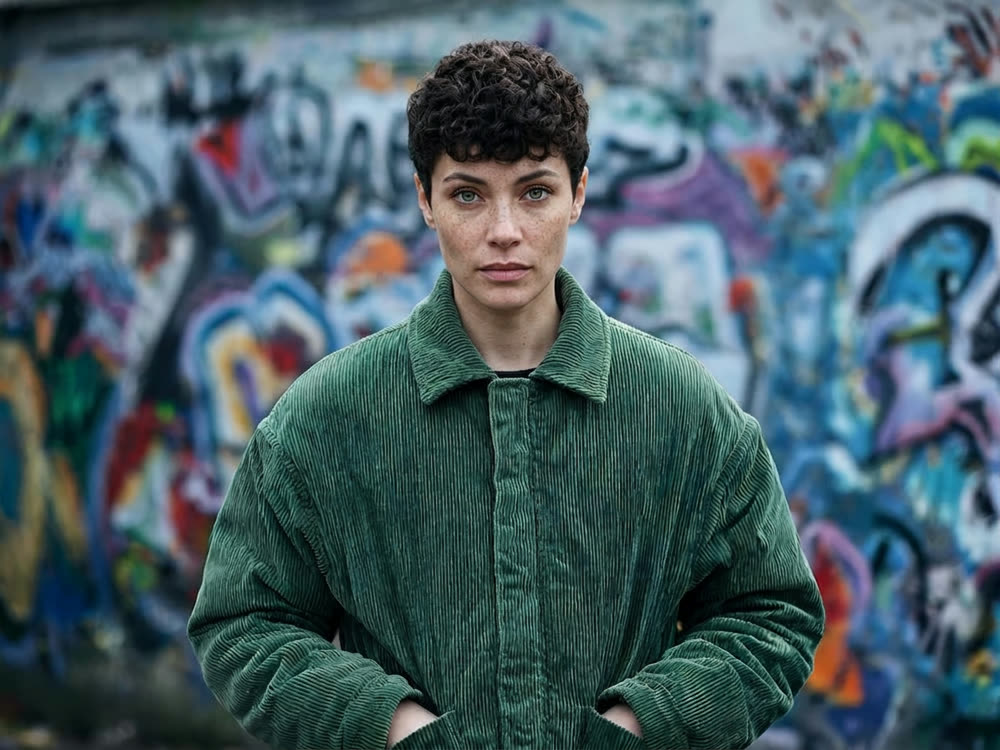
◂▸
OriginalSwappedSign in to start generating
How to swap a face
- 1
Add the target photo
The scene you want to end up in. Its pose, clothing, hair and background are all kept — only the face changes.
- 2
Add the face
One clear, well-lit shot of the person going in. Straight-on beats a three-quarter angle, and a big face beats a crowd.
- 3
Swap
The inserted face is matched to the target's light and angle, and the result comes back in the target's own frame.
Explore more apps
See all

Similarity Score
Score your content's IP similarity
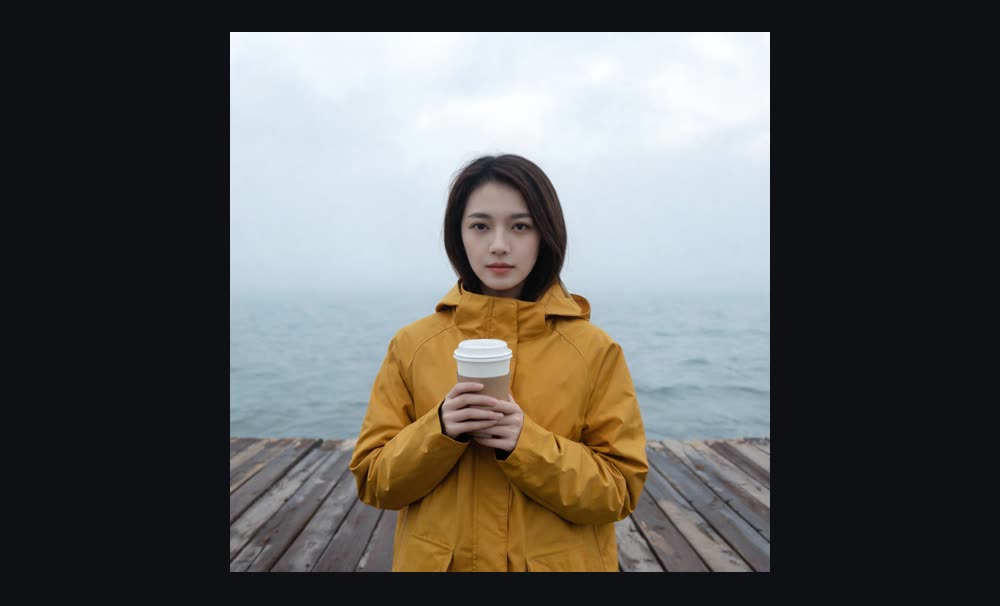
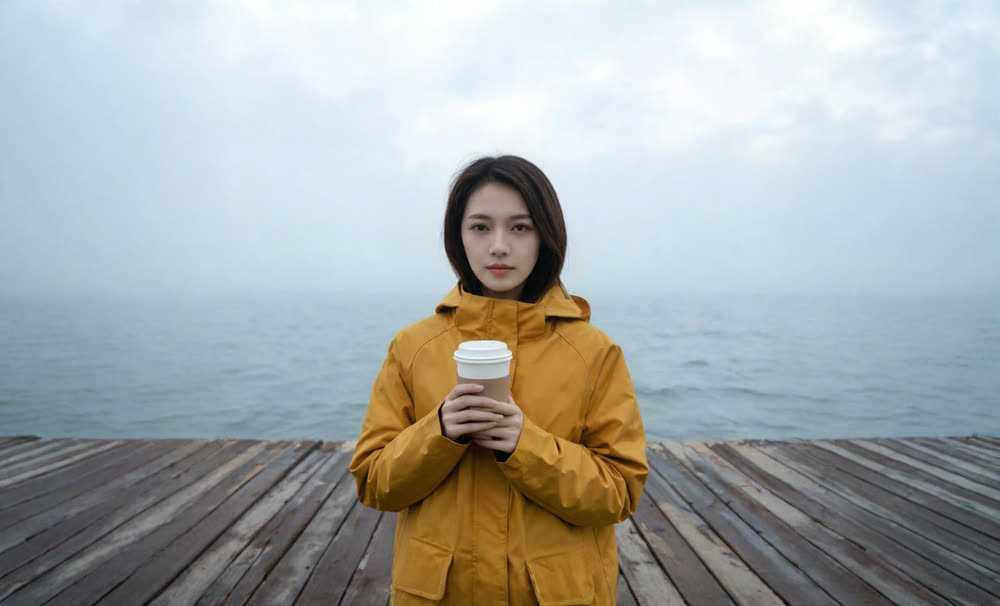
Expand image
Expand any image beyond its edges
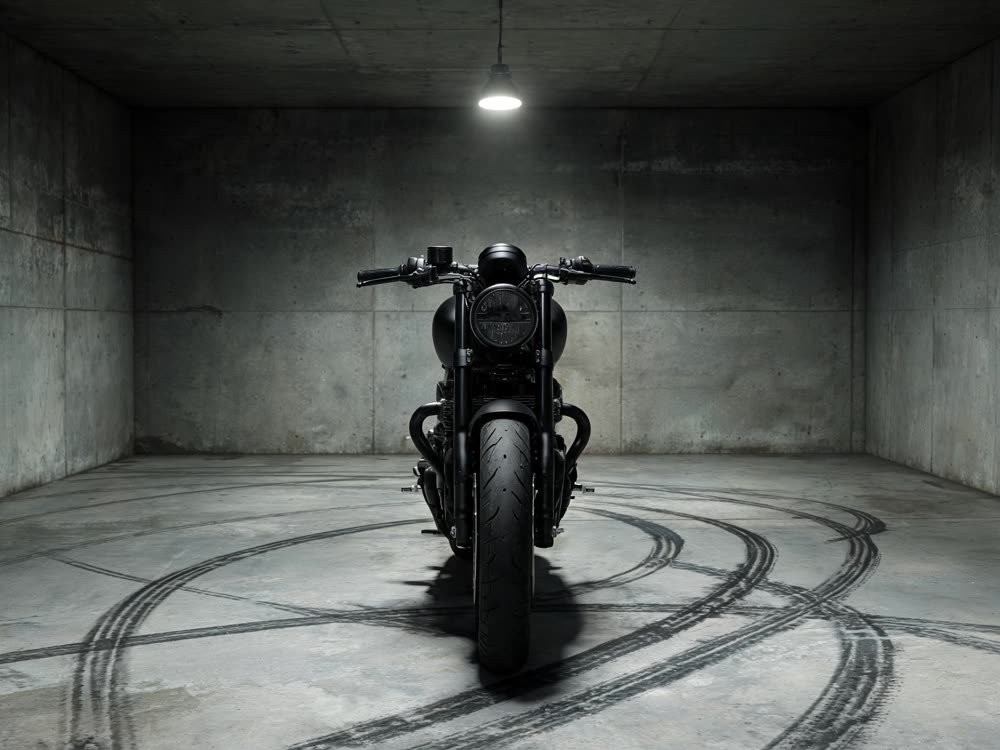
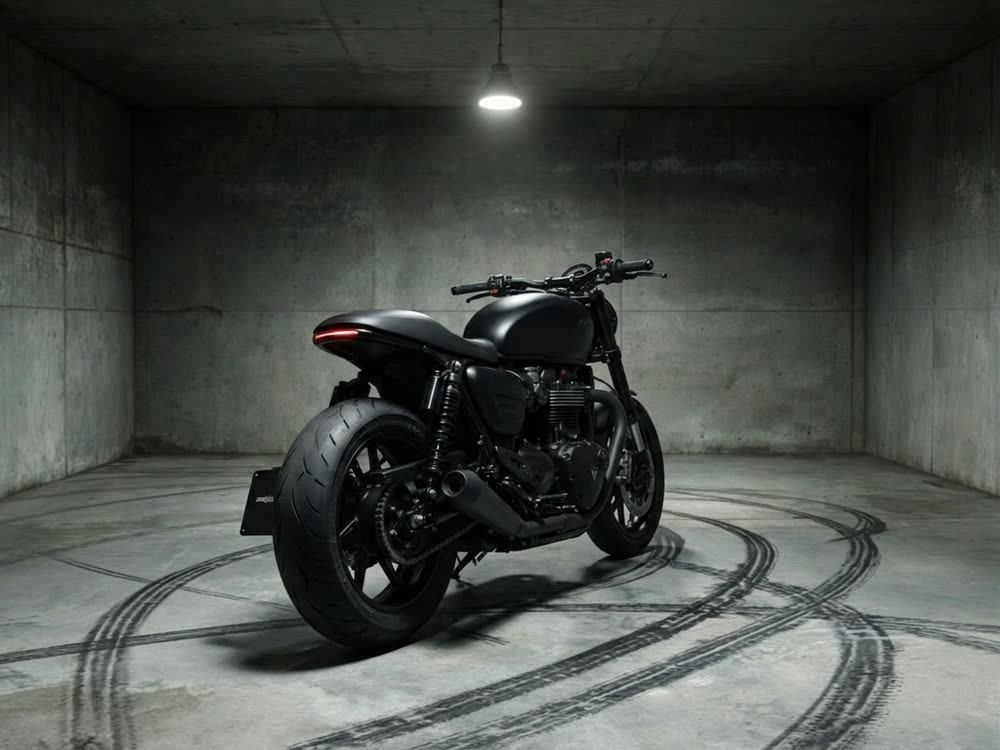
Angles 2.0
Generate any angle view for any image
Transitions
Seamless transitions between any shots
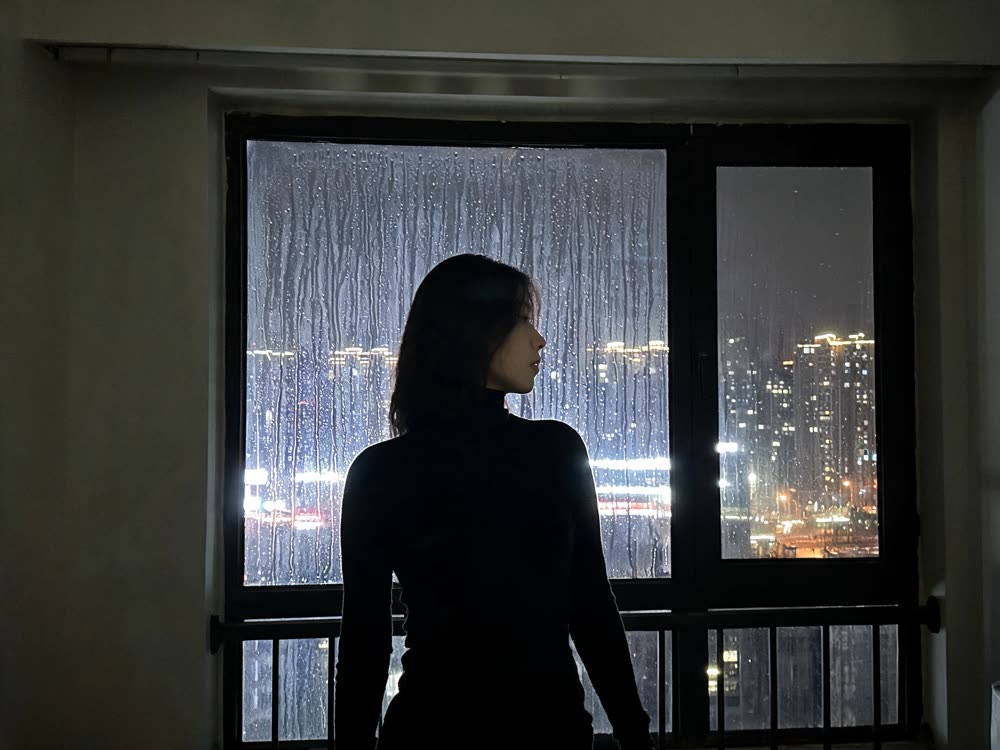
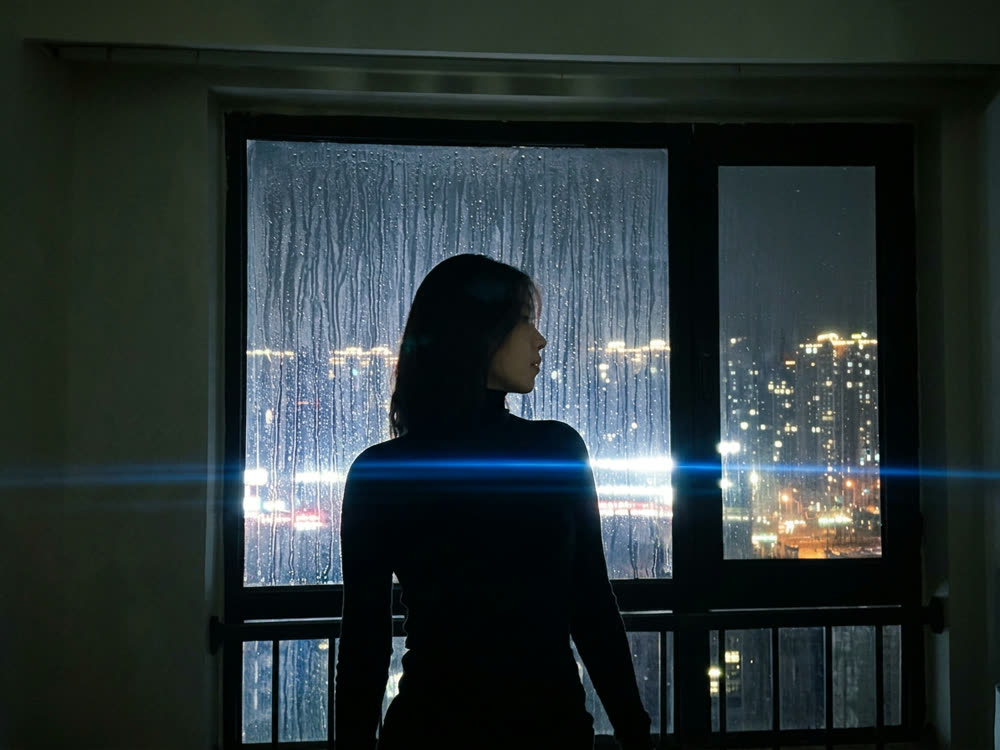
Cinematic Cameras
Shoot on real cine cameras, lenses & glass
Motion Control
Choreograph character action up to 30s