Image Upscale
Nothing about the picture changes — this is resolution, not a re-render. Best on older photos, phone shots and anything that came back soft.
Model
6creditsCtrl⏎


◂▸
256px sourceUpscaledSign in to start generating
How to upscale an image
- 1
Upload the image
Soft, small or over-compressed. The worse the source, the more there is to gain — this is the tool for the picture you wish were bigger.
- 2
Pick the model
Default is faithful and safe. Enhanced reconstructs more aggressively, which is what you want on genuinely low-resolution sources.
- 3
Upscale
The content is unchanged — same picture, same crop, more pixels. What comes back is up to 4K and lands in your files.
Explore more apps
See all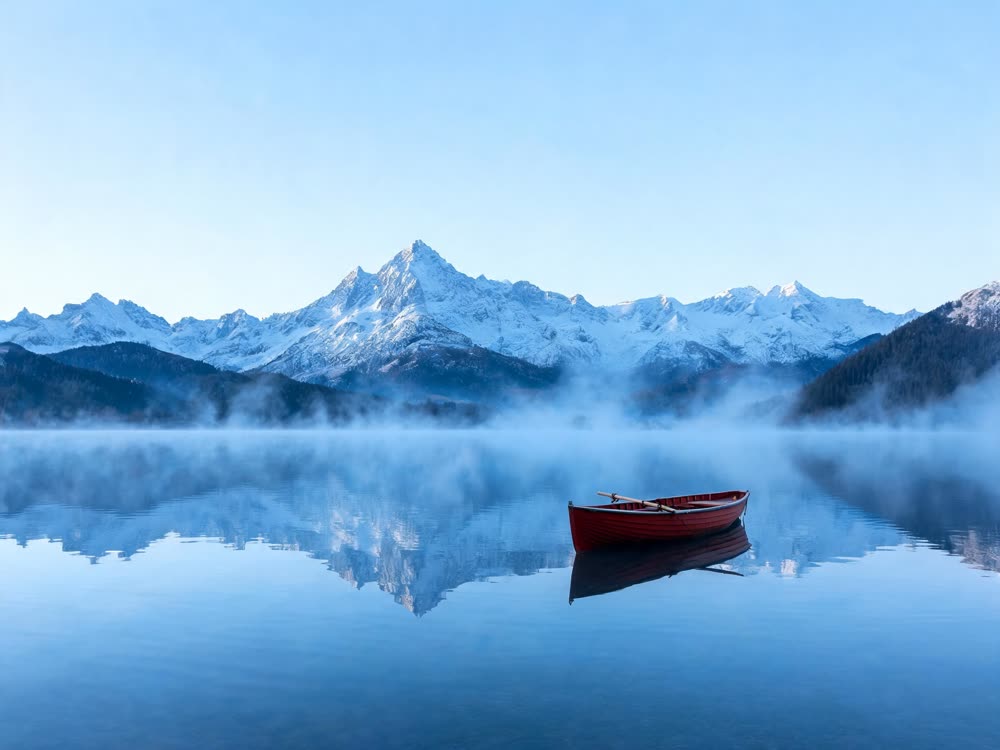
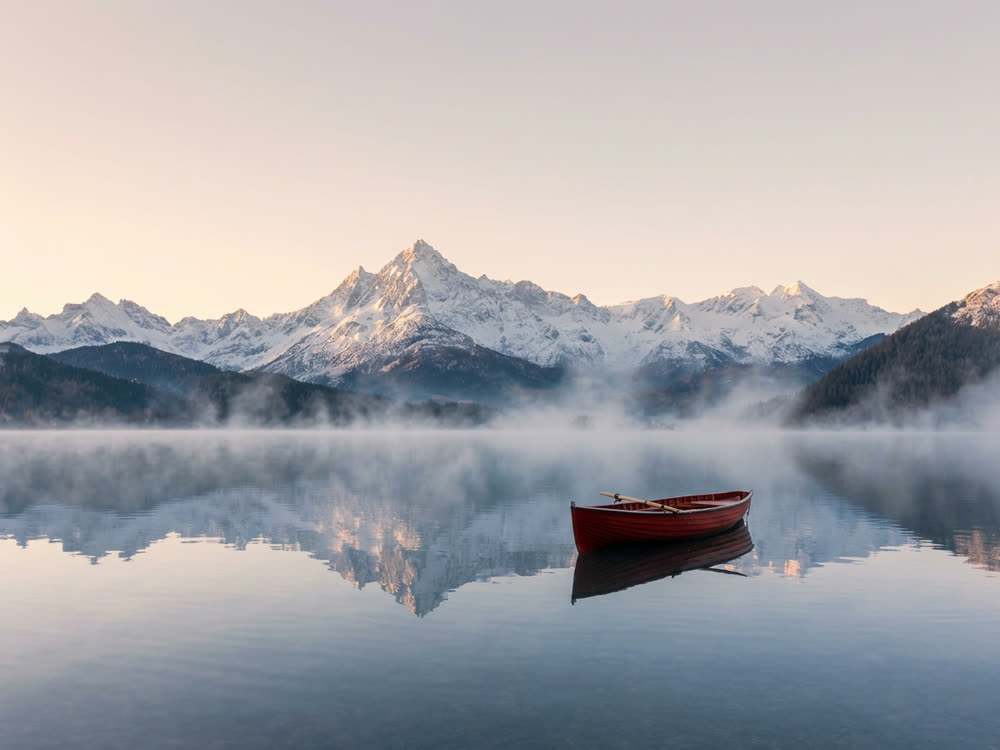
Similarity Score
Score your content's IP similarity
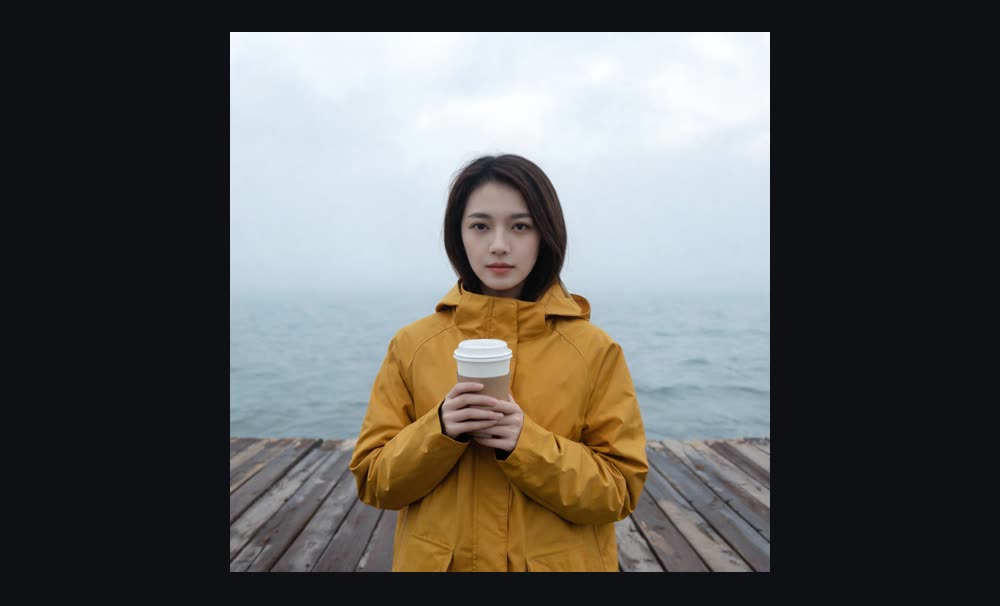
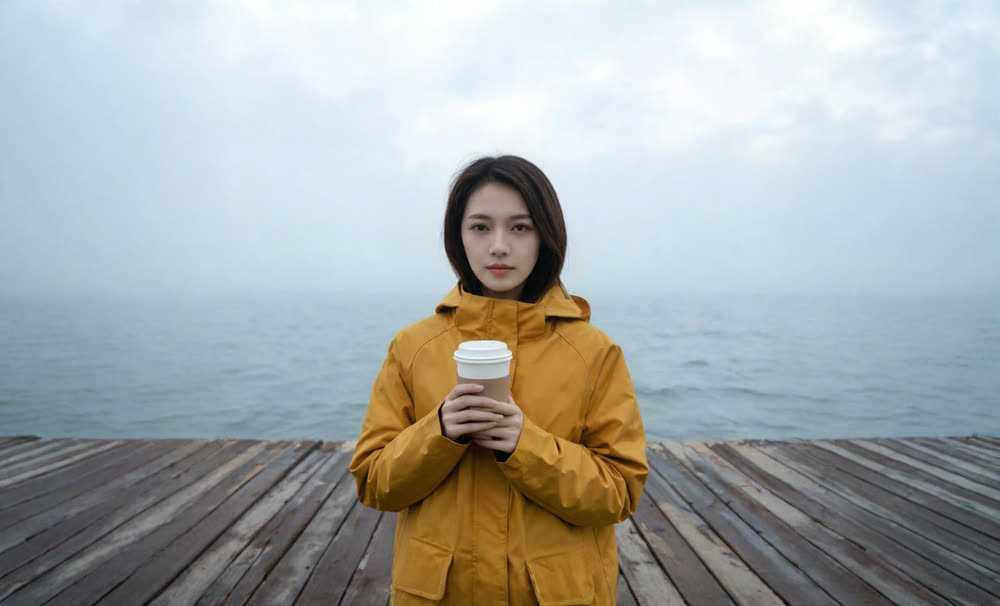
Expand image
Expand any image beyond its edges
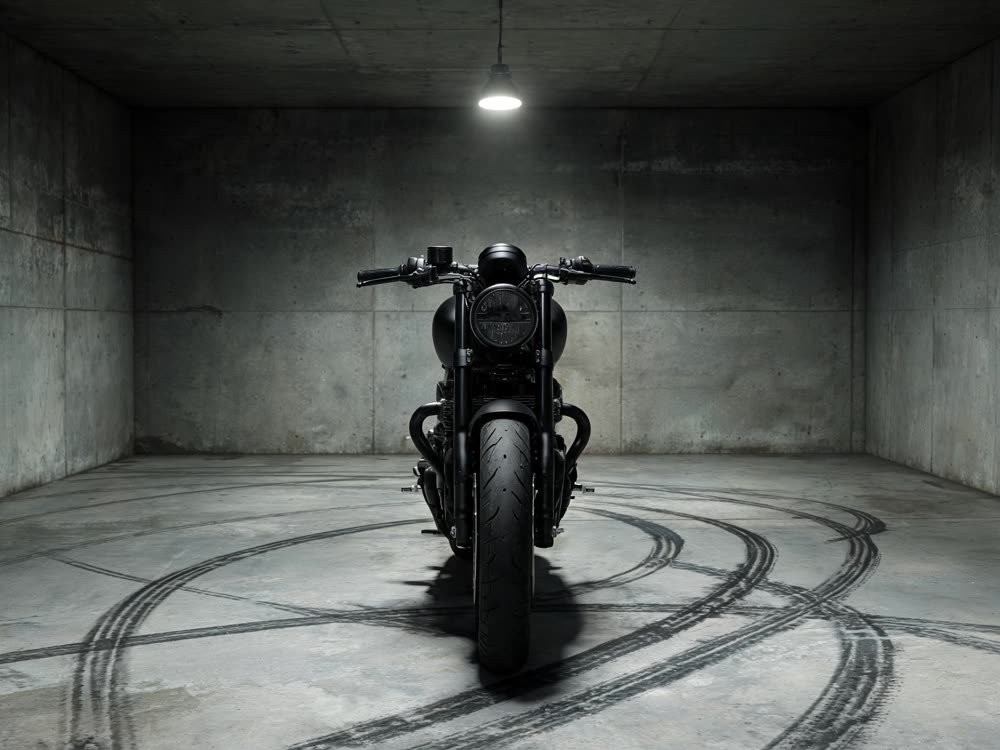
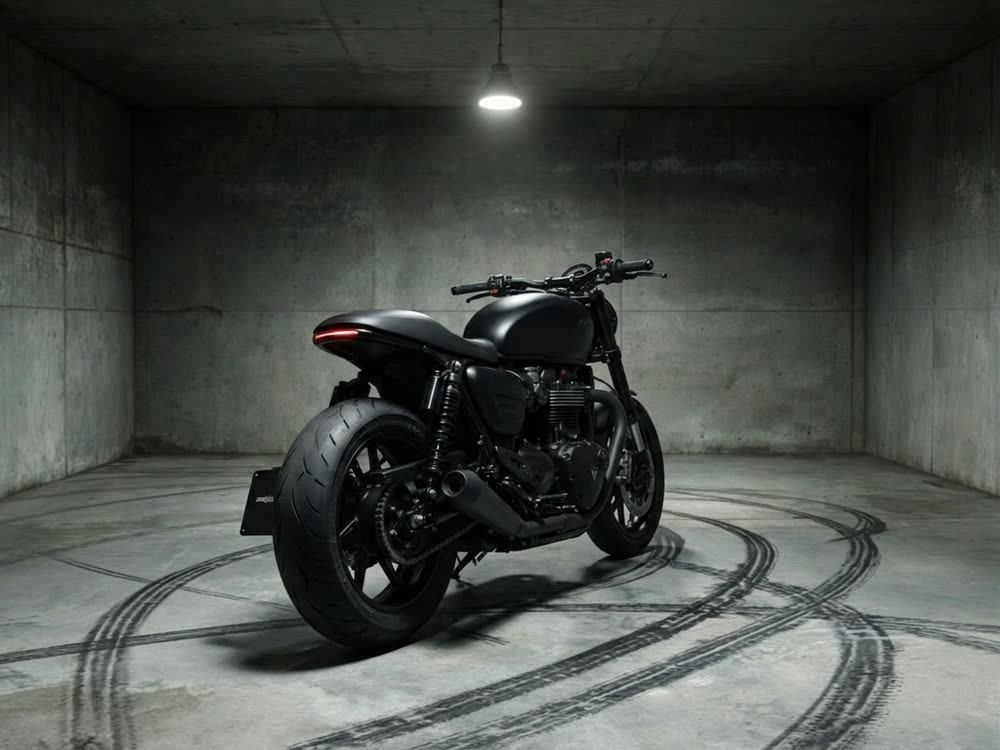
Angles 2.0
Generate any angle view for any image
Transitions
Seamless transitions between any shots
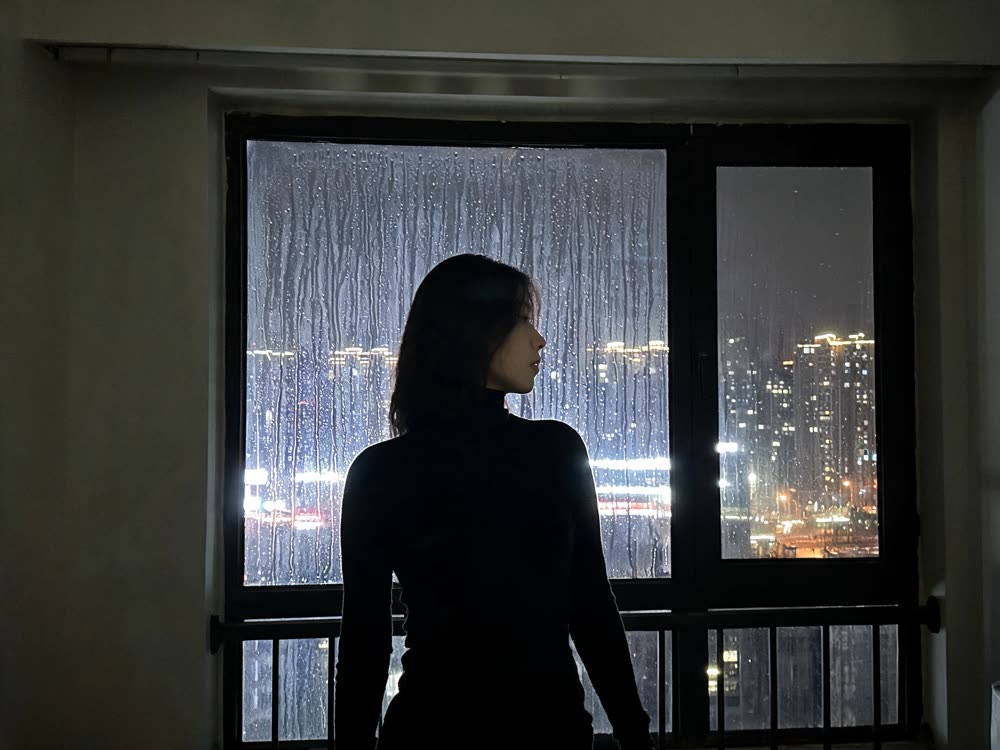
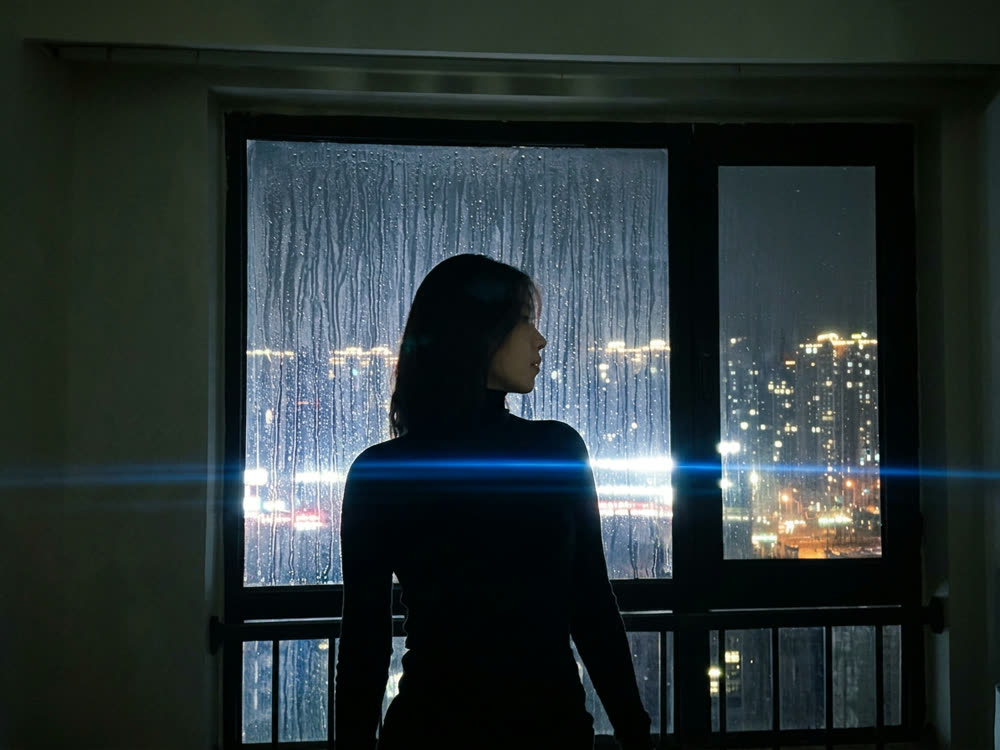
Cinematic Cameras
Shoot on real cine cameras, lenses & glass
Motion Control
Choreograph character action up to 30s