Expand Image
Give a crop back the room it was shot in. The scene continues outward — same light, same perspective, same style — and the subject is left exactly as it was.
Auto keeps the source's own shape
8creditsCtrl⏎
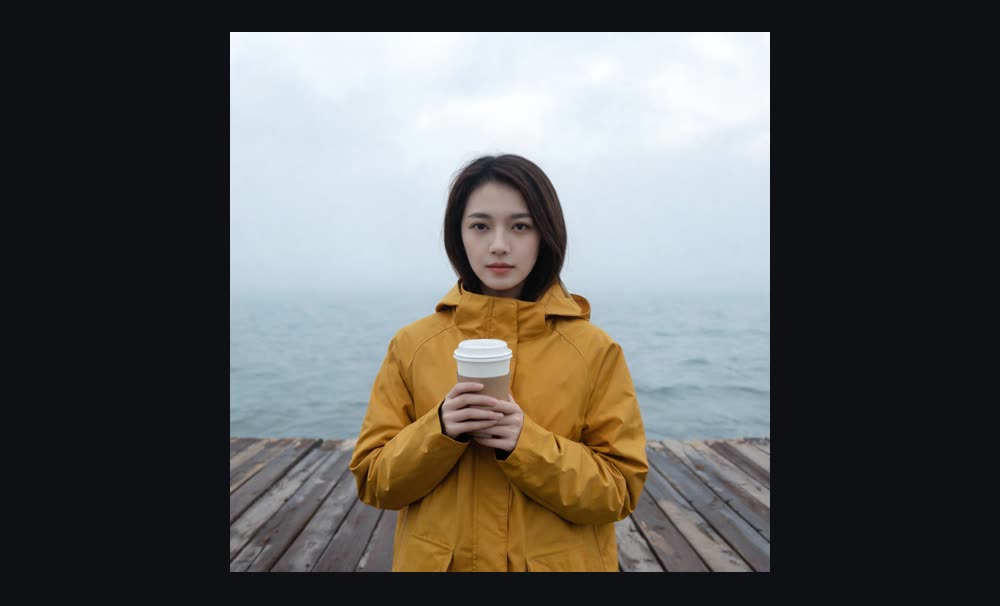
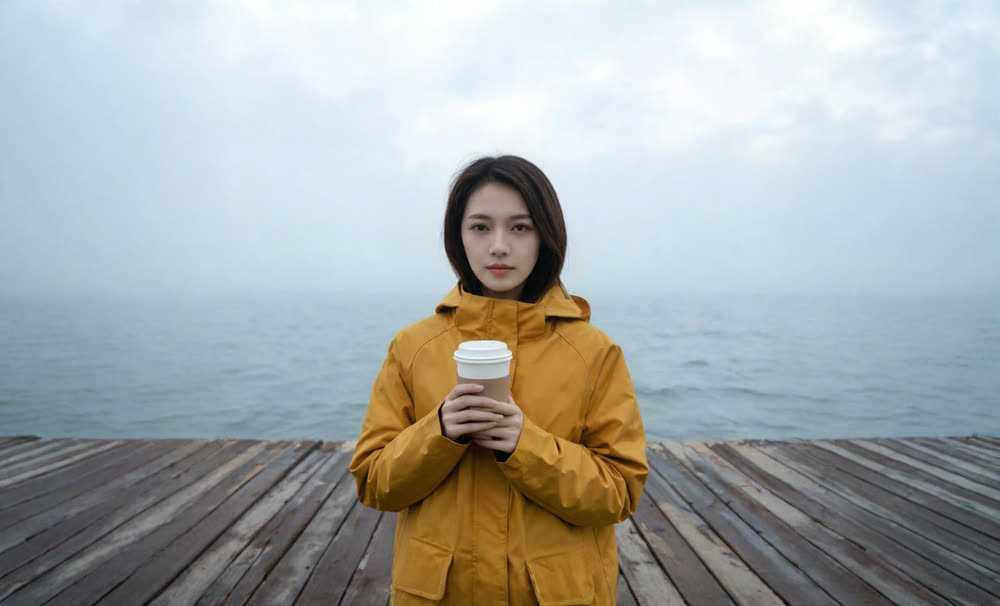
◂▸
OriginalExpandedSign in to start generating
How to expand an image
- 1
Upload the image
A crop that lost its context is the ideal case — a portrait cut off at the shoulders, a landscape trimmed to a square.
- 2
Choose the frame
Auto keeps the shape and simply adds room on every side. Naming a ratio pushes the picture into that frame instead.
- 3
Expand
What was already there is untouched. Everything new is built to match its light, perspective and style, so the seam does not read.
Explore more apps
See all
Similarity Score
Score your content's IP similarity
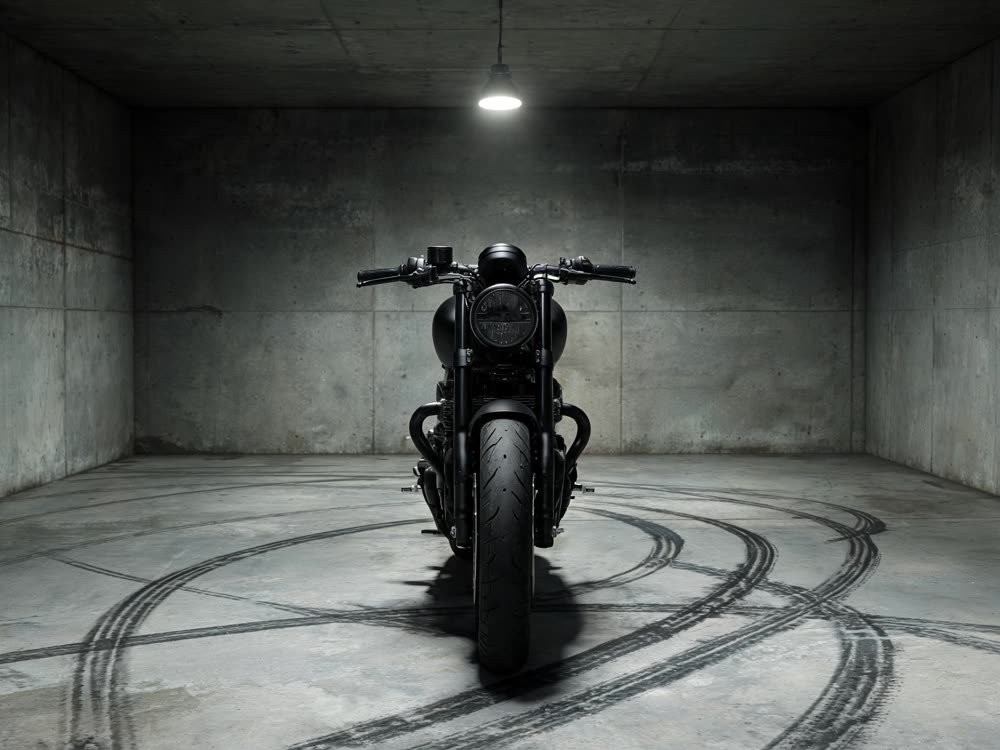
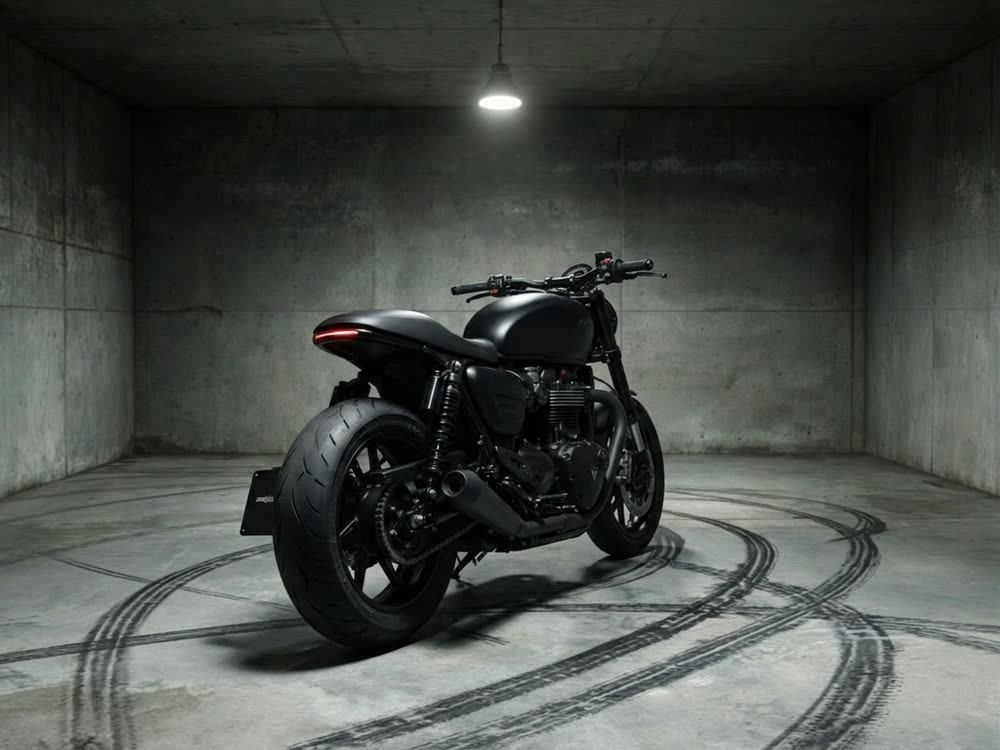
Angles 2.0
Generate any angle view for any image
Transitions
Seamless transitions between any shots
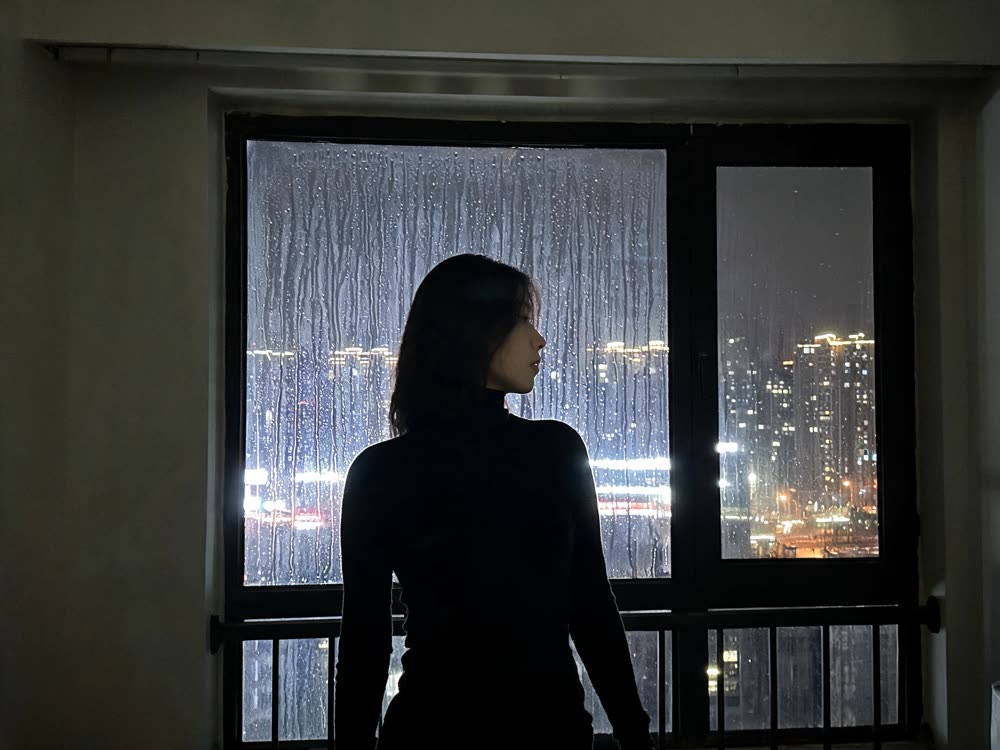
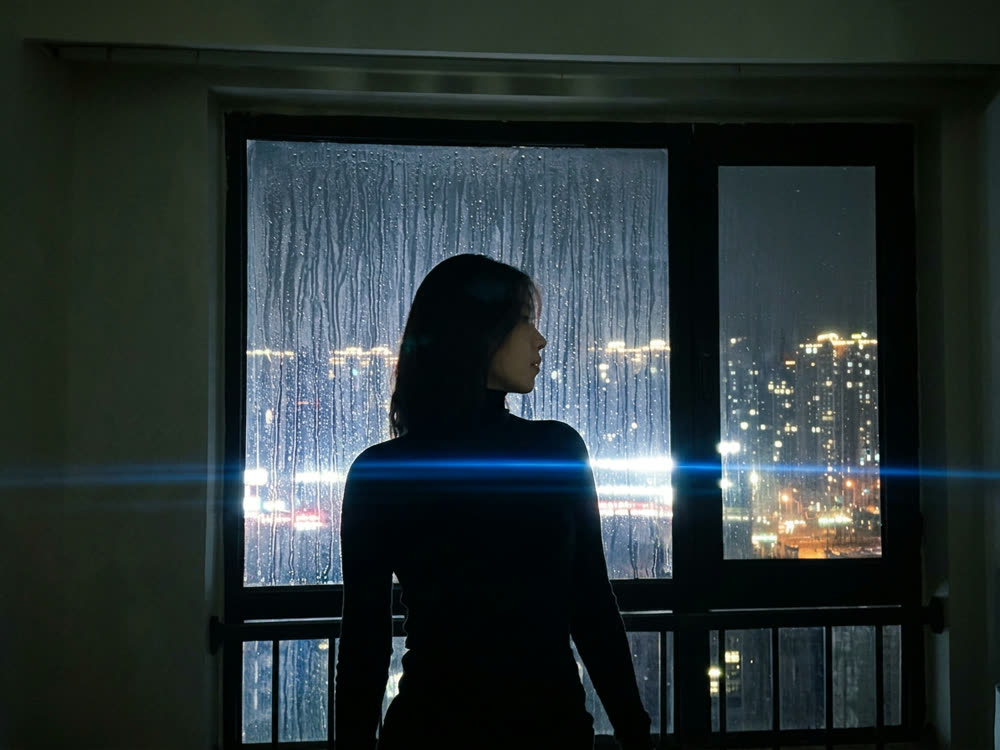
Cinematic Cameras
Shoot on real cine cameras, lenses & glass
Motion Control
Choreograph character action up to 30s
Multi Reference
Combine multiple reference inputs into one shot