Background Remover
Drop an image and get the subject back on transparency — edges, hair and all — ready to drop onto anything.
4creditsCtrl⏎

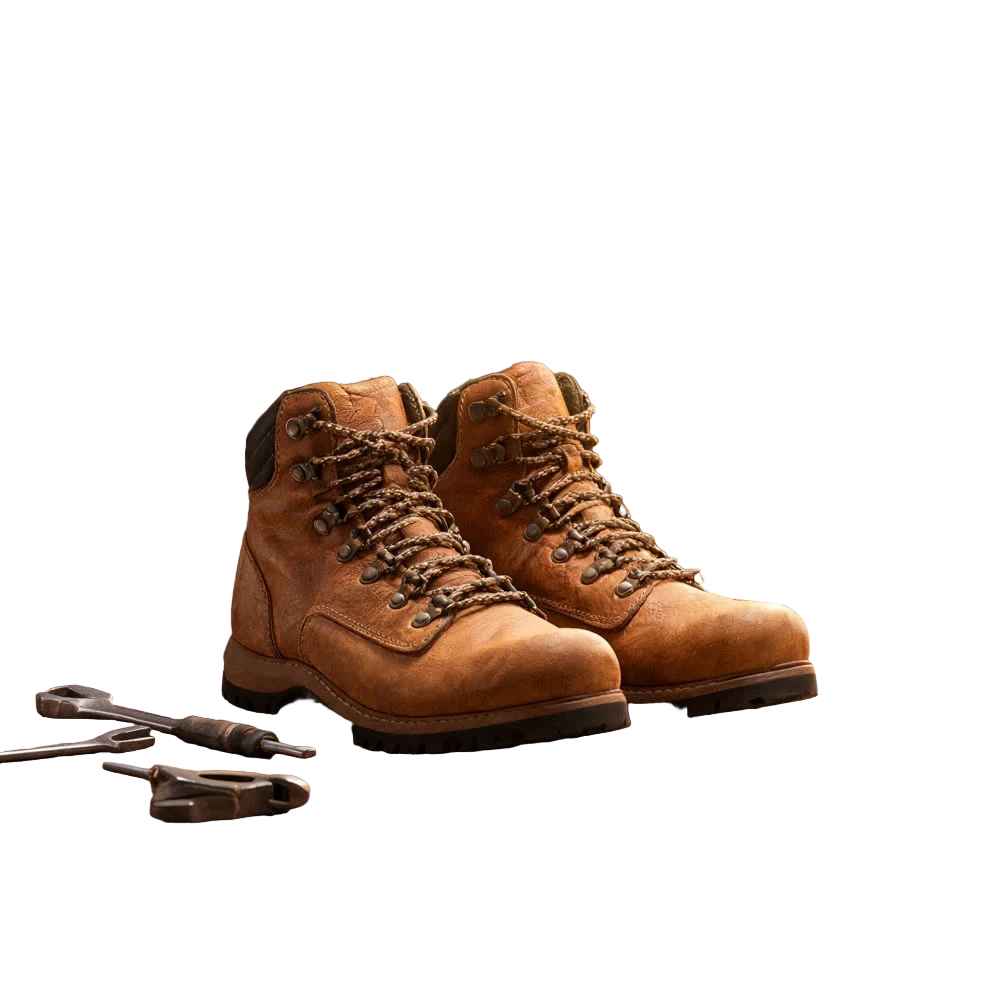
◂▸
OriginalCutoutSign in to start generating
How to remove a background
- 1
Upload the image
Anything with a subject worth keeping. Hair, fur and semi-transparent edges are the hard cases, and they are the ones this is for.
- 2
Run it
Nothing to set. The subject is found, the rest is cut away, and what comes back is the same picture on transparency.
- 3
Take the cutout
Download the PNG, or leave it here — it lands in your files, ready to drop into any other tool as a reference.
Explore more apps
See all

Similarity Score
Score your content's IP similarity

Expand image
Expand any image beyond its edges

Angles 2.0
Generate any angle view for any image
Transitions
Seamless transitions between any shots
Cinematic Cameras
Shoot on real cine cameras, lenses & glass
Motion Control
Choreograph character action up to 30s