Cinematic Cameras
Name the shot, then name the body, the lens, the focal length and the stop it was taken on. The rig is what decides how it looks.
Body, lens, focal length, aperture
⌘↵ to generate
Aspect
12creditsCtrl⏎
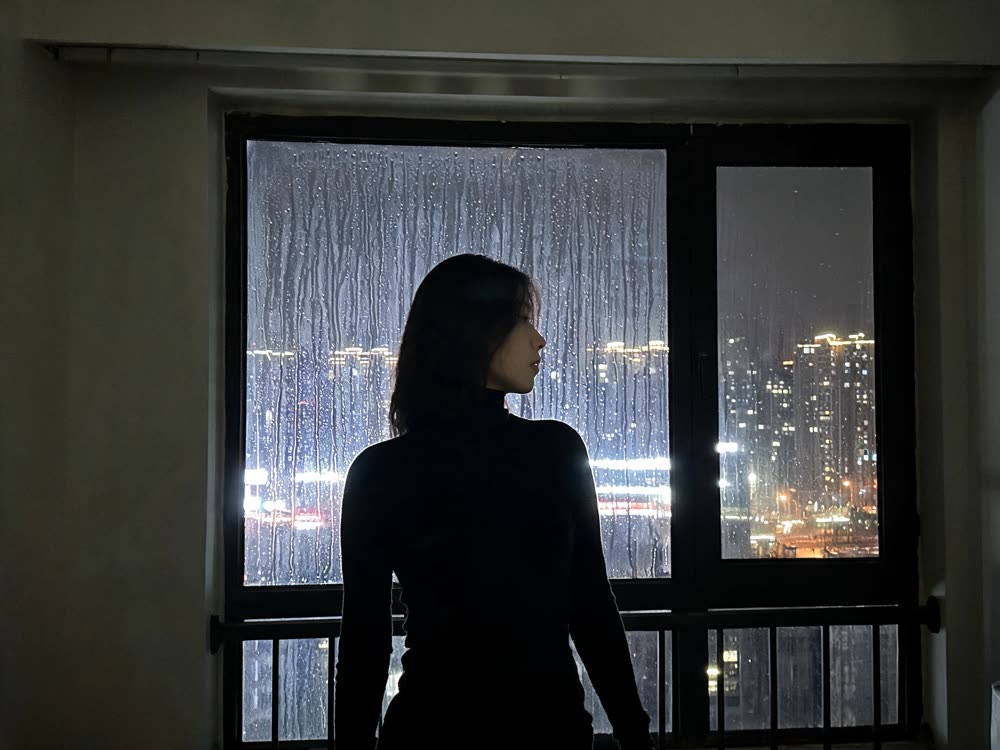
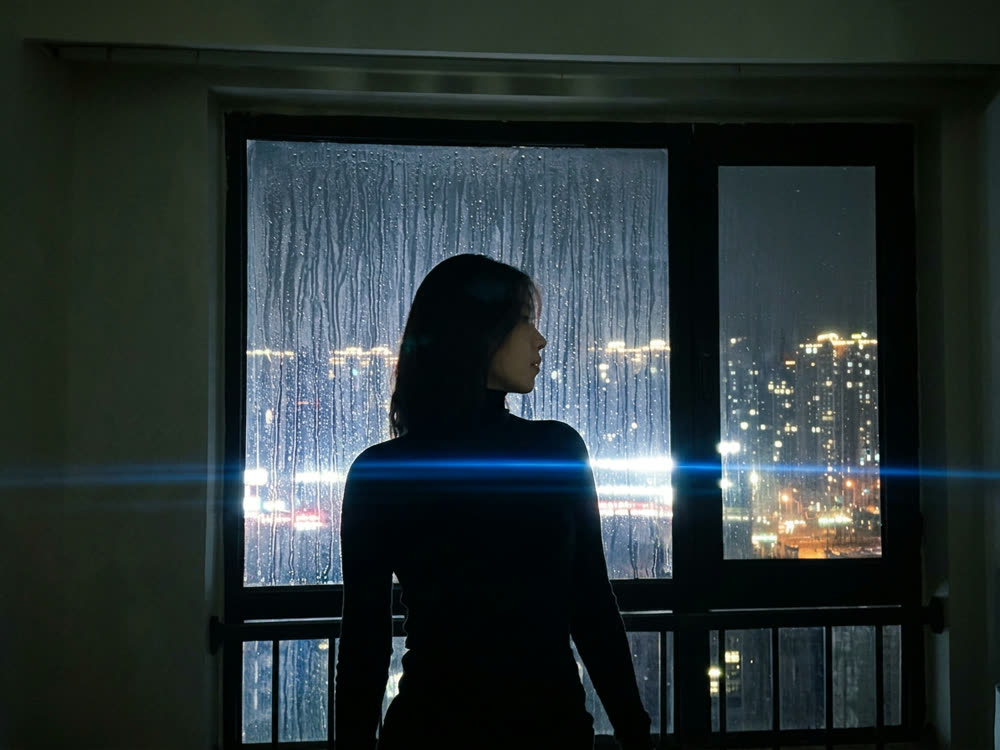
◂▸
Phone snapAnamorphicSign in to start generating
How to shoot on a chosen rig
- 1
Pick the rig
A body, a lens, a focal length and a stop. This is the half that decides how the picture looks — the same scene on 25mm wide open is a different photograph.
- 2
Describe the shot
What is in frame, and the light. Keep it to the subject: the camera language is already coming from the rig.
- 3
Shoot it
Add a reference image to re-shoot an existing frame on the chosen glass instead of inventing a new one.
Explore more apps
See all
Similarity Score
Score your content's IP similarity
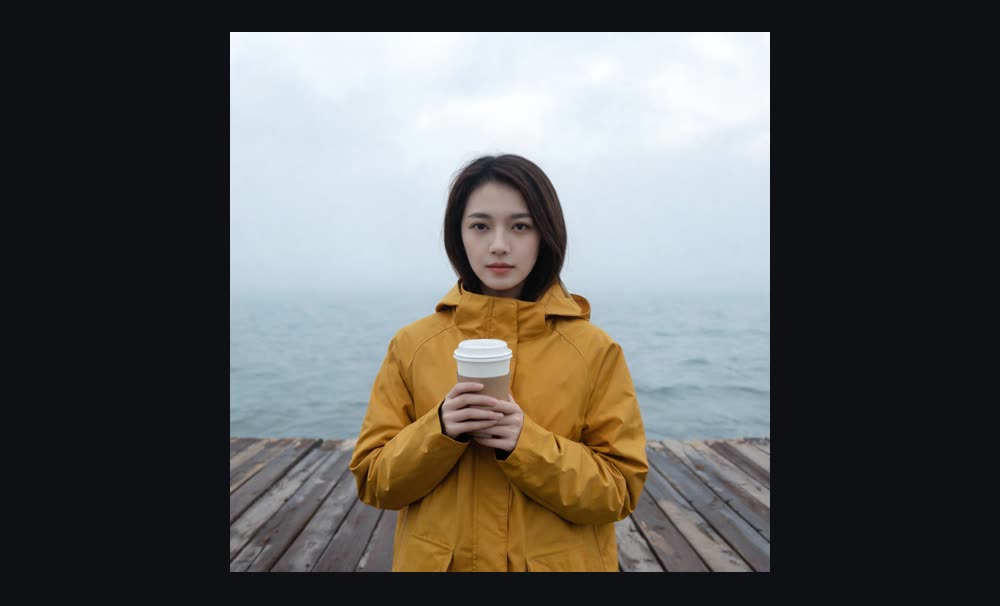
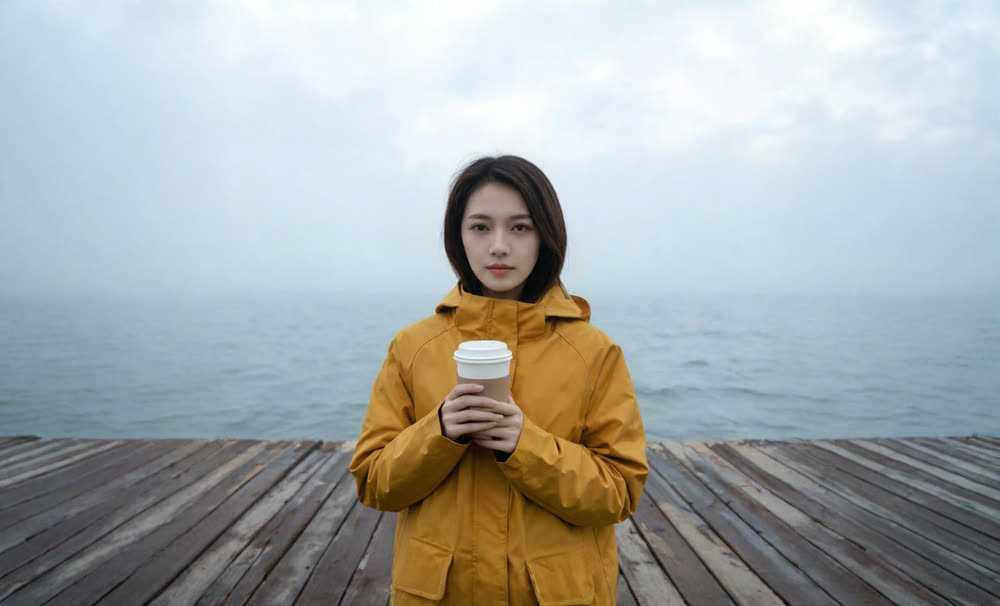
Expand image
Expand any image beyond its edges
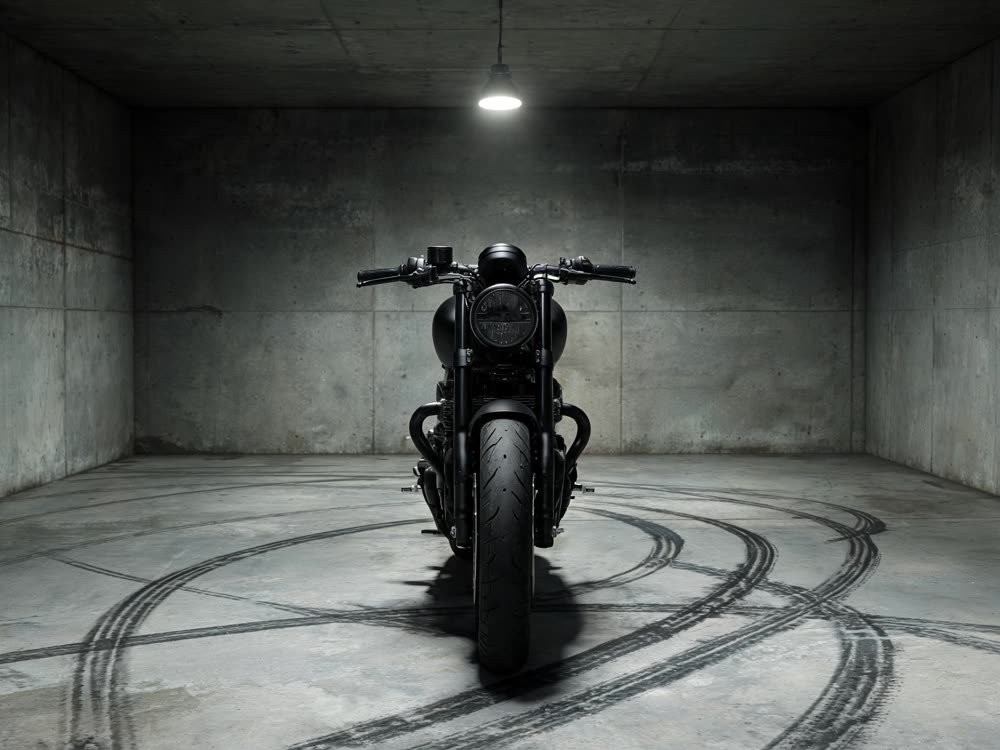
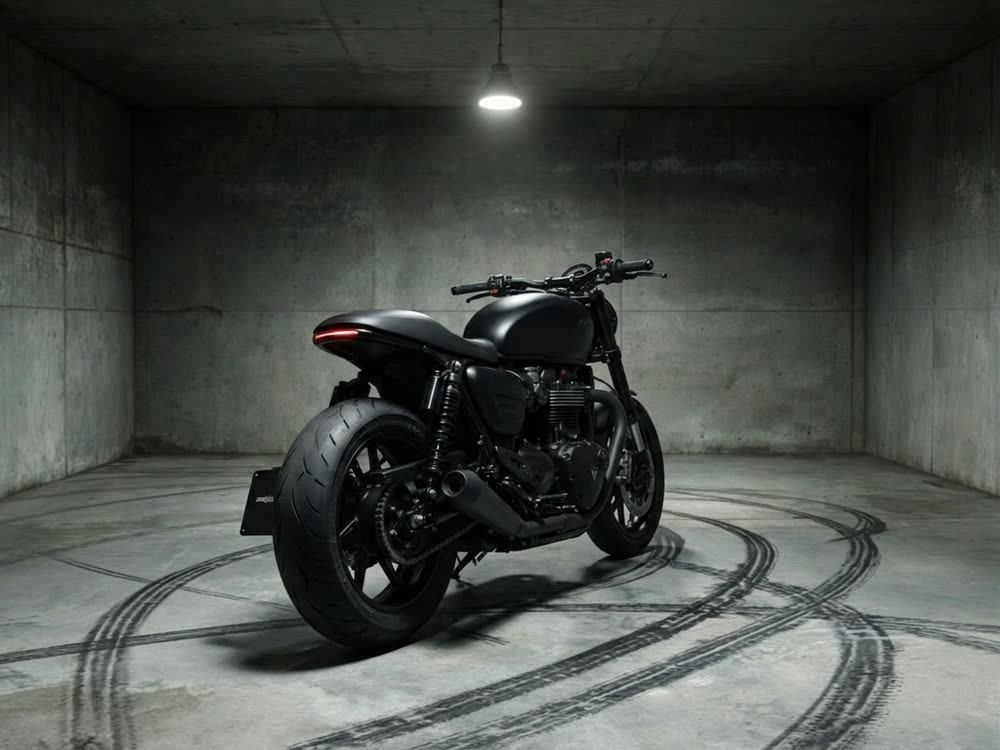
Angles 2.0
Generate any angle view for any image
Transitions
Seamless transitions between any shots
Motion Control
Choreograph character action up to 30s
Multi Reference
Combine multiple reference inputs into one shot