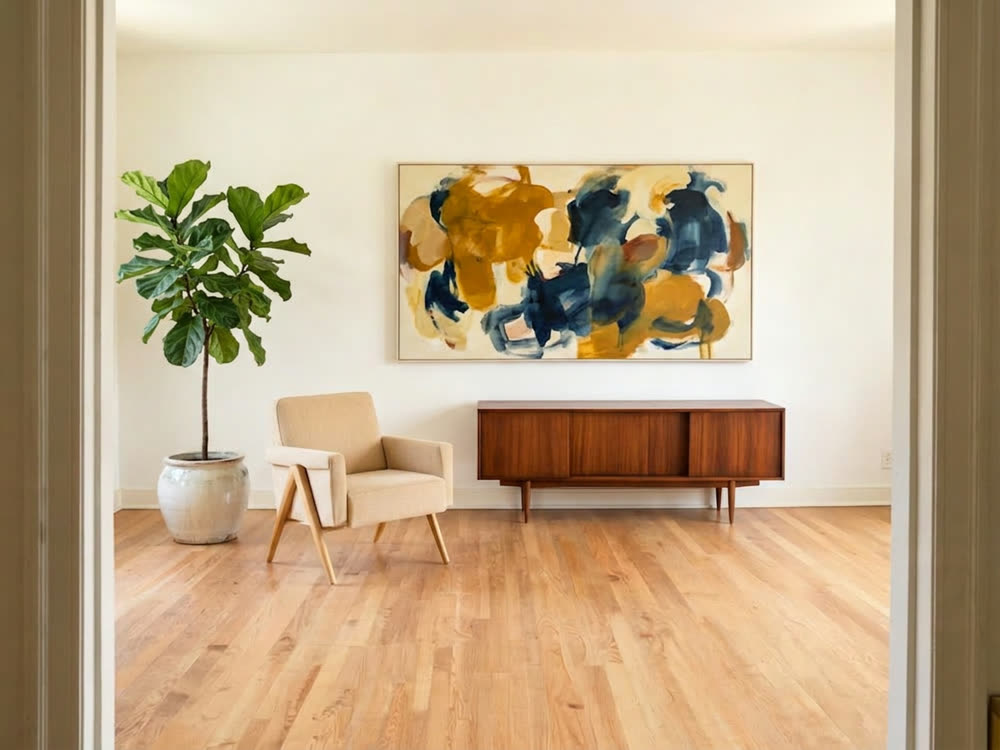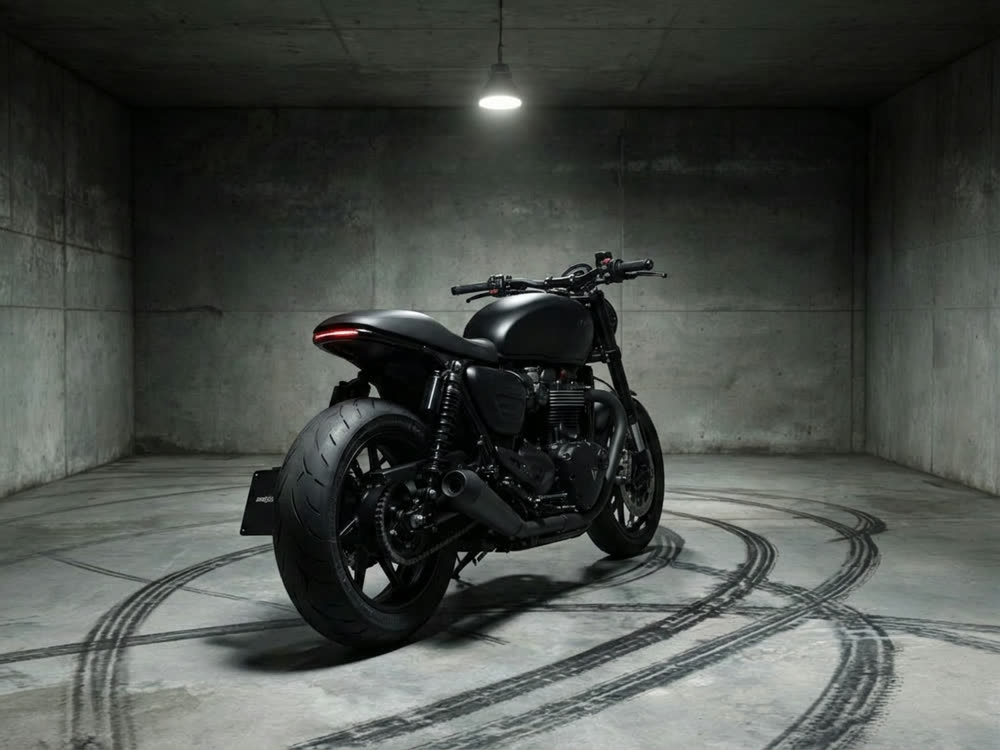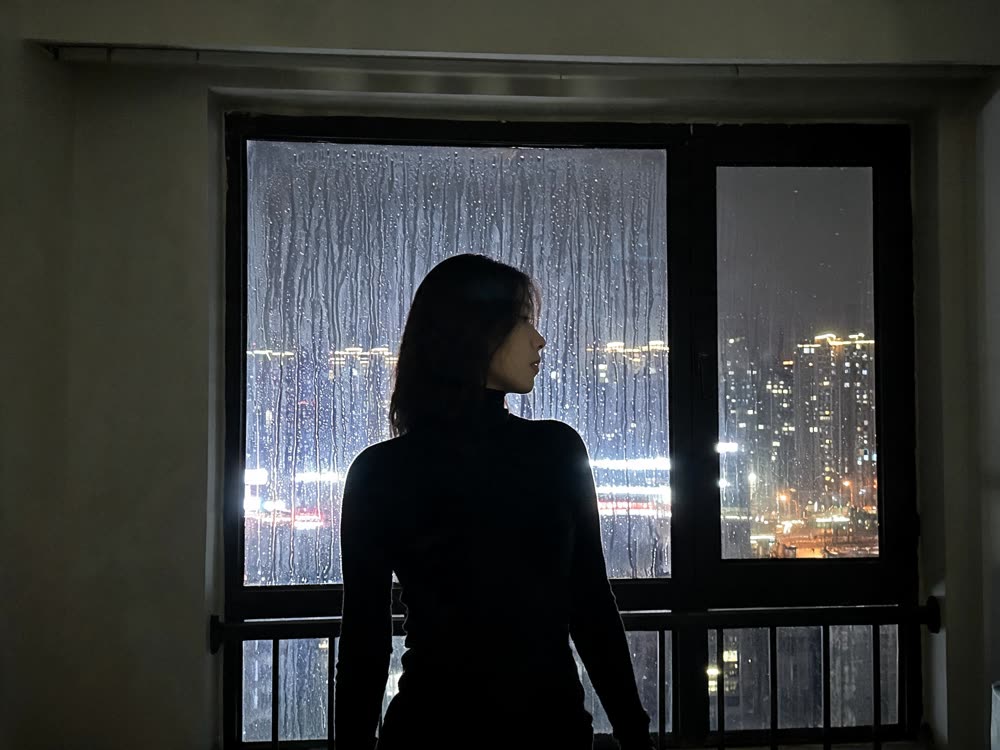
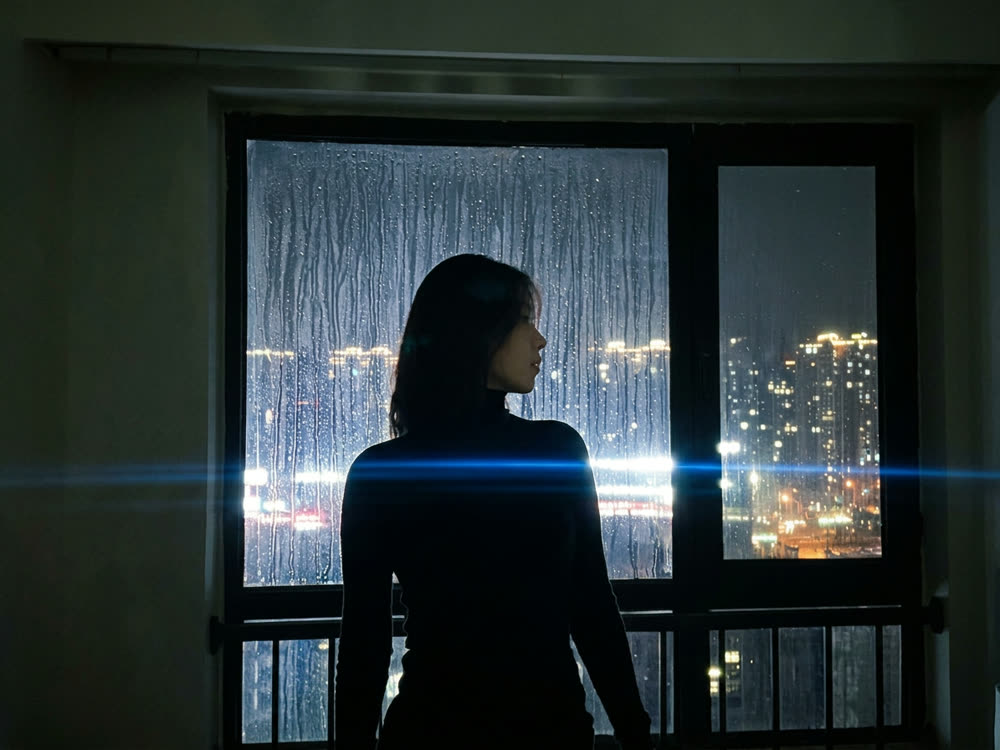
Nano Banana Pro vs GPT Image 2, in short: both are top image models that render legible text and edit from a reference photo, and on Kinoseed they cost about the same (30 credits a Nano Banana Pro image, 25 for GPT Image 2 from text or 30 with a reference). Pick GPT Image 2 for posters, packaging and graphics where the words must be exactly right. Pick Nano Banana Pro for complex scenes, infographics and photo edits, which is why Kinoseed's face tools run on it.
Both are in the Kinoseed image studio, so the honest test is the same prompt on each. This article lays out what each model does, the price per image, and which to use for which job.
Nano Banana Pro vs GPT Image 2 at a glance
| Nano Banana Pro | GPT Image 2 | |
|---|---|---|
| Made by | Google (Gemini 3 Pro Image) | OpenAI (successor to GPT Image 1.5) |
| Known for | Planning complex scenes, infographics and text in images | Following long prompts and legible text for posters and graphics |
| Inputs | Text, or a reference image to edit | Text, or a reference image to edit |
| Images per run | 1, 2, 4 or 8 (Variants); 1 per edit | 1, 2, 4 or 8 (Variants); 1 per edit |
| Price per image, from text | 30 credits | 25 credits |
| Price per image, with a reference | 30 credits | 30 credits |
| Kinoseed tools built on it | Face Swap, Character Swap 2.0 | Image studio |
| Model page | Nano Banana Pro | GPT Image 2 |
Prices are read from Kinoseed's pricing code, per image at the studio's default size. The button shows the total for the batch before you generate.
What you need
- One prompt, ideally with words that must appear in the image, since text is where these models differ most.
- Optionally a reference photo, to test editing as well as generation.
- Credits for two images. Generating starts with a plan; the $10 Basic plan (500 credits a month) covers 16 images on Nano Banana Pro or 20 on GPT Image 2.
Step by step
- 1
Open the image studio
Go to the image studio, write the prompt, and set Variants to 1 so each test costs one image.
- 2
Generate on Nano Banana Pro
Pick Nano Banana Pro from the model list and generate. To test an edit instead, switch to Edit, upload the Reference and write the Edit instruction.
- 3
Generate the same prompt on GPT Image 2
Switch to GPT Image 2 and keep the prompt, the aspect ratio and the reference the same.
- 4
Check text, hands and the brief
Read every word in the image letter by letter, look at hands and small objects, and tick off each thing the prompt asked for. Keep the model that got more of them right.
Cinematic Cameras
Shoot on real cine cameras, lenses & glass
Open in appSign in to generate. The price of a run is on the button.
Where GPT Image 2 is the better pick
Text-heavy graphics: posters, packaging, signs, menus and social cards, where a single wrong letter ruins the image. Long, detailed prompts with many specific items. It is also slightly cheaper from text (25 credits against 30).
Where Nano Banana Pro is the better pick
Complex scenes and diagrams that need planning, such as infographics, and edits of real photos where the light and the person must stay believable. Kinoseed's Face Swap and Character Swap 2.0 both run on it for that reason.
If you like its look but not its price, Nano Banana 2 is the faster sibling at 16 credits an image. A common workflow is to draft on Nano Banana 2 and render the final on Pro. See Nano Banana Pro prompts for prompts that work well on it.
Which to pick, by job
A poster or a product label: GPT Image 2. A face swap, an outfit change or a re-shot photo: Nano Banana Pro, through the tools above. An infographic or diagram: start with Nano Banana Pro, and try GPT Image 2 if the labels come out wrong. Drafts in volume: Nano Banana 2 or Seedream 5.0 Lite, then the final on whichever of these two won.
On the Starter plan's 1,200 monthly credits that is about 40 Nano Banana Pro images or 48 GPT Image 2 images.
More examples
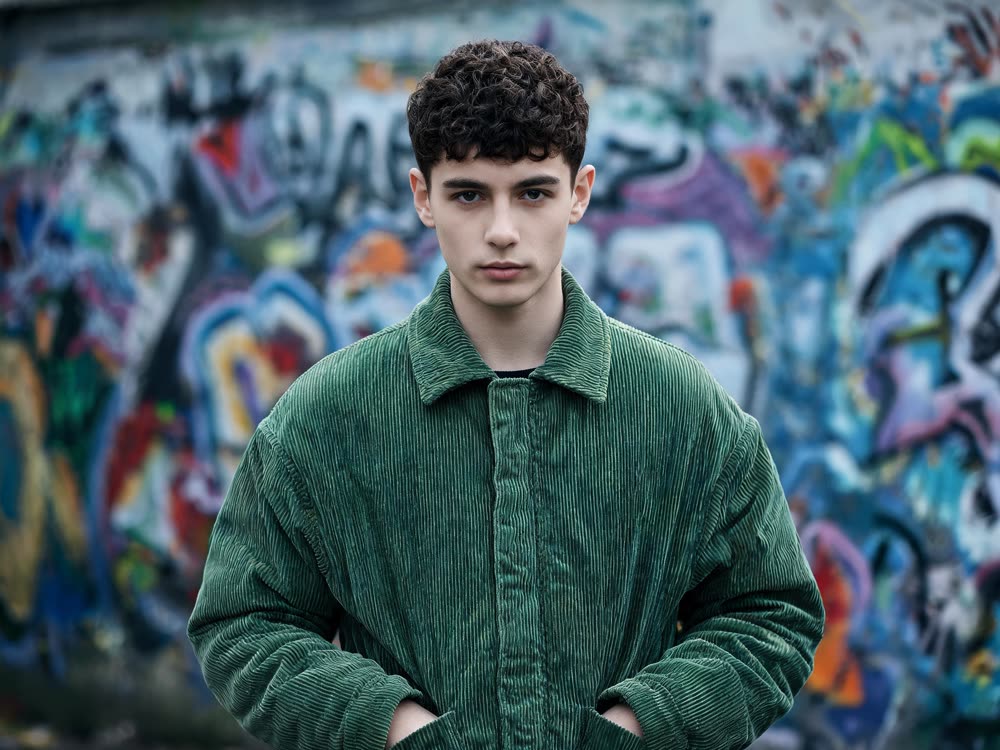
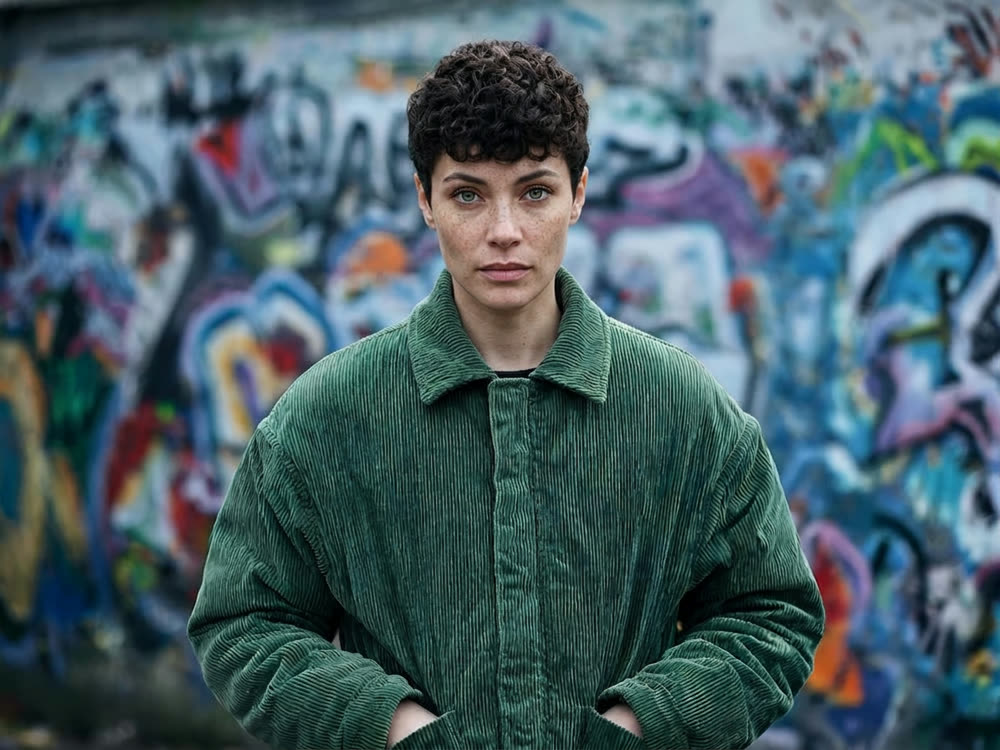
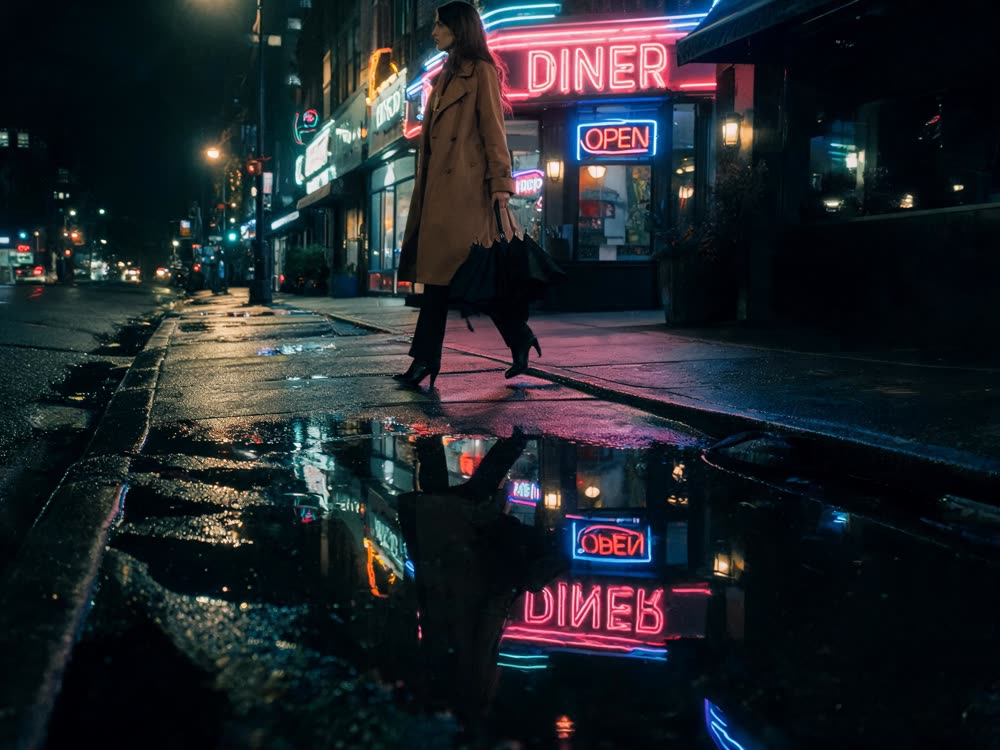
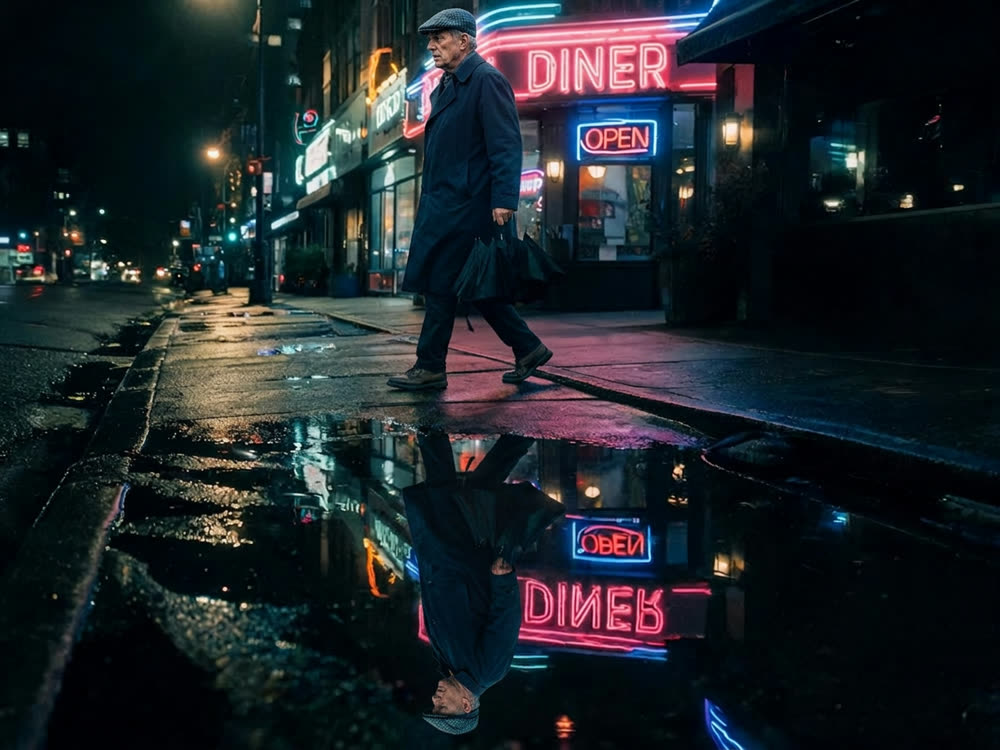
Tips for better results
- Put the exact words in quotes in the prompt. Both models follow quoted text more closely.
- Test with Variants at 1. Raise it only once you know which model you want.
- For edits, say what must not change as well as what should.
- Compare at the same aspect ratio. A square and a tall render of one prompt are different layouts.
Frequently asked questions
Is Nano Banana Pro better than GPT Image 2?
Neither is better at everything. GPT Image 2 is the usual pick for text-heavy graphics and long prompts. Nano Banana Pro is strong at complex scenes and believable photo edits. Run one prompt on both in the image studio and compare.
Which is cheaper on Kinoseed?
From text, GPT Image 2 at 25 credits an image against 30 for Nano Banana Pro. With a reference image, 30 and 30.
Which is better for text in images?
Both render legible text, which is rare. GPT Image 2 is built around it and is the safer first try for posters and packaging. Check every word either way.
Can I use both without two subscriptions?
Yes. Both are in the same Kinoseed image studio on one credit balance, and every plan includes every model. Results carry no watermark.
Try it on your own photo.
Cinematic Cameras is open to explore. The price of a run is on the button before you spend anything.