Nano Banana Pro is Google's image model for editing a photo with plain language, and it is good at the things older editors struggled with: keeping a face the same, following several instructions at once, and spelling text correctly. The prompts below are the edits people ask for most, written so you can copy and paste them, then swap in your own details.
Every Nano Banana Pro prompt here works in Kinoseed's Draw to Edit, which runs Nano Banana Pro by default and lets you circle the exact spot you mean when words are not enough.
What you need
- The photo you want to edit, as PNG, JPG or WEBP. Or start from a blank canvas.
- A Kinoseed account. One Nano Banana Pro edit is 30 credits, and new accounts start with 50 free credits.
Step by step
- 1
Upload an image or start blank
Drop in your photo. If you want to make something from nothing, start from a blank canvas at the aspect you need instead.
- 2
Draw where the change goes (optional)
For edits to one area, circle it, box it or point at it with an arrow using the pen and shapes. The marks tell the model where; the prompt tells it what. Refer to them in the prompt, for example "in the circled area".
- 3
Paste a prompt into Describe the edit
Copy one of the prompts below and replace the details in it with yours. Keep the sentence that says what must stay the same: that is what stops the model from redrawing the whole picture.
- 4
Check the model and press Generate Image
The model chip shows Nano Banana Pro. Press Generate Image; the price, 30 credits, is on the button. If an edit is not quite right, change one phrase and run it again rather than rewriting the whole prompt.
Prompts to copy
Paste any of these into Draw to Edit as a starting point, then change the details to fit your photo.
Professional headshot
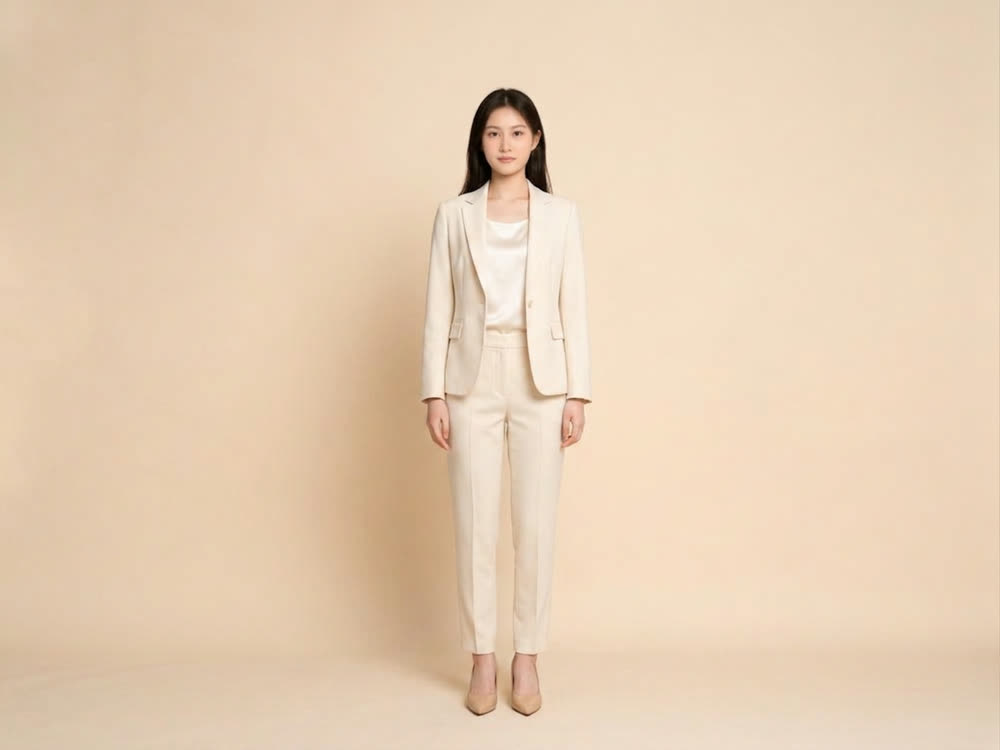
Turn this into a professional headshot: navy blazer over a white shirt, plain soft grey studio backdrop, soft key light from the left, shallow depth of field. Keep the face, hair and expression exactly the same.
Background swap
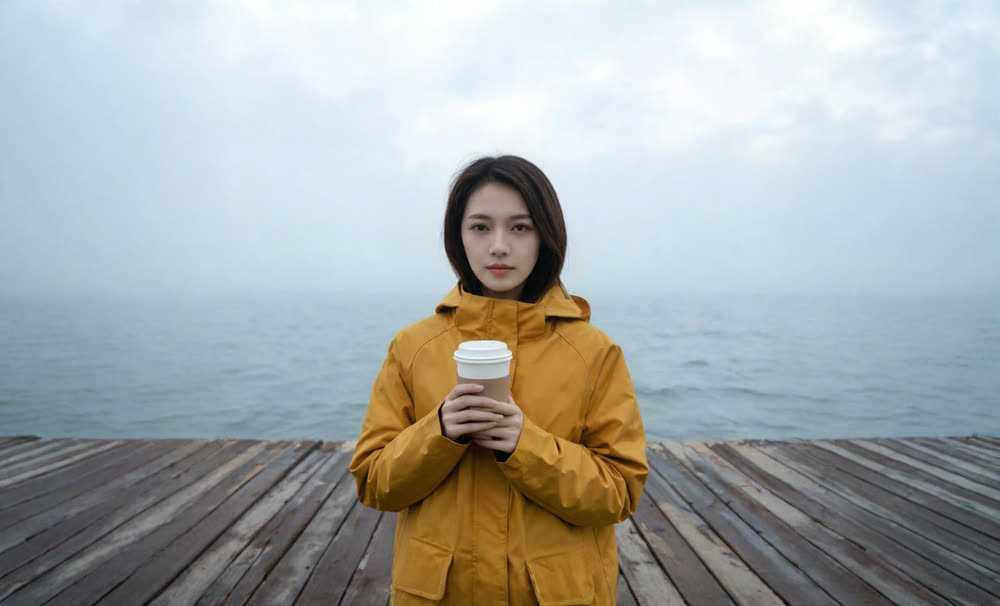
Replace the background with a quiet Lisbon street in late afternoon sun, slightly out of focus. Keep the person, their pose, their clothes and the light on their face unchanged.
Studio product shot
Place this product on a seamless warm beige backdrop with a soft shadow beneath it, three-quarter view, even softbox lighting, catalogue style. Keep the product's shape, colour, label and text exactly as they are.
Lifestyle product shot
Put this bottle on a marble bathroom counter beside a folded white towel and a small plant, morning light from a window on the right. Keep the bottle and its label unchanged.
Golden hour relight
Relight this photo as golden hour: low warm sun from behind the subject, a soft rim light on the hair, long shadows. Change nothing else.
Day to night
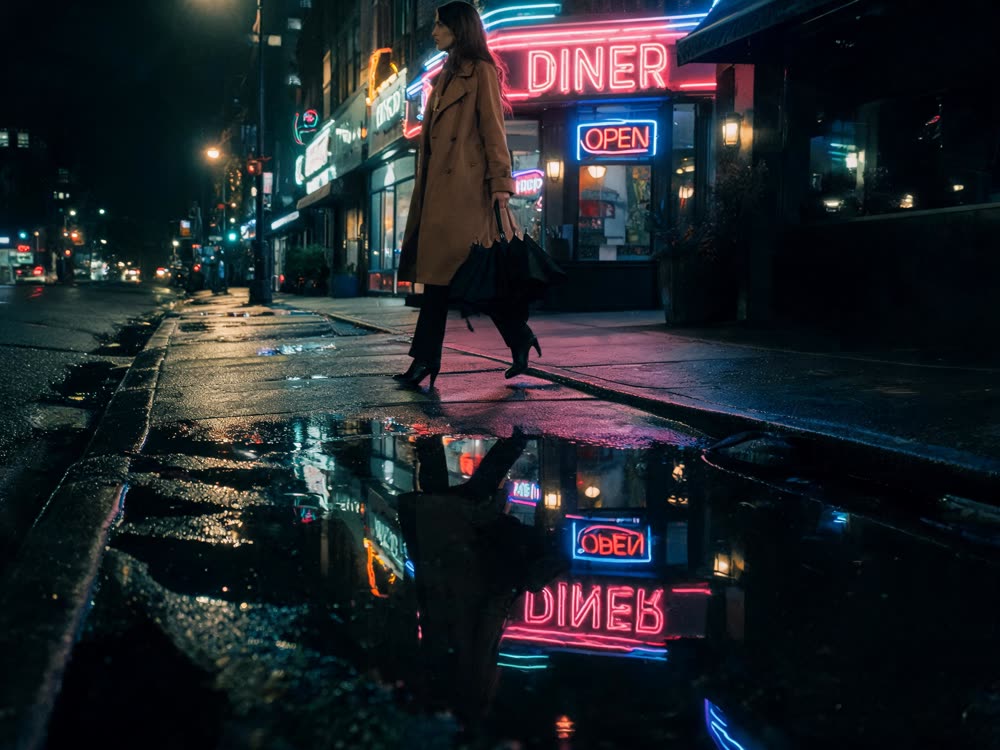
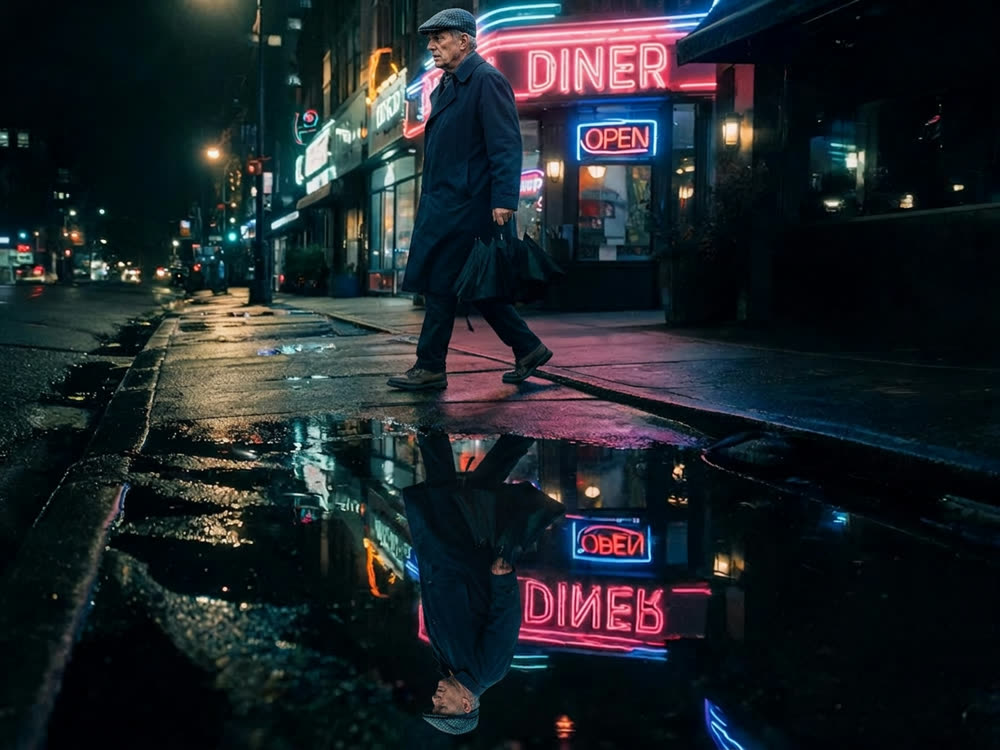
Turn this daytime street into night: lit shop windows, warm street lamps, a deep blue sky, wet reflections on the pavement. Keep every building and car where it is.
Season change
Make it winter: fresh snow on the ground, the roofs and the branches, a cold overcast sky, breath visible in the air. Keep the people and their clothes the same.
Text on a sign
Change the shop sign above the door to read "Bluebird Bakery" in cream serif letters on dark green, matching the perspective and the wear of the original sign.
Event poster
Make this photo a gig poster: add the title "NIGHT SWIM" in large bold condensed letters at the top and "Friday 14 November, The Lantern" in small caps at the bottom. Keep the photo itself unchanged.
Remove a distraction
Remove the person in the circled area and fill the space with the background that would be behind them, matching the light and grain of the photo.
Add an object
Add a vintage brass desk lamp in the circled spot, switched on, casting warm light across the desk. Match the photo's perspective and shadows.
Virtual staging
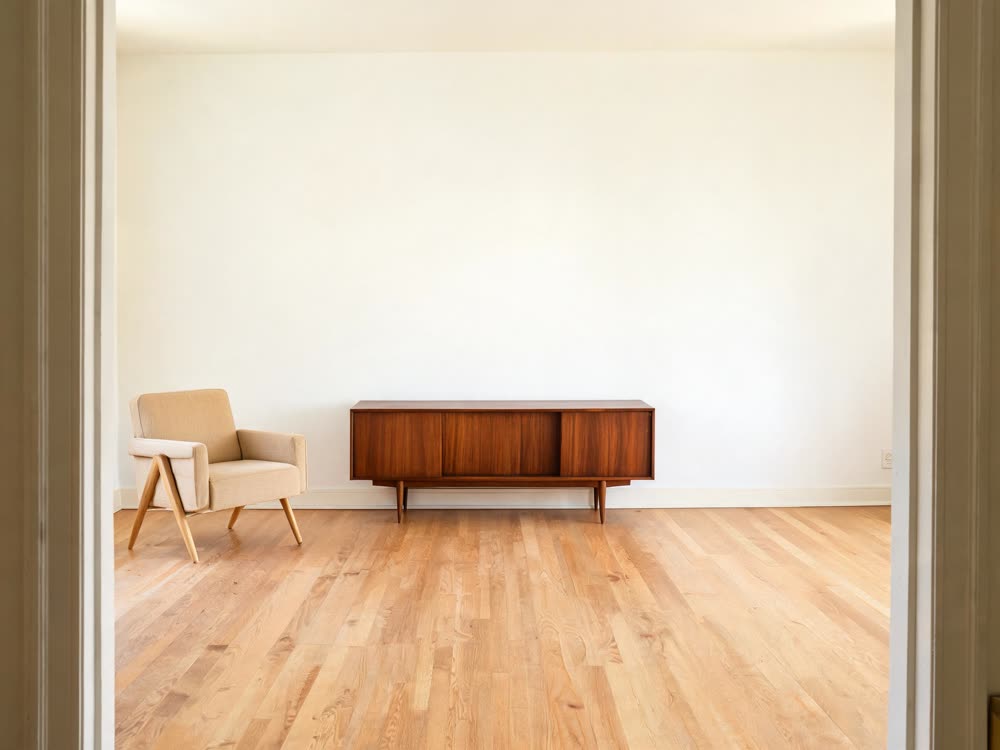
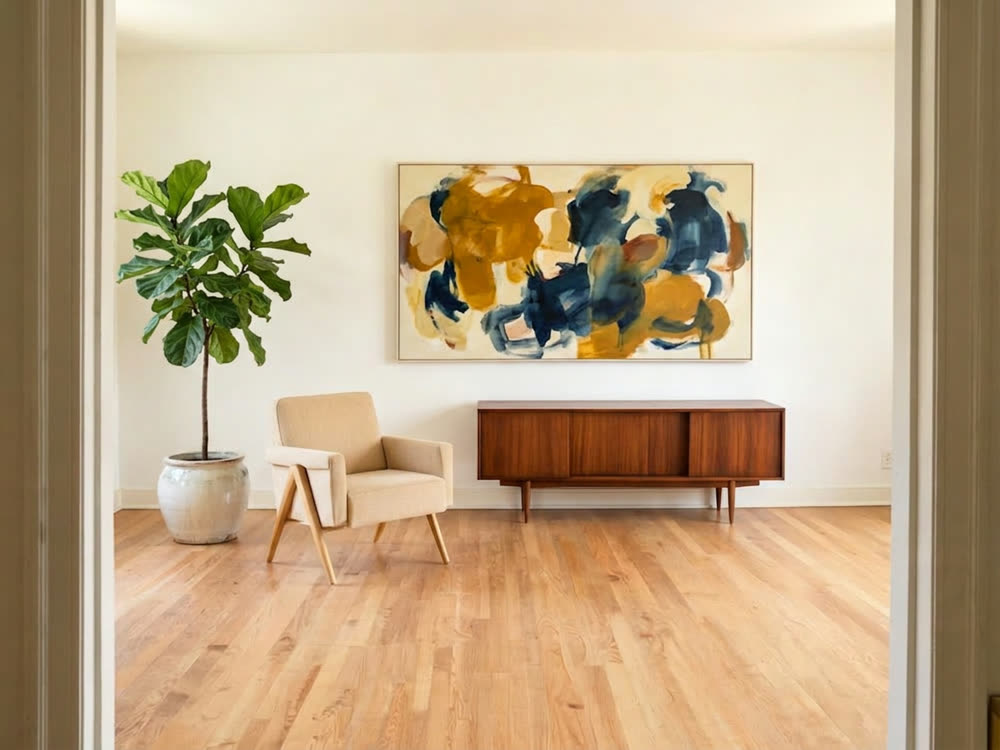
Furnish this empty room in a warm Scandinavian style: a light oak dining table with six chairs, a linen pendant lamp, a large rug and two framed prints. Keep the walls, windows and floor as they are.
Sketch to render
Render this sketch as a photorealistic image: the same composition and proportions, brushed aluminium and walnut materials, soft studio light on a white background.
Film look
Give this photo the look of Kodak Portra 400 film: soft warm highlights, gentle green in the shadows, fine natural grain. Keep the composition and every detail the same.
Food photo
Make this plate look like a restaurant menu photo: clean dark slate surface, a sprig of fresh herbs, steam rising, soft side light. Keep the food itself exactly as it is.
Clean up a selfie
Tidy this selfie: remove the clutter behind me, straighten the horizon, and soften the harsh overhead light. Do not change my face, skin texture or hair.
How to write your own Nano Banana Pro prompts
The prompts above share one pattern: what to change, the specific details of the change, then what must stay the same. Specific beats general: "a quiet Lisbon street in late afternoon sun" gives a better result than "a nice background".
The last sentence matters most. Without "keep the face the same" or "change nothing else", the model is free to improve things you did not ask it to touch.
When to draw instead of describe
Words are imprecise about position. If the photo has two people and you want one removed, or a lamp on one particular corner of the desk, circle the spot in Draw to Edit and say "in the circled area". To paint an exact mask over the area instead, try Inpaint.
Generating from scratch
These are edit prompts. For pictures made from a text prompt alone, open the image studio, choose Nano Banana Pro from the model list, and describe subject, setting, light and style in that order.
More examples
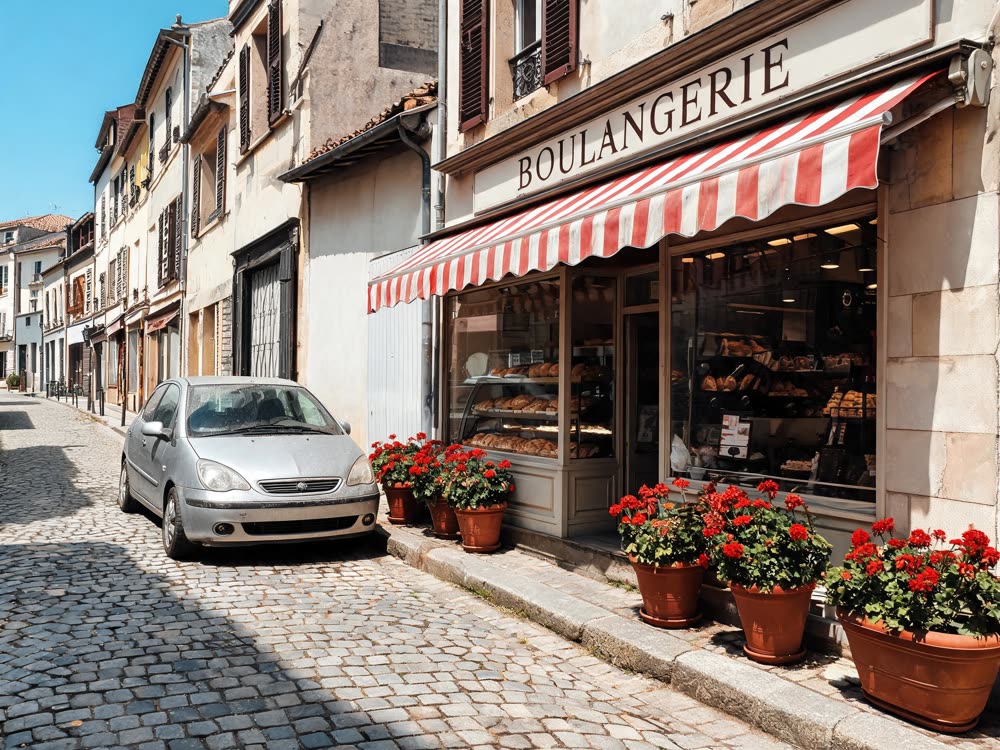
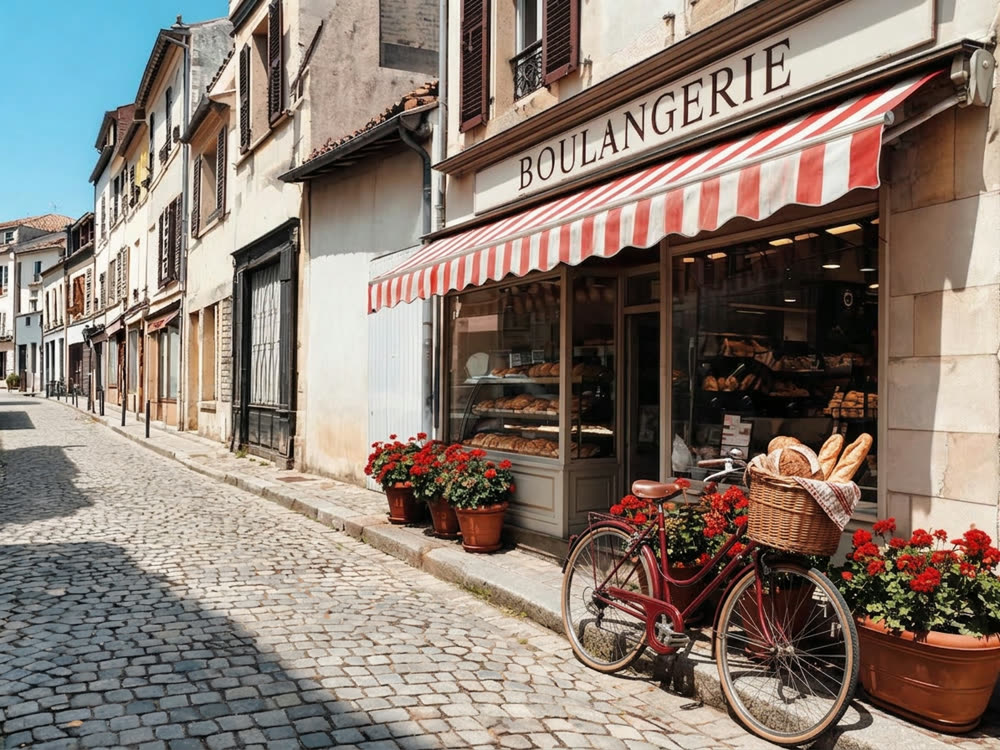
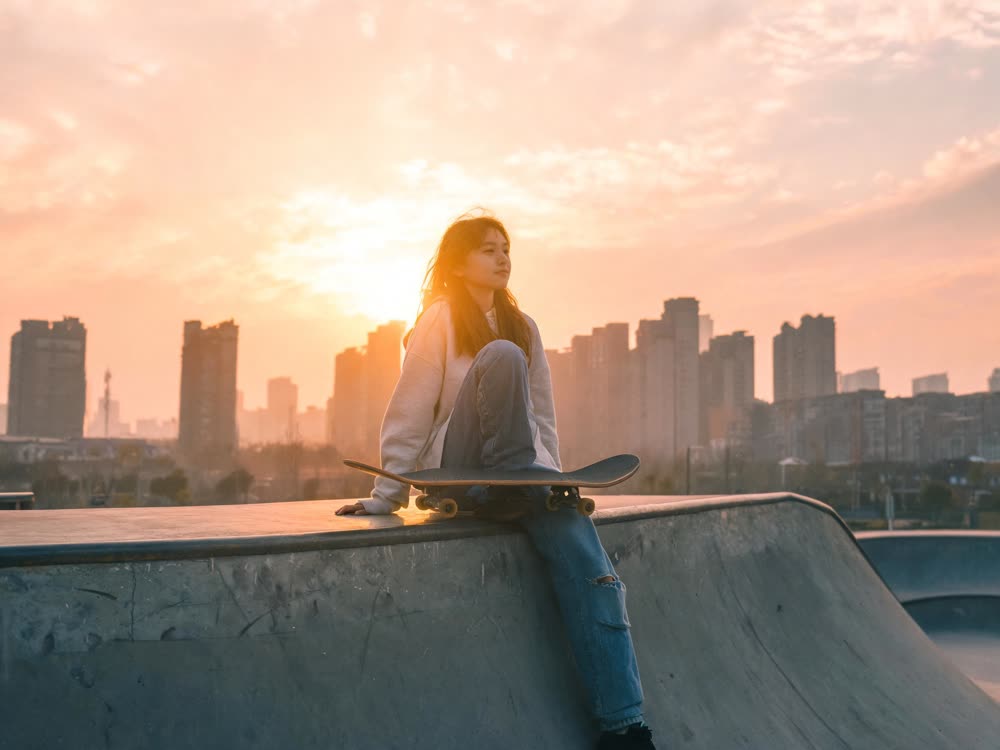
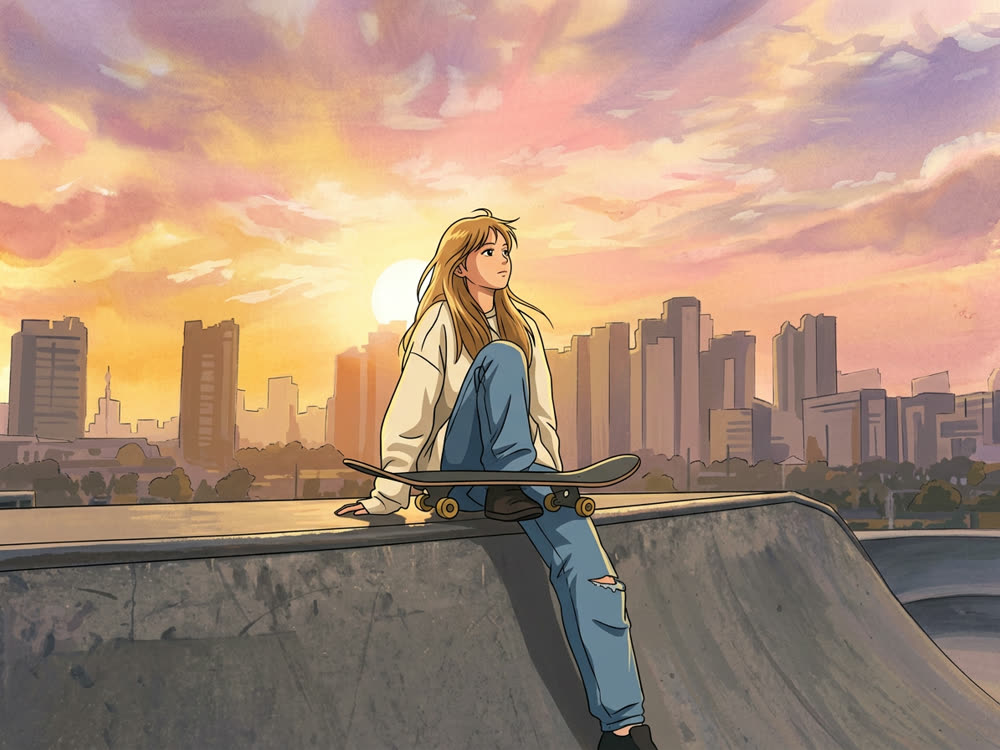
Tips for better results
- One change per run when it matters. Two instructions usually work; five in one prompt is where details start to drift.
- Put text in quotation marks and say the style of lettering. Nano Banana Pro spells quoted text as written.
- Describe light with a direction and a colour: "warm light from a window on the right" beats "nice lighting".
- Need a larger file? Run the result through Image Upscale after the edit, not before.
Frequently asked questions
What is Nano Banana Pro?
A Google image model that generates and edits pictures from plain-language instructions. It is especially good at keeping people consistent and at rendering text.
Where can I use these prompts?
In Kinoseed's Draw to Edit, which runs Nano Banana Pro by default, or in the image studio with Nano Banana Pro selected. They also work as a starting point in other apps that offer the model.
Is Nano Banana Pro free?
Each edit has a cost. On Kinoseed one Nano Banana Pro edit is 30 credits, and new accounts start with 50 free credits. Results made on free credits carry a small Made with Kinoseed mark.
What is the difference between Nano Banana Pro and Nano Banana 2?
Nano Banana 2 is the faster, cheaper model and a good default for quick edits at 16 credits. Nano Banana Pro is slower and costs more, and follows long, detailed instructions more closely. Draw to Edit lets you switch between them from the model chip.
Why did my edit change the whole photo?
Usually because the prompt did not say what to keep. Add a final sentence such as "Keep everything else exactly the same" and run it again.
Try it on your own photo.
Draw to Edit is open to explore. The price of a run is on the button before you spend anything.