Sketch to Edit
Sketch over an image (circle, arrow, or scribble where you want the change), then let the model redraw it.
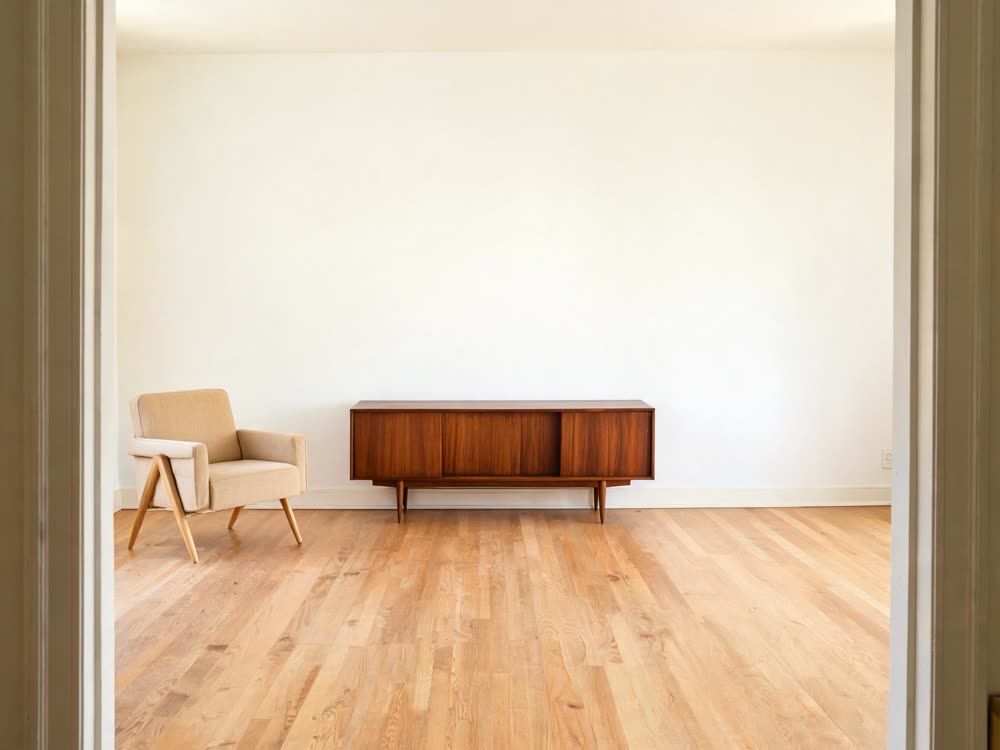
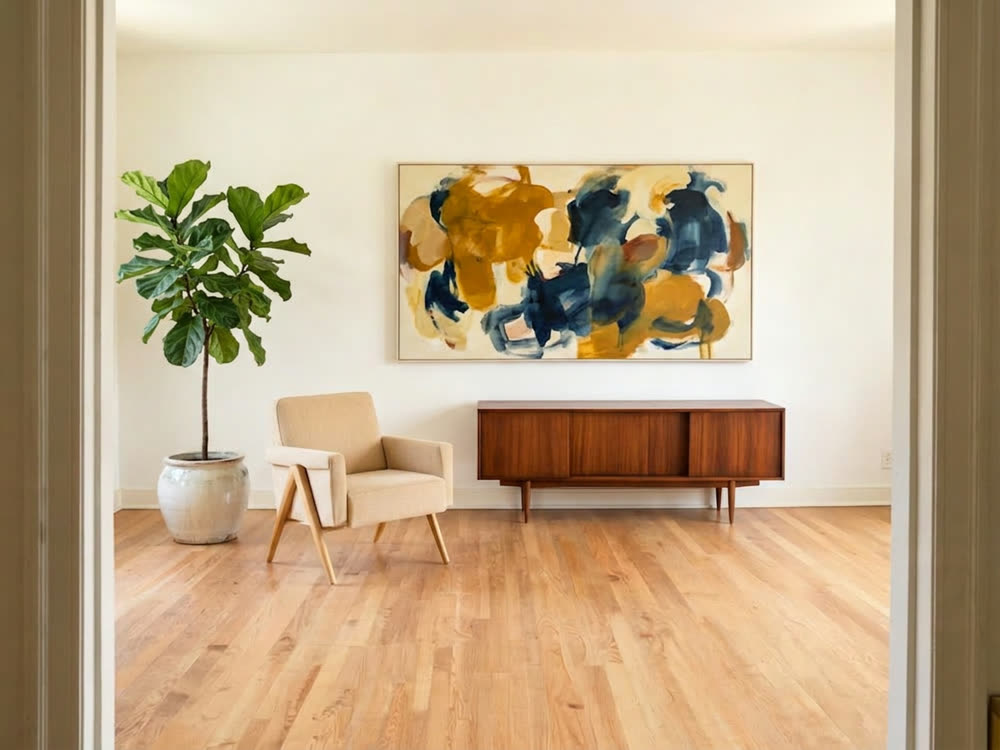
Sketch over the picture to say what changes; the rest stays put.
How to edit an image by drawing on it
- 1
Upload an image or start blank
PNG, JPG or WEBP, or a blank canvas at the aspect you want if you would rather draw the whole thing.
- 2
Draw where the change goes
Circle, arrow, box or scribble with the pen and shapes, or insert another picture. Add a line of text if the marks need explaining.
- 3
Generate
The model applies what you drew and blends the markings into the scene. Try another edit model from the chip if one handles your change better.
Explore more apps
See all

Price
- 16 credits per edited image on Nano Banana 2. Other image models cost more and show their price on the Generate button.
- The $10 Basic plan (500 credits a month) covers 31 edits. Cancel anytime, and a run that fails is refunded.
- Plain text-to-video clips start at 25 credits (Seedance 1.5 Pro, 5 seconds, 720p) in the video studio.
What you need
- An image to mark up (PNG, JPG or WEBP), or a blank canvas in the aspect ratio you pick.
- Your marks on it: pen, arrows, boxes, text or a stamped image showing what should change, plus an optional instruction.
- A Kinoseed account with credits. You pay when you press Generate, and the button shows the price first.
Also in: Deutsch · Español · Português · Français
Sketch to Edit: questions and answers
›How does Sketch to Edit work?
Draw on your image with a pen, arrows, boxes, text or stamped images to show where and what should change, add an optional instruction, and generate. The model redraws the image with your marked-up edits blended into the scene.
›Can I start from a blank canvas?
Yes. Pick an aspect ratio instead of uploading an image and sketch from scratch.
›Which model does the edit?
Nano Banana 2 by default, and you can switch to another image model that supports editing. The Generate button shows the cost for the model you picked.
Articles about Sketch to Edit
- Nano Banana Pro Prompts: 16 Copy-Paste Photo Edits That Work · 16 Nano Banana Pro prompts to copy and paste: headshots, background swaps, product shots, relighting, text on signs and room staging, with tips for each.