Transitions
Combine two shots with a designed transition. Upload the frame you're leaving and the one you're arriving at, choose an effect, and get one seamless video.
The shot you're leaving
The shot you're arriving at
Camera dives through a hole punched in the scene.
Named in the effect prompt — e.g. “the red sports car”
Length
95creditsCtrl⏎
Example
Sign in to start generating
How to build a transition between two shots
- 1
Add a start frame
The shot you're leaving. This is the first frame of the result.
- 2
Add an end frame
The shot you're arriving at. Wan 2.7 treats it as a hard constraint, so the clip genuinely lands on it rather than drifting near it.
- 3
Pick an effect and generate
The preset gallery decides how the passage happens. Name a subject to have the effect built around it, and choose 5 or 10 seconds.
Explore more apps
See all

Similarity Score
Score your content's IP similarity


Expand image
Expand any image beyond its edges
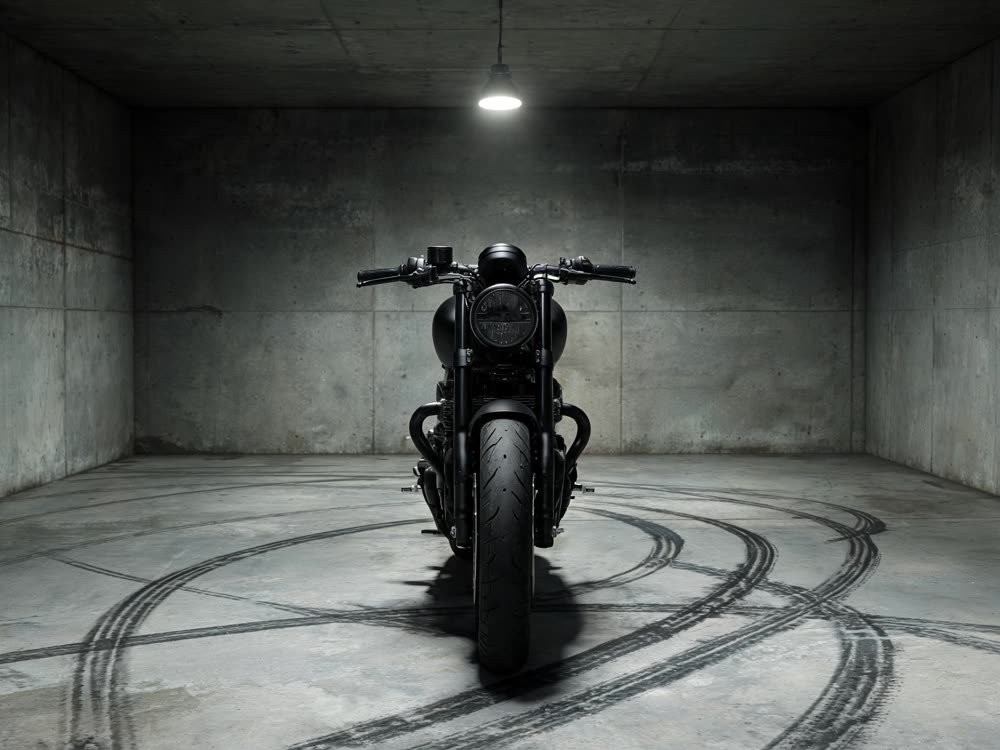

Angles 2.0
Generate any angle view for any image
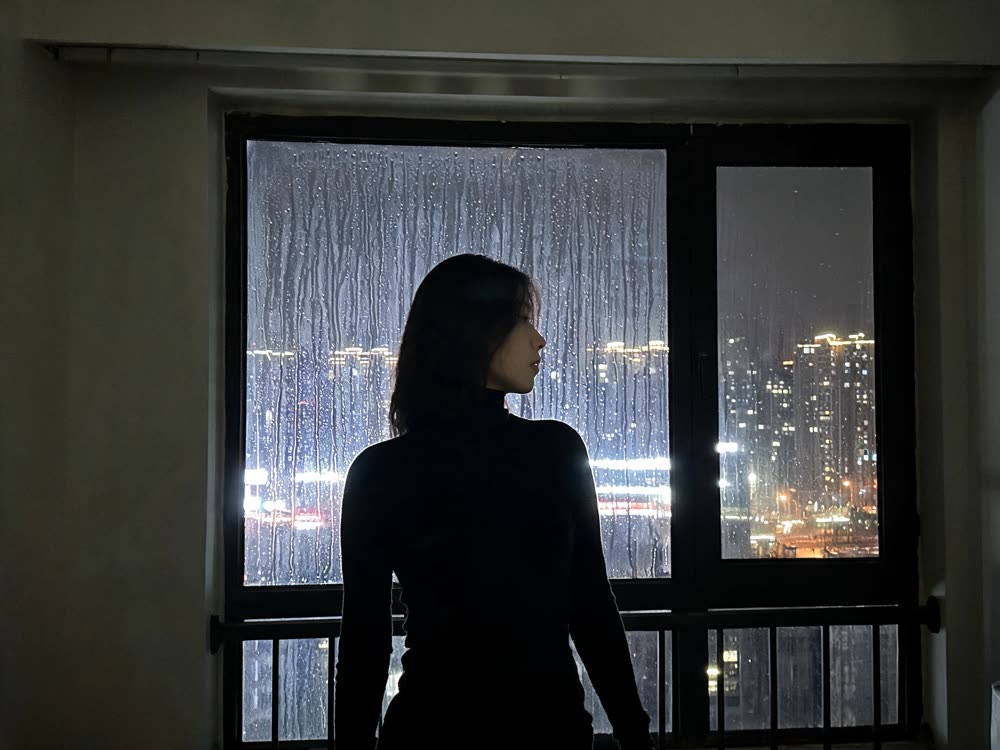
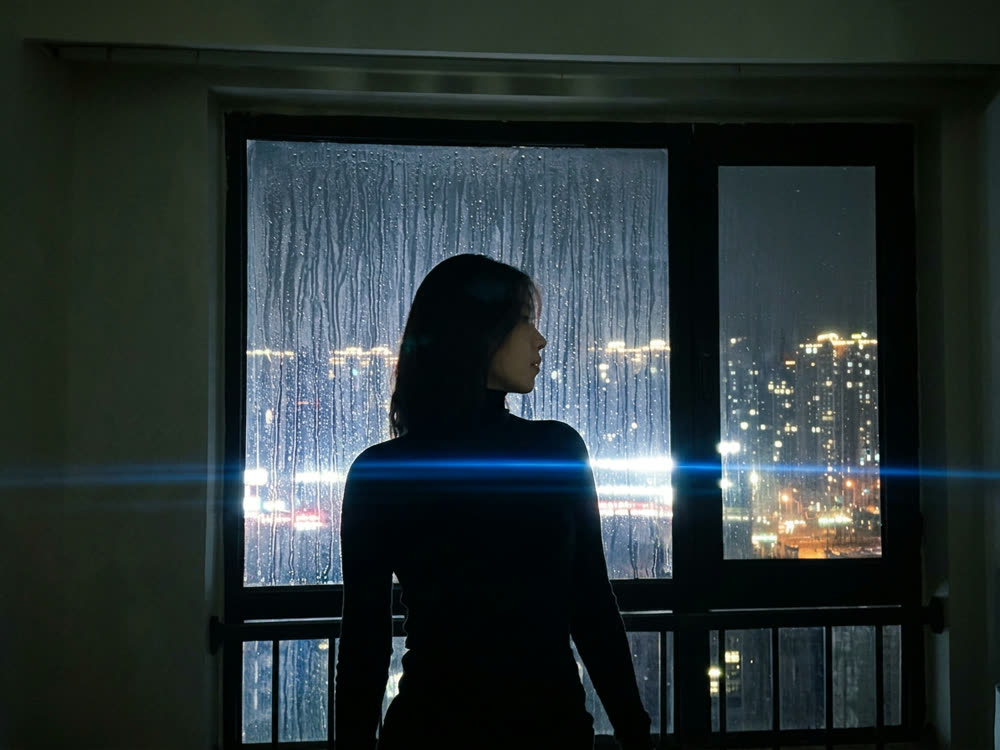
Cinematic Cameras
Shoot on real cine cameras, lenses & glass
Motion Control
Choreograph character action up to 30s
Multi Reference
Combine multiple reference inputs into one shot