Multi Reference
Give the model a cast (this character, that location, that jacket), then write the shot and call each one out by number.
Sign in to start generating
How to compose a shot from several references
- 1
Upload your references
Two to nine images: a character, a location, a garment, a prop. They're numbered in upload order.
- 2
Write the shot, citing them
Refer to each reference as [Image1], [Image2] and so on. The chips under the prompt insert the token at your caret.
- 3
Set the frame and generate
Aspect, duration and resolution follow the model's supported values. Everything you cited lands in one continuous shot.
Explore more apps
See all

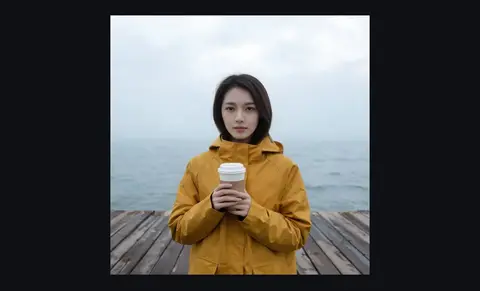
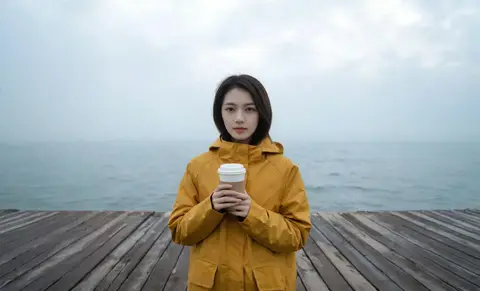
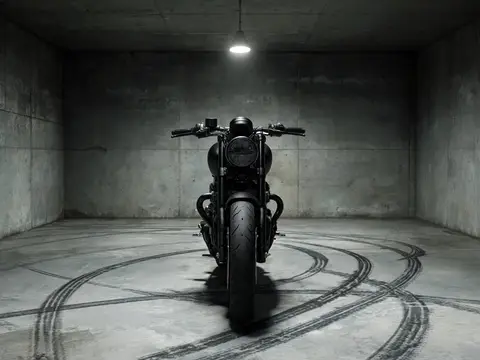
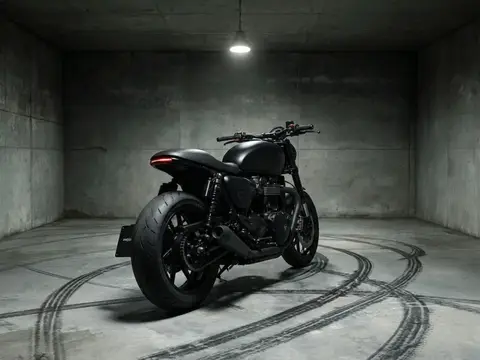
Multi Reference: questions and answers
›How do I combine several images into one AI video?
Upload your reference images, then write a prompt that names them as [Image1], [Image2] and so on, for example this character wearing that jacket in that location. Seedance 2.0 Mini's reference-to-video mode builds one shot from them.
›How many reference images can I use?
Between 2 and 9. They are not frames of the video; they are the cast and props the prompt draws from.
›How long is the video?
You pick 5, 8 or 10 seconds, plus the aspect and resolution. The Generate button shows the exact credit cost.
Articles about Multi Reference
- How to Make a Video from Several Reference Images · Make a video from several reference images: upload a character, a location and a prop, cite them as [Image1], [Image2] in one prompt, and generate.
- Seedance 2.0 vs Kling 3.0: References, Resolution and Price · Seedance 2.0 vs Kling 3.0: reference images, 480p to 4K, sound and the credit price per clip, so you know which video model to use for which shot.