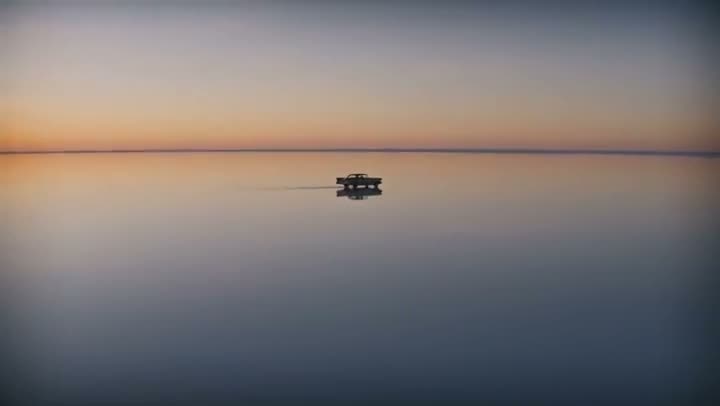
Seedance 2.0 vs Kling 3.0, in short: use Seedance 2.0 when a shot has to contain specific things you can show it, because it takes up to 9 reference images, and when you need a resolution choice from 480p to 4K. Use Kling 3.0 for everyday clips with optional sound at a simple price: 110 credits for 5 silent seconds, against 280 for Seedance 2.0 at 720p.
Both run in the Kinoseed video studio, and many tools are built on one or the other. Below are the specs side by side, the price of each clip in credits, and which model to pick for which job.
Seedance 2.0 vs Kling 3.0 at a glance
| Seedance 2.0 | Kling 3.0 | |
|---|---|---|
| Made by | ByteDance (Seed team) | Kuaishou (Pro tier) |
| Clip length | 5, 8 or 10 seconds | 5 or 10 seconds |
| Aspect ratios | 16:9, 9:16 or 1:1 | 16:9, 9:16 or 1:1 |
| Resolution | 480p, 720p, 1080p or 4K | Set by the model, not a setting |
| Starts from | text, start frame, end frame, up to 9 reference images | text, start frame, end frame |
| Sound | Generated with the clip, included in the price | Optional, costs more when on |
| Price, 5 seconds | 130 credits at 480p, 280 at 720p, 650 at 1080p, 1,450 at 4K | 110 credits silent, 160 with sound |
| Price, 10 seconds | 550 credits at 720p | 210 credits silent, 310 with sound |
| Model page | Seedance 2.0 | Kling 3.0 |
Specs and prices are what Kinoseed runs, read from its model list and pricing code. Seedance 2.0 bills the same with or without sound.
What you need
- A shot idea, written as one prompt.
- For Seedance 2.0's reference mode: separate, clean images of each thing that must appear, such as the product, the person and the place.
- Credits for two short runs. Each run's price is on the Generate button.
Step by step
- 1
Run the prompt on Kling 3.0
Open the video studio, pick Kling 3.0 in the model picker, paste the prompt and generate a 5 second clip with sound off.
- 2
Run the same prompt on Seedance 2.0 at 480p
Switch to Seedance 2.0 and pick 480p and 5 seconds. It is the cheapest Seedance setting and is enough to judge motion and composition.
- 3
Try reference mode if the shot needs specific things
Add your reference images in the studio, or open Multi Reference, which is built for it. Cite each image in the prompt and generate again.
- 4
Render the keeper at the resolution you need
Once a model wins, render the final take. On Seedance 2.0 that is where you choose 720p, 1080p or 4K; on Kling 3.0 it is where you turn sound on if you want it.
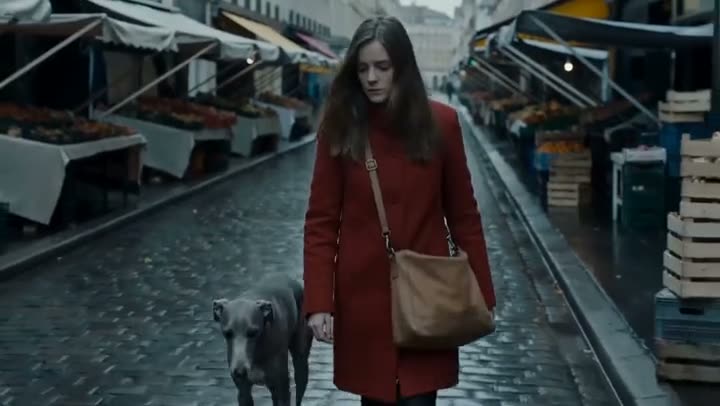
Multi Reference
Combine multiple reference inputs into one shot
Open in appSign in to generate. The price of a run is on the button.
Where Seedance 2.0 is the better pick
References: up to 9 images that you cite in the prompt, which is how you keep a product, a character and a location consistent in one shot. Kling 3.0 on Kinoseed takes a start and end frame but no reference set.
Resolution and length: four resolutions from 480p to 4K, and an 8 second option between 5 and 10. Sound is generated with every clip and is part of the price. It is the Best quality option in Product Placement and Billboard Ad, and its cheaper Mini version runs Multi Reference.
Where Kling 3.0 is the better pick
Simple, predictable pricing: 110 credits for 5 silent seconds and 210 for 10, with sound as an option rather than always on. The Starter plan's 1,200 monthly credits cover 10 silent 5 second Kling clips, or 4 Seedance 2.0 clips at 720p.
Silent clips: if you will add your own music, Kling 3.0 lets you turn sound off and pay less, while Seedance 2.0 costs the same either way. Both are in the model picker of the studio and of Image to Video.
Which to pick, by job
Ads and product shots where the product must look exactly right: Seedance 2.0 in reference mode. Vertical social clips in volume: Kling 3.0, or Seedance 2.0 at 480p for cheap drafts. A first and last frame you designed: either, since both take an end frame. Native 4K: Seedance 2.0 (or Veo 3.1).
More examples
Tips for better results
- Draft Seedance 2.0 at 480p. Composition and motion show at the lowest resolution, which is the cheapest by far.
- Give each reference its own image. A clean product shot and a clean portrait work better than one busy photo.
- Keep Kling 3.0 silent while you iterate, then turn sound on for the final take.
- Need one face in many shots? Read how to create a consistent AI character.
Frequently asked questions
Is Seedance 2.0 better than Kling 3.0?
For shots built from reference images, and for a choice of resolution up to 4K, yes. For simple clips where you want sound optional and a low price per second, Kling 3.0 is usually the better value. Test one prompt on both.
Which is cheaper?
It depends on resolution. A 5 second clip is 130 credits on Seedance 2.0 at 480p, 280 at 720p, and 110 on Kling 3.0 without sound.
Does Seedance 2.0 make sound?
Yes. Sound is generated with every Seedance 2.0 clip and is included in the price, so turning it off saves nothing.
How many reference images does Seedance 2.0 take?
Up to 9 on Kinoseed, cited in the prompt. Reference mode replaces the start and end frame for that run.
Try it on your own shot.
Multi Reference is open to explore. The price of a run is on the button before you spend anything.