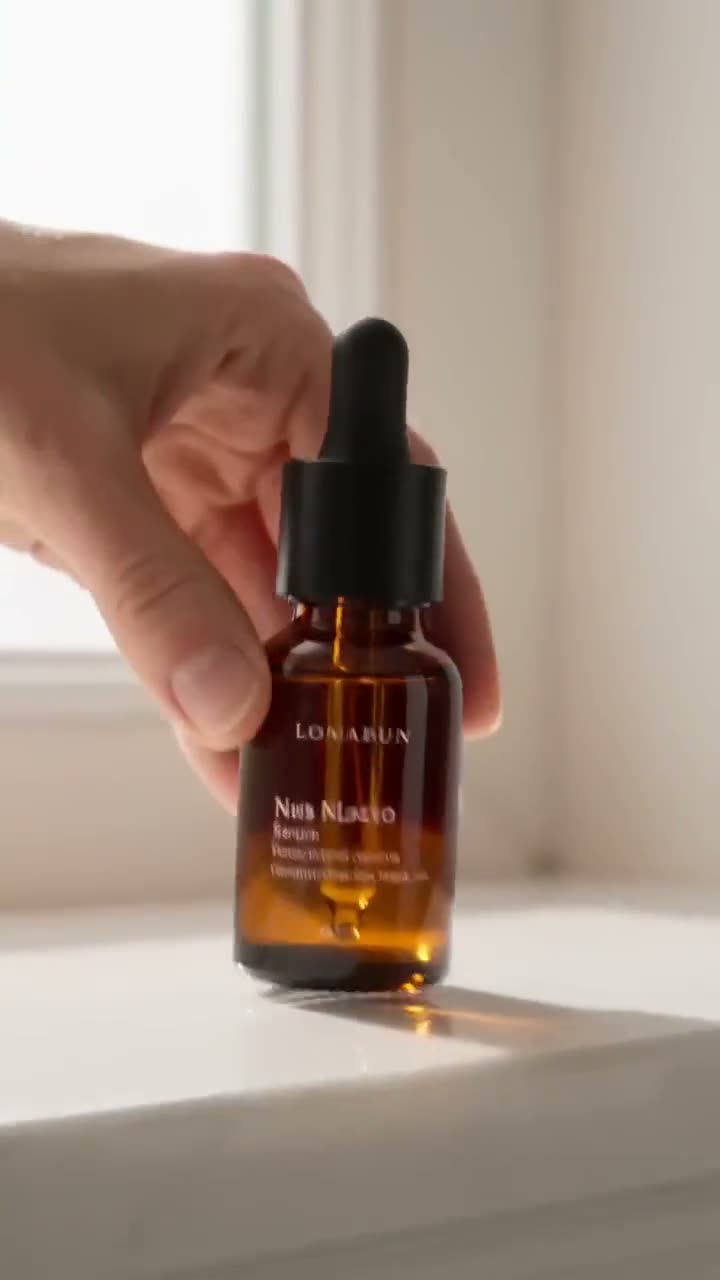
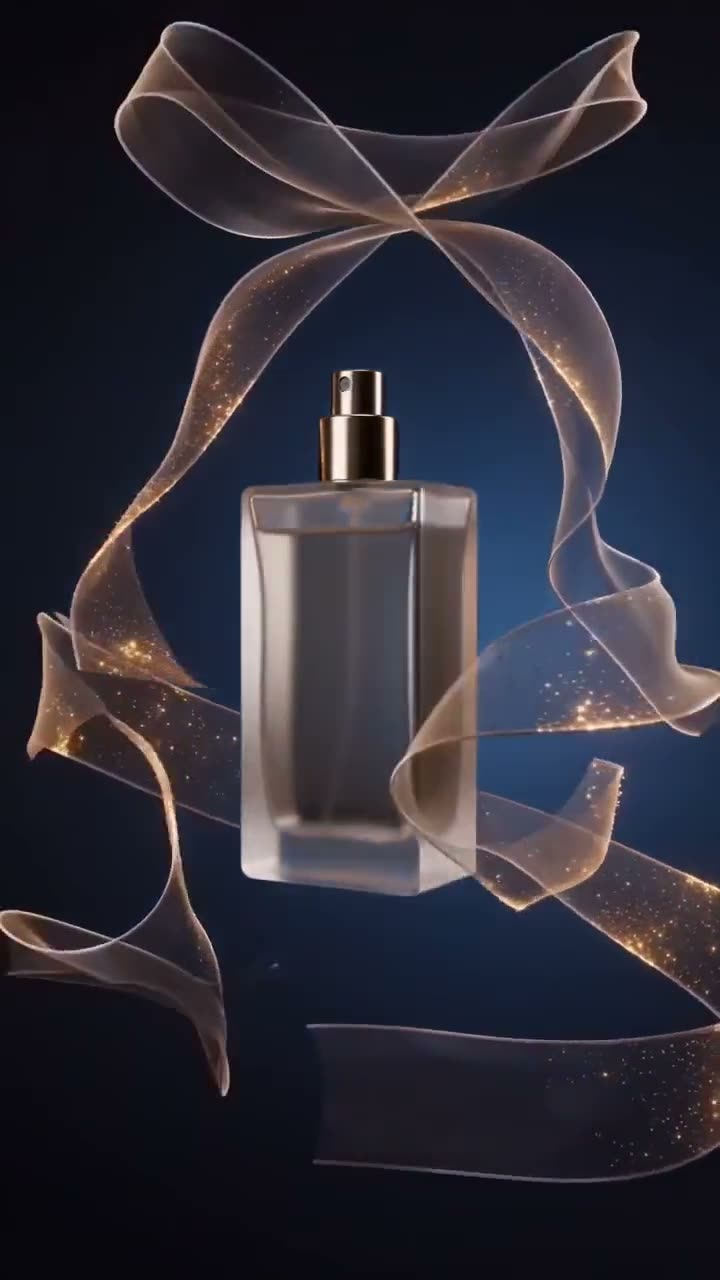
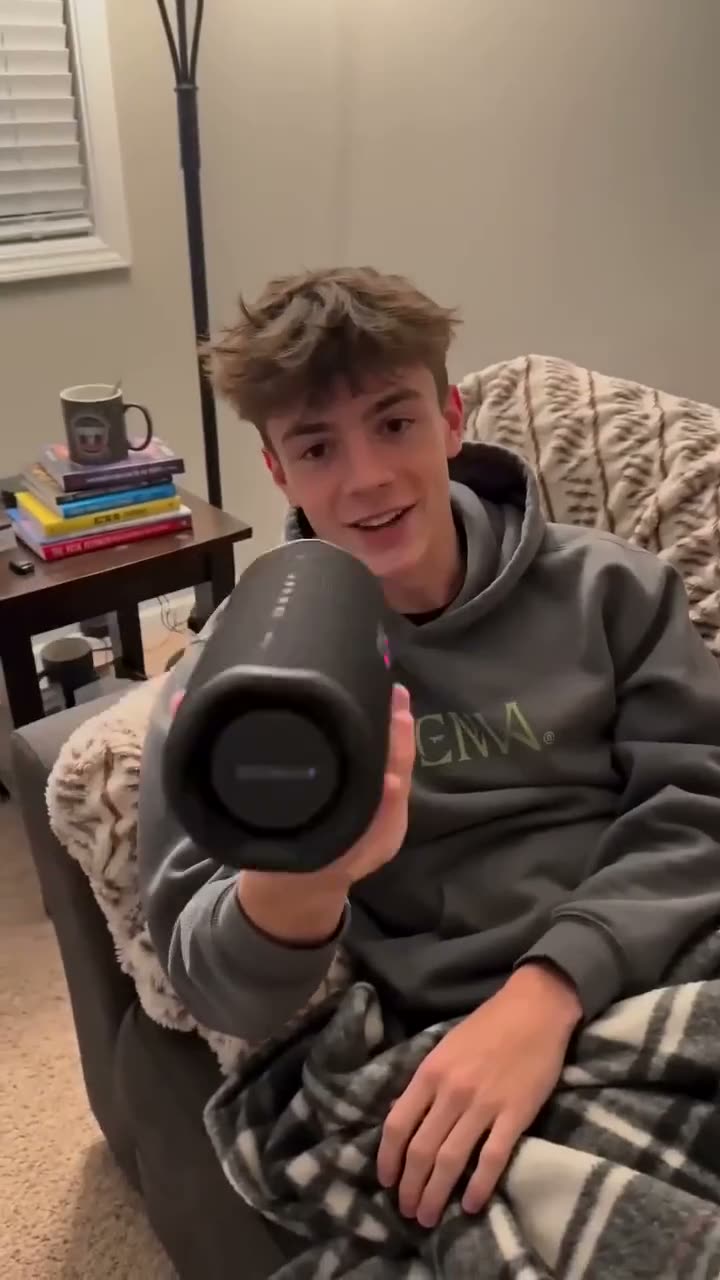
A lifestyle shot sells a product better than a packshot, and it costs far more: a location, a set dresser, a crew, a day. AI product placement gets you most of the way there from the photo you already have. You give it the product and describe or show the scene, and it renders a short clip where the product sits in that space as if it had been there when the camera rolled.
This article walks through Kinoseed's Product Placement, which uses Seedance 2.0, and how to keep your product's label and shape intact.
What you need
- A clean product shot, ideally on a plain background.
- Either a photo of the scene you want, or a sentence describing it.
Step by step
- 1
Upload the Product shot
A clean packshot. The instructions sent to the model put product integrity first: same shape, proportions, colour, material, logo and label text, with no redesign.
- 2
Give it a Scene: Describe or Photo
The Scene field has a switch. Describe gives you a text box (it starts with a sunlit marble kitchen counter) for the surface, the light and what is around the product. Photo gives you an image slot for a picture of the real room, which is used as a reference, so the product lands in your actual space.
- 3
Pick a Placement
In scene sits the product naturally in the environment at true scale, as set dressing. Hero centres it and lets the scene fall away. In hand has a person holding and using it. On surface rests it on a surface with a contact shadow and reflection.
- 4
Choose a Camera move
Push in, Orbit, Rack focus or Locked off. Orbit shows the product's shape best; Rack focus is the classic reveal; Locked off keeps the camera still and lets the scene move around the product.
- 5
Set Aspect, Length and Res, then press Generate Video
Aspect is 16:9, 9:16 or 1:1. Length is 5s, 8s or 10s. Res starts at 720p; higher resolutions cost noticeably more, so test at 720p and re-run the winner. The price for exactly those settings is on the button.
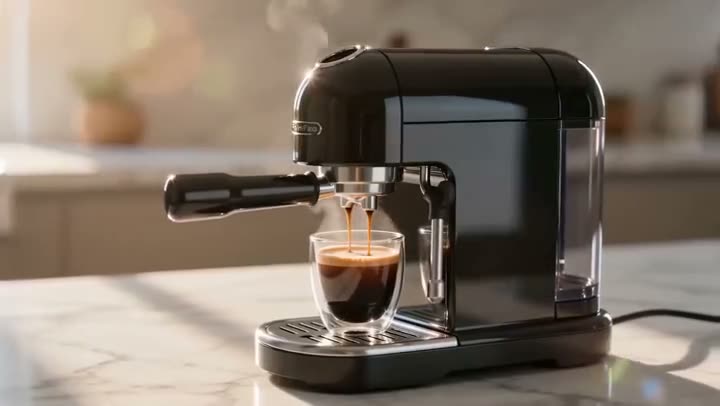
Product Placement
Drop a product naturally into any scene
Open in appFree to explore. Sign in to generate.
Describe or Photo: which to use
Use Photo when the place matters: your shop, a client's kitchen, a hotel lobby you have the rights to. Use Describe when you need many settings quickly, for example the same bottle on a bathroom shelf, a beach towel and a gym bench for three ad sets. Both routes end in the same kind of shot.
Getting a product to look photographed, not pasted
The model is told to match the scene's lighting direction, colour temperature, depth of field and grain, and to ground the product with a contact shadow. You help it by starting from a packshot with soft, even light. A product photographed with a hard flash from the front fights a scene lit by a window from the side.
If your only product photo has a busy background, run it through the background remover first.
More examples
Tips for better results
- Describe the surface and the light, not the product. The product comes from the photo; the text is for everything around it.
- Keep the scale believable. A perfume bottle on a dining table reads well; the same bottle on a kitchen island at the far side of the room turns into a speck.
- Use In hand for anything people use with their hands: cosmetics, drinks, phones, tools. Movement sells the product better than a still object.
- For a full test set of ads from one product page, pair this with URL to Ad.
Frequently asked questions
Will the product's logo and label stay the same?
That is the first instruction the model gets, and a clean, sharp packshot gives it the best chance. Fine print can still soften, so check small text before you publish.
Can I use a photo of my own room or store?
Yes. Switch the Scene to Photo and upload it. The product and the scene are sent together as two references.
What model does it use?
Seedance 2.0.
Can I make vertical videos for Reels and TikTok?
Yes. Choose 9:16 under Aspect. Square 1:1 and horizontal 16:9 are also available.
Try it on your own shot.
Product Placement is open to explore. The price of a run is on the button before you spend anything.