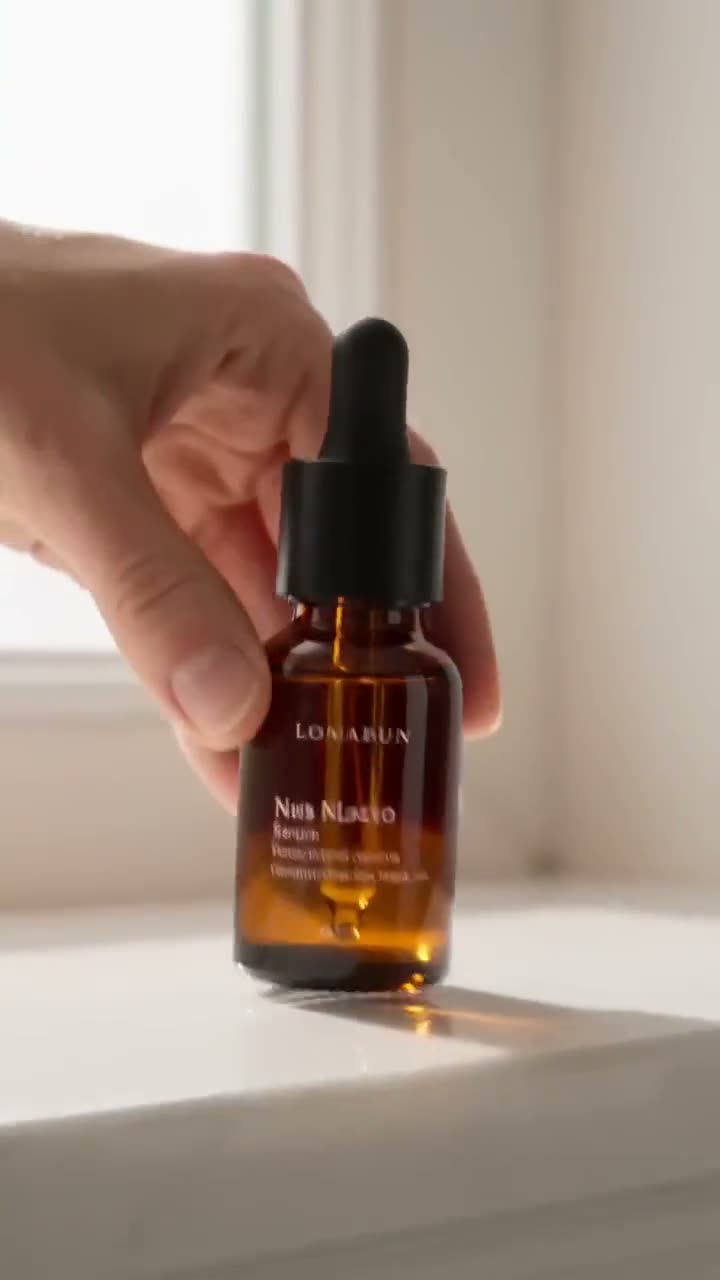
UGC ads work because they do not look like ads: a person on a sofa, a phone held at arm's length, a product talked about like a recommendation. The catch is volume. Testing needs dozens of variations, and booking creators for every one is slow and expensive. AI UGC video ads let you make those variations from a single avatar photo.
This article walks through Kinoseed's UGC Factory, which turns a face, a product line and an optional script into a vertical creator-style clip.
What you need
- An avatar: a front-facing portrait of your spokesperson.
- A one-line description of the product.
- Optionally, the line you want them to say.
- Consent from the person in the photo, if it is not you.
Step by step
- 1
Upload the Avatar
A front-facing portrait of your spokesperson. Their identity carries into the clip, so a clean, well-lit face matters more than anything else on the page.
- 2
Fill in Product (one line)
One line is enough, and specific beats generic: "a refillable matcha pouch in pale green kraft paper" gives the model more to show than "tea". The field starts with a sample product so you can see the format.
- 3
Write a Spoken script, if you want one
Optional. Put the exact line here if your spokesperson should say something specific; leave it empty for an unscripted, talk-about-it delivery. Short lines that sound like speech work best in an 8 second clip.
- 4
Pick a Vibe
Energetic is a high-energy creator delivery in daylight. Chill is relaxed and conversational in soft light. Funny is comedic, with exaggerated reactions and casual handheld framing. Authoritative is a confident expert with steady eye contact and studio-style light.
- 5
Check the Prompt preview and press Generate Video
Prompt preview, folded above the button, shows the exact instruction that will be sent. Every clip is vertical 9:16 and 8 seconds long, made with Sora 2. It plays in the feed when it is ready, to expand, download or recreate.
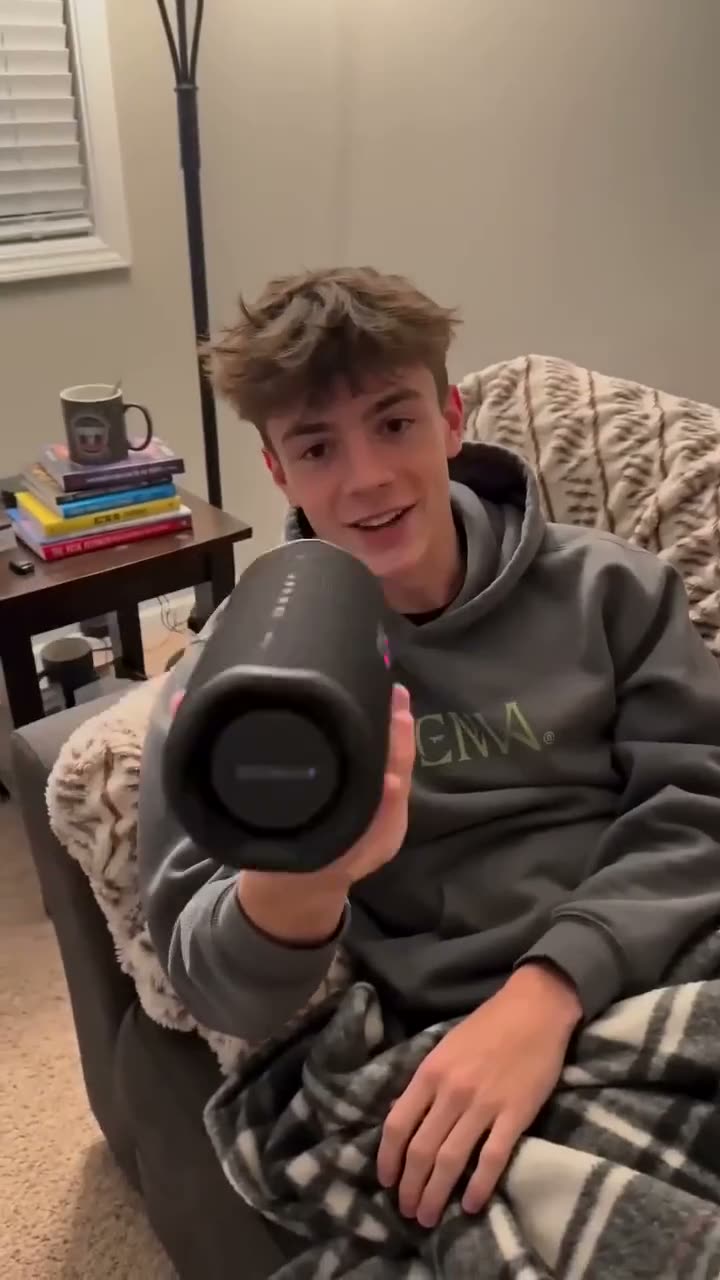
Prompts to copy
Paste any of these into UGC Factory as a starting point, then change the details to fit your photo.
Problem, then product
I used to forget my water bottle every single day. This one clips onto my bag, so now I literally can't.
First impression
Okay, I just opened this and the packaging alone is ridiculous. Look at this.
One clear benefit
It charges in ten minutes. That's it, that's the whole review.
Building a test set
Keep the avatar and product the same and change one thing per clip: the vibe, or the script. Four vibes with the same line, then your best vibe with three different opening lines, gives you seven variations that each test one idea. That is the kind of set ad platforms are good at sorting.
UGC Factory or URL to Ad?
UGC Factory is built around a person: a face, a line, a delivery. URL to Ad is built around the product: it reads your product page and offers formats like Unboxing, TV Spot and Virtual Try On, plus scroll-stopping hooks. Use UGC Factory when the creator is the message, URL to Ad when the product is.
More examples
Tips for better results
- Write the script the way people talk. Contractions, short sentences and one idea per line sound like a creator; a list of features sounds like an ad.
- Use the same avatar across a campaign so it reads as one creator partnership. A consistent character is an easy way to get one.
- Name what the product looks like in the product line. The model has only your words to go on for the product itself.
- Need the exact voice of a real recording? Make the clip, then use Lipsync Studio with your own audio.
Frequently asked questions
How long are the clips and what shape are they?
Every UGC Factory clip is 8 seconds and vertical 9:16, ready for TikTok, Reels and Shorts.
Which model makes the video?
Sora 2, in image-to-video mode, with your avatar as the reference.
Do I need a photo of the product?
No. UGC Factory takes the product as a line of text. If you need your real packshot in the clip, use URL to Ad or Product Placement instead.
Can I use a real creator's face?
Only with their permission. Kinoseed's terms prohibit impersonating a real person without consent. Your own face, a creator who has agreed, or an original character are all fine.
Try it on your own shot.
UGC Factory is open to explore. The price of a run is on the button before you spend anything.