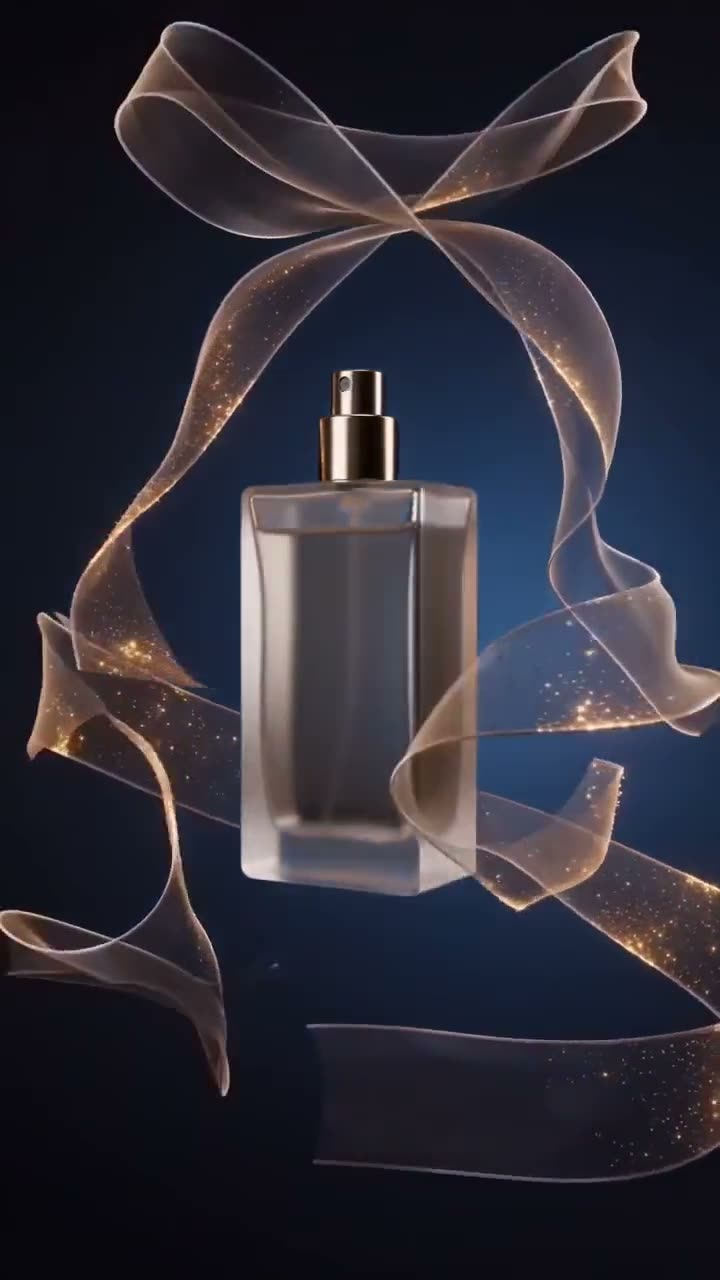
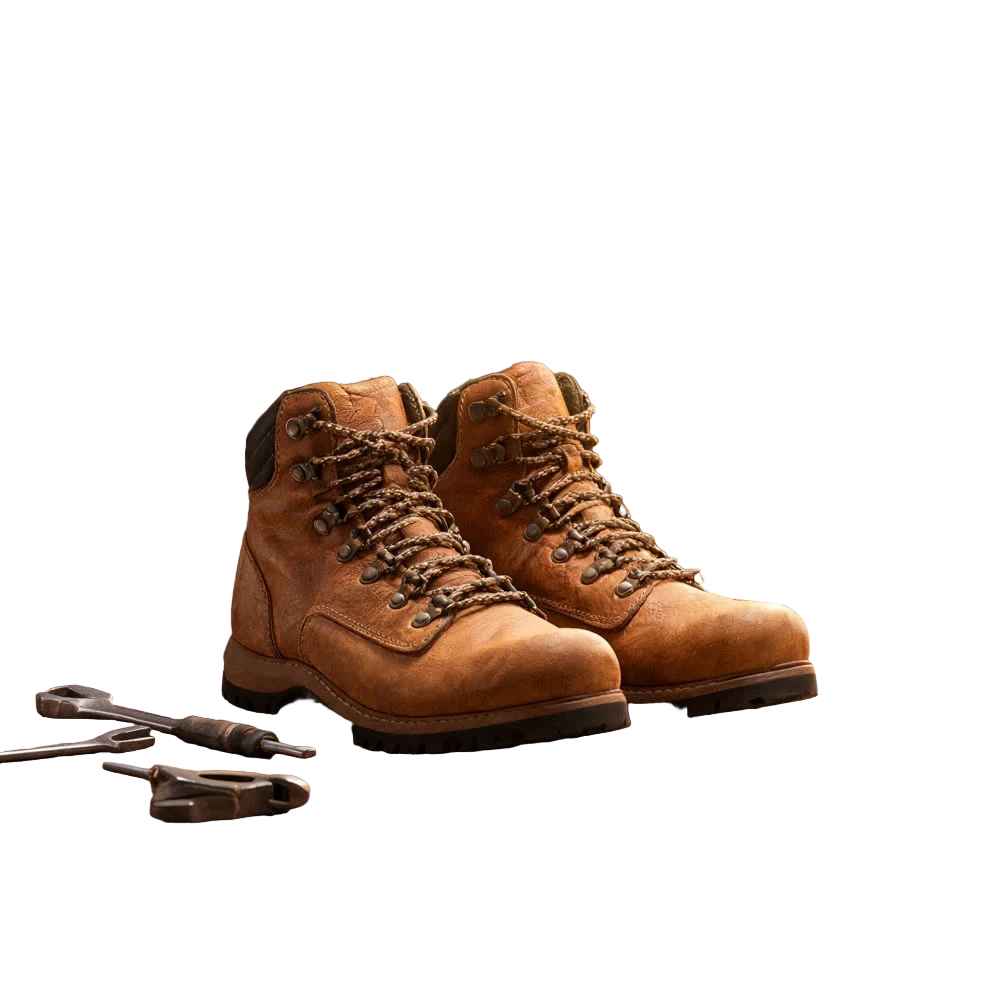
Paid social runs on volume. The ads that win are found by testing: a UGC cut against an unboxing against a polished spot, each with a different opening hook. Shooting all of those for every product is out of reach for most brands. An AI video ad generator makes the whole test set from the product page you already have.
This article shows how to turn a product link into a video ad with Kinoseed's URL to Ad tool.
What you need
- A link to the product page (your store, Shopify, Amazon listing and so on), or a product photo if there is no page yet.
- Optionally, a photo of a person to feature as the creator in the ad.
Step by step
- 1
Paste the product link
The tool opens on a single field. Paste your product URL and the page's image, title and pitch are read straight off it, so nobody has to upload a hero shot or write a brief. No link? Upload a product shot instead; everything after this works the same.
- 2
Pick a format
The format decides what kind of ad you get: UGC (handheld, shot on a phone), Hyper Motion (fast cuts, hard light), Unboxing (first-person hands), UGC Virtual Try On, Pro Virtual Try On, TV Spot, or Tutorial (an overhead step-through demo).
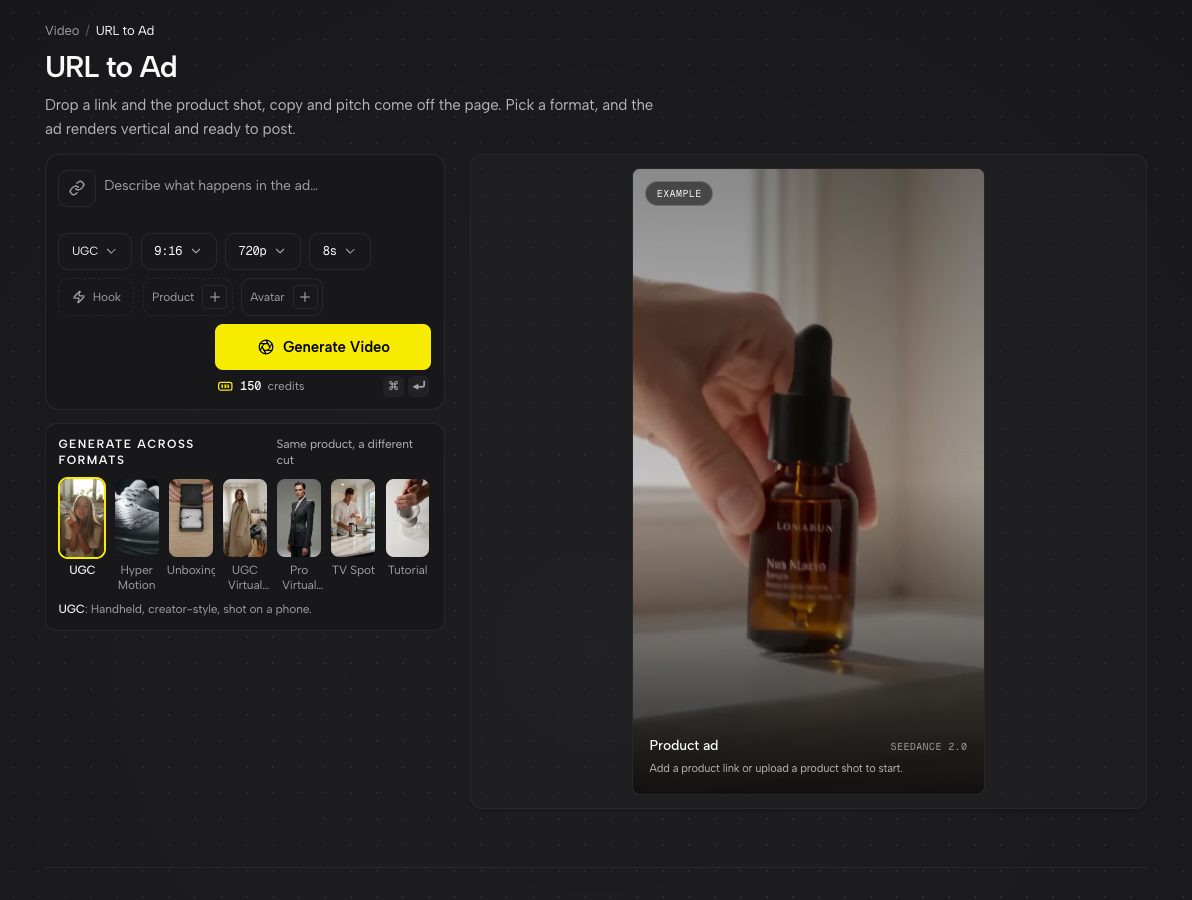
The format, aspect, resolution and length pills, the Hook, Product and Avatar chips, and the format rail below. - 3
Add a hook if you want one
The Hook chip opens a library of openers built to stop the scroll, filtered into Stunt and Subtle: a Product Hit, a Camera Bump, a Street Interview and more. A hook shapes the first two seconds, which is where a feed ad is won or lost.
- 4
Add an avatar (optional) and set the shape
Attach a photo of a person with the Avatar chip and they appear as the creator in the ad, rather than a stranger described in words. Then pick the aspect, resolution and duration: 9:16 for TikTok, Reels and Shorts.
- 5
Generate, then try the other formats
The ad plays in the workspace when it is ready. The Generate across formats rail on the right recreates the same product in each of the other formats, so one link covers a whole creative test.
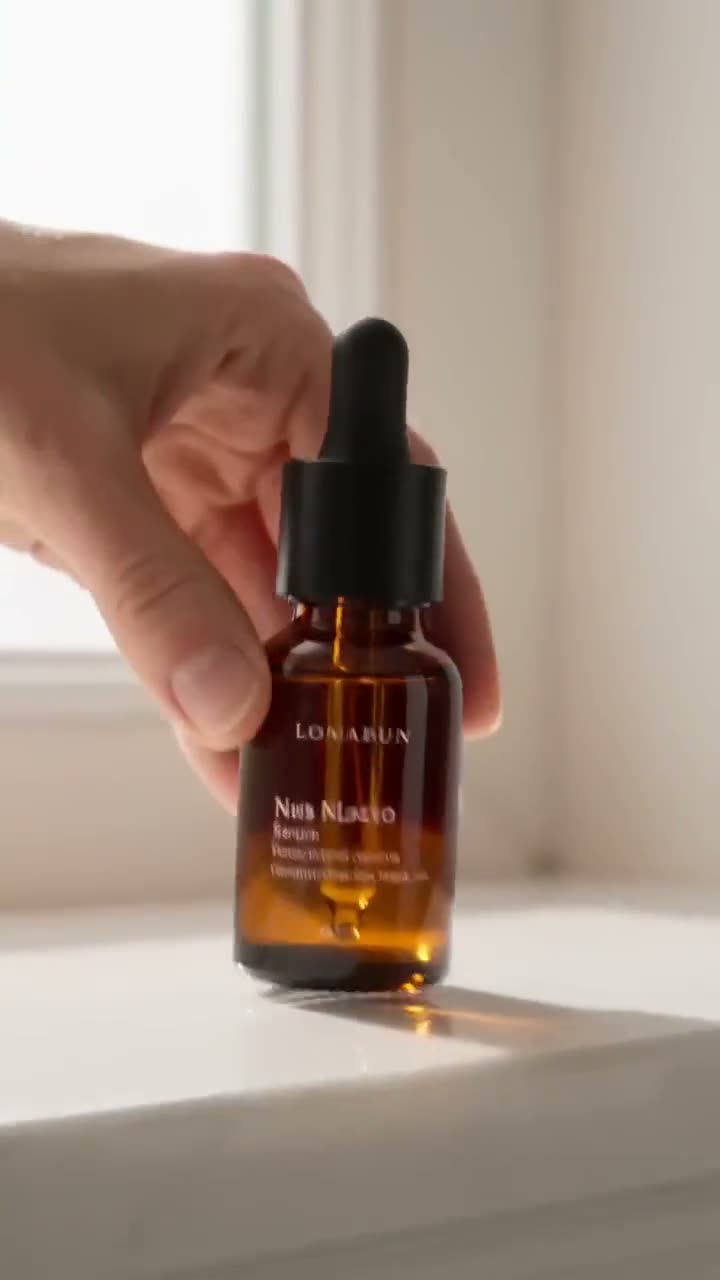
Which format should you test first?
For TikTok and Reels, start with UGC. It looks native to the feed and usually has the lowest cost per click. Add Unboxing for anything with satisfying packaging, and a Virtual Try On format for clothing and accessories. Keep TV Spot and Hyper Motion for retargeting and brand campaigns, where polish reads as trust.
Making the most of one product page
The scrape uses your page's open graph image and title, the same ones that show when the link is shared. A clean product image on a plain background there gives every format a better start. If your page image is a lifestyle shot or a banner, upload a proper packshot instead; Background Remover can make one from any photo.
More examples
Tips for better results
- Test hooks, not just formats. The same UGC ad with a Stunt opener and a Subtle opener can perform very differently.
- Use an avatar for UGC and Try On formats. A consistent face across ads looks like a real creator partnership.
- Keep durations short for cold audiences. The first seconds carry most of the result.
- For a hero spin of the product itself, pair these ads with a 360° product video.
Frequently asked questions
What kinds of links work?
Any product page that has a product image and title in its sharing metadata, which covers most stores including Shopify. If a page cannot be read, upload the product image directly.
Can I use my own face or a creator in the ad?
Yes. Attach their photo with the Avatar chip. Only use people who have agreed to appear in your ads.
Which ad formats are available?
UGC, Hyper Motion, Unboxing, UGC Virtual Try On, Pro Virtual Try On, TV Spot and Tutorial.
Can I make vertical ads for TikTok and Instagram?
Yes. Choose 9:16 in the aspect setting. Square and horizontal are available too, depending on the model.
Try it on your own shot.
URL to Ad is open to explore. The price of a run is on the button before you spend anything.