
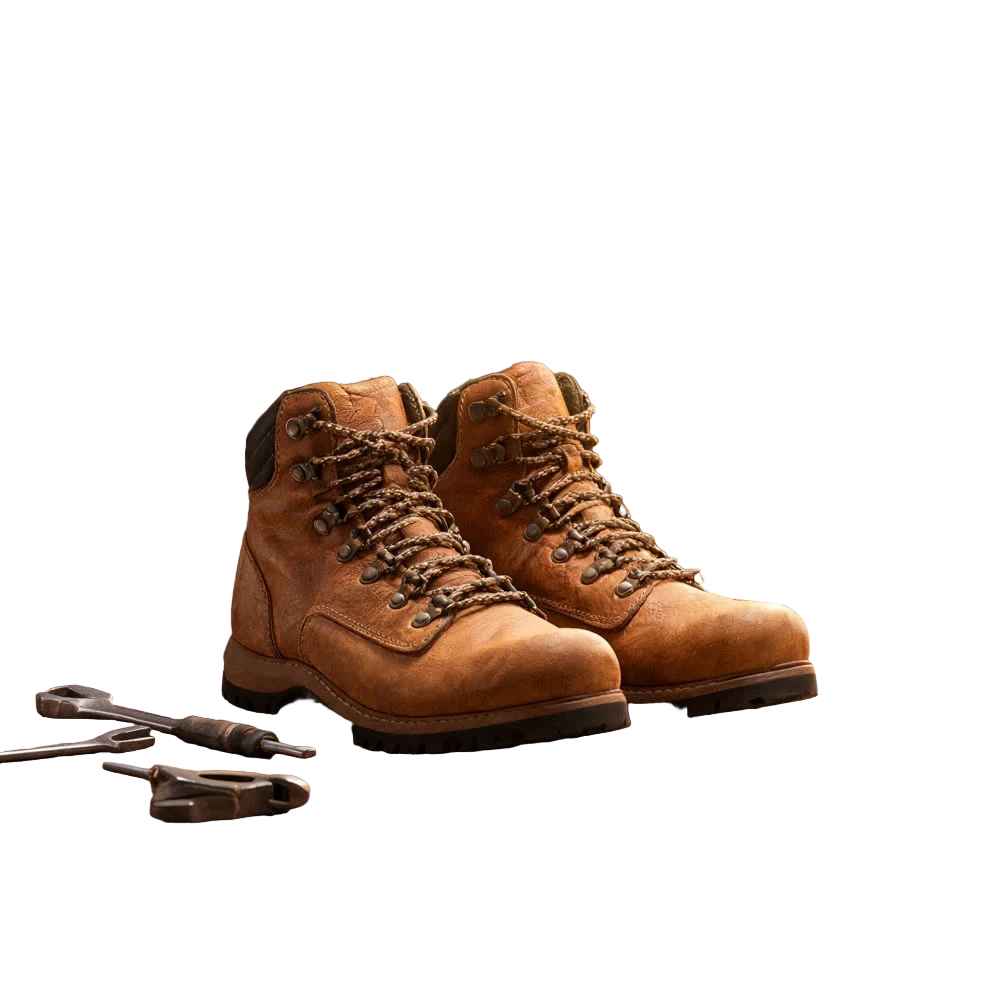
A clean cutout is the starting point for half the jobs in e-commerce and design: a product on a white page, a person dropped into a thumbnail, a logo on a coloured slide. Doing it by hand with a pen tool takes minutes per image. An AI background remover does it in one step and hands you back a transparent PNG.
Here is how to remove the background from an image with Kinoseed's Background Remover, and what to do when the edges are tricky.
What you need
- A photo with a clear subject (PNG, JPG or WEBP).
- A Kinoseed account to run the tool.
Step by step
- 1
Add your image
Open Background Remover and drop the photo into the Image slot. There is nothing to set: the subject is found automatically.
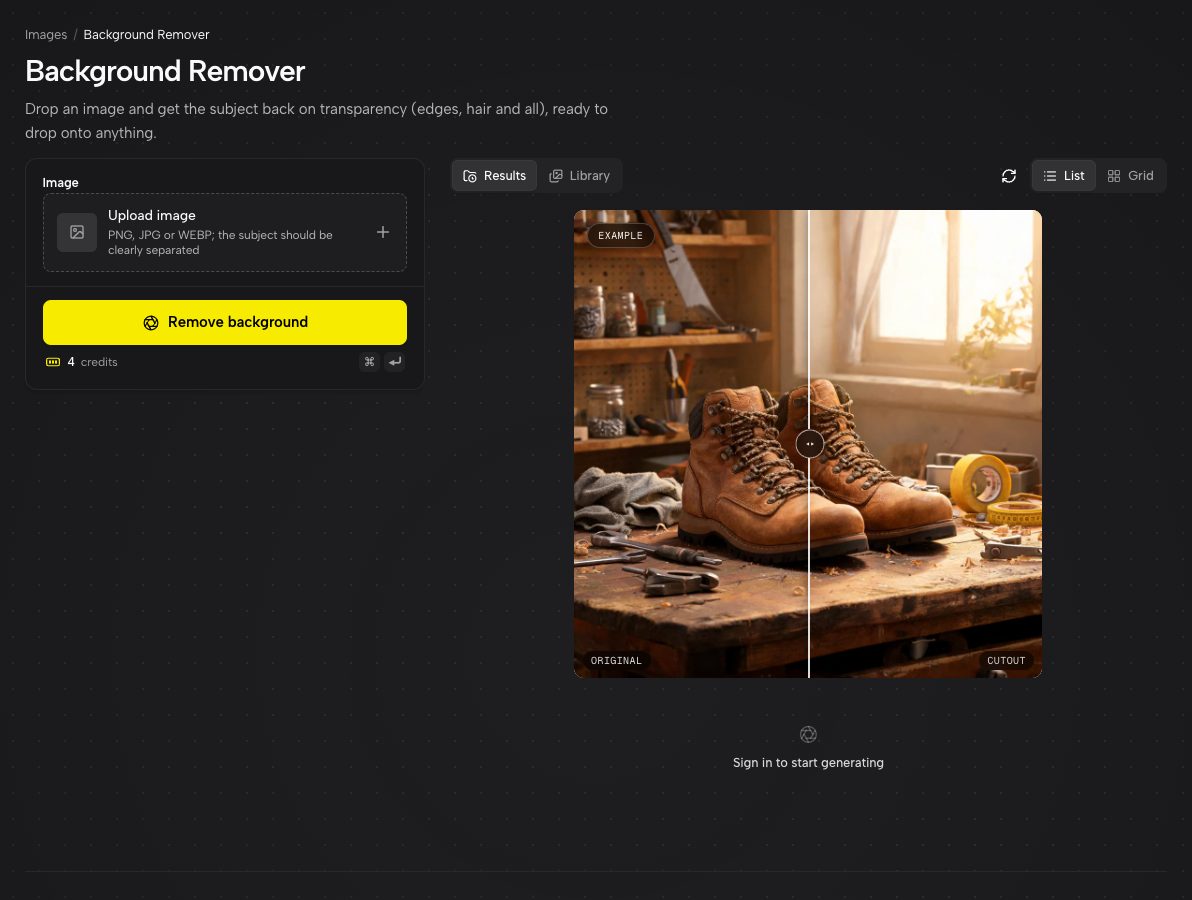
Background Remover: one slot, one button, and an example cutout on its checkerboard. - 2
Press Remove background
Everything behind the subject becomes transparent, not white. That distinction matters: a transparent cutout can go on any background later, a white one only on white.
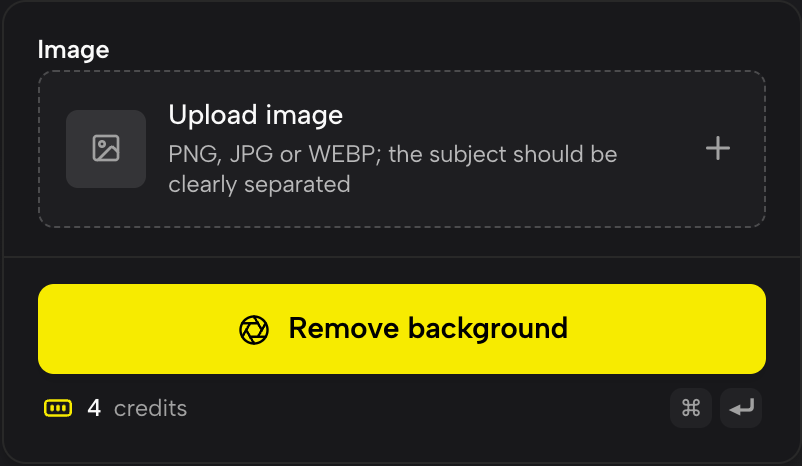
There is nothing to set. Add the image and press Remove background. - 3
Check the edges and download
The feed and the full-size viewer show cutouts on a checkerboard so you can see exactly what was kept. Download gives you a PNG with the alpha channel intact, ready for Figma, Photoshop, Canva or a product listing.
What makes a photo easy to cut out
The model separates subject from background by contrast and shape. A dark shoe on a pale floor is easy. A white cup on a white table is harder, because the edge the model has to find is faint. If you are shooting specifically for cutouts, a plain contrasting backdrop pays for itself.
Busy backgrounds are fine, as the workbench example above shows, as long as the subject itself is in focus. Motion blur is the real enemy: a blurred edge has no true boundary to find.
Need a white background instead?
Marketplaces like Amazon want pure white. Remove the background first, then place the transparent PNG on a white canvas in any editor. You get a crisper edge than asking a model to paint the background white directly, because nothing behind the subject is being regenerated.
More examples
Tips for better results
- Hair, fur and fine lace are where every cutout tool struggles. Shoot against a contrasting background and keep the subject sharp to give those strands a fighting chance.
- Want the product in a new scene rather than on nothing? Use the cutout as the product image in Inpaint, which places it with the lighting and perspective matched.
- Cut out first, upscale second only if you need a bigger file. Upscaling a transparent PNG keeps the transparency.
- Removing the background from a video instead? Kinoseed has a separate Video Background Remover for clips.
Frequently asked questions
Does the background remover output a transparent PNG?
Yes. The background becomes fully transparent and the download is a PNG with an alpha channel.
Will it work on people as well as products?
Yes. It works on people, animals, products and objects. Portraits with loose hair cut best against a plain, contrasting background.
Can I remove the background from several images at once?
Each run takes one image. Runs are quick and every result stays in your history, so working through a set one after another is straightforward.
Try it on your own photo.
Background Remover is open to explore. The price of a run is on the button before you spend anything.