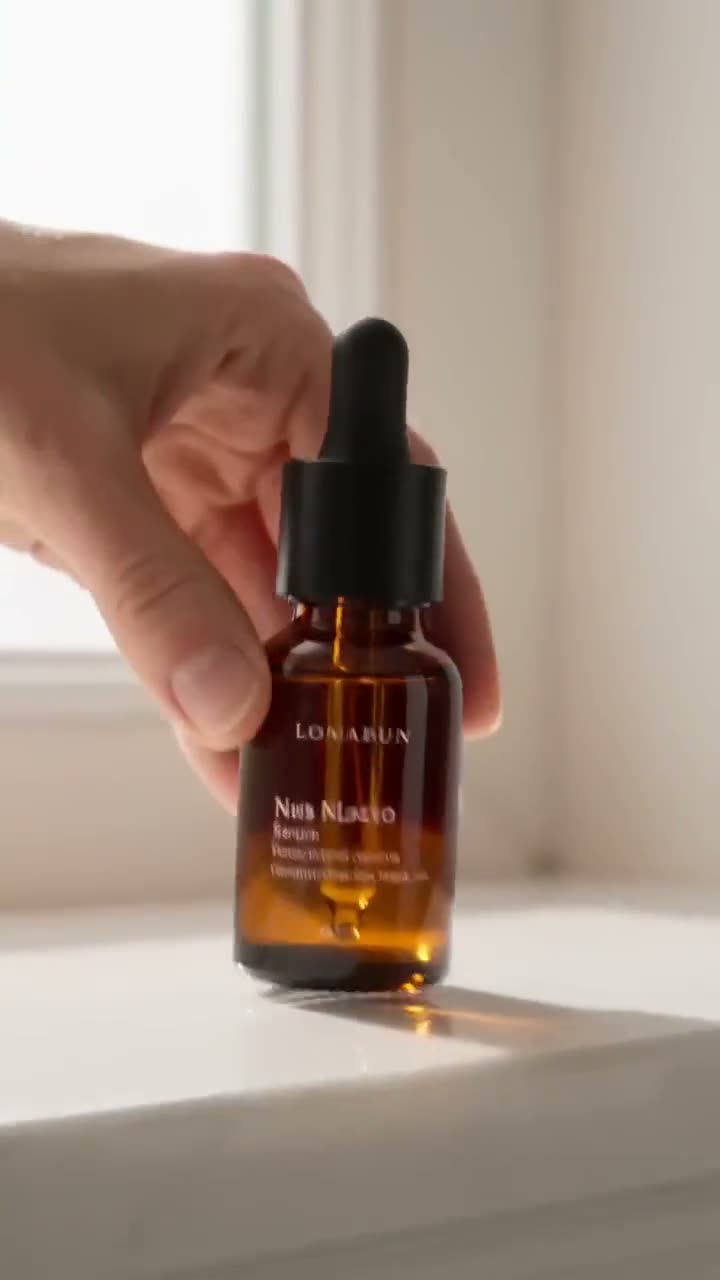
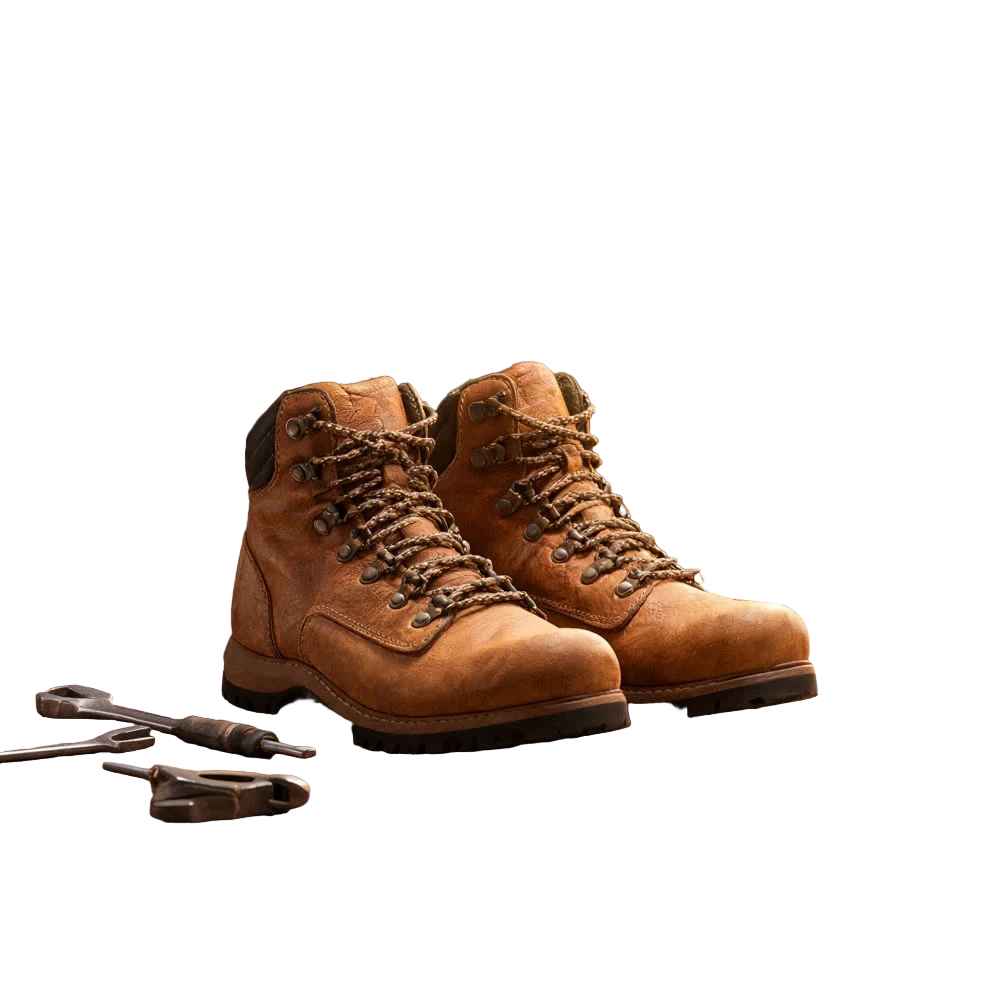
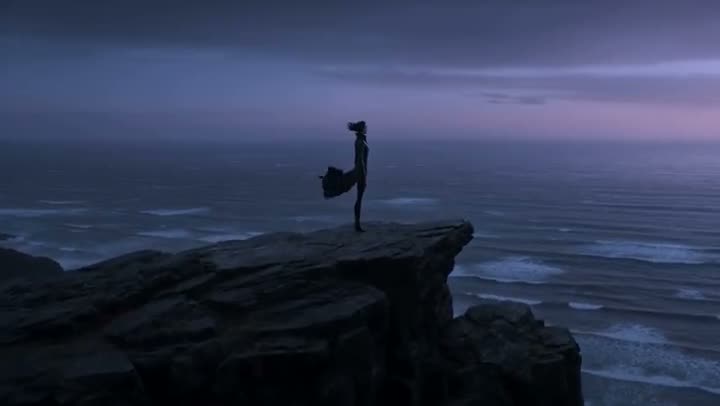
A spinning product shot stops the scroll on a product page, an ad or a launch post. Traditionally that means a motorised turntable, a lighting setup and a photographer who shoots dozens of frames. With AI you can make a 360° product video from one photo: the camera orbits the product in bullet time while a scene that suits it builds itself around.
This article walks through Kinoseed's Bullet Time Scene, from packshot to finished vertical clip.
What you need
- One product photo with the whole product in frame.
- A clean, well-lit shot is ideal. A plain background helps, but the tool builds a new one either way.
Step by step
- 1
Upload the product image
One packshot. A sharp, evenly lit photo with the whole product visible gives the orbit something consistent to travel around. The product is kept identical to it: same shape, colour, material, logo and label text.
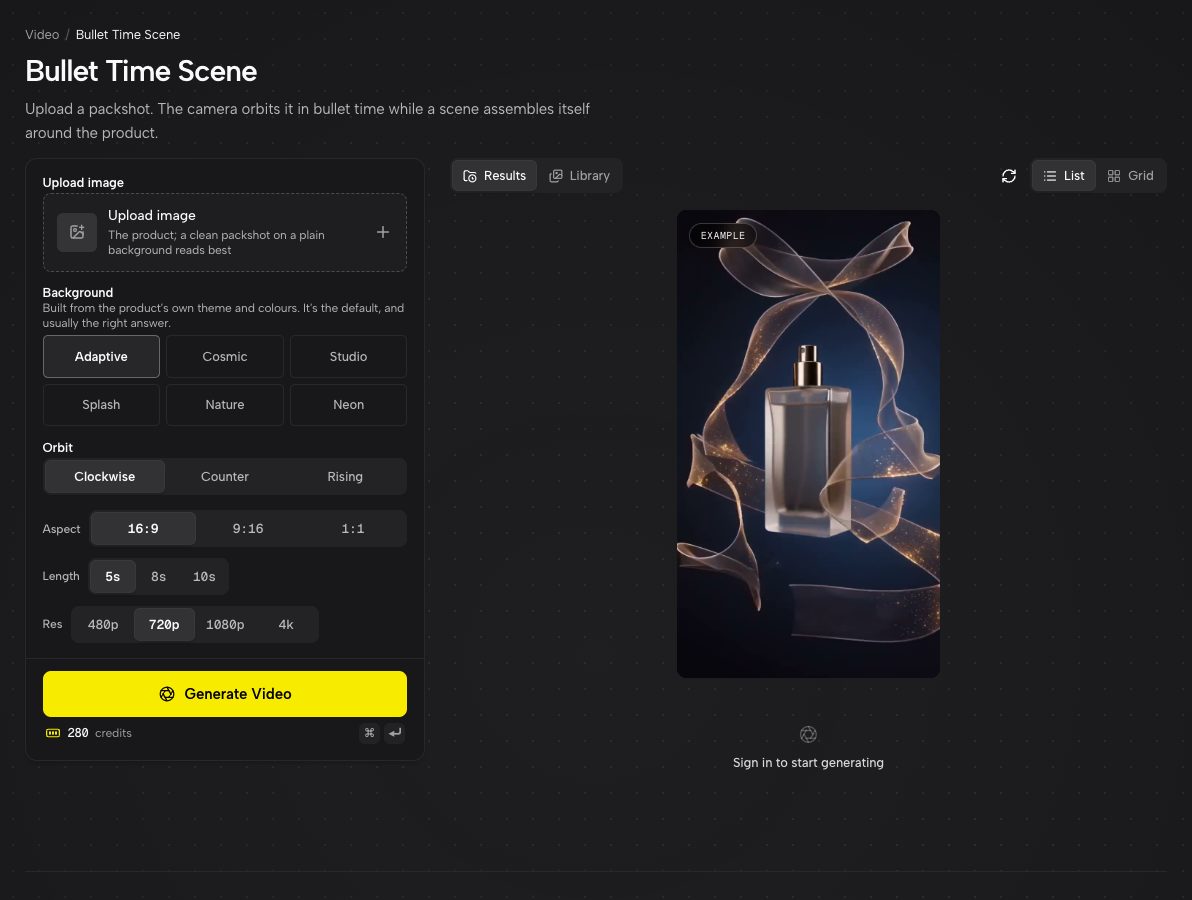
Bullet Time Scene with its example orbit playing. - 2
Pick a Background
Adaptive is the default: it reads the packaging and invents a world that matches the product's theme and colours. Or choose one yourself: Cosmic (planets and nebulae), Studio (a clean seamless backdrop with a floor reflection), Splash (liquid frozen mid-air), Nature (leaves and petals in forest light) or Neon (neon tubes and haze).
- 3
Choose the Orbit
Clockwise, Counter for counter-clockwise, or Rising, which orbits while craning slowly upward. Rising is the one for a hero reveal.
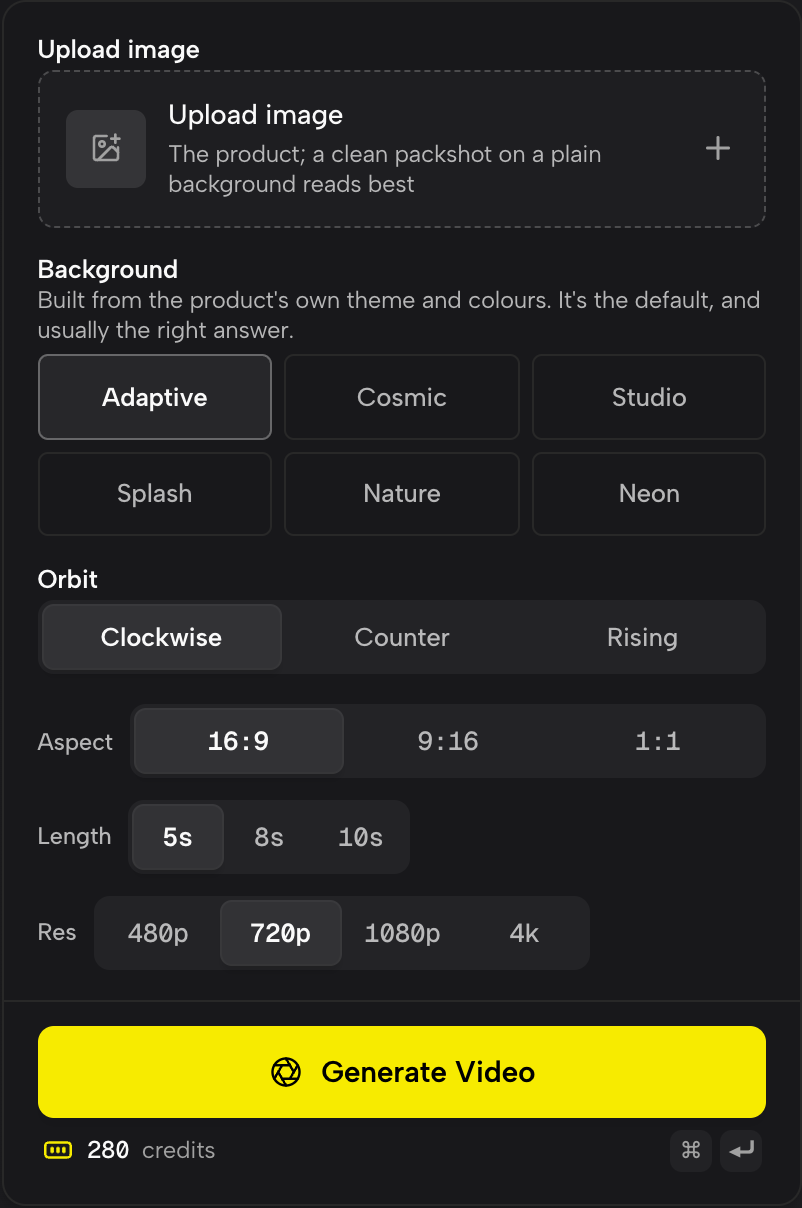
Background, Orbit, Aspect, Length and Res, with the price for those settings under the button. - 4
Set Aspect, Length and Res, then Generate Video
9:16 for Reels, TikTok and product pages on mobile, 16:9 for a website hero, 1:1 for a feed. Length is 5, 8 or 10 seconds, and Res runs from 480p up to 4K. The price for your exact settings is on the button.
Why bullet time works for products
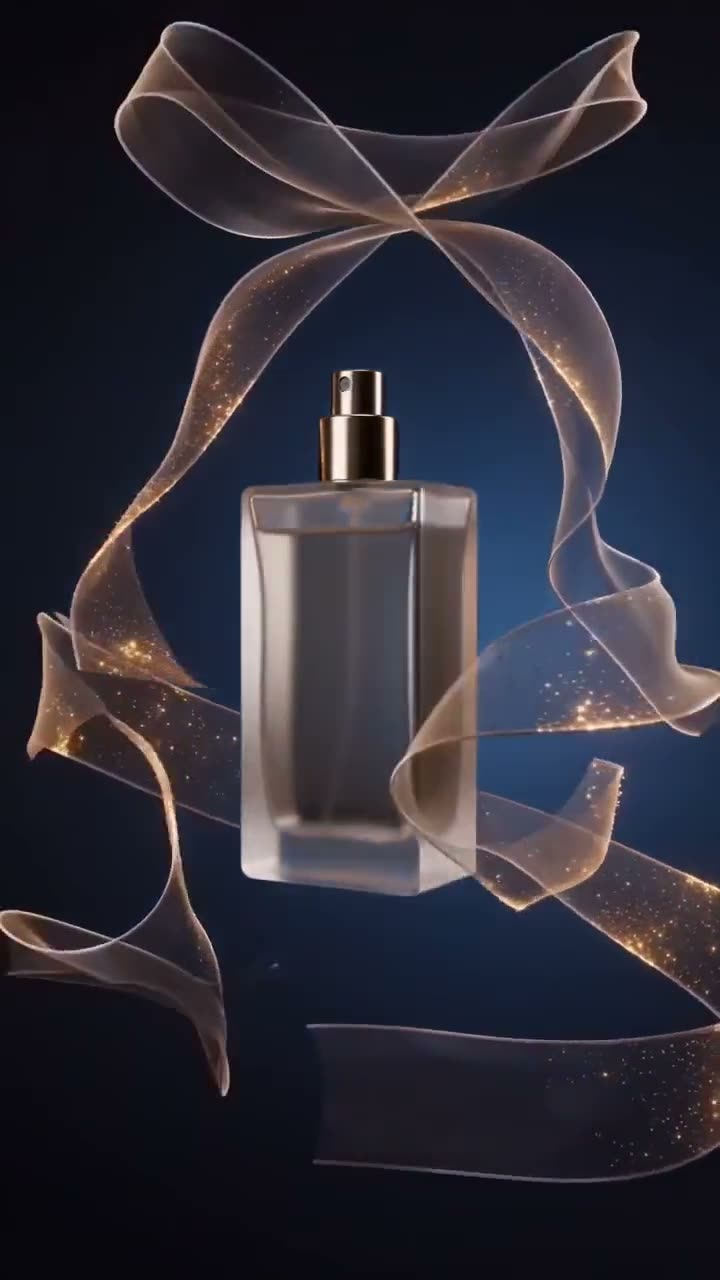
In bullet time the subject is frozen while the camera moves, so every angle of the product gets its moment in sharp focus. Nothing competes with it. Add a background that moves around it, like liquid, petals or light, and the clip has motion and energy without the product ever blurring.
Preparing the packshot
If your only photo has a busy background, cut the product out first with Background Remover. If it is small or soft, upscale it before you start. Both help the model keep the label and logo crisp all the way round.
More examples
Tips for better results
- Start with Adaptive. It is surprisingly good at matching the product's category, and only switch to a fixed theme when its guess is wrong.
- Render at a lower resolution while you explore themes and orbits, then render your favourite combination at 1080p or 4K.
- Splash suits drinks and skincare, Nature suits anything organic or botanical, Neon suits tech and gaming, Cosmic suits fragrance and launches.
- Pair the spin with a full ad made from the product page. See how to turn a product link into a video ad.
Frequently asked questions
Do I need photos from every angle?
No. One photo is enough. The model keeps the product consistent as the camera travels around it, but the sides you have shown are the ones it can reproduce most faithfully.
Will the label and logo stay readable?
The product is instructed to stay identical to the reference, including label text. A sharp, high-resolution packshot gives the best results.
What background options are there?
Adaptive (the default), Cosmic, Studio, Splash, Nature and Neon.
Can I use it for Amazon or Shopify product videos?
Yes. Download the MP4 and upload it to your listing. Use 1:1 or 16:9 for marketplaces and 9:16 for mobile-first stores and social.
Try it on your own shot.
Bullet Time Scene is open to explore. The price of a run is on the button before you spend anything.