Motion Control
Show the model the move instead of describing it. A reference clip supplies the motion, your still supplies the character.
The clip whose movement gets transferred
The character that performs the motion
Output keeps the reference clip's framing
Scene, wardrobe or mood — the choreography comes from the clip
Transfer motion from video to image.
Audio
230creditsCtrl⏎
Example
Sign in to start generating
How to transfer motion onto a still
- 1
Upload a motion reference
Any clip whose movement you want. The choreography is read off this, so a clean, unobstructed performance transfers best.
- 2
Upload a subject image
The character who performs the move. Full or half body gives the model more to work with than a headshot.
- 3
Set the framing and generate
Match orientation to whichever input carries the framing you want out. Direction is optional colour — the move itself comes from the clip.
Explore more apps
See all

Similarity Score
Score your content's IP similarity
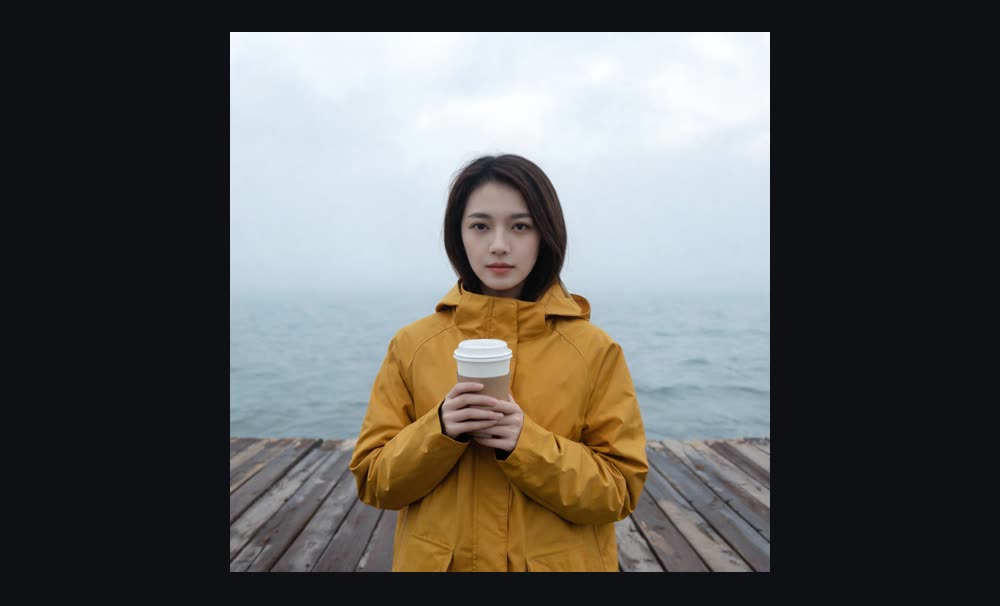
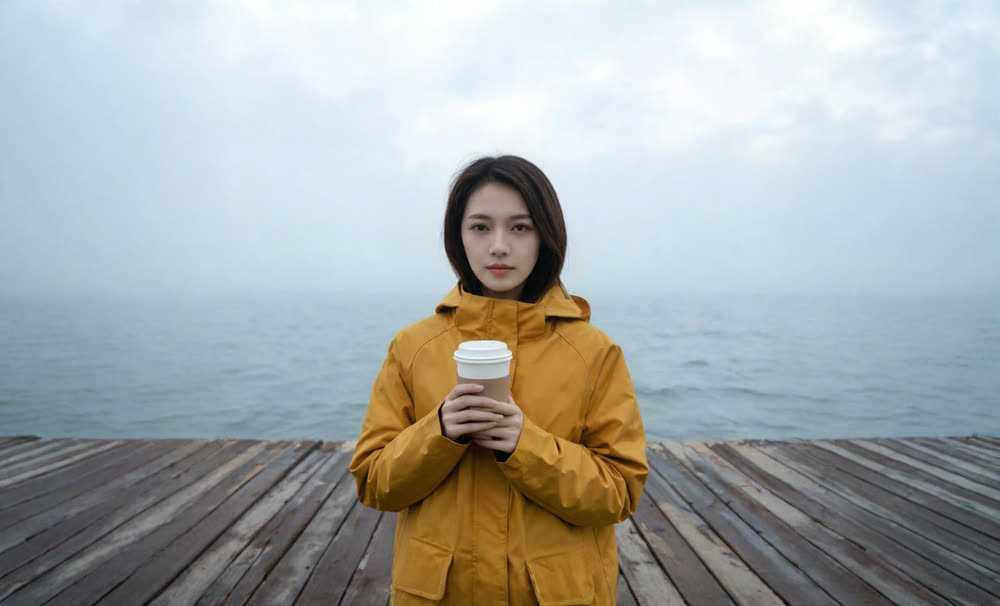
Expand image
Expand any image beyond its edges
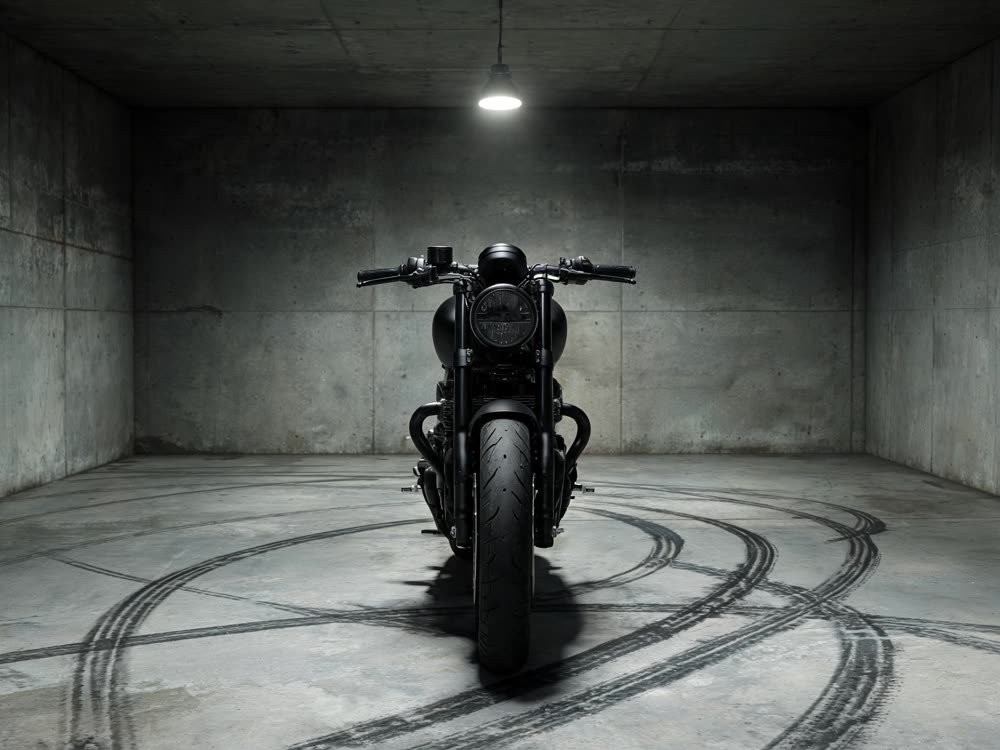
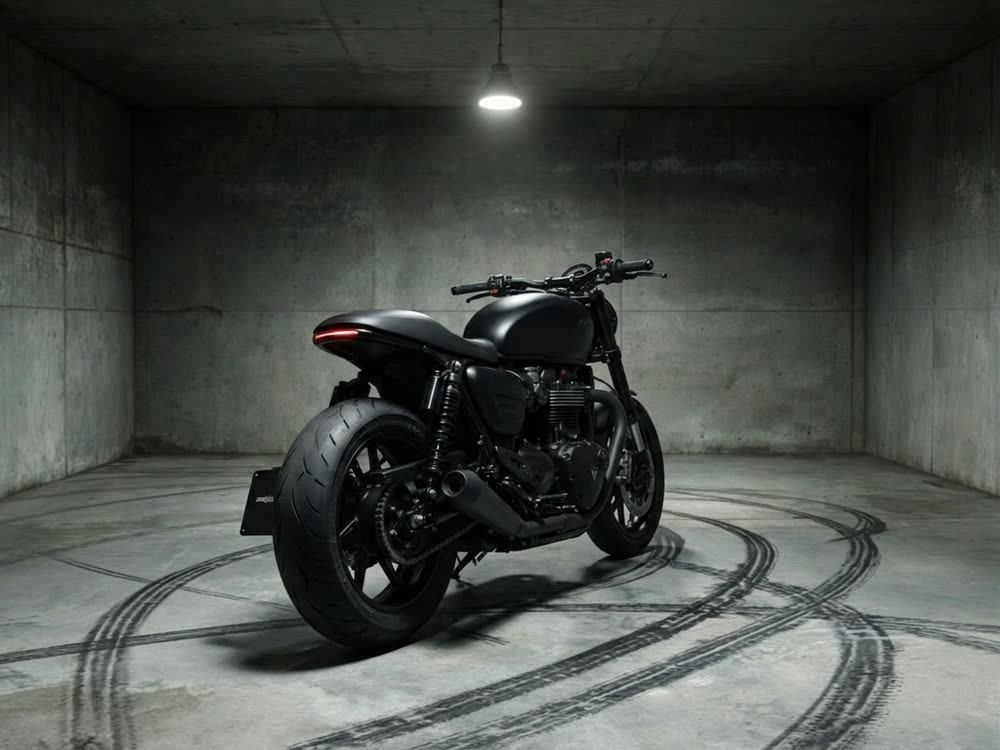
Angles 2.0
Generate any angle view for any image
Transitions
Seamless transitions between any shots
Cinematic Cameras
Shoot on real cine cameras, lenses & glass
Multi Reference
Combine multiple reference inputs into one shot