Copy a Trend
Saw a trend you want to do? Upload the clip and your photo: Kinoseed redoes the move with you in it.
A new video of you doing the same move. Nothing from the original clip is reused.
Save the reel or TikTok to your phone, then upload it
Full or half body works best
Where you are and what you wear; the move comes from the clip
230creditsCtrl⏎
Example
Sign in to start generating
How to copy a trend
- 1
Save the trend clip
On Instagram or TikTok, save the video to your phone (or screen record it), then upload the file. Kinoseed does not download from links.
- 2
Upload your photo
Full or half body for Recreate, so the move has a body to land on. A clear face for Swap.
- 3
Pick how, then generate
Recreate makes a new video of you doing the move, and Copy the scene matches the setting. Swap keeps the original clip and changes only the face, for clips that are yours to use.
Explore more apps
See all

Similarity Score
Score your content's IP similarity
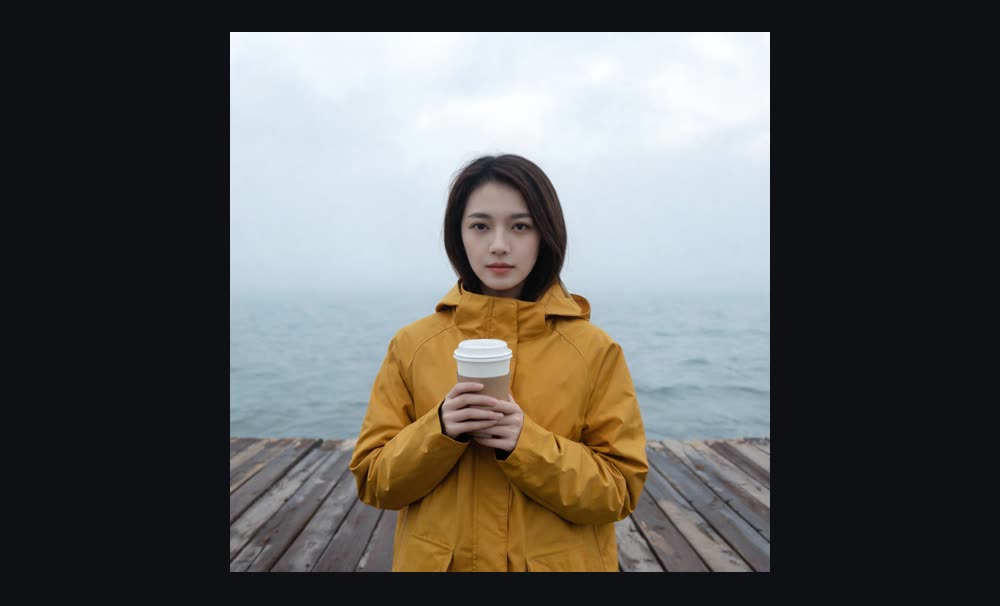
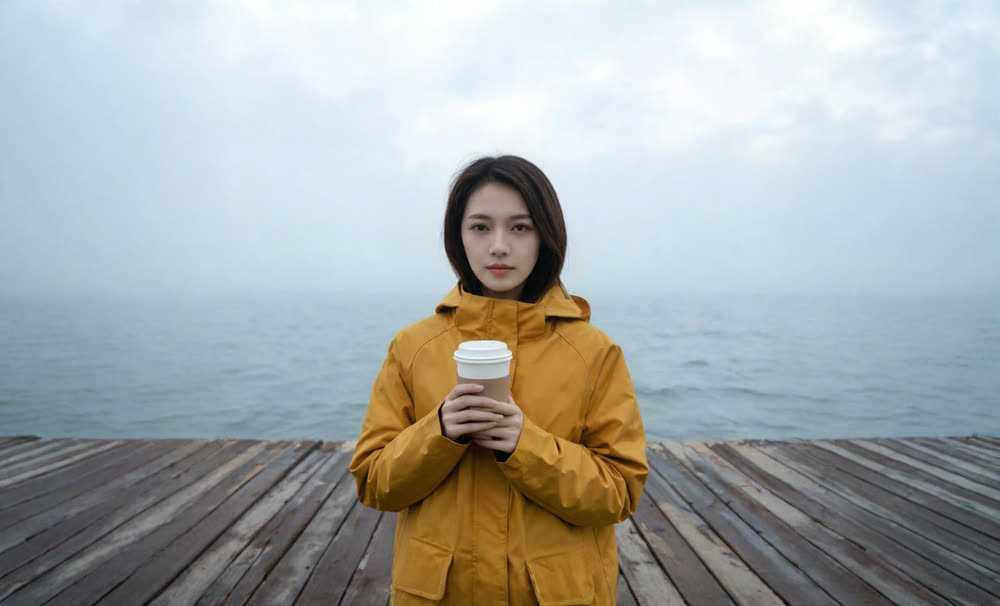
Expand image
Expand any image beyond its edges
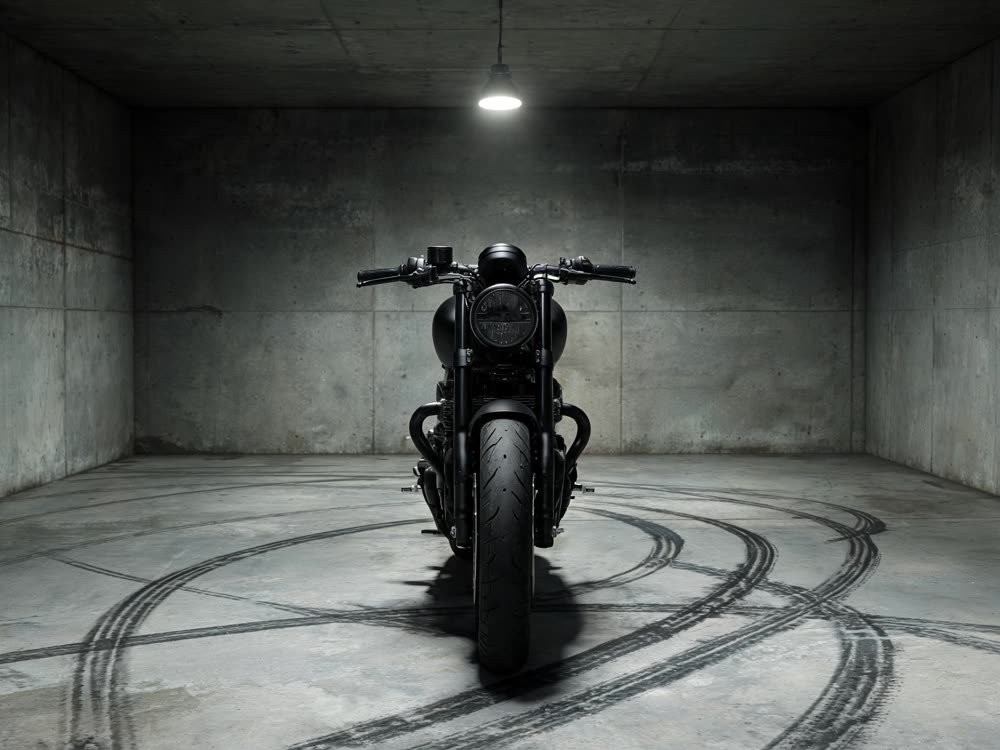
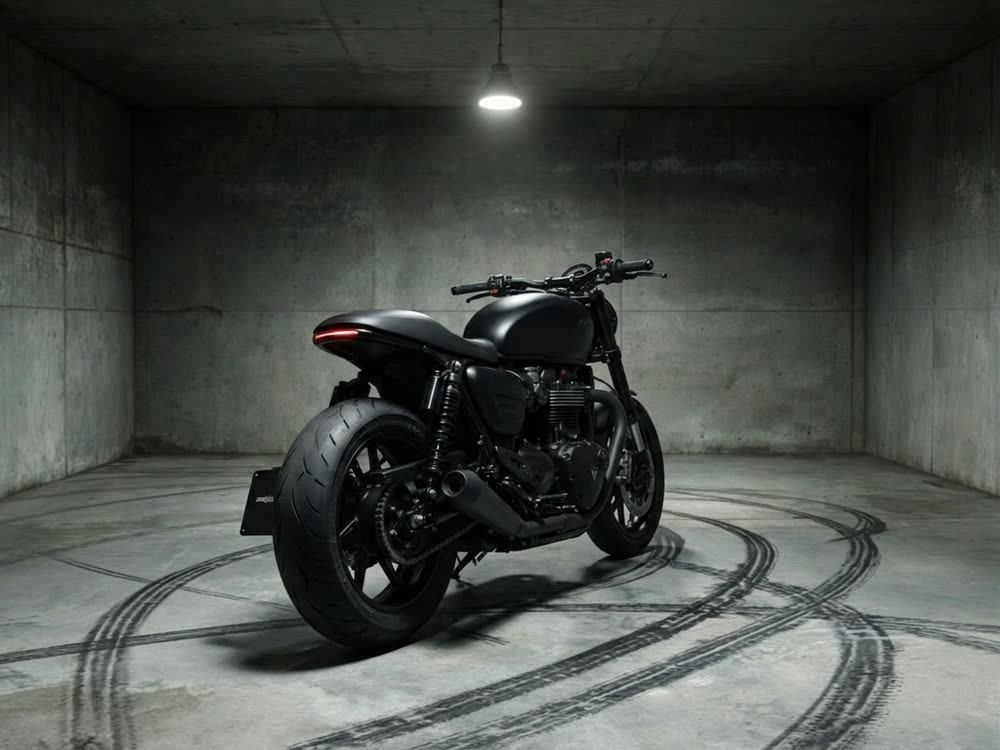
Angles 2.0
Generate any angle view for any image
Transitions
Seamless transitions between any shots
Cinematic Cameras
Shoot on real cine cameras, lenses & glass
Motion Control
Choreograph character action up to 30s