To copy a TikTok or Reels trend with AI, save the trend video to your phone, open Copy a Trend, choose Recreate with me, upload the clip as the Trend clip and a full or half body photo of yourself as Your photo, and press Recreate the trend. You get a new video of you doing the same move; nothing from the original clip is reused. A 5 second trend costs 65 credits.
Recreate runs on Kling Motion Control, which reads the movement off the clip and puts it on the person in your photo. This guide covers what to upload, how to match the original setting, and what each clip costs.
What you need
- The trend video saved as a file. Kinoseed does not download from TikTok or Instagram links, so save the clip or screen record it.
- A clear photo of yourself, full or half body, PNG, JPG or WEBP.
- A Kinoseed account and some credits. Video starts with a plan; the $10 Basic plan (500 credits a month) covers 7 five second recreations.
Step by step
- 1
Save the trend clip
On TikTok or Instagram, save the video to your phone, or screen record it. One person, whole body in view and no cuts gives the cleanest copy of the move.
- 2
Open Copy a Trend and choose Recreate with me
Under How, Recreate with me makes a new video of you. It is the right mode for any trend clip, because it reuses only the movement.
- 3
Upload the Trend clip and Your photo
Your photo should show the body, not only the face, so the move has arms, legs and an outfit to land on. Stand in plain light, facing the camera.
- 4
Set the Scene (optional), or copy it from the clip
Write where you are and what you wear, such as "a bedroom with fairy lights, an oversized hoodie". Or press Copy the scene from the clip to fill it from a frame of the trend, so the result looks like the original setting.
- 5
Press Recreate the trend
The price is on the button, billed per second of the clip: 65 credits for 5 seconds, 130 for 10. The video lands in the feed, ready to download and post, with no watermark. A failed run is refunded automatically.
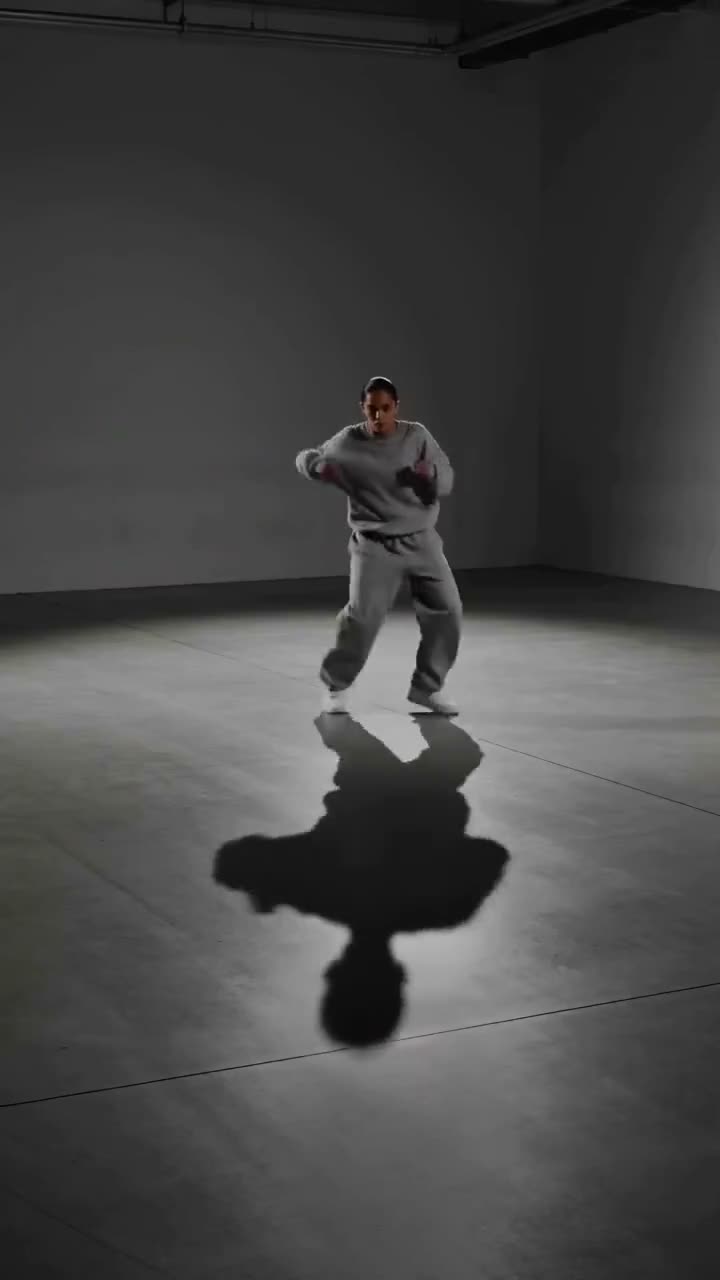
Copy a Trend
A new clip of you doing a move you saw
Open in appSign in to generate. The price of a run is on the button.
Recreate or Swap the face
Recreate makes a new video of you and reuses nothing from the original clip, so it works with any trend. Swap the face keeps the original clip and changes only the face, on Kling 3.0 Omni Edit. Use it only on a clip that is yours or that you have permission to use, with consent from everyone whose face appears; the tool asks you to confirm that. Swap takes clips of 3 to 10 seconds and costs 120 credits for 5 seconds.
What it costs
Recreate with me: 40 credits for 3 seconds, 65 for 5, 130 for 10. Trim the clip to the move before you upload, since every second is billed. See pricing for the plans.
More examples
Tips for better results
- Trim the trend to the part with the move. A 5 second clip is cheaper than the full 15 and often all the trend needs.
- Pick a clip where the dancer stays in frame. Moves that leave the frame come back blurred.
- Use a photo where you wear what you want in the video, or describe the outfit in the Scene.
- For more control over the model and the length, use Motion Control; see how to make an AI dance video.
Frequently asked questions
Can I paste a TikTok or Instagram link?
No. Kinoseed does not download videos from links. Save the clip to your phone or screen record it, then upload the file.
Is the original video reused?
Not in Recreate with me. It makes a new video of the person in your photo doing the same move. Only Swap the face keeps the original clip.
How much does copying a trend cost?
Video starts with a plan. Recreate costs 65 credits for a 5 second clip, billed per second, and the button shows the price before you run it.
Can I do it with a friend's photo?
Only with their permission. The tool is made for your own photo; use someone else's only if they agreed to it.
Try it on your own shot.
Copy a Trend is open to explore. The price of a run is on the button before you spend anything.