Kling offers two motion control models, and Kinoseed's Motion Control runs both: Kling Motion Control, which is the Kling 2.6 version, the default, and Kling 3.0 Motion Control. Both do the same job. You give them a reference clip with the movement and a photo of the character, and they return that character performing the move.
The difference you can measure is price: on Kinoseed the 2.6 model costs about 57% of what Kling 3.0 Motion Control costs for the same clip. The difference in quality is best judged on your own footage, and this article shows how to do that for a few credits.
For product ads rather than dance clips, the floating product video and AI product ad from one photo templates need only one photo.
What you need
- A short motion reference: one performer, whole body in view, camera still.
- A full or half body photo of the character who should perform it.
- Enough credits for two short runs. The prices for your clip appear on each model row as soon as it is uploaded.
Step by step
- 1
Trim the reference to the move
Both models bill per second of the reference clip, so cut it to the few seconds you care about before you upload. A 3 to 5 second test is enough to compare them.
- 2
Upload the Motion reference and the Subject image
Use the same two inputs for both runs, and keep Match orientation to and Direction the same too. Changing one thing at a time is the only way to see what the model changed.
- 3
Run Kling Motion Control first
Under Model, pick Kling Motion Control and press Generate Video. It is the cheaper run, so it tells you early whether the reference clip transfers cleanly at all.
- 4
Run Kling 3.0 Motion Control on the same inputs
Switch the Model to Kling 3.0 Motion Control and generate again. Both results land in the same feed, so you can play them side by side.
- 5
Compare hands, faces and footwork
Watch where motion transfer usually breaks: fast hand movements, the face during turns, and feet on the floor. Keep the model that holds up on your kind of clip and use it for the rest of the project.
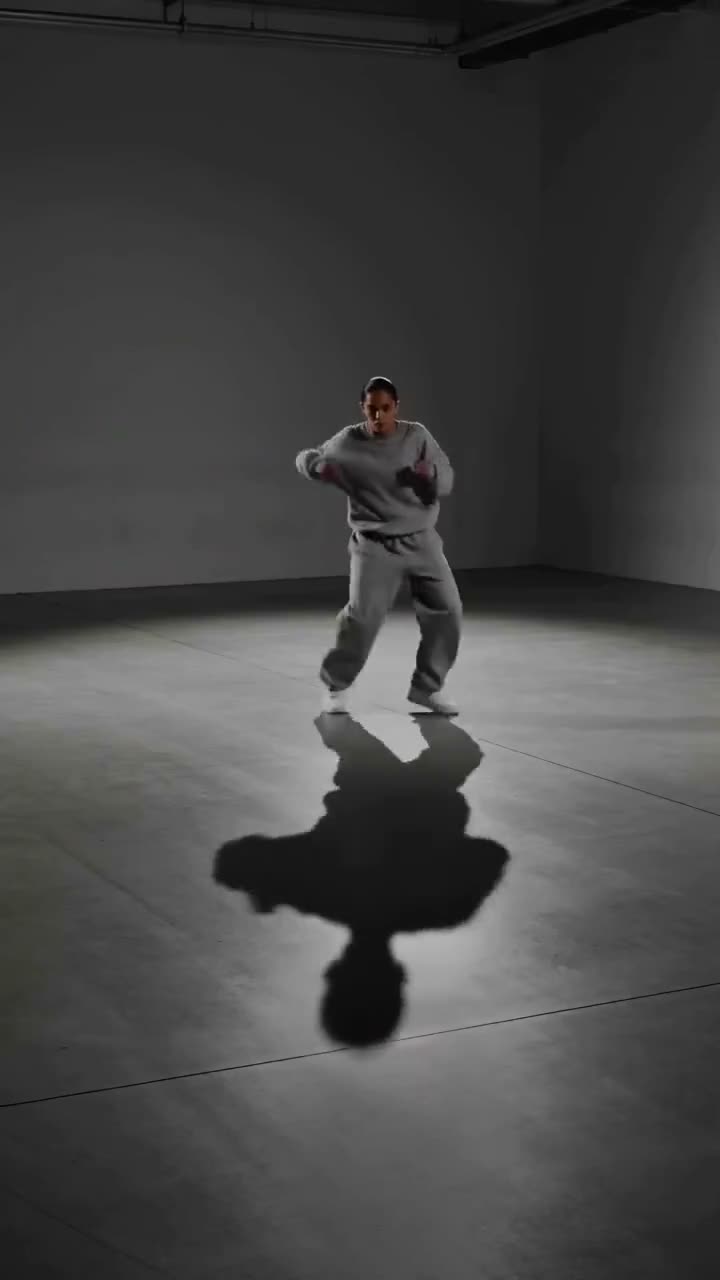
Motion Control
Choreograph character action up to 30s
Open in appSign in to generate. The price of a run is on the button.
What each clip costs
Kling 3.0 Motion Control: 70 credits for 3 seconds, 120 for 5 and 230 for 10. Kling Motion Control (2.6): 40 credits for 3 seconds, 65 for 5 and 130 for 10.
Generating starts with a plan. The $10 Basic plan (500 credits a month) covers a 30 second move on Kling Motion Control or 21 seconds on Kling 3.0 Motion Control. The Starter plan's 1,200 monthly credits cover 10 five second moves on Kling 3.0 Motion Control, or 18 on Kling Motion Control. A failed run is refunded automatically.
What is the same on both
The inputs and the controls. Both take a Motion reference and a Subject image, both follow either the clip's framing or the photo's through Match orientation to, both accept an optional Direction for the scene or wardrobe, and both can keep or drop the reference clip's audio.
Neither needs a prompt. The movement always comes from the clip, and the look of the character always comes from the photo.
Which one to choose
Use Kling Motion Control (2.6) for drafts, for testing whether a reference clip works, and when you need many clips on a budget. The rooftop parkour example on the Motion Control page was made with it.
Use Kling 3.0 Motion Control when the clip is the one you will publish and the cheaper run fell short on your footage. It is the newer model.
More examples
Tips for better results
- Test on 3 seconds. The minimum test costs a fraction of a full clip and shows most of what you need to know.
- Match the shot types. A full-body reference onto a full-body photo transfers far better than a full-body routine onto a headshot.
- Film your own reference. A phone on a shelf and a plain wall beat most clips you can find online, on either model.
- For a step-by-step on the dance use case, read how to make an AI dance video.
Frequently asked questions
Is Kling Motion Control the same as Kling 2.6 Motion Control?
On Kinoseed, yes. The model listed as Kling Motion Control runs the Kling 2.6 version of motion control, and Kling 3.0 Motion Control runs the Kling 3.0 version.
Which is cheaper, Kling 3.0 or Kling 2.6 Motion Control?
Kling 2.6. A 5 second move costs 65 credits on Kling Motion Control and 120 on Kling 3.0 Motion Control. Each model row in the tool shows its price for your clip before you choose.
Do I have to pick one for the whole project?
No. The Model is chosen per run, and every plan includes both models, so you can draft on one and finish on the other.
Can I keep the music from the reference clip on both?
Yes. Set Audio to Keep the source audio on either model, or Drop it for a silent clip.
Try it on your own shot.
Motion Control is open to explore. The price of a run is on the button before you spend anything.