Recast
Drop a clip and the character you want in it. The performance — motion, camera, framing, light — stays exactly as shot; only who's in it changes.
The clip with the person to replace · 3–10s
The character to put in their place
Appended to the swap instruction — wardrobe, age, mood
Audio
310creditsCtrl⏎
Example
Sign in to start generating
How to swap a character in a video
- 1
Upload your video
The clip with the person to be replaced. Keep it inside the model's clip range — the field flags it when it isn't.
- 2
Upload a character image
One clear photo of who should be in their place. Face unobstructed and evenly lit transfers best.
- 3
Generate and keep going
The performance, camera and background come back untouched; only the character changes. Recreate from the result panel to try another take.
Explore more apps
See all

Similarity Score
Score your content's IP similarity
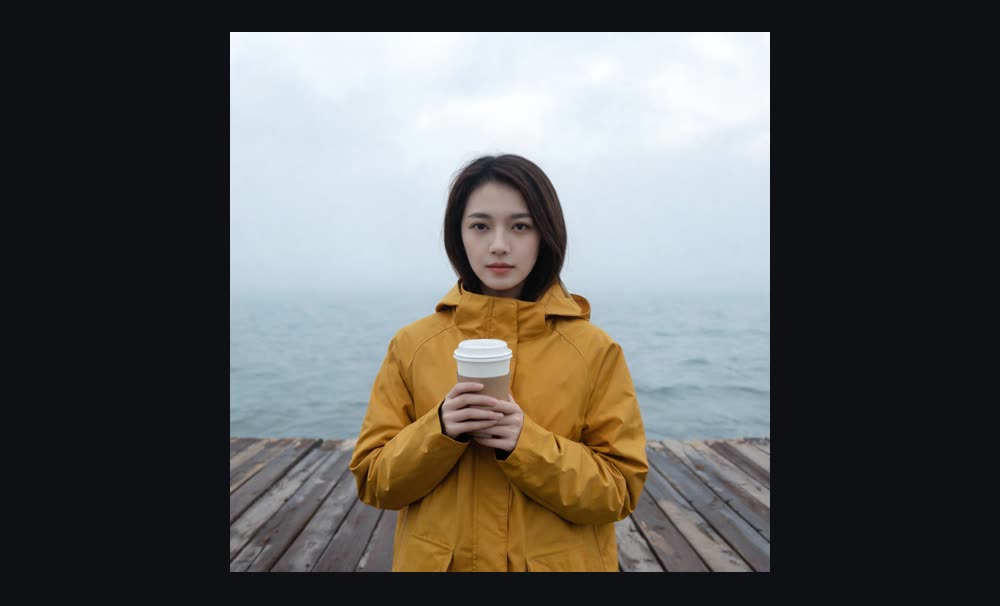

Expand image
Expand any image beyond its edges
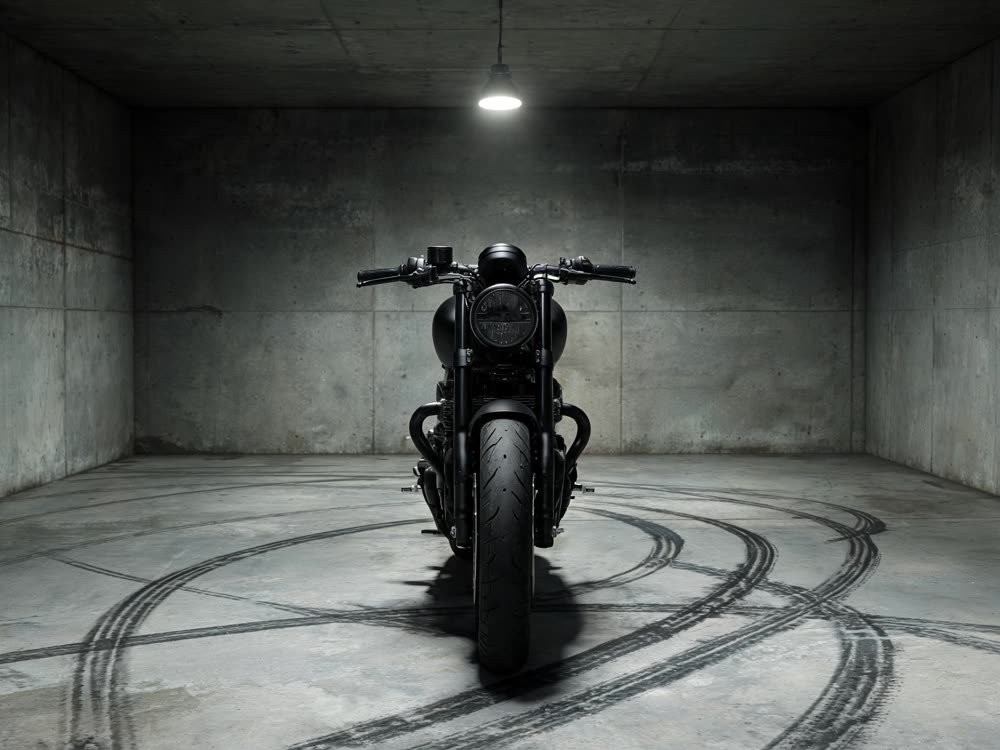
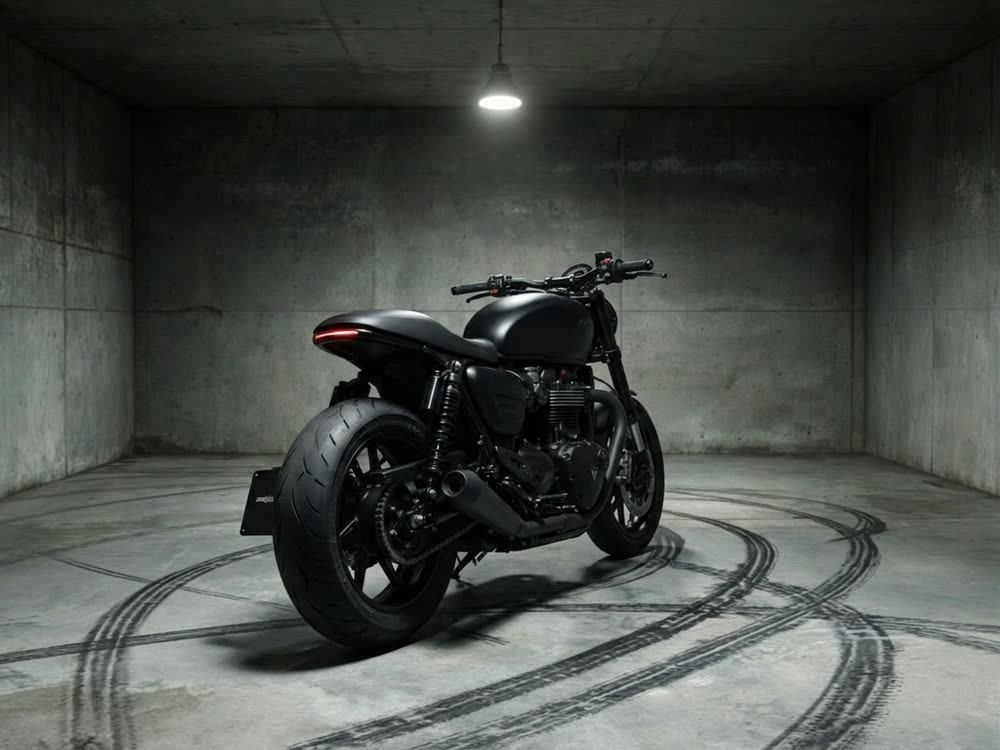
Angles 2.0
Generate any angle view for any image
Transitions
Seamless transitions between any shots
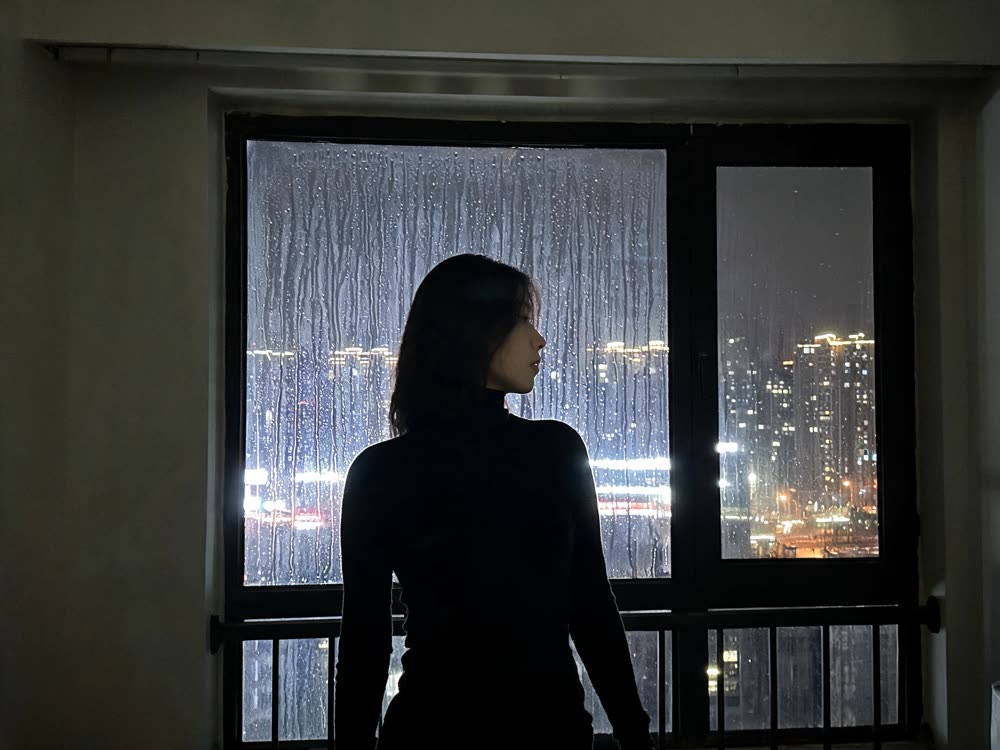
Cinematic Cameras
Shoot on real cine cameras, lenses & glass
Motion Control
Choreograph character action up to 30s