Signboard
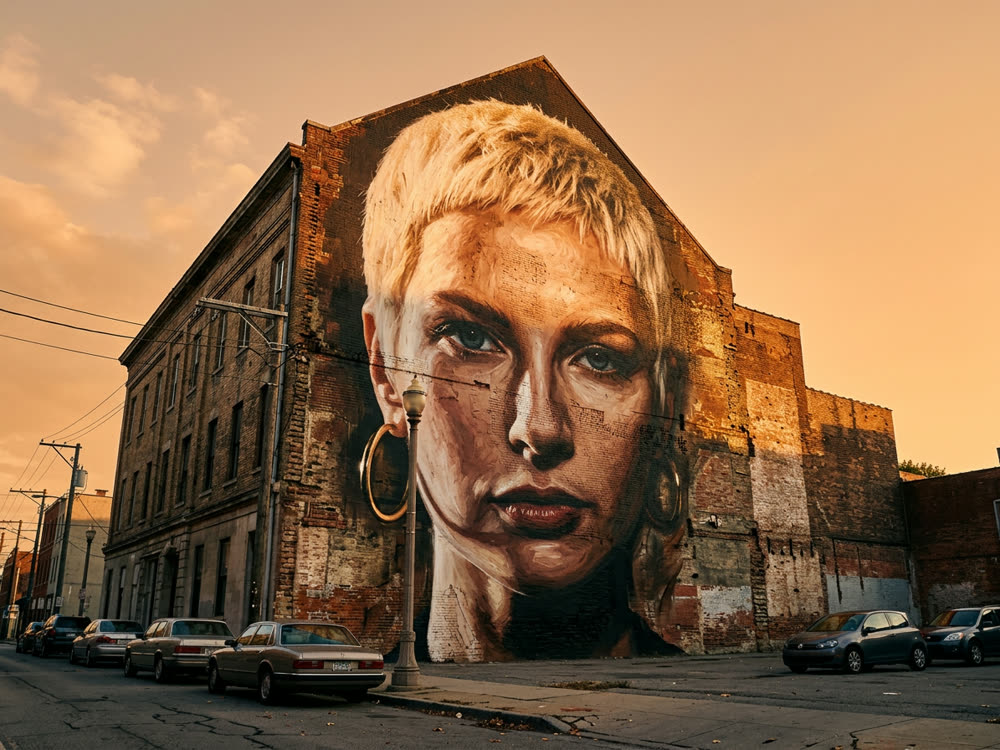
Your portrait, painted six storeys high and photographed from the street.

Sign in to start generating
How to put yourself on a wall
- 1
Upload a portrait
Head and shoulders, clearly lit. The mural is a painting of this picture, so it inherits its framing.
- 2
Choose a wall
Brick gable is the big one. A shutter or a hoarding gives you the street-level version.
- 3
Choose how it's painted
Photoreal, stencil, or flat graphic: three completely different kinds of mural.
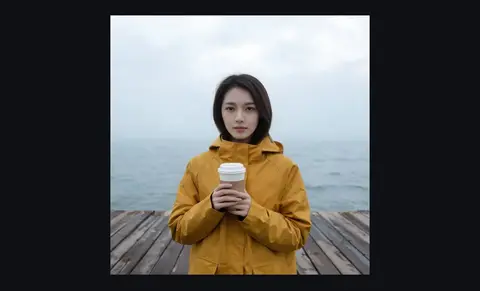
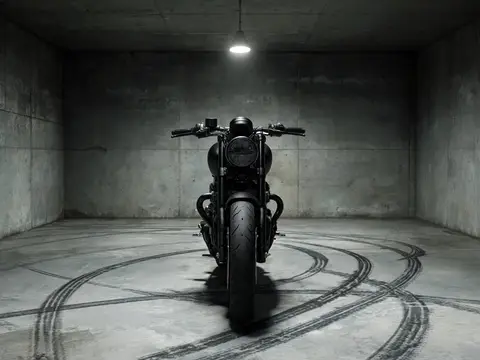
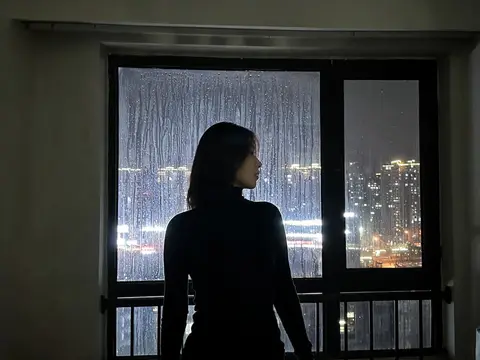
Explore more apps
See all



Signboard: questions and answers
›How do I turn my portrait into a street mural?
Upload a clear portrait, pick where it is painted and how, and Nano Banana 2 renders it as a mural photographed from the street. You can choose the wall and the painting style.
›Which mural styles are there?
A brick gable, shop shutter, paper hoarding or underpass wall, painted photoreal, as a stencil, or as a bold graphic. A brick gable gives the biggest wall.
›What photo works best?
Head and shoulders, clearly lit. The mural is a painting of your picture, so it keeps its framing.