Mixed Media
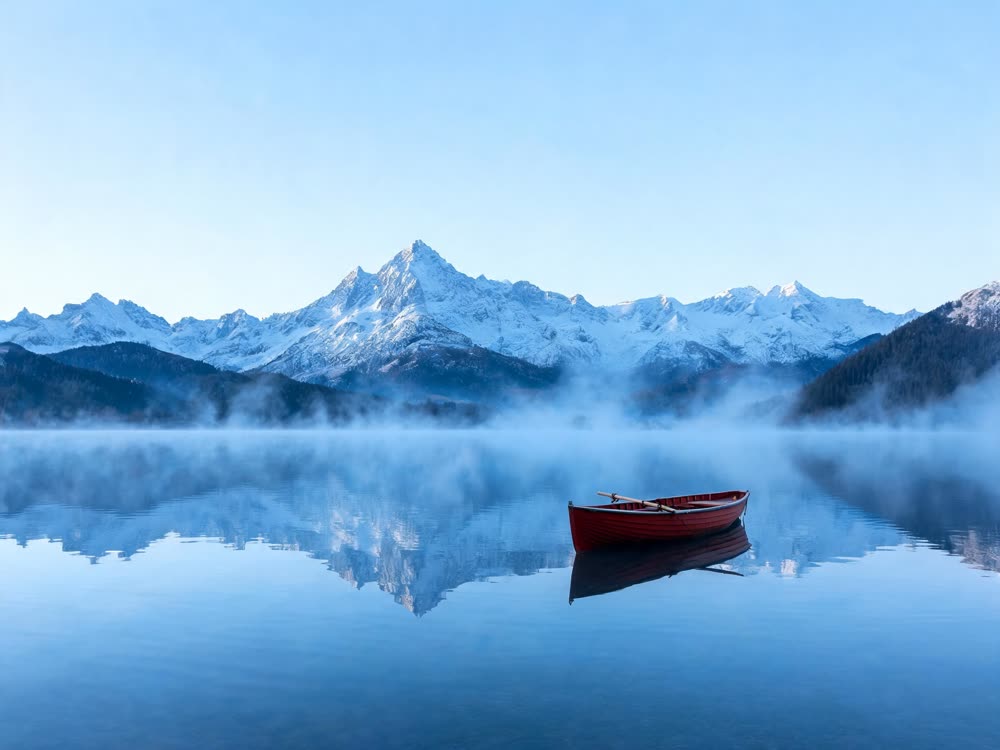
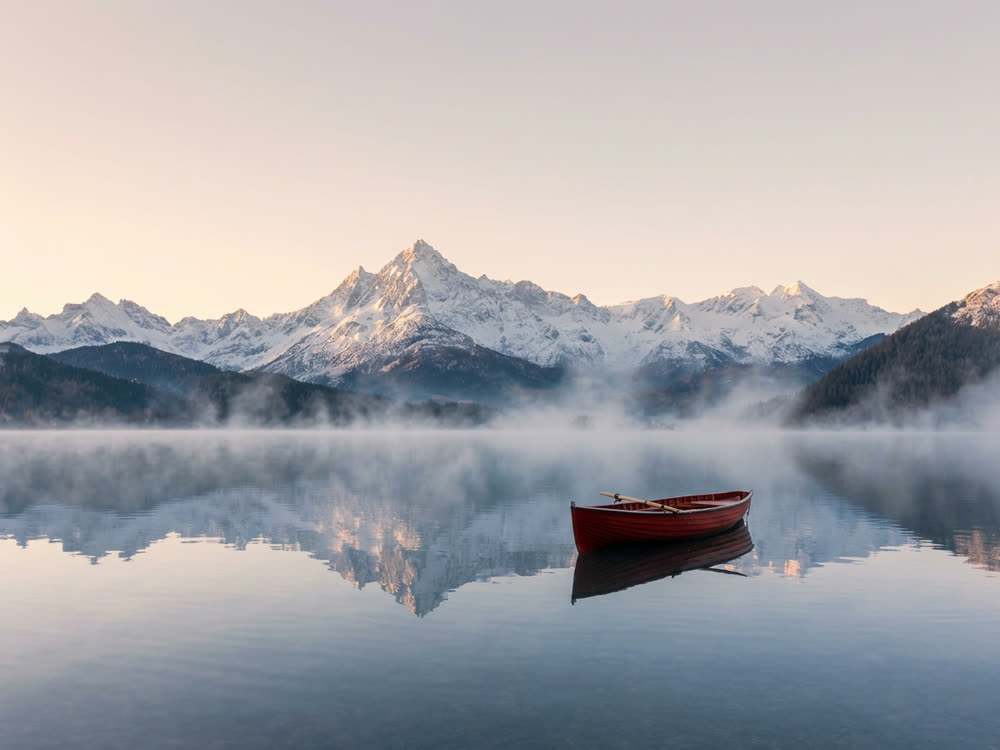
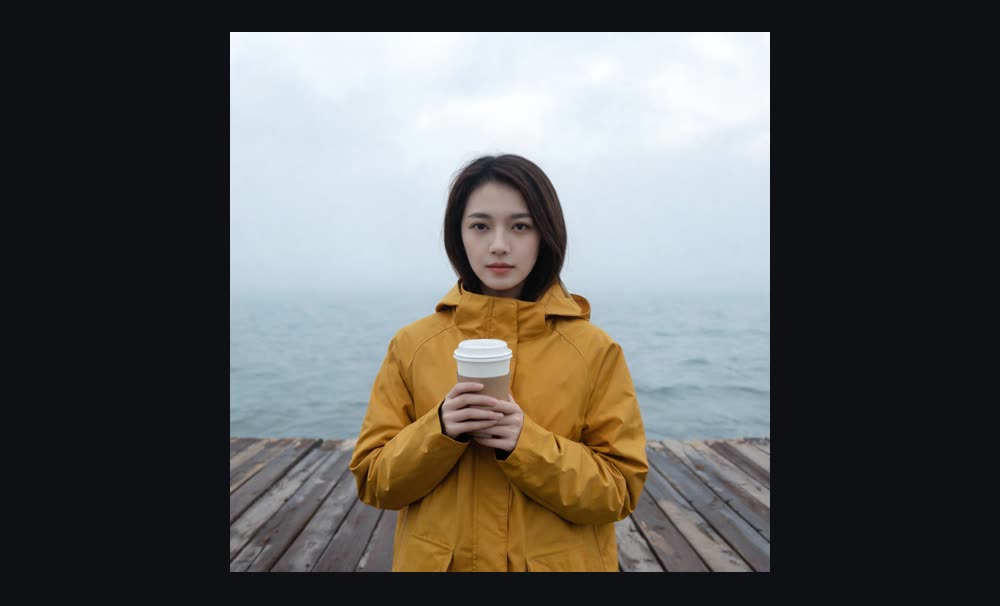
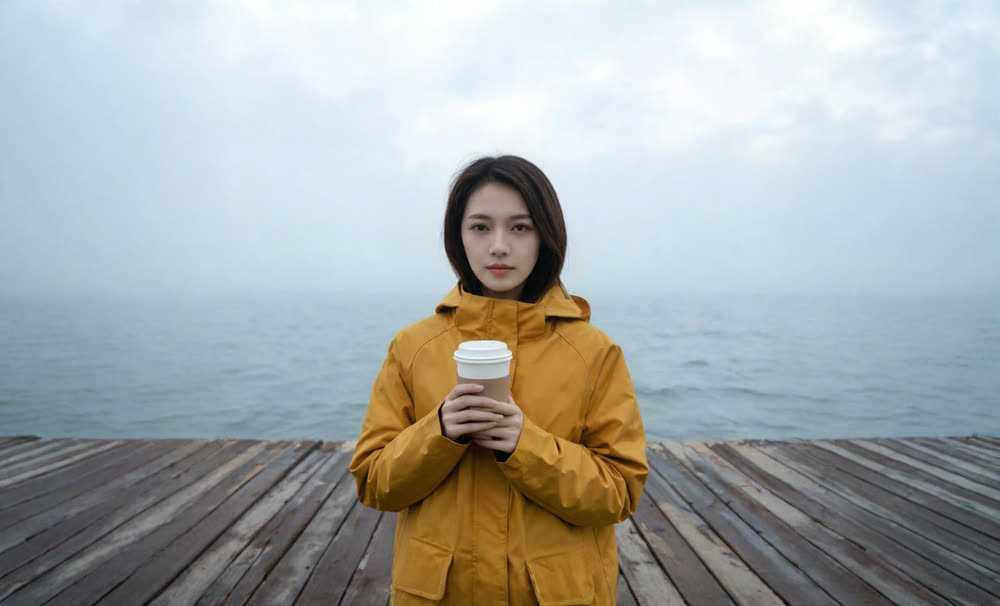
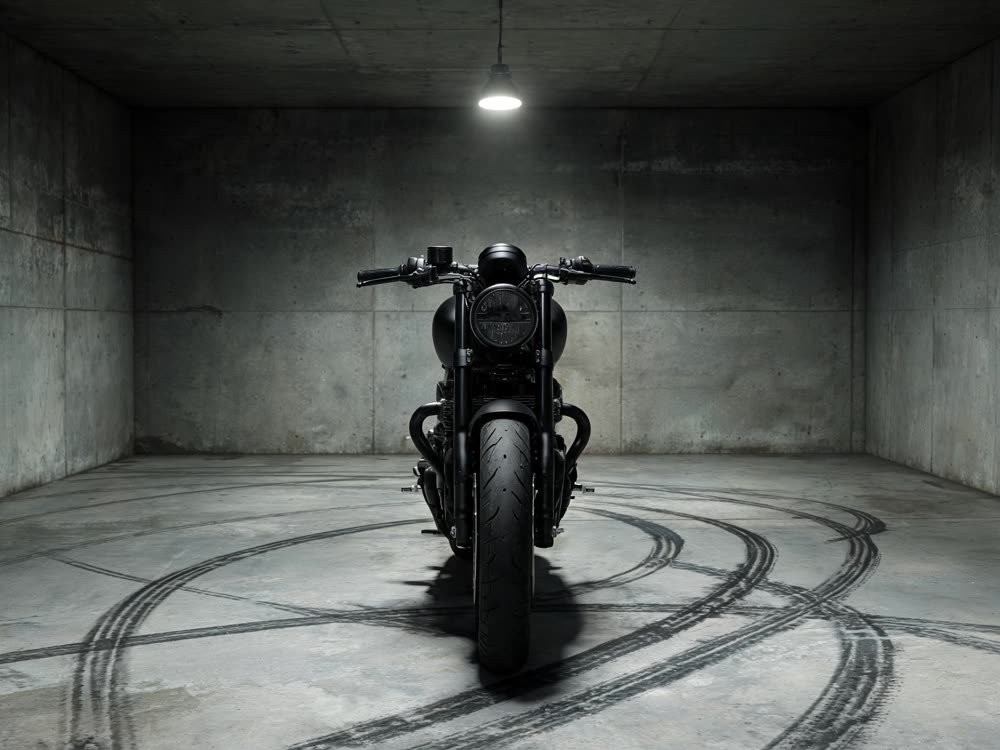
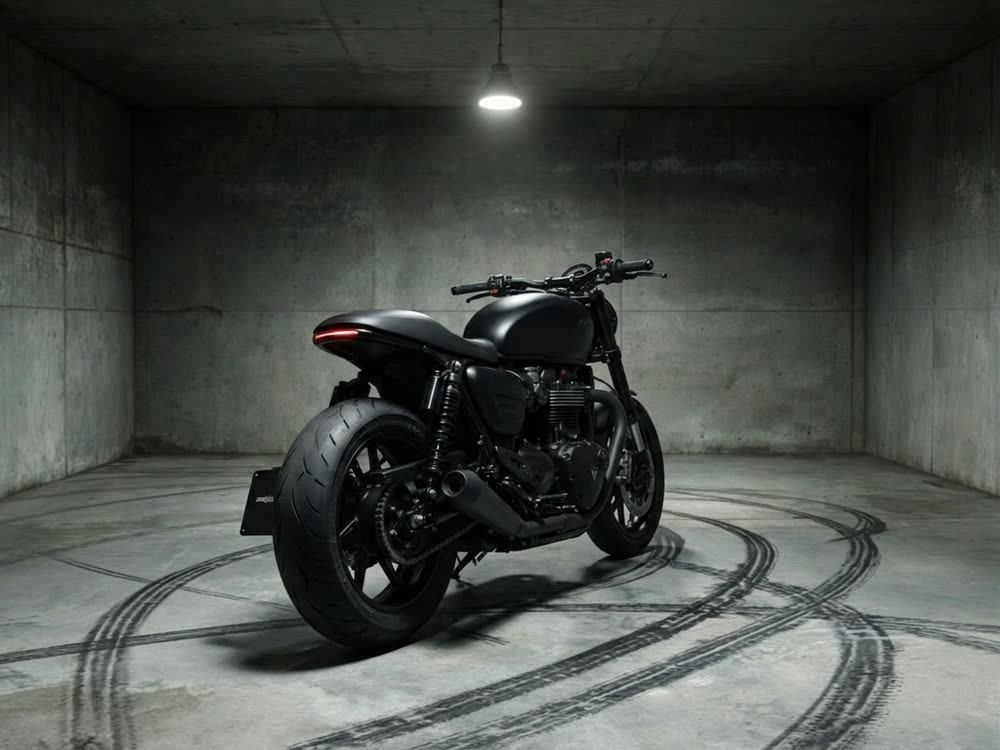
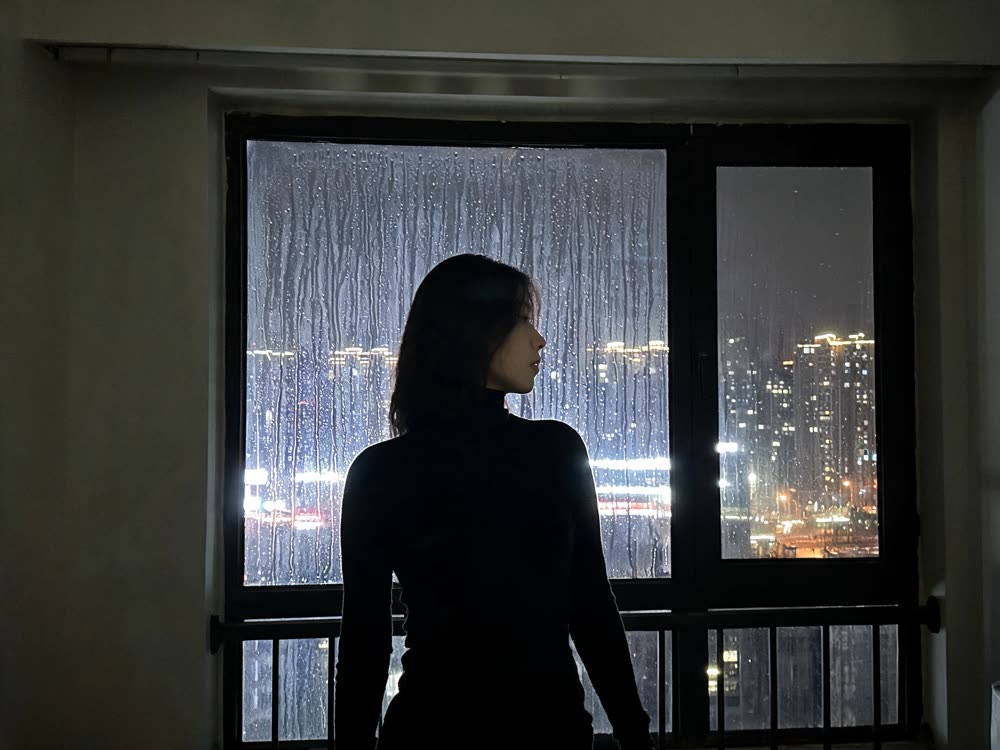
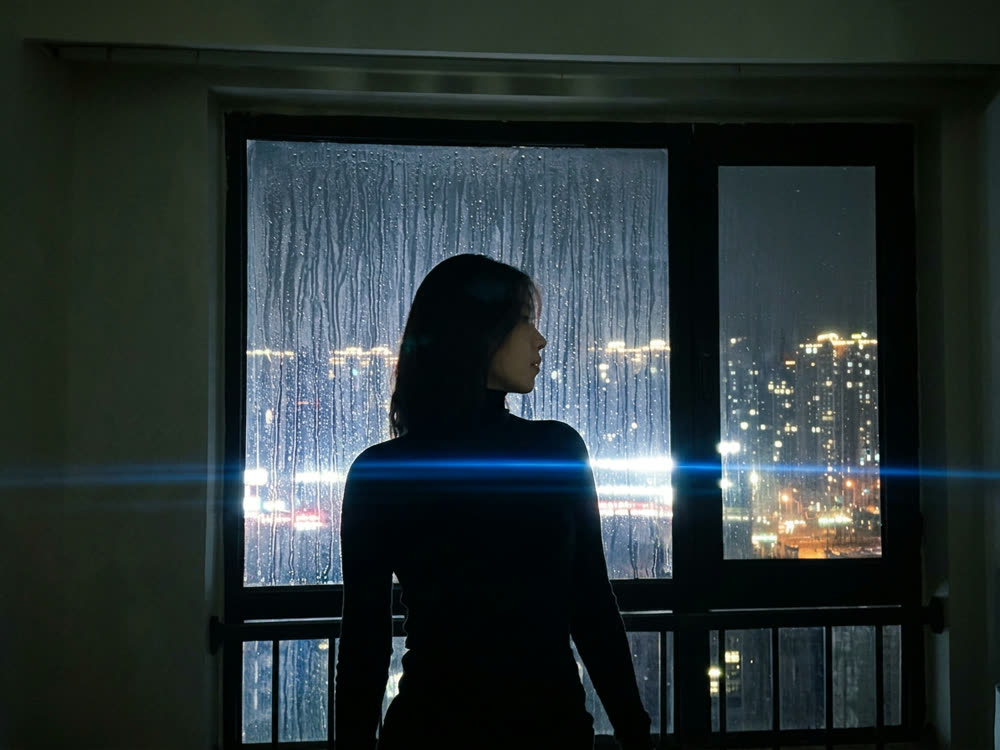
Layer photo, paint, and motion. Drop a subject, pick a medium, and Kinoseed restyles the frame and animates it as one shot.
Prompt previewshow
The subject from the source image, rendered as an oil painting with rich impasto brushwork, painterly highlights, and warm colour mixing visible on the canvas. Slow gentle camera drift across the scene; the subject moves in a small breathing loop
Sign in to start generating
How to mix media in one shot
- 1
Upload a subject
Whoever or whatever stays recognisable. Everything around them is what gets rebuilt in the chosen medium.
- 2
Pick a medium
Six presets, from oil paint to pixel art. Each is a full material description, not a filter name — or write your own to override it.
- 3
Say how it moves
The motion prompt keeps the handmade layer alive rather than static. The preview above the button is exactly what gets sent.
Explore more apps
See all