New Angle
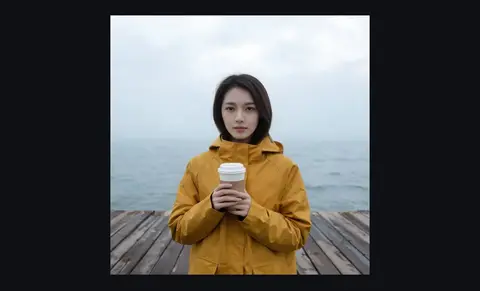
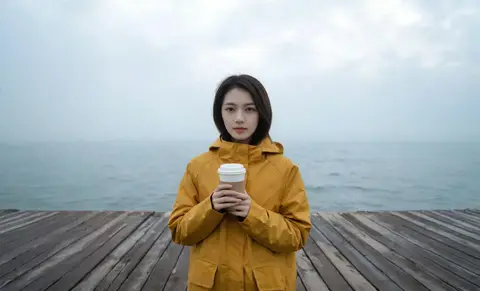
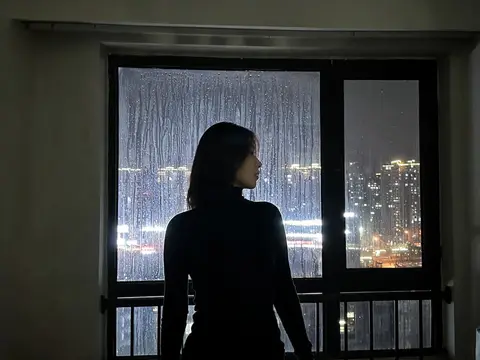
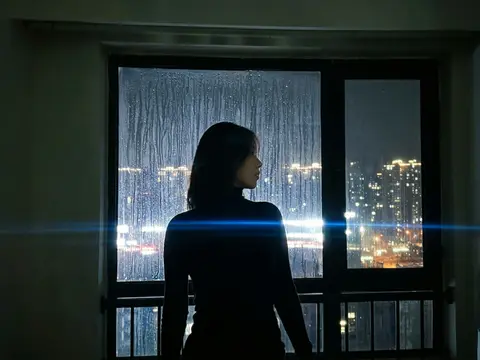
Upload one photo and move the camera. The subject holds still; the lens goes somewhere else.
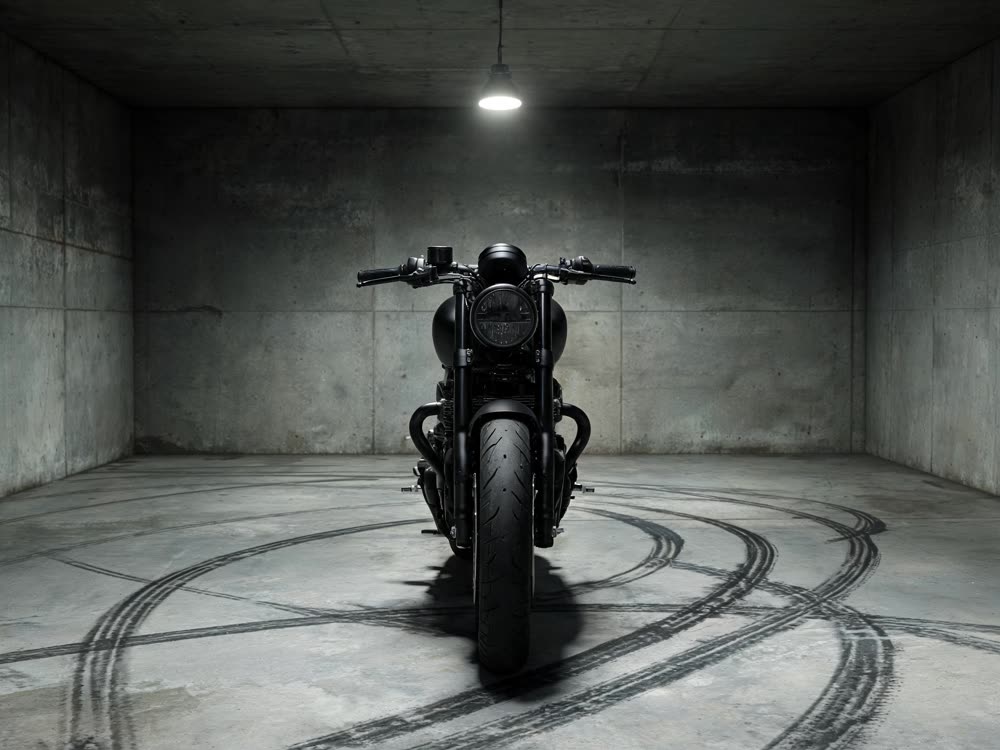
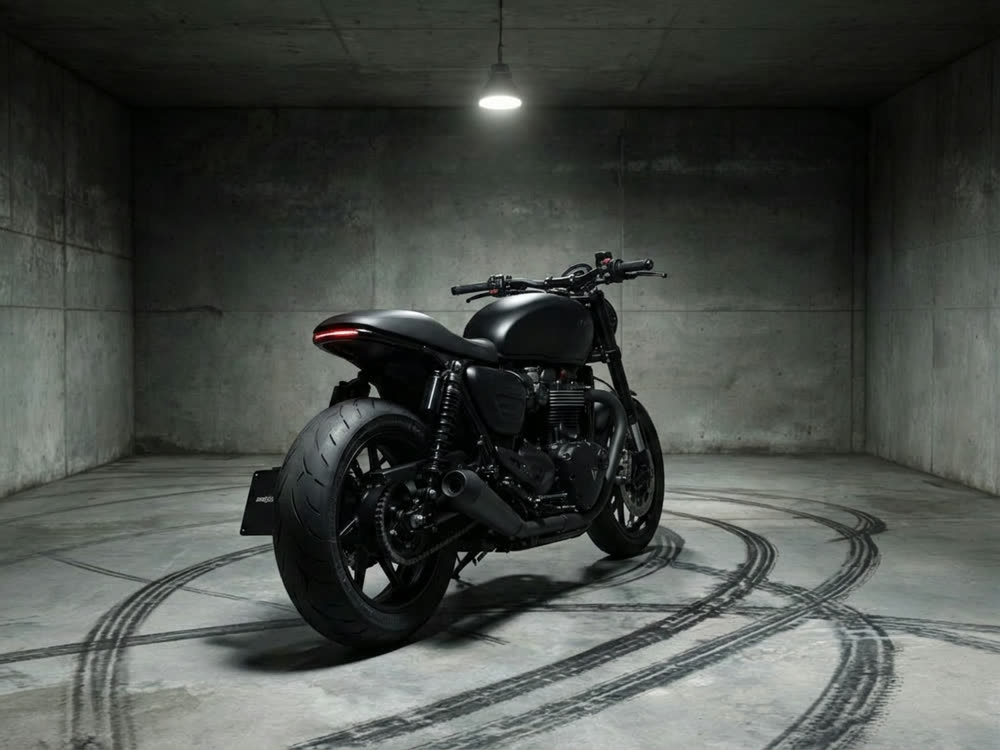
Sign in to start generating
How to generate a new angle
- 1
Upload one clear shot
The subject should be unobstructed and well lit: the model has to infer the sides it cannot see, and a clean reference is what it infers from.
- 2
Move the camera
Pick the position and how close it sits. Everything else about the scene stays where it was.
- 3
Render and compare
Ask for a batch when you want options; the set comes back side by side so you can pick the angle that reads best.
Explore more apps
See all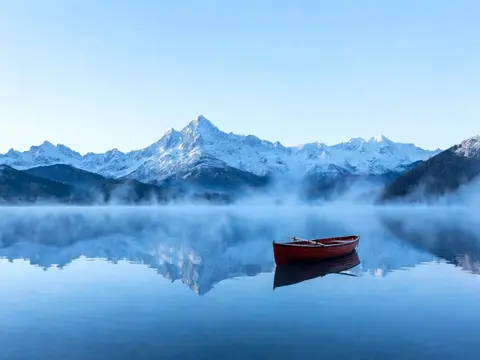
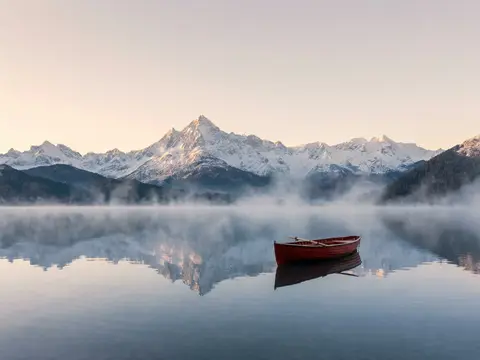
New Angle: questions and answers
›How do I change the camera angle of a photo with AI?
Upload one clear shot of the subject, pick a camera position and a framing, and generate. Nano Banana 2 re-renders the scene from the new viewpoint while the subject stays the same.
›Which angles can I generate?
3/4 front, 3/4 rear, profile, low angle, high angle and overhead, each framed the same, closer or wider than the original. Everything else about the scene stays where it was.
›Can I get several angles at once?
You can ask for 1, 2 or 4 images per run and compare them side by side. The Generate button shows the cost for the count you pick.
›What photo works best?
An unobstructed, well-lit shot of the subject. The model has to infer the sides it cannot see, so a clean reference gives it the most to work from.
Articles about New Angle
- How to Change the Camera Angle of a Photo with AI · Change the camera angle of a photo with AI: the same subject from the side, from behind, from above or closer, without reshooting or changing the scene.