Outfit Reel
Upload a photo of yourself and pick a vibe. You come back cutting between looks, edited like a fashion short.
Add a photo to choose your vibe and reel length.
Sign in to start generating
How to turn one selfie into an outfit reel
- 1
Upload your photo
One clear selfie. Your face carries across every look, so even light and an unobstructed view matter more than the outfit you're in.
- 2
Pick a vibe
Each vibe is a complete wardrobe and edit brief: the garments, the setting and the cutting rhythm all follow from it.
- 3
Choose how many looks and generate
More looks means faster cuts inside the same runtime. The reel comes back vertical and ready to post.
Explore more apps
See all

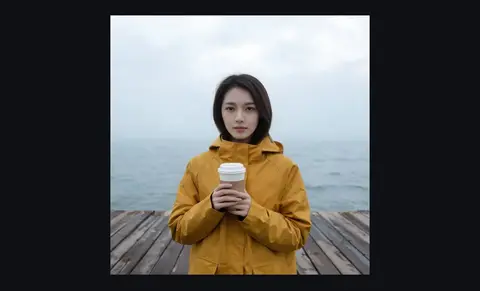
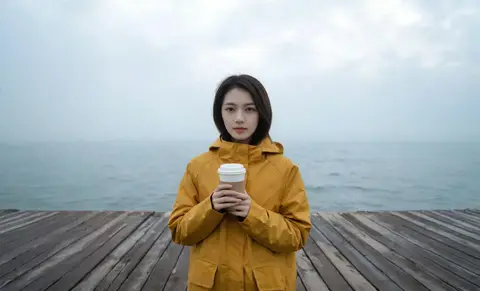
Outfit Reel: questions and answers
›What does Outfit Reel make?
It turns one selfie into an outfit reel: the same person cutting between several looks, edited like a fashion short. Veo 3.1 Lite generates it as one clip, so your face stays consistent across the cuts.
›Which styles are available?
Streetwear, Runway, Old Money, Y2K, Athleisure and Festival. You also pick how many looks and the length, up to 12 seconds.
›What photo should I upload?
A clear selfie or portrait of yourself. The style controls appear once your photo is in.