AI Meme Generator
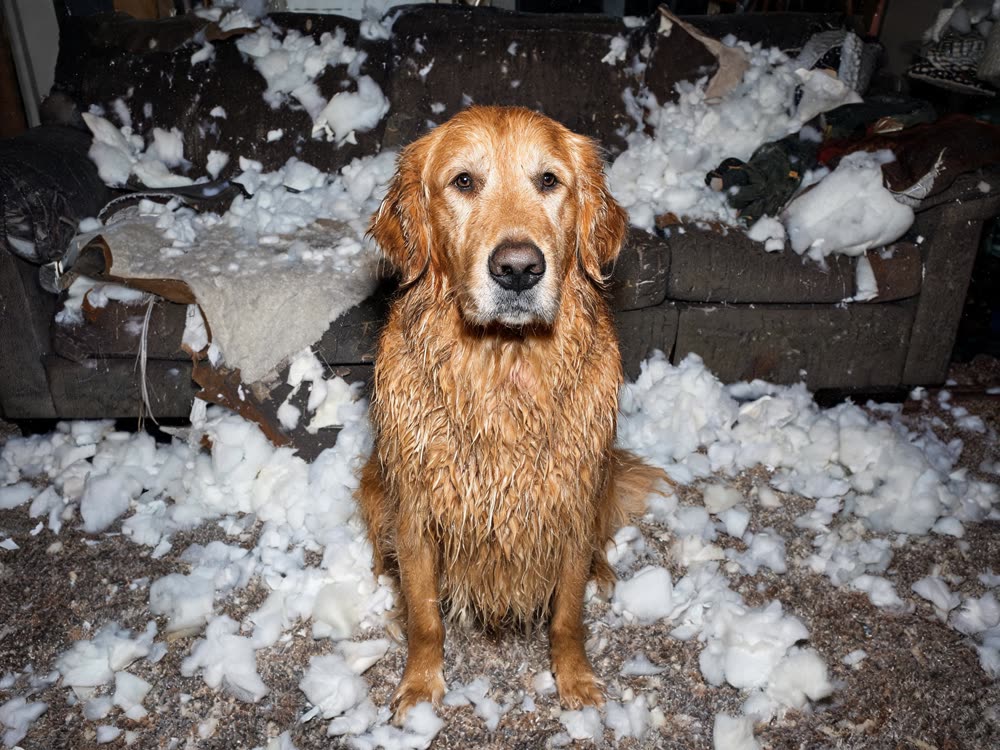
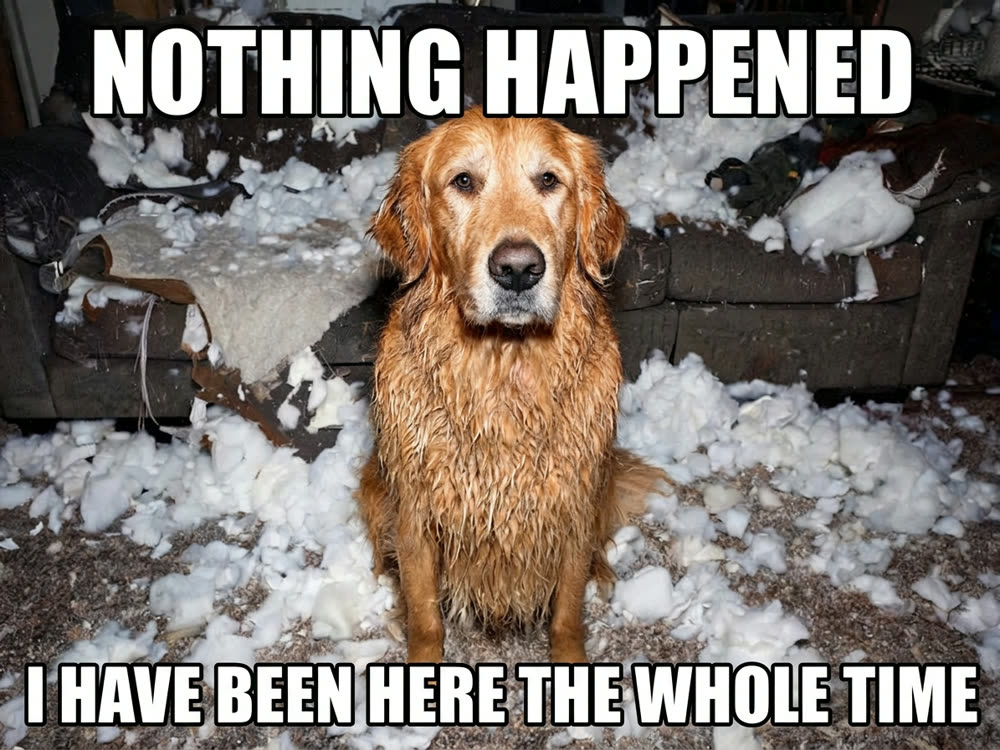
Your picture, your caption, set properly. Impact on top, punchline underneath.
0 / 160
Sign in to start generating
How to make a meme
- 1
Upload the picture
Anything works, but the joke lands hardest on a photo that already has a reaction in it.
- 2
Write the caption
Put a slash where you want the line break: everything before it goes on top, everything after underneath.
- 3
Pick a layout
Impact for the classic look, a white band for the deadpan version, a subtitle for the understated one.
Explore more apps
See all
AI Meme Generator: questions and answers
›How do I make a meme with AI?
Upload a picture, type your caption, and pick a layout. Nano Banana 2 sets the caption on the image for you.
›How do I put text on the top and bottom?
Choose the Top & bottom layout and put a slash in your caption where the line should break. Everything before the slash goes on top and everything after goes underneath.
›Which caption styles are there?
Classic Impact text on top and bottom, a white band above the image, or a single subtitle line. Captions can be up to 160 characters.
Articles about AI Meme Generator
- How to Make a Meme with an AI Meme Generator · Use an AI meme generator to set your caption on any picture: classic Impact top and bottom, a white band, or a subtitle, typeset cleanly in one click.