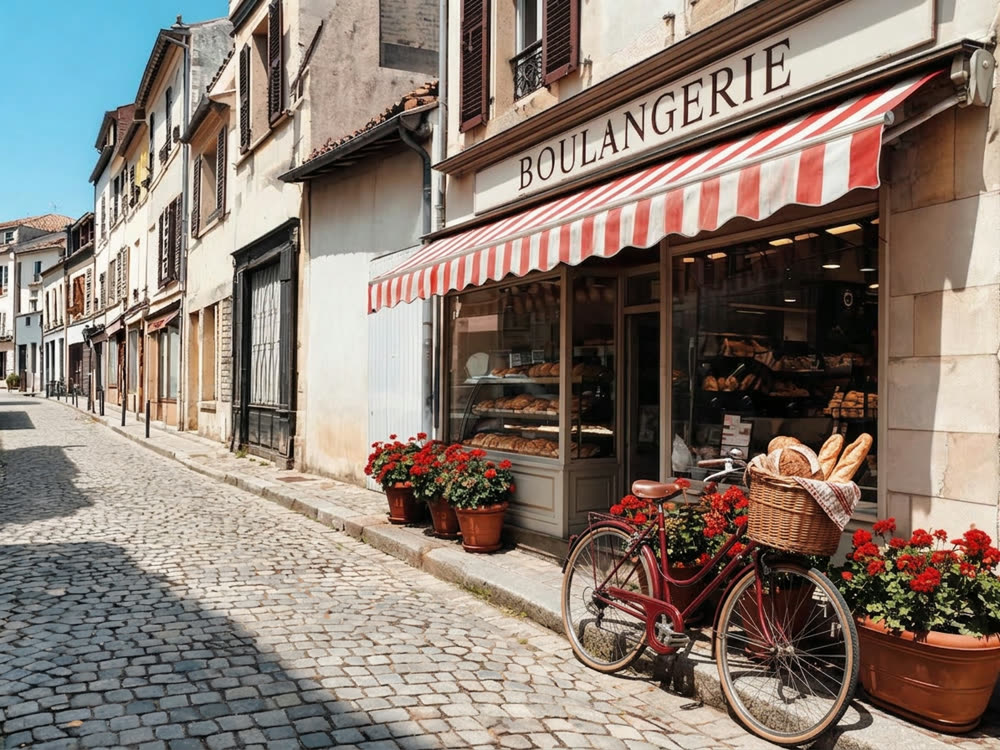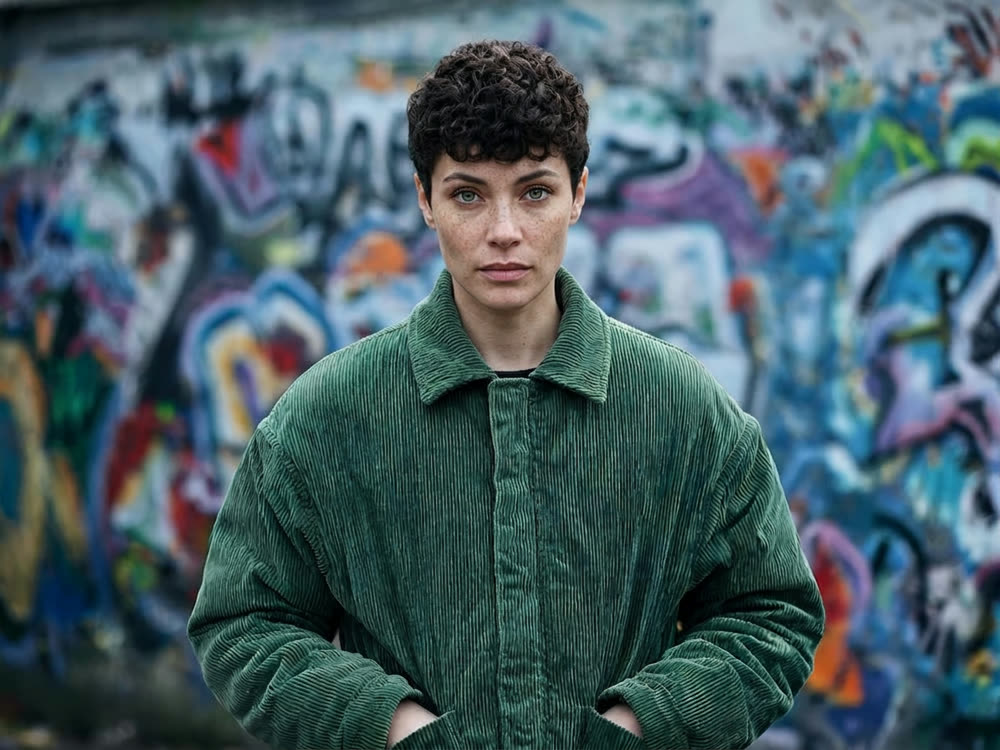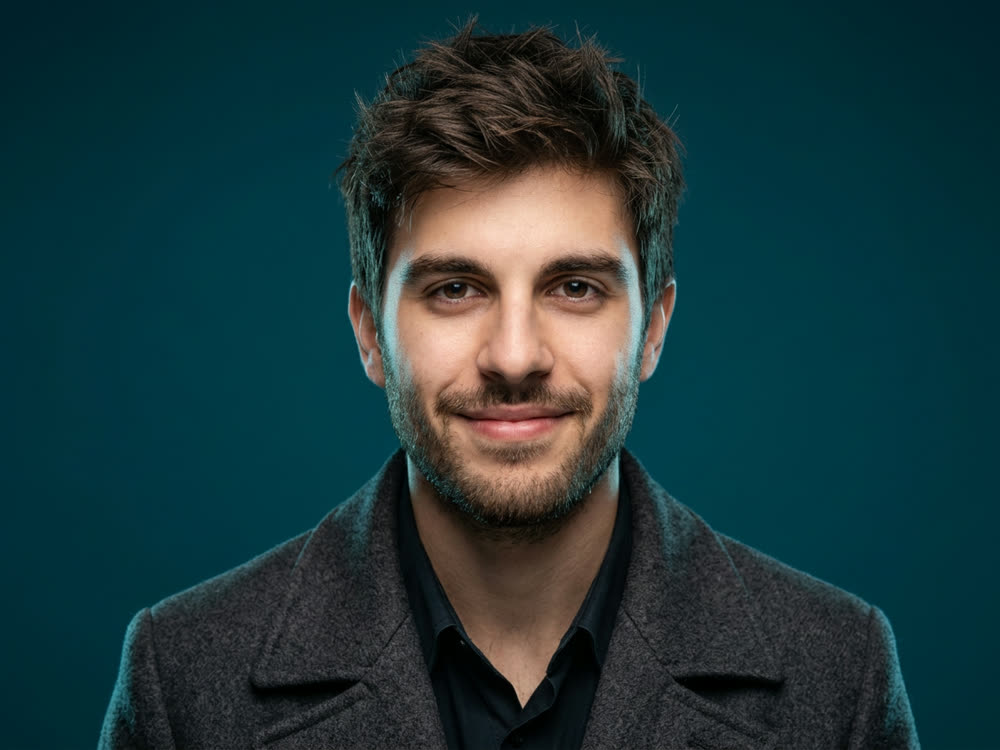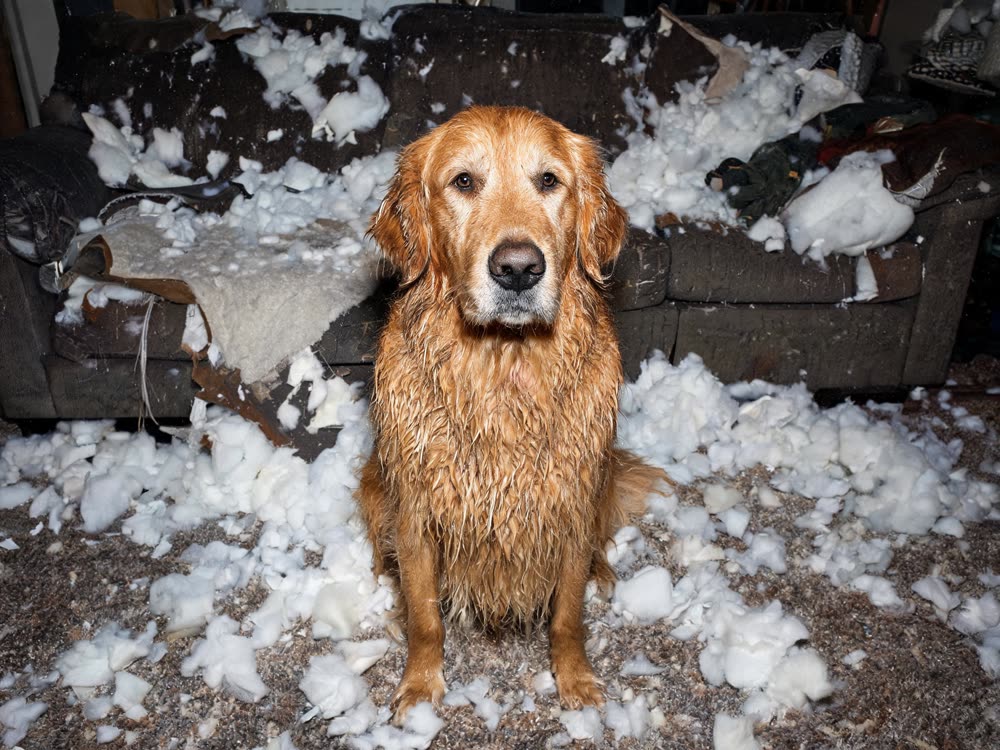
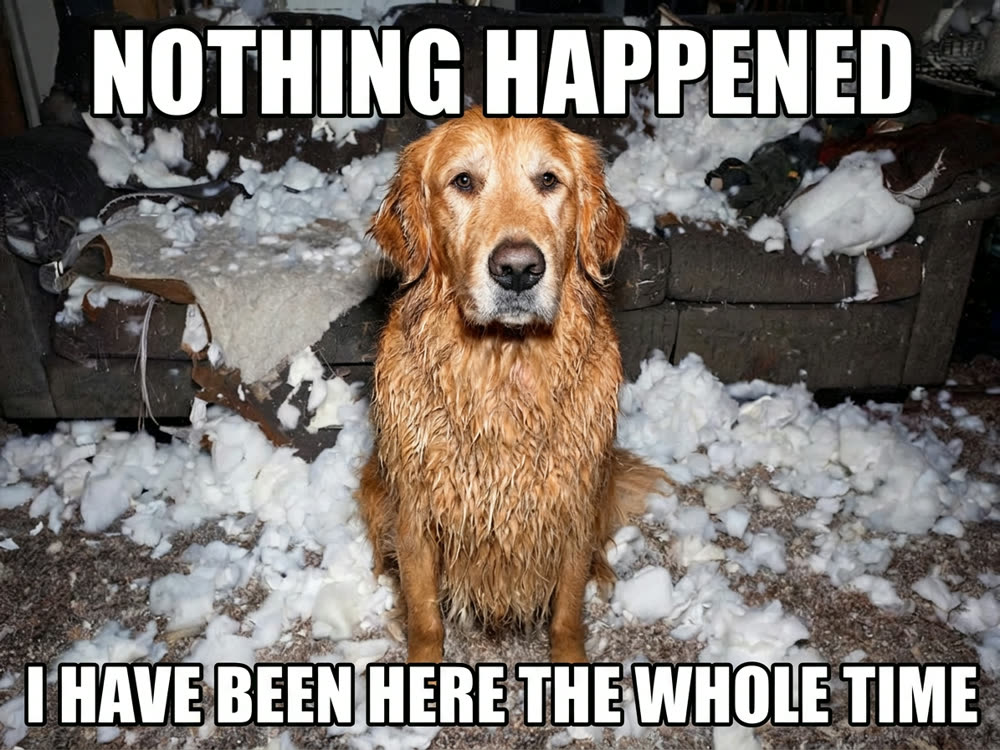
A meme is a picture and a line, and the line has to look right: thick white Impact with a black outline, or the deadpan white band, or a quiet subtitle. Most meme makers give you a fixed template library and a text box that never quite fits. An AI meme generator works the other way round. You bring the picture and the joke, and it typesets the caption onto your image.
This article shows how to make a meme with Kinoseed's AI Meme Generator, and how to write captions that render cleanly.
What you need
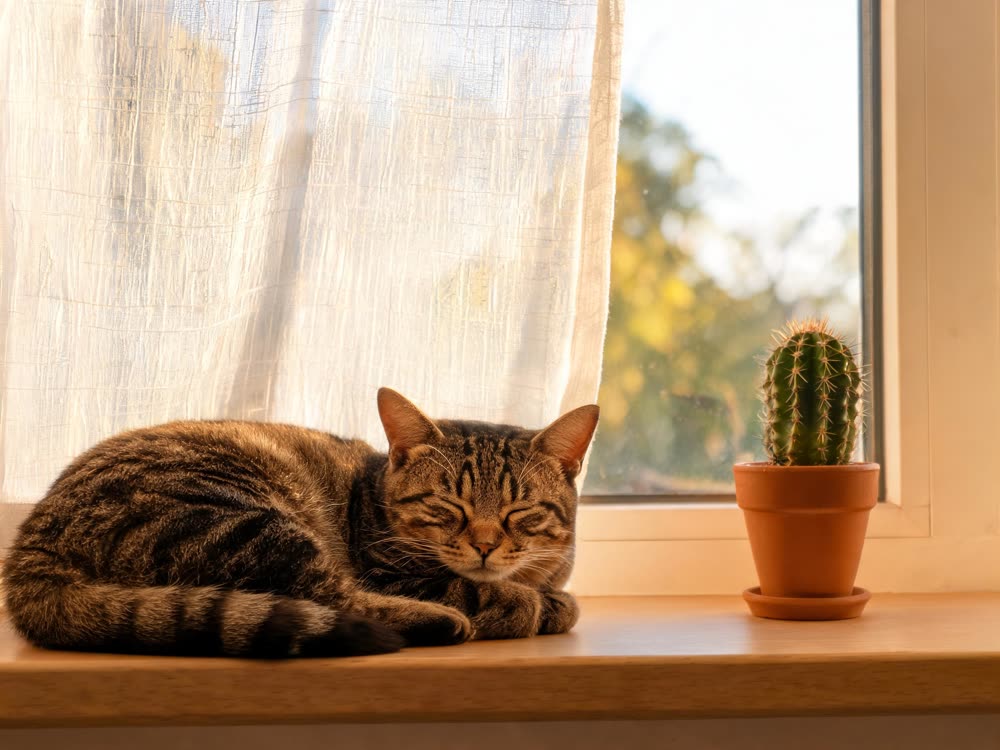
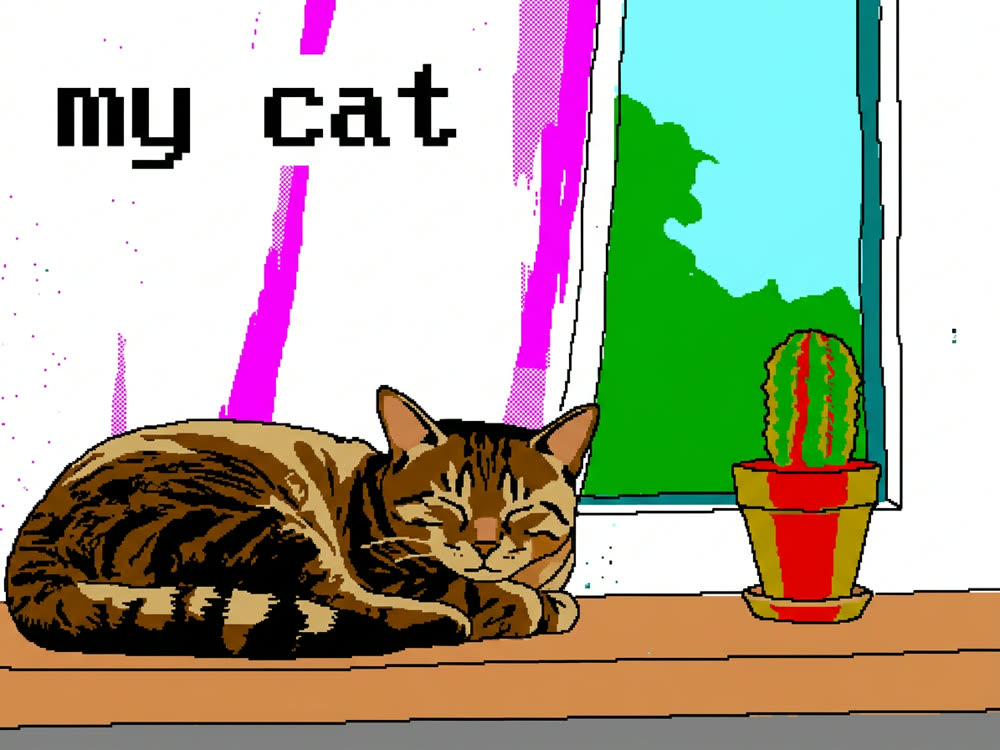
- The picture the joke sits on: a reaction shot, a screenshot, a photo of your cat.
- The caption, up to 160 characters.
- A Kinoseed account to run it. New accounts start with 50 free credits.
Step by step
- 1
Upload image
Drop in the picture. Anything works, but the joke lands hardest on a photo that already has a reaction in it: a face, a pose, a situation going wrong.
- 2
Pick a Layout
Top & bottom is classic white Impact captions with a heavy black outline, in capitals. White band puts a plain white strip above the image with black sans-serif text, the deadpan modern format. Subtitle runs a single line across the bottom in white with a soft shadow, for the understated version.
- 3
Write the Caption
Put a slash where you want the line break: everything before it goes on top, everything after it underneath. "NOTHING HAPPENED / I HAVE BEEN HERE THE WHOLE TIME" gives you two lines. The text is spelled exactly as you type it.
- 4
Set the Aspect and press Make the Meme
Aspect is 1:1, 4:5, 4:3 or 9:16, with square selected for you. The photo underneath is left untouched; only the caption is added. The result lands in the feed, ready to open full size and download.
Prompts to copy
Paste any of these into AI Meme Generator as a starting point, then change the details to fit your photo.
Top & bottom
ME AT 9AM / ME AT 9:05AM
White band
when the code works on the first try and you don't know why
Subtitle
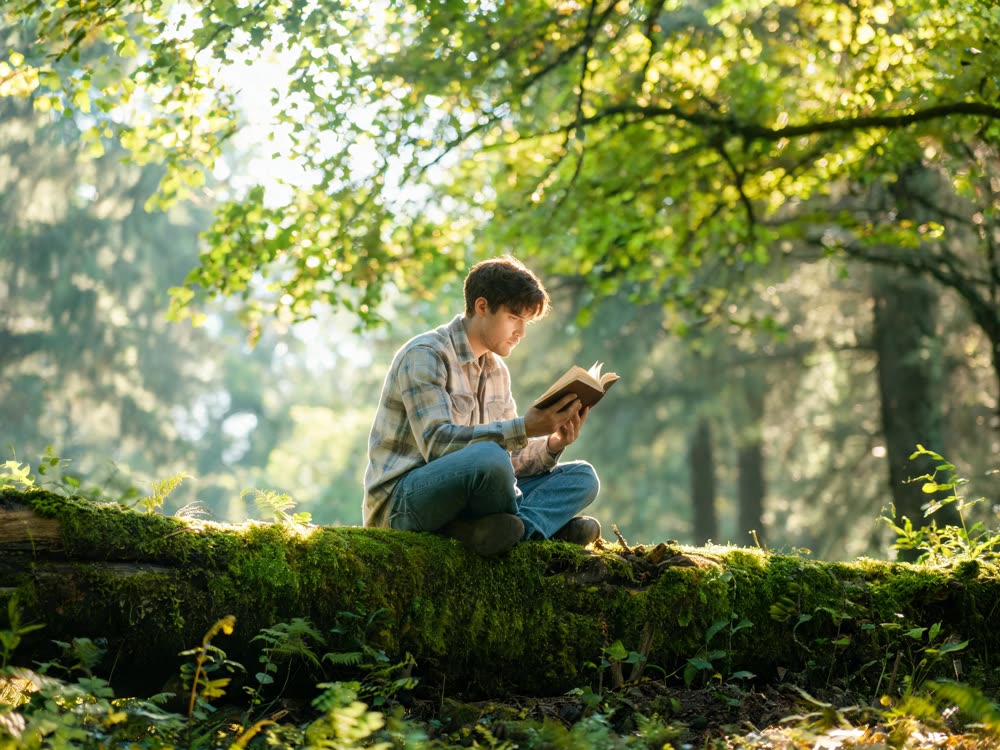
He had no idea the meeting could have been an email.
Writing captions that render well
Short wins, for the joke and for the typesetting. Two lines of five or six words each fit the Top & bottom layout comfortably at any aspect. The White band layout suits a longer, sentence-style caption. The caption box takes up to 160 characters, but the best memes rarely need half of that.
Spelling is taken literally, so typos come through as typos. Write in capitals if you want capitals in the White band or Subtitle layouts; Top & bottom is set in capitals for you.
Want a different picture first?
The meme generator captions the picture you give it and leaves it alone. To make the picture itself, generate one in the image studio, or try On Fire, which turns your photo into a short This Is Fine style video: you, calmly holding a mug while the room burns.
More examples
Tips for better results
- Leave room for the text. A face filling the whole frame will have the caption over it in the Top & bottom layout; a little space above and below keeps it clear.
- Use 9:16 for Stories and Reels, 1:1 or 4:5 for a feed post.
- Test the same picture in two layouts. Some jokes are louder in Impact; some only work deadpan in the White band.
- Remove a photobomber or a distracting object first with Inpaint, then caption the clean frame.
Frequently asked questions
Does the AI write the joke for me?
No. You write the caption and the tool sets it on your picture exactly as written. The joke stays yours.
How do I put text on the top and the bottom?
Choose the Top & bottom layout and separate the two lines with a slash. Everything before the slash goes on top.
Does it change my photo?
No. The instruction is to leave the photograph completely untouched and only add the caption.
Which model does it use?
Nano Banana Pro, which renders text sharply and spells it as written.
Try it on your own photo.
AI Meme Generator is open to explore. The price of a run is on the button before you spend anything.