Paint App
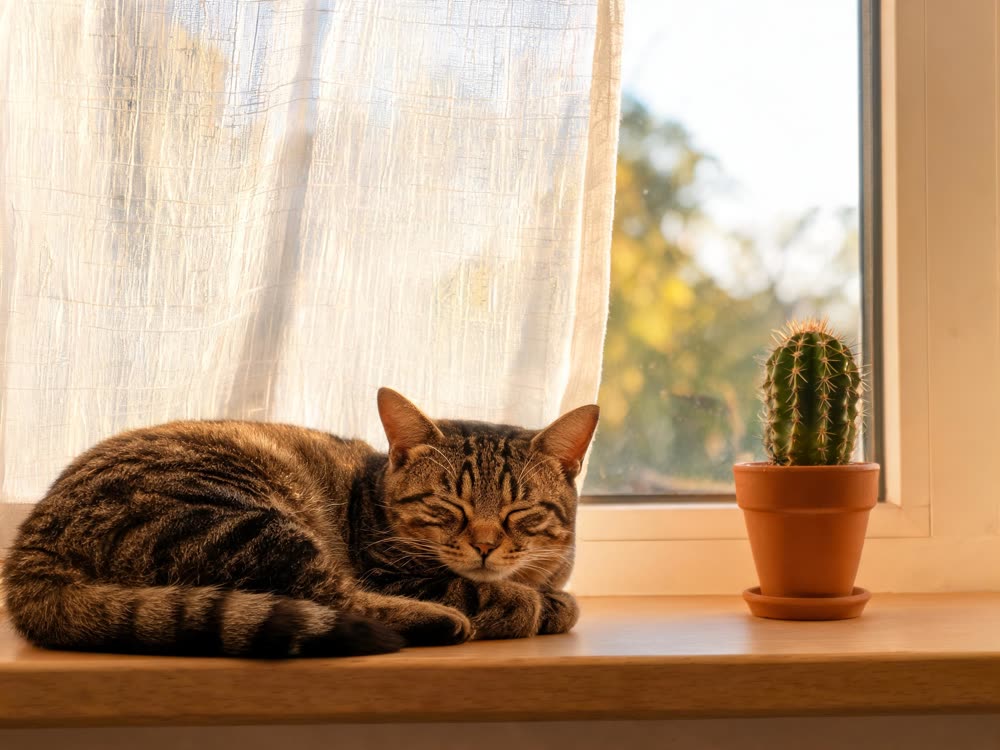
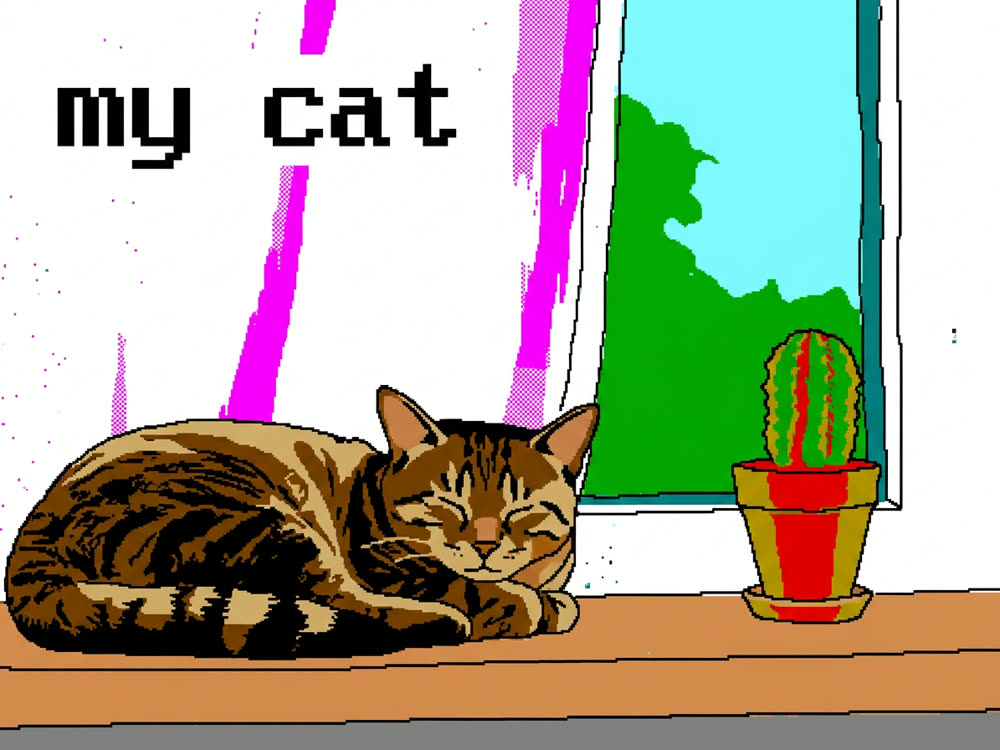
Your photo, redrawn badly on purpose, with a mouse, in 1996.
a 90s desktop paint program: a hard sixteen-colour palette, jagged aliased edges, flood-filled blocks and a wobbly mouse-drawn outline
0 / 48
Aspect
Count
16creditsCtrl⏎
◂▸
PhotoPaintedSign in to start generating
How to make retro paint art
- 1
Upload a photo
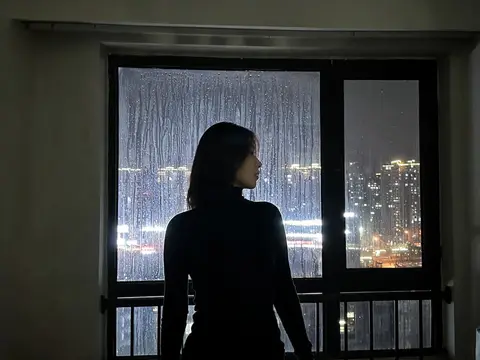
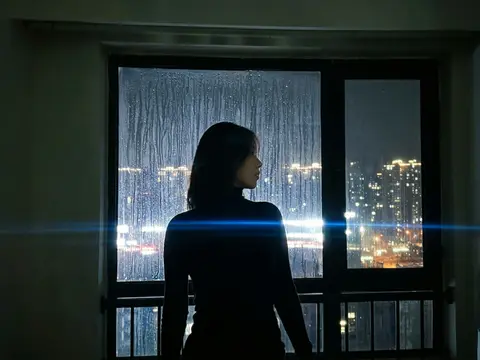
Simple subjects survive the palette best: a pet, a face, a single object.
- 2
Pick a program
Sixteen colours is the classic bad-on-purpose look. Deluxe dithers. Airbrush smears.
- 3
Add a caption
Optional, and much funnier when it's plain. Two words beats a sentence.
Explore more apps
See all
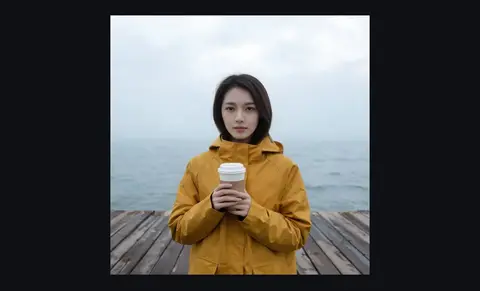
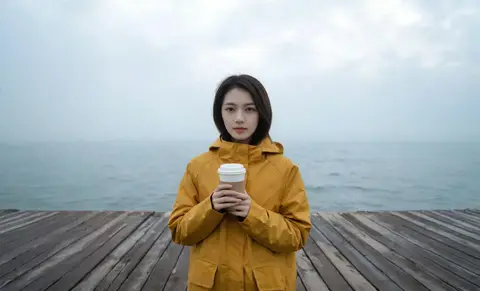
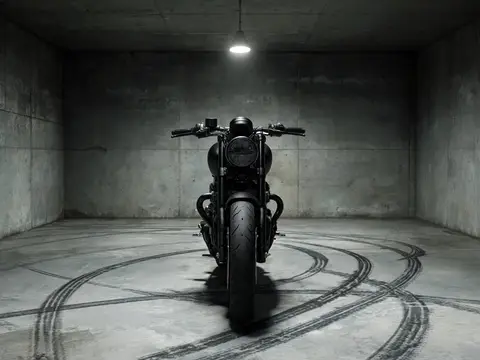
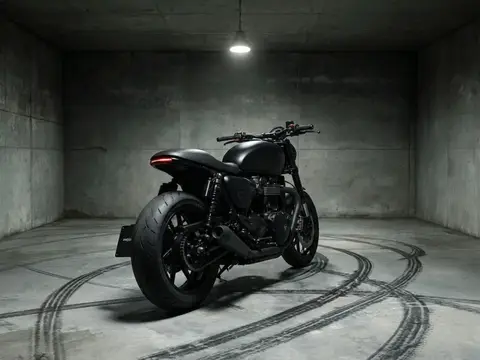
Paint App: questions and answers
›What does Paint App do?
It redraws your photo badly on purpose, as if made with a mouse in a 1990s paint program. Nano Banana 2 generates it.
›Which styles are there?
16 colours for the classic look, Deluxe for dithering, and Airbrush for smears. You can add an optional caption of up to 48 characters.
›What photos work best?
Simple subjects like a pet, a face or a single object survive the limited palette best. Short, plain captions tend to be funnier than long ones.