Breakdown
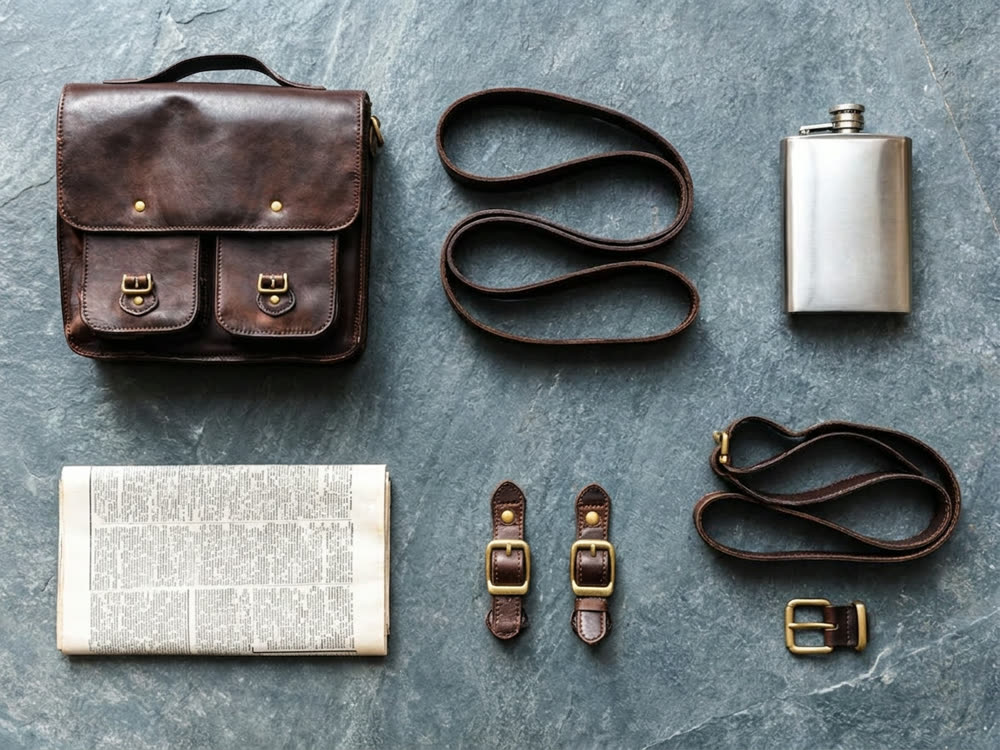
One photograph in, its parts laid out separately — the same objects, taken apart.
a neat knolling grid — every part separated, evenly spaced, aligned to a strict rectangular layout, shot from directly above
on the same surface and under the same light as the original photograph
Aspect
30creditsCtrl⏎

◂▸
OriginalBroken downSign in to start generating
How to break an image into components
- 1
Upload one object
A single item or a tight group. A busy scene has no obvious parts, so the result is guesswork.
- 2
Choose the layout
Knolling for a catalogue look, exploded when the parts fit together, a row when there are only a few.
- 3
Set the surface
Keep the original surroundings, or drop everything onto a clean studio surface.
Explore more apps
See all

Similarity Score
Score your content's IP similarity
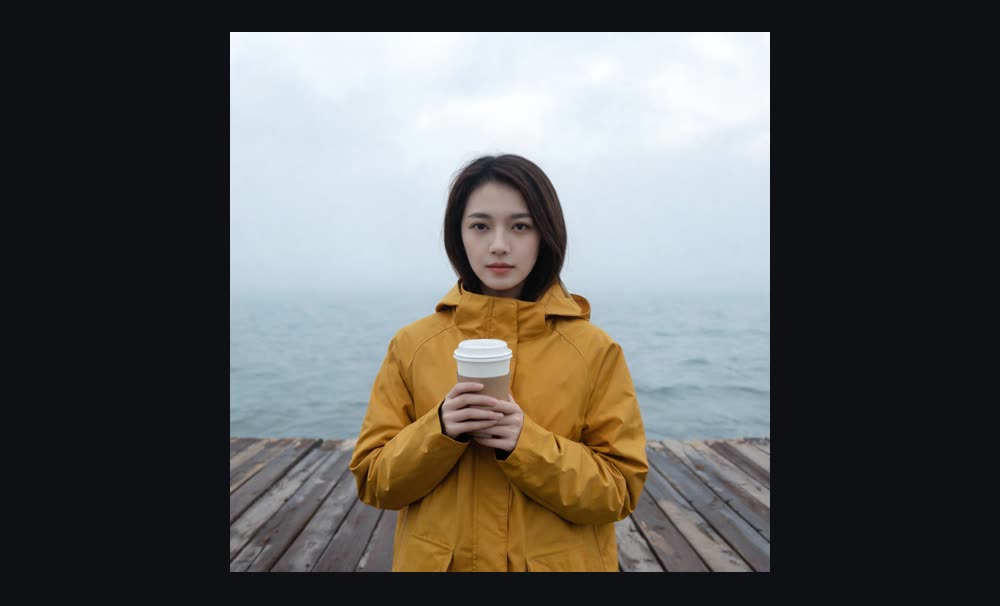

Expand image
Expand any image beyond its edges
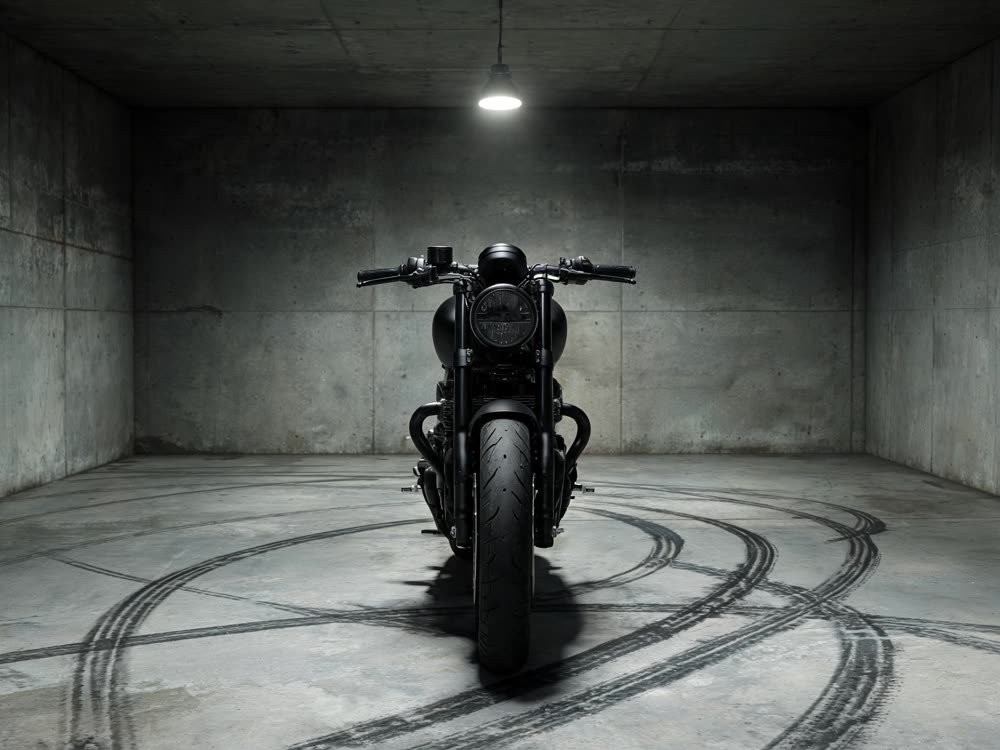
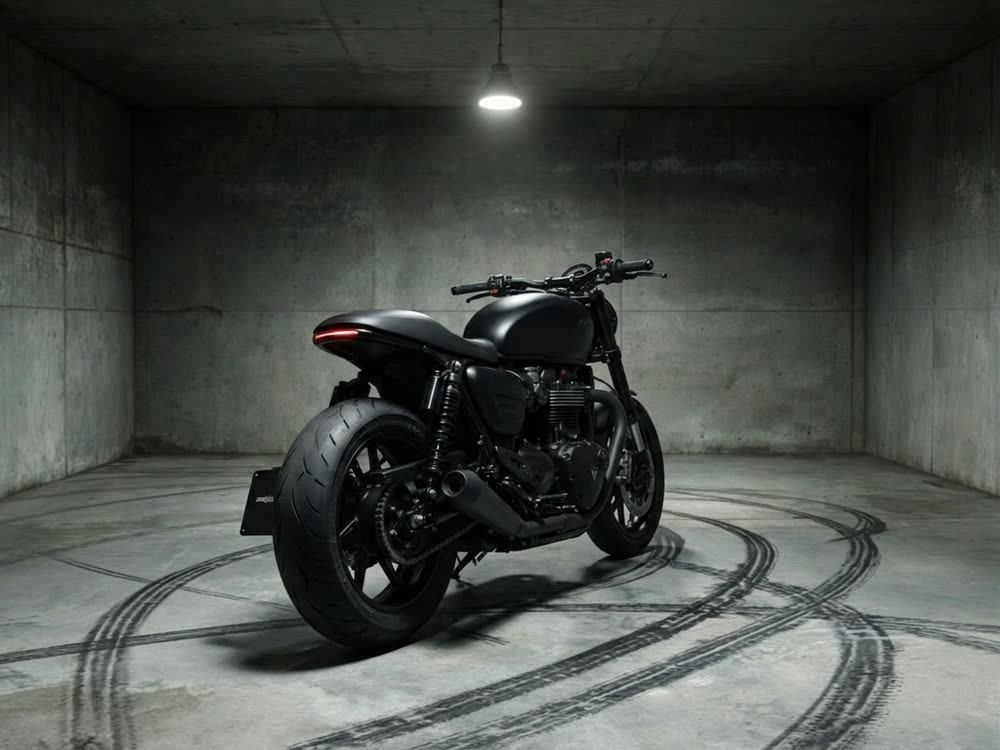
Angles 2.0
Generate any angle view for any image
Transitions
Seamless transitions between any shots
Cinematic Cameras
Shoot on real cine cameras, lenses & glass
Motion Control
Choreograph character action up to 30s