Video Face Swap
Drop the clip you want to modify and the face you want in it. Body, wardrobe and performance stay exactly as filmed.
The clip you want to modify · 3–10s
The face to insert — a clear, front-lit portrait swaps best
310creditsCtrl⏎
Swapping a still instead? Face Swap does the same thing for images, at a fraction of the credits.
◂▸
OriginalFace swappedSign in to start generating
How to face swap any video in 3 steps
- 1
Upload the target video
The clip you want to modify. Everything but the face is preserved, so pick the take you actually want to keep.
- 2
Upload your photo
The face to insert. A clear, front-lit portrait with the eyes visible swaps far better than a profile or a crowd shot.
- 3
Swap and download
The face is matched to the scene's lighting and head angle frame by frame. Download or recreate straight from the result panel.
Explore more apps
See all

Similarity Score
Score your content's IP similarity
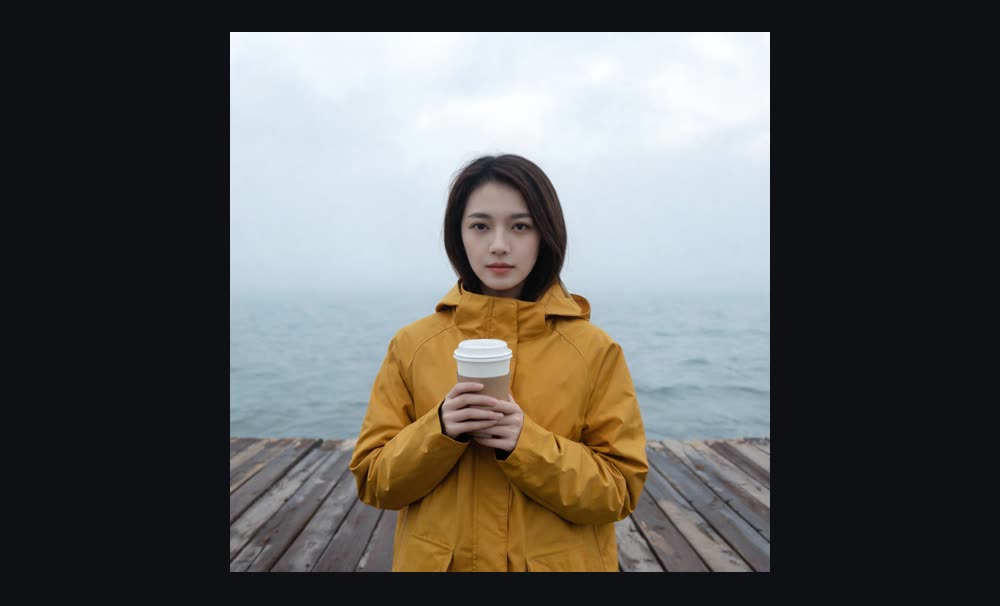
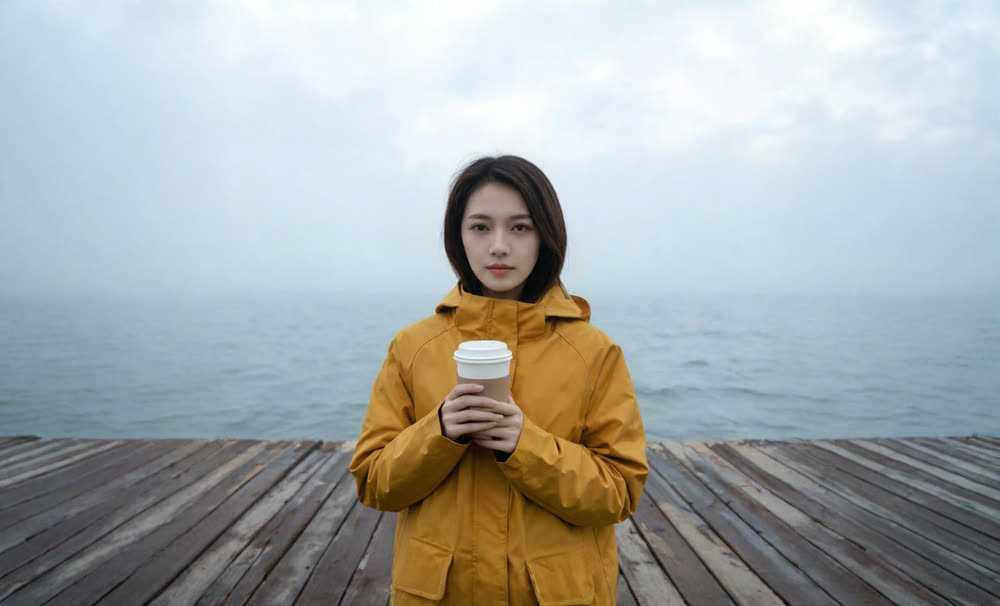
Expand image
Expand any image beyond its edges
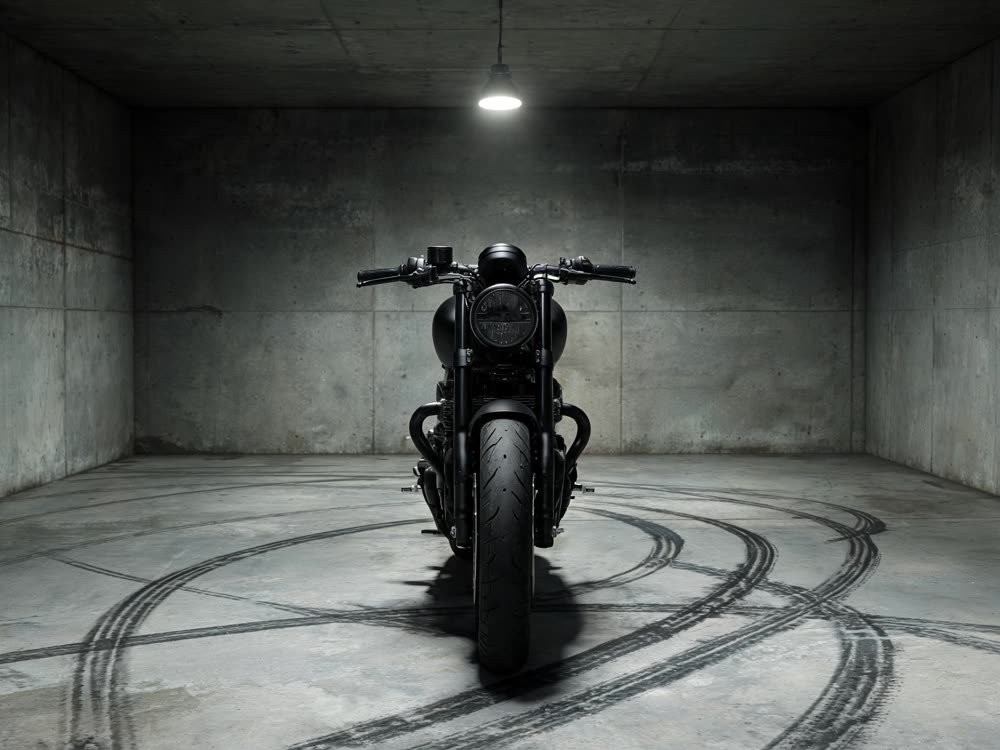
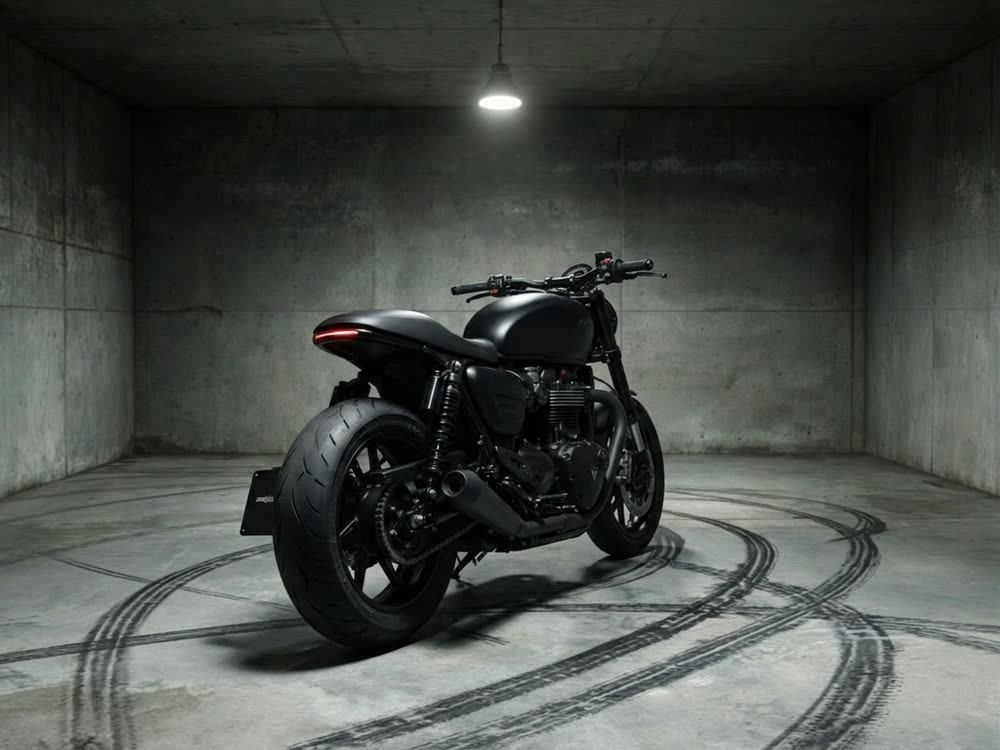
Angles 2.0
Generate any angle view for any image
Transitions
Seamless transitions between any shots
Cinematic Cameras
Shoot on real cine cameras, lenses & glass
Motion Control
Choreograph character action up to 30s