Style Snap
One photo, rendered as something else entirely, and still recognisably your shot.
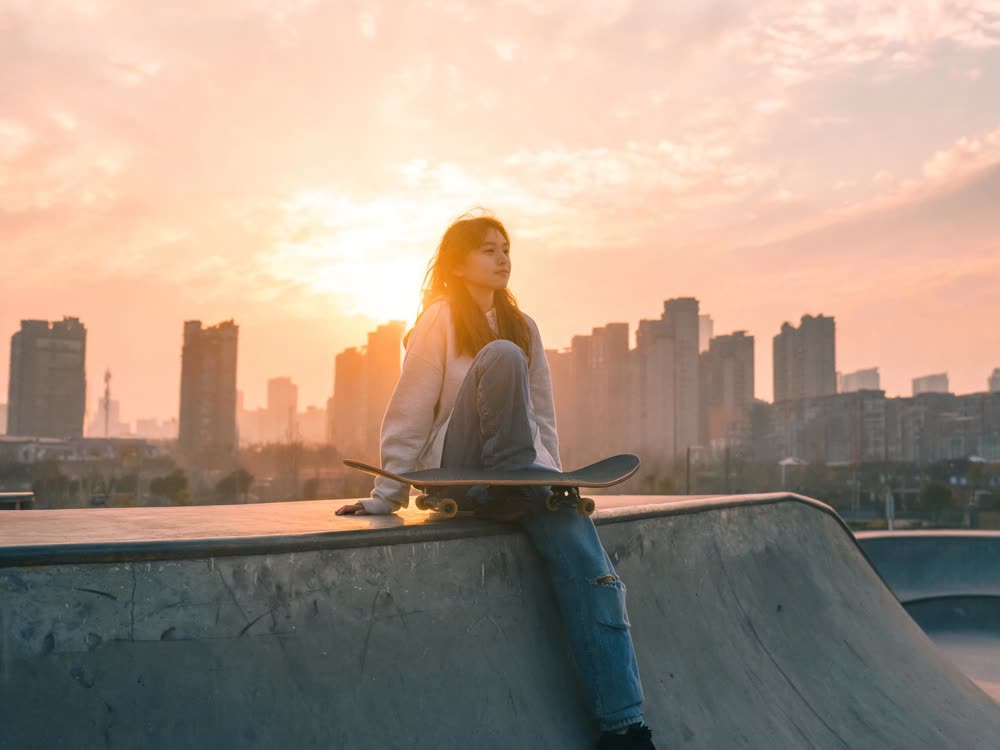
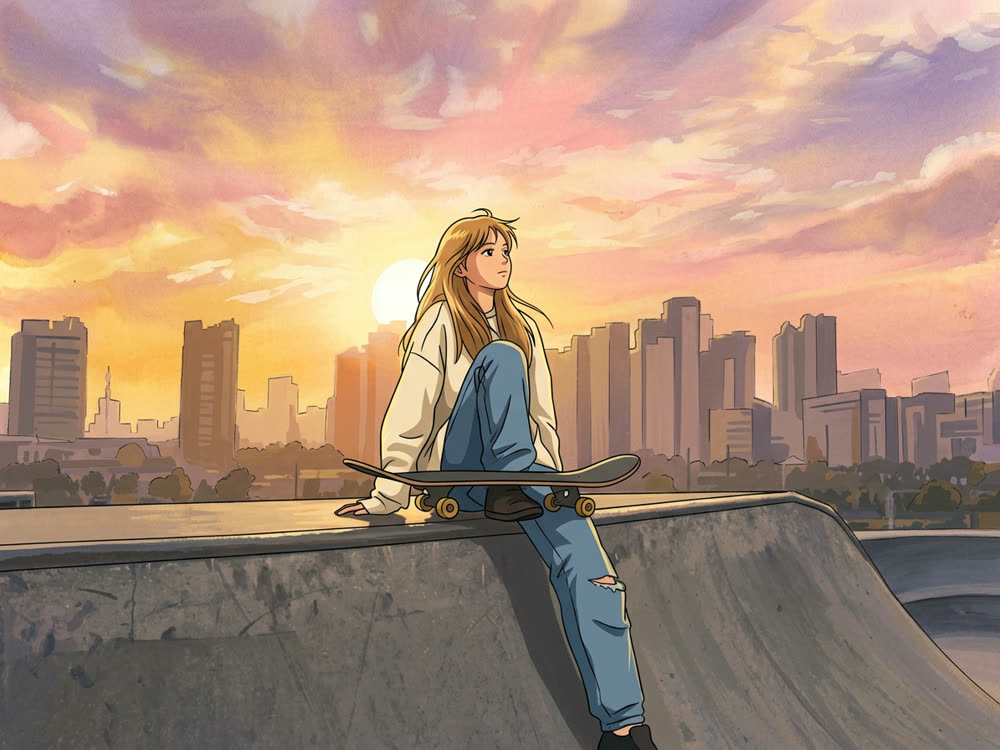
Sign in to start generating
How to restyle a photo
- 1
Upload a photo
Composition survives the restyle, so a picture that already reads well is the one that comes back best.
- 2
Pick a medium
Each option is a real medium with its own behaviour: ink bleeds, clay holds fingerprints, riso misregisters.
- 3
Choose how far to push
Light keeps the photograph underneath. Extreme throws it away and commits to the medium.
Explore more apps
See all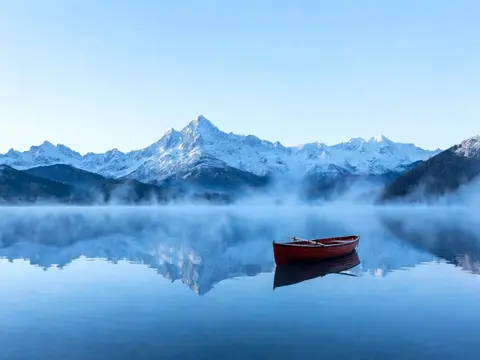
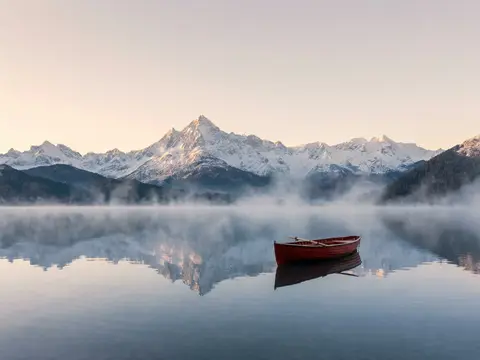
Style Snap: questions and answers
›How do I turn a photo into anime, watercolour or another art style?
Upload a photo, pick a style and how far to push it, and Nano Banana 2 renders it in that medium while keeping your composition. A photo that already reads well comes back best.
›Which styles are there?
90s anime, oil paint, watercolour, risograph, film noir, claymation, flat vector and pencil, each at Light, Full or Extreme strength. Light keeps the photograph underneath, while Extreme commits fully to the medium.
›Can I make several versions at once?
Yes, 1, 2 or 4 per run, in 1:1, 4:5, 3:2, 16:9 or 9:16. The Generate button shows the cost for the count you pick.
Articles about Style Snap
- How to Turn a Photo into Anime or a Painting with AI · Turn a photo into anime, an oil painting, watercolour or pencil with AI, keeping your composition. Steps, what each style does, and real credit prices.