Street Outfit Reel
One photo, several looks, cut together on the same corner. Vertical and ready to post.
Sign in to start generating
How to make a street outfit reel
- 1
Upload one photo
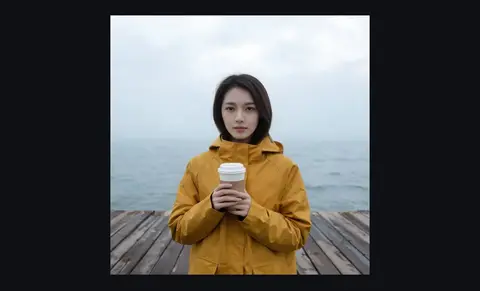
The body needs to be visible for the clothes to change on it. Half-body or fuller.
- 2
Pick the corner
The location holds still across every cut: it's what makes the changes read as changes.
- 3
Choose the wardrobe
Three looks per run. Each one lands on its own stance so the cuts have somewhere to go.
Explore more apps
See all



Street Outfit Reel: questions and answers
›What does Street Outfit Reel make?
A video of you in several looks on the same street corner, cut together and ready to post, vertical by default. Seedance 2.0 Mini generates it from one photo.
›Which locations and wardrobes are there?
A crossing, alley, rooftop or underpass, with outerwear, monochrome or denim looks. The location stays the same across every cut.
›What photo works best?
A full or half-body shot, because the body needs to be visible for the clothes to change on it. A clear, well-lit photo gives the cleanest cuts.