Marketing Studio
One product, one sentence, and the four shots a launch actually needs, each framed for where it goes.
0 / 600
Upload the product the campaign is built around.
How to shoot a campaign from one brief
- 1
Upload the product
Every asset is generated from this one image, so a clean, well-lit shot is what keeps the product consistent across all four.
- 2
Write one brief
A sentence or two: what it is, who it's for, how it should feel. The brief goes into every asset; the tone decides how it's lit.
- 3
Pick your deliverables
Each one is framed for where it goes: 16:9 hero, square macro and flat-lay, 4:5 lifestyle. They run at the same time and land as they finish.
Explore more apps
See all



Marketing Studio: questions and answers
›What does Marketing Studio make?
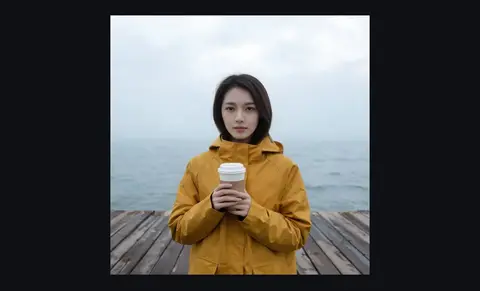
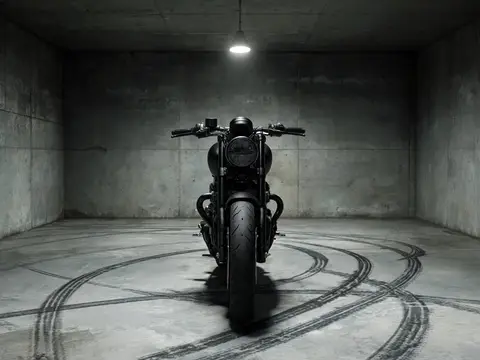
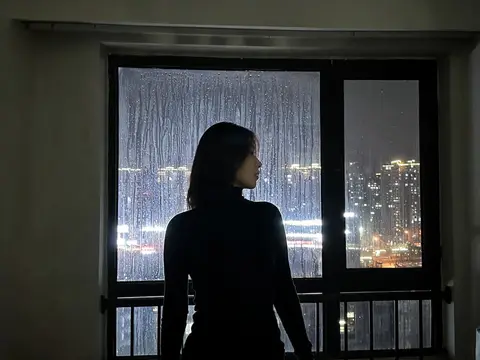
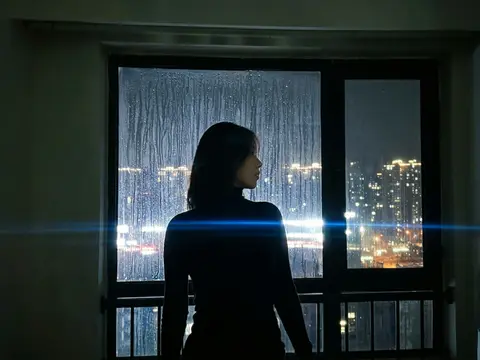
From one product photo and one written brief, it makes a set of campaign shots: hero, macro, lifestyle and flat-lay. Each one is a different shot at its own aspect, generated with Nano Banana 2.
›How much does a campaign cost?
Each asset is priced as one image, and the button shows the total for the deliverables you selected before you click. Leave out the shots you do not need to pay less.
›Will the product look like my real product?
Every prompt ends by pinning the product's real shape, colour and labelling, since a beautiful photo of a different product is the failure to avoid. Check the details before you publish, especially small text on packaging.
›Which tones are available?
Premium, Vibrant, Natural and Editorial. The tone is applied to every shot in the set.