Cinematic Cameras
Name the shot, then name the body, the lens, the focal length and the stop it was taken on. The rig is what decides how it looks.
Sign in to start generating
How to shoot on a chosen rig
- 1
Pick the rig
A body, a lens, a focal length and a stop. This is the half that decides how the picture looks: the same scene on 25mm wide open is a different photograph.
- 2
Describe the shot
What is in frame, and the light. Keep it to the subject: the camera language is already coming from the rig.
- 3
Shoot it
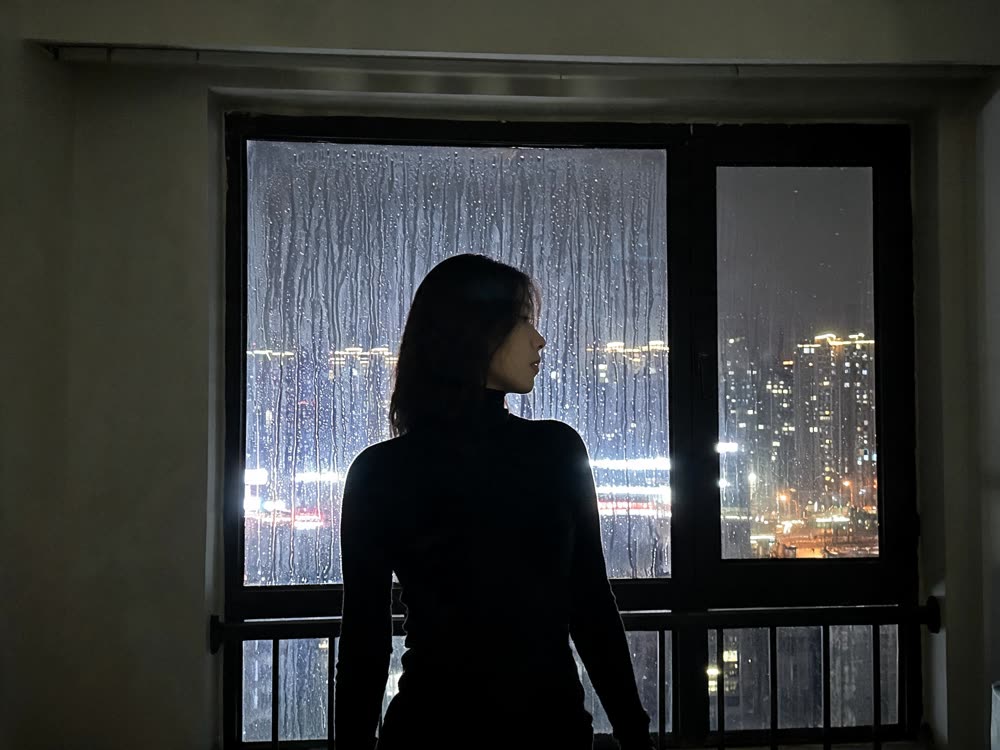
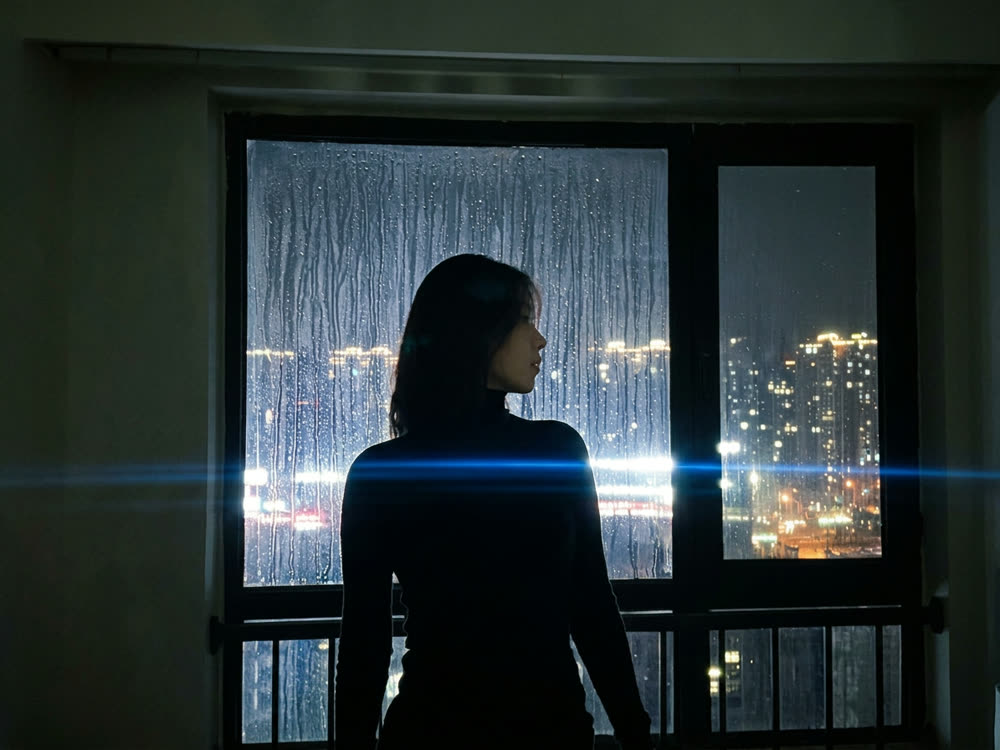
Add a reference image to re-shoot an existing frame on the chosen glass instead of inventing a new one.
Explore more apps
See all


Cinematic Cameras: questions and answers
›How do I make an image look like it was shot on a cinema camera?
Build a rig from a camera body, lens, focal length and aperture, describe your subject, and generate. Each part adds its own look to the prompt, and Nano Banana 2 renders the image.
›Can I re-shoot an existing photo with a different camera look?
Yes. Add an optional reference image and the model re-shoots it with the rig you picked.
›How do I know what each camera looks like?
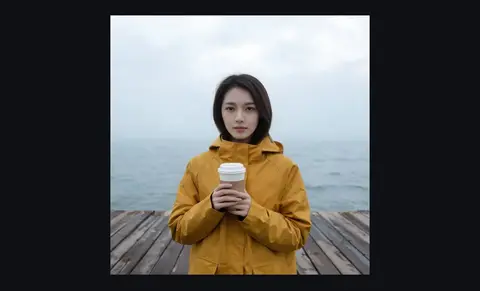
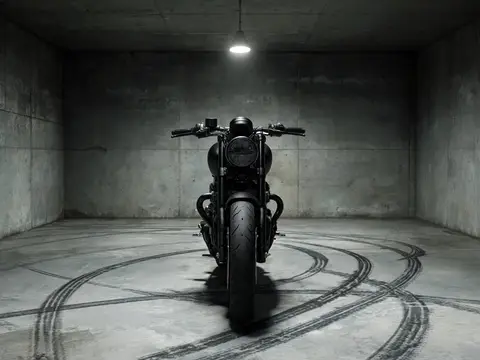
The Cameras guide shows each camera's look and feel with a real reference photo, so you can pick a body before you spend credits. Each camera adds its own colour, contrast and texture to the result.
Articles about Cinematic Cameras
- How to Make a Phone Photo Look Cinematic with AI · Make a phone photo look cinematic: upload it, pick a cinema camera, lens, focal length and aperture, and re-shoot it with AI. Steps, rigs and real prices.
- Nano Banana Pro vs GPT Image 2: Which Image Model to Use · Nano Banana Pro vs GPT Image 2: text in images, edits from a reference, batch size and the credit price per image, with a way to test both on one prompt.
- Higgsfield Alternative: What Kinoseed Offers and What It Costs · A fair look at Kinoseed as a Higgsfield alternative: the same one-tool-per-job idea, Kling, Veo and Seedance in one place, and plans you can cancel anytime.