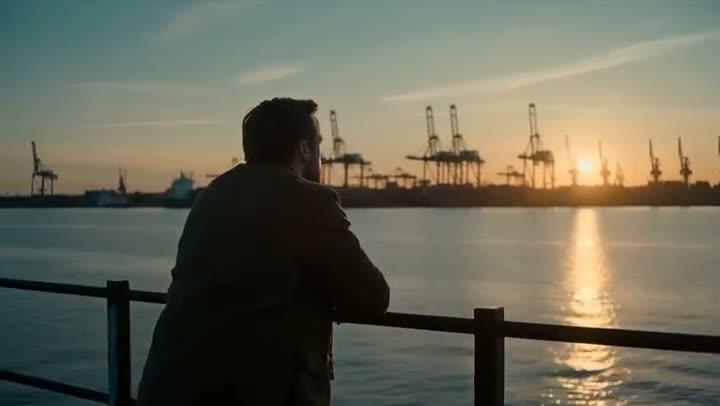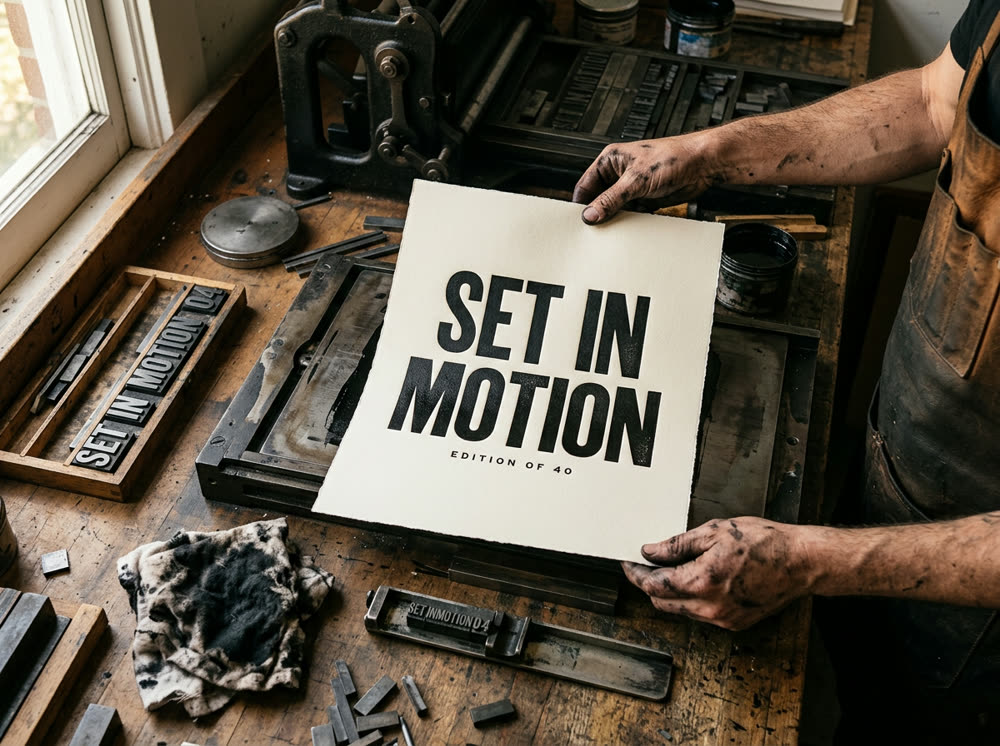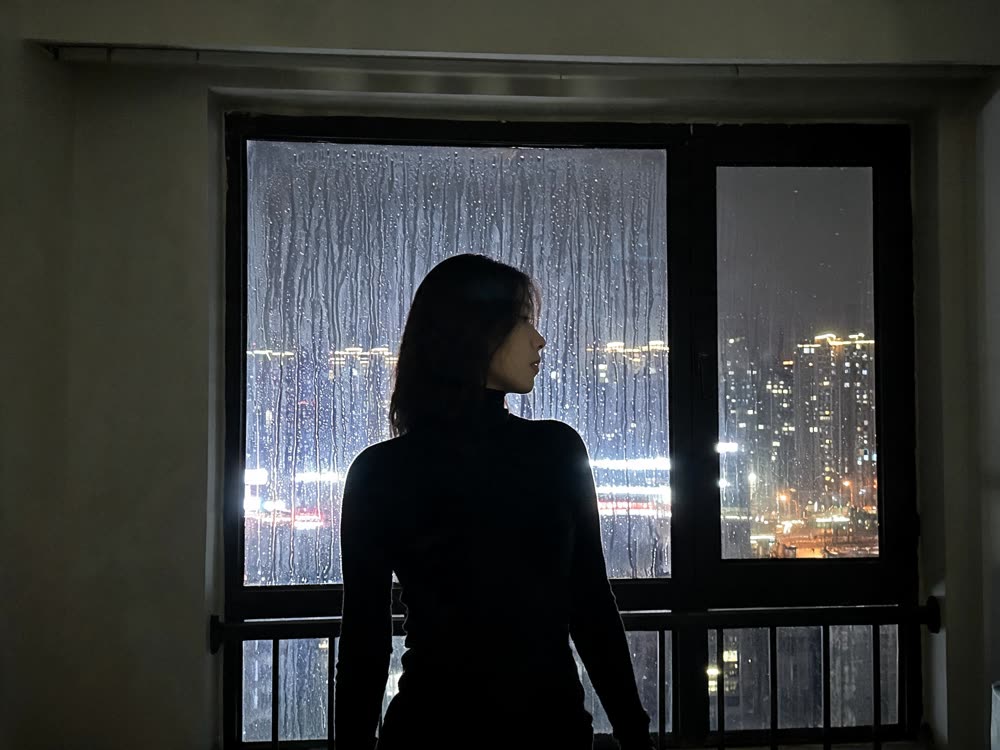
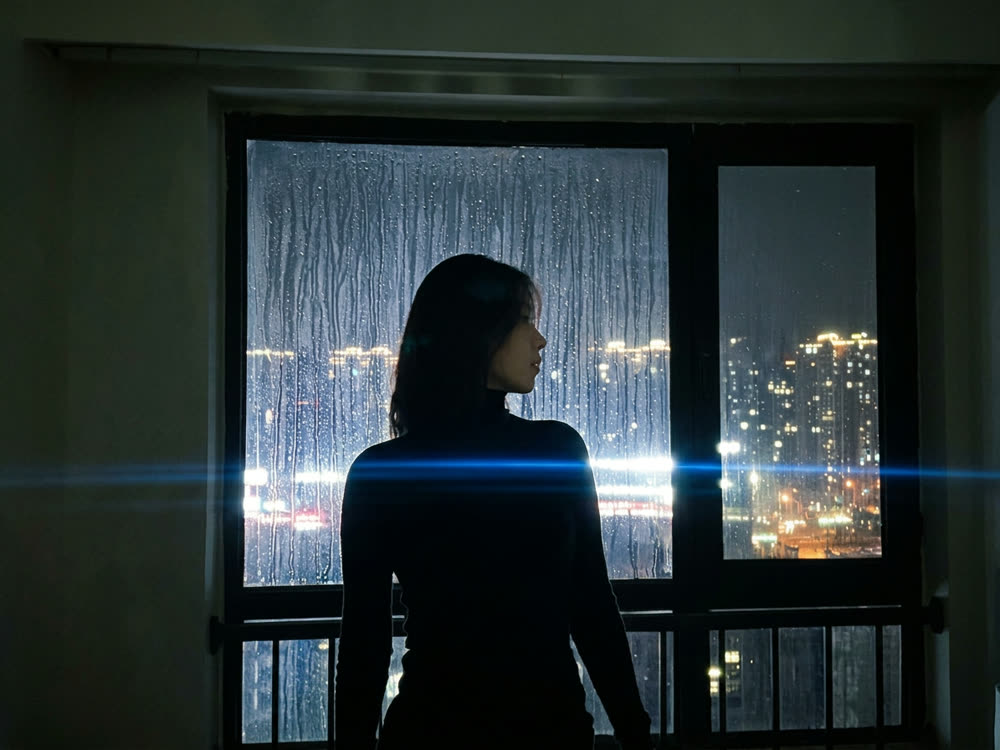
To make a phone photo look cinematic with AI, upload it to Cinematic Cameras as the Reference, choose a camera rig (body, lens, focal length and aperture), describe the shot in one line and press Shoot. Nano Banana 2 re-shoots the same frame as if it had been taken on that cinema camera and glass, so you get the bokeh, flare, depth of field and grain of the rig rather than a filter laid on top. One re-shoot costs 16 credits.
The rig is what changes the look. There are 8 bodies, from digital cinema cameras to film stocks, 6 lens types including anamorphic and vintage glass, 6 focal lengths and 6 stops. This article shows how to set them, and which presets to start from.
What you need
- The phone photo you want to re-shoot. Any shape works; you pick the output Aspect separately.
- A Kinoseed account and some credits. A re-shoot is 16 credits; the $10 Basic plan (500 credits a month) is enough for 31.
Step by step
- 1
Open the Camera rig
The Camera rig field opens a panel with four columns: Camera, Lens, Focal length and Aperture. The tool starts on ARRI Alexa 35, Spherical Prime, 35mm, f/2, a true-to-life setup. Click Done when the rig is set, or Save setup to keep it for next time under the Saved tab.
- 2
Or start from a Recommended rig
The Recommended tab holds ready-made rigs: Nolan Epic, Naturalistic Drama, Hero Portrait, Neo-Noir, Indie 16mm and Macro Detail. Each one sets all four columns at once, which is the quickest way to a known look.
- 3
Upload your photo as the Reference
Drop the phone photo into Reference (optional). With a reference, the tool re-shoots that frame on the chosen rig instead of inventing a new picture, so the person, the setting and the composition stay yours.
- 4
Describe the Shot
The Shot field is required. With a reference uploaded, describe how to re-shoot it, for example "the same woman at the same window, evening city lights behind her". Keep it to the subject and the light; the camera language comes from the rig.
- 5
Pick an Aspect and press Shoot
Aspect offers 16:9, 9:16, 1:1, 4:5 and 2.39:1, the widescreen cinema ratio. The Shoot button shows the price, 16 credits, before you press it. The result lands in the feed, with no watermark, and a failed run is refunded automatically.
Cinematic Cameras
Shoot on real cine cameras, lenses & glass
Open in appSign in to generate. The price of a run is on the button.
Prompts to copy
Paste any of these into Cinematic Cameras as a starting point, then change the details to fit your photo.
Portrait at a window
Re-shoot this exact frame: the same woman by the same window, city lights soft behind her, evening light on her face.
Street scene
The same street corner at dusk, wet pavement reflecting the shop signs, a lone cyclist crossing the frame.
Food or product
The same cup of coffee on the same table, steam rising, morning light from the left.
Which rig gives which look
Lens and aperture do the most visible work. Anamorphic gives oval bokeh and horizontal flares; a wide stop like f/1.4 throws the background out of focus, while f/16 keeps everything sharp. Focal length runs 14mm, 24mm, 35mm, 50mm, 85mm and 135mm: wide lengths take in the room, long ones compress the background behind a face.
For a classic film look, try Indie 16mm. For a flattering portrait, Hero Portrait. For night streets with glow, Neo-Noir. The panel's footer shows the camera prompt the rig adds, so you can see exactly what is being asked for. The Camera guide link at the top of the tool explains each body and lens.
What it costs
Every shot renders on Nano Banana 2: 16 credits per image, with or without a reference. The Starter plan's 1,200 monthly credits cover 75 shots. See pricing.
More examples
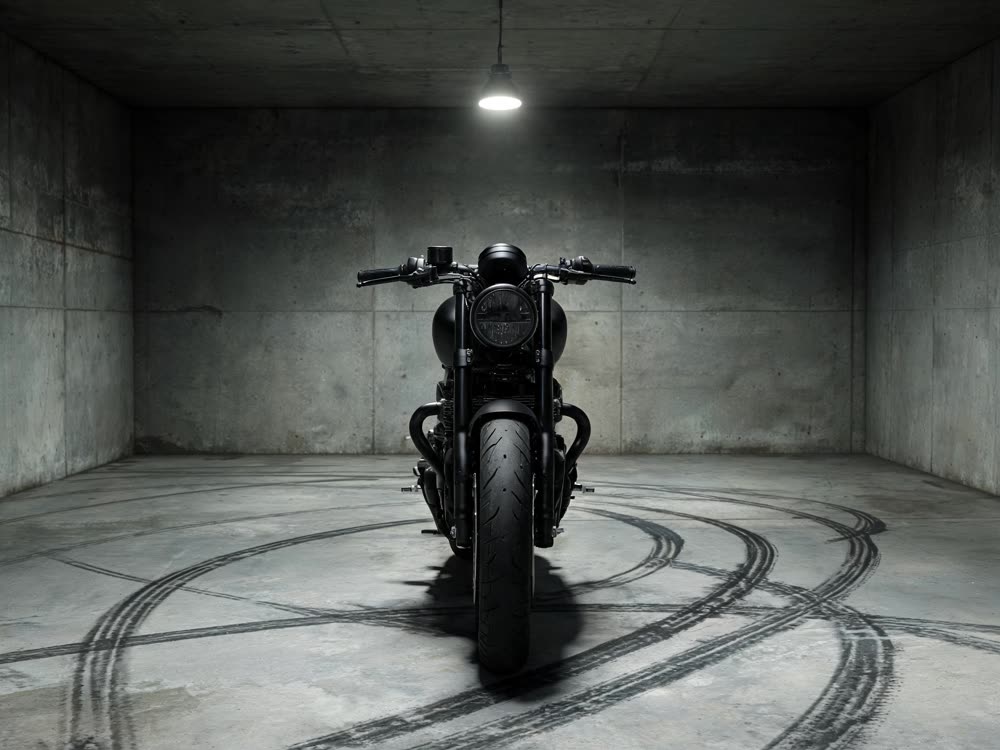
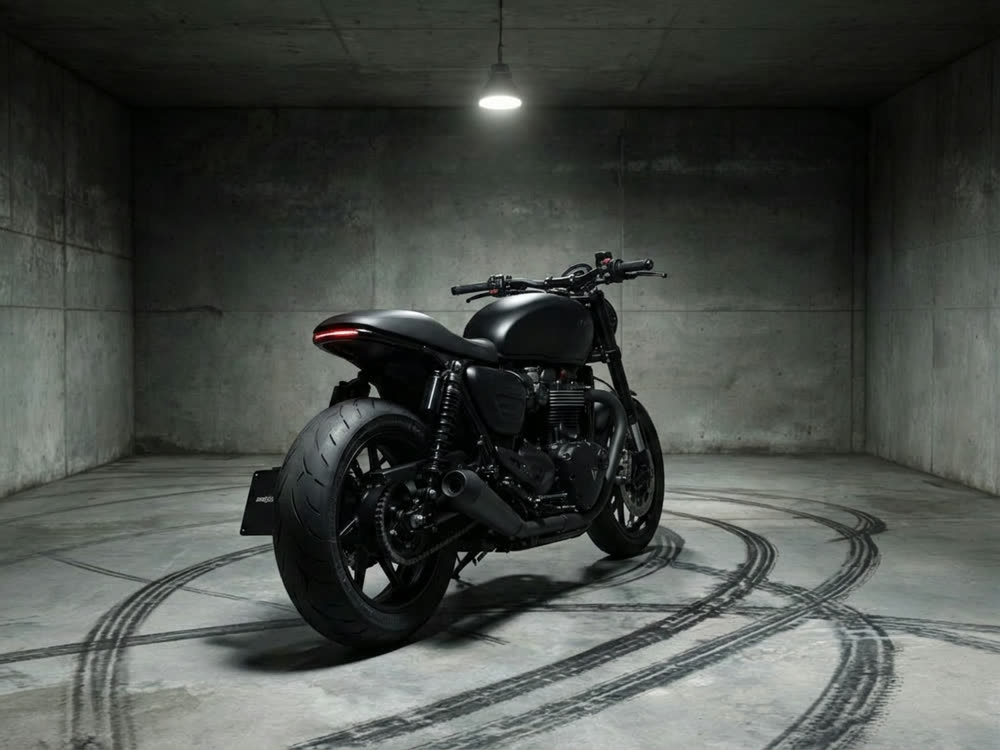
Tips for better results
- Start from a Recommended rig, then change one column at a time. That is the quickest way to learn what each control does.
- Use 2.39:1 for a movie still. The widescreen frame does as much for the cinematic feel as the lens does.
- Want a different angle, not a different look? Change the camera angle with New Angle.
- To bring the look to video, color grade the clip instead.
Frequently asked questions
What does a cinematic re-shoot cost?
Generating starts with a plan. A re-shoot costs 16 credits, and the $10 Basic plan (500 credits a month) covers 31.
Is this a filter?
No. A filter changes the pixels you already have. Cinematic Cameras renders the frame again on the chosen rig, so focus fall-off, bokeh shape and lens flare come from the lens you picked, while your reference keeps the subject and composition.
Do I need a reference photo?
No. Without one, the tool makes a new image from the Shot description on the chosen rig. Upload a reference when the result has to be your photo.
Will the person still look like themselves?
The reference is what keeps them recognisable, and a clear, evenly lit face helps. Say "the same person" in the Shot field, and check the face on the result before you post it.
Try it on your own photo.
Cinematic Cameras is open to explore. The price of a run is on the button before you spend anything.