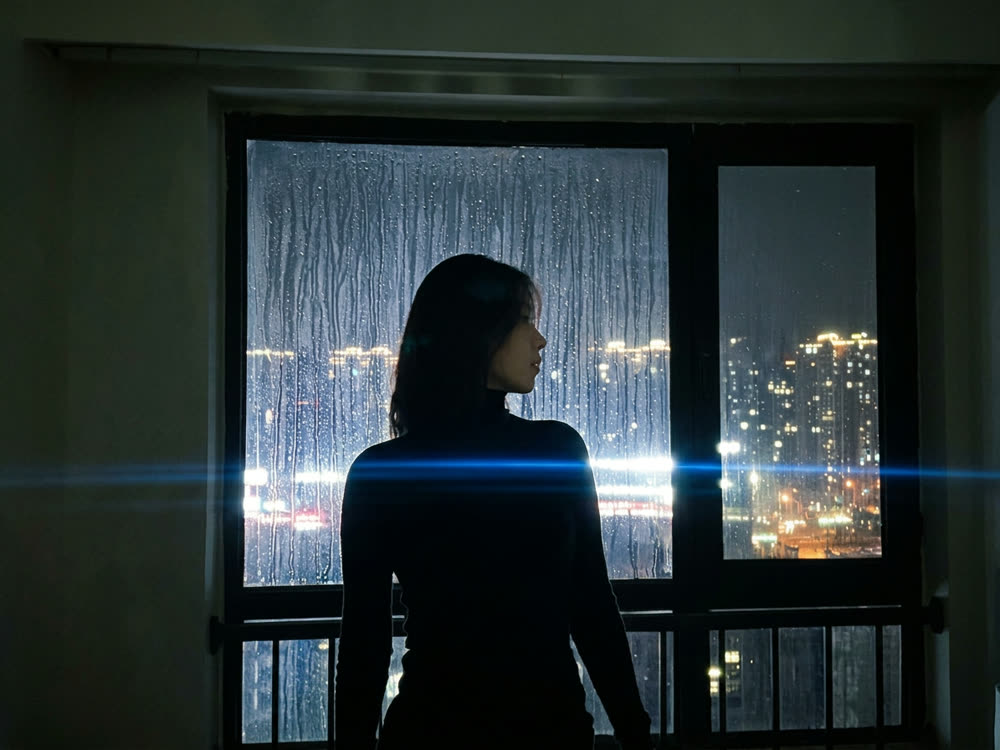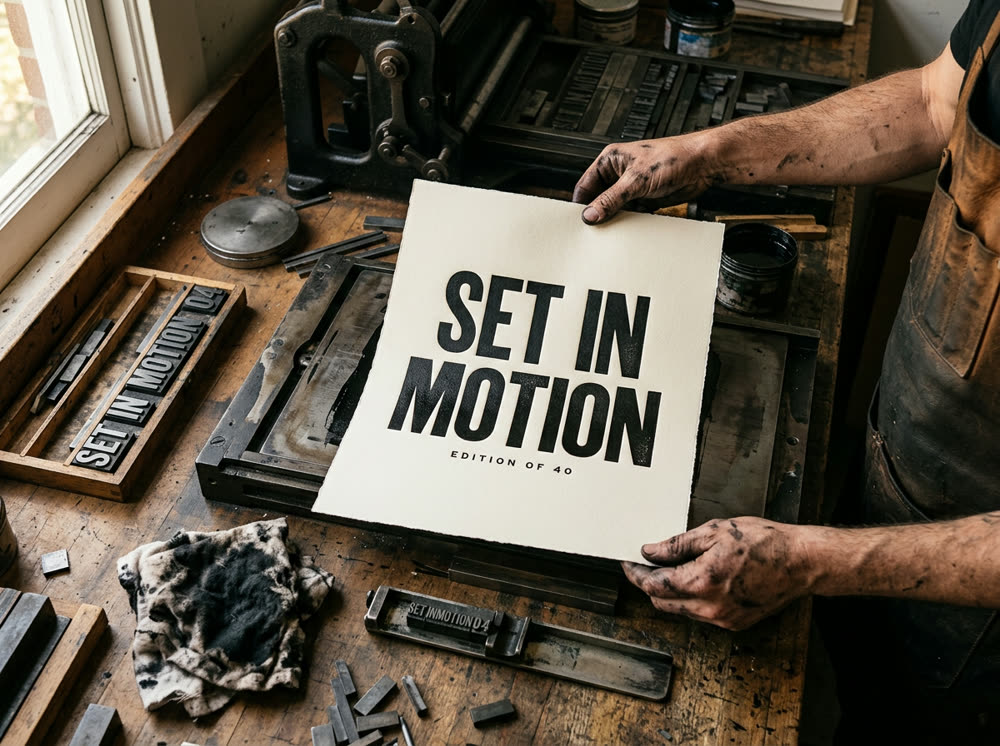
To generate an image from text with Nano Banana Pro, open the Image studio, click the Model card and choose Nano Banana Pro, write what should be in the frame in the Prompt, set the Aspect and the number of Variants, and press Generate. With nothing in the Character or Reference slots, the image is made from your words alone. One Nano Banana Pro image costs 30 credits.
The studio opens on Seedream 5.0 · Lite, so the one step people miss is switching the Model. This article covers that, how to write a prompt Nano Banana Pro follows well, including text you want spelled out in the picture, and what each run costs.
For a store listing, the AI packshot template puts your own product photo on pure white, and you can ask the agent for a poster with your own headline.
What you need
- A prompt: the subject, the setting, the light and the kind of picture (photograph, illustration, poster).
- A Kinoseed account and some credits. Generating starts with a plan; the $10 Basic plan (500 credits a month) is enough for 16 Nano Banana Pro images at Variants 1.
Step by step
- 1
Open the Image studio and choose Nano Banana Pro
The Model card at the top shows Seedream 5.0 · Lite, the default. Click it and pick Nano Banana Pro from the list; the card then shows its name.
- 2
Leave Character and Reference empty
For text to image, skip both slots. Character carries a likeness across renders and Reference (optional) conditions the whole composition; add them when the result has to match a person or a picture you already have.
- 3
Write the Prompt
Describe the image you want in the Prompt field, up to 2,000 characters. Lead with the subject and the action, then the setting, the light and the style. If words should appear in the image, put them in quotes, for example a poster that reads "SET IN MOTION".
- 4
Set the Aspect and Variants
Aspect is a dropdown: 1:1, 4:5, 3:4 (the default), 3:2, 16:9 and 9:16. Variants is how many images come back from one run: 1, 2, 4 or 8, with 4 selected by default. On Nano Banana Pro, 1 costs 30 credits and 4 cost 110, so set Variants to 1 while you are still shaping the prompt.
- 5
Press Generate
The price is on the button. Results land in the feed beside the controls; open one full size, download it, or recreate it with the same settings. There is no watermark, and a failed run is refunded automatically.
Prompts to copy
Paste any of these into Image studio as a starting point, then change the details to fit your photo.
Editorial photo
Photograph from directly overhead: a baker's floured hands shaping a loaf on a worn wooden bench, morning window light raking across, visible flour dust, 50mm, shallow depth of field, fine grain.
Poster with text
A minimalist travel poster of a red cable car crossing a snowy mountain pass, flat colours, bold condensed type at the top reading "ALPINE LINE", small type at the bottom reading "SINCE 1931".
Product shot
Studio product photograph of a matte black ceramic coffee cup on a pale stone plinth, soft key light from the left, a single hard shadow, clean beige background, premium commercial look.
What it costs
Nano Banana Pro from a prompt: 30 credits for 1 image, 55 for 2, 110 for 4 and 220 for 8. For comparison, Seedream 5.0 · Lite costs 8 credits per image and GPT Image 2 25.
The Starter plan's 1,200 monthly credits cover 40 Nano Banana Pro images at Variants 1. See pricing.
When to pick another model
Seedream 5.0 · Lite is faster and cheaper for drafts and most everyday images. GPT Image 2 is the one the studio describes as best for posters and graphics with a lot of text. Nano Banana Pro costs 30 credits an image against 8 for Seedream 5.0 · Lite, so it is worth switching to when the draft is close and you want the stronger model on the final run. Every plan includes all of them; the models page lists the rest.
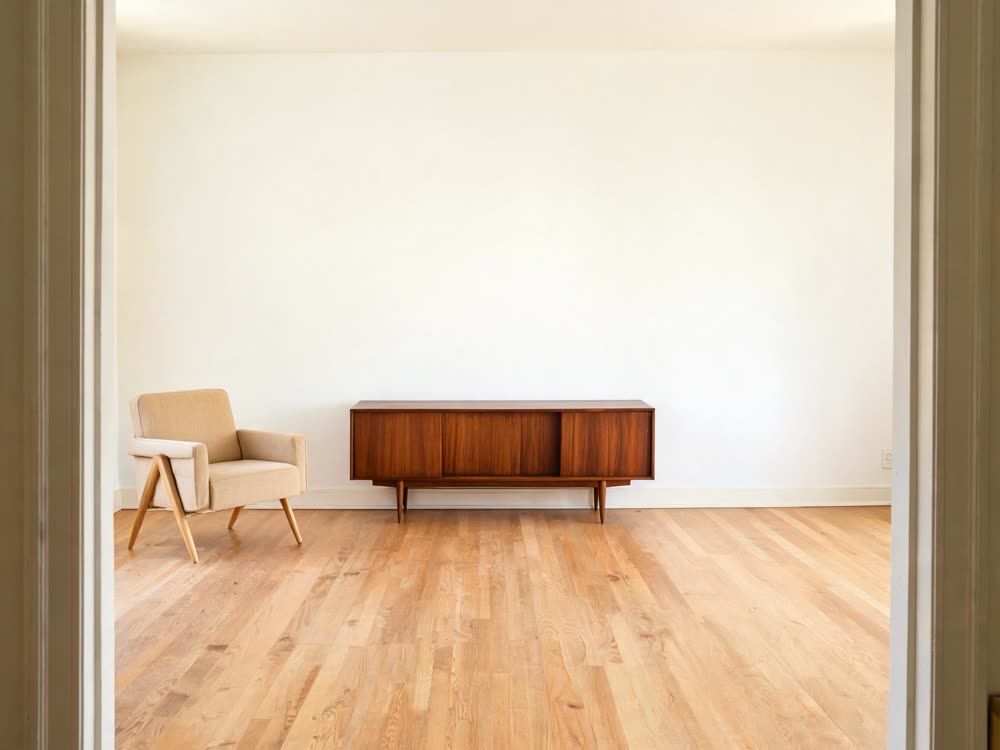
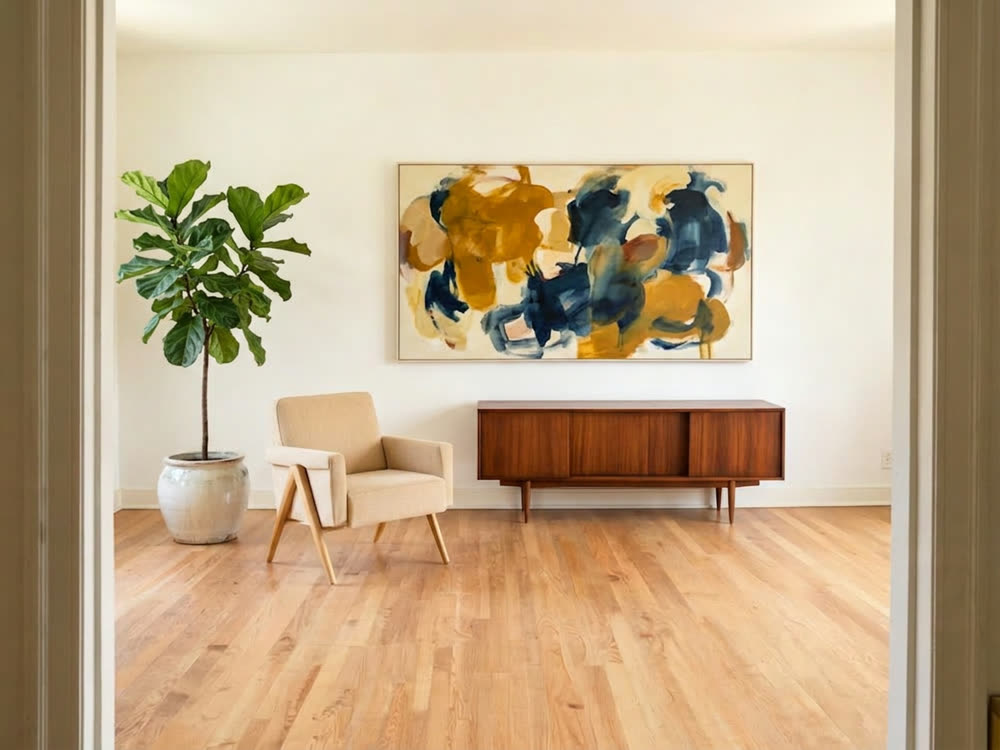
More examples
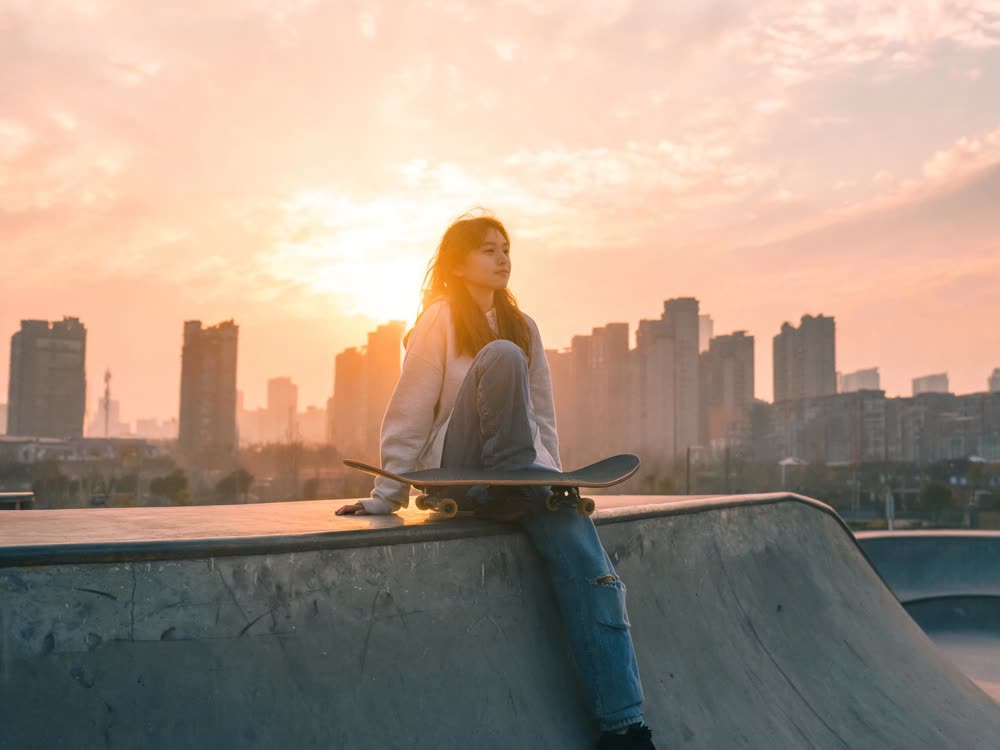
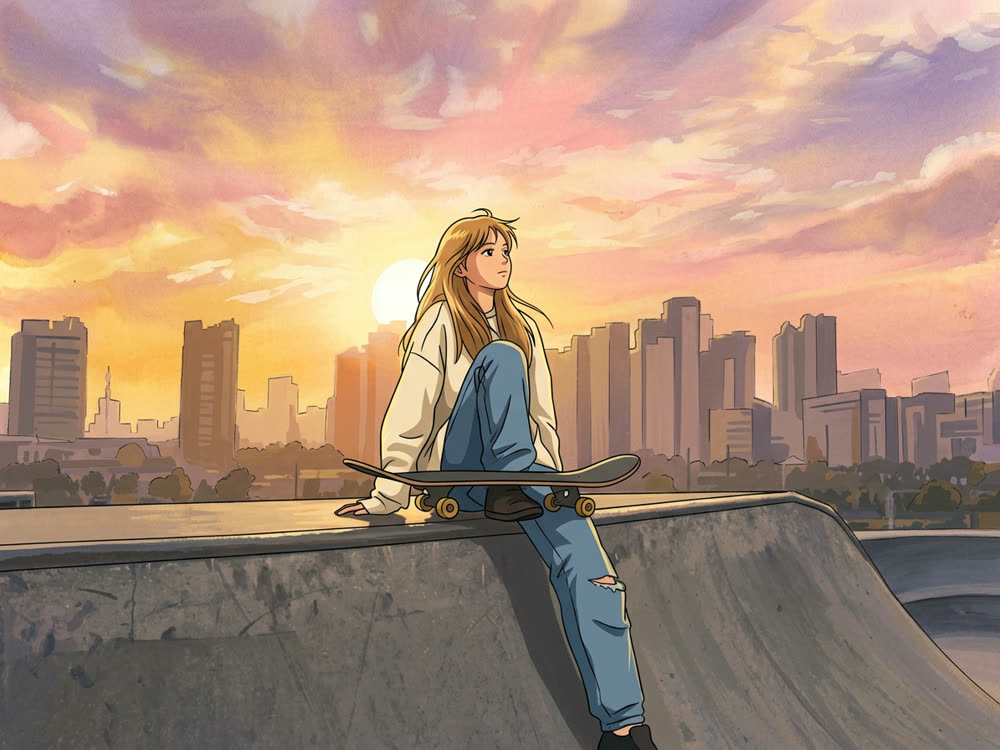
Tips for better results
- Draft at Variants 1. Four images per run quadruples the cost; save it for when the prompt is close.
- Quote the words you want on the image, and keep them short. A headline and a line of small print render more reliably than a paragraph.
- Say what kind of picture it is: "photograph", "flat illustration", "poster". It sets the whole look before any detail.
- To edit a photo you already have, see the Nano Banana Pro prompts article, built for edits.
Frequently asked questions
What does Nano Banana Pro cost here?
Generating starts with a plan. One Nano Banana Pro image costs 30 credits, so the $10 Basic plan (500 credits a month) covers 16 at Variants 1.
Why did I get four images?
Variants defaults to 4. Set it to 1 before pressing Generate to get one image at a quarter of the price, or to 8 for more options per run.
Can Nano Banana Pro put text in the image?
Yes: put the exact words in quotes in the prompt. Short lines spell most reliably. Check the spelling on the result before you use it.
Can I use the images commercially?
There is no watermark, and Kinoseed's terms say you keep ownership of the outputs you generate, subject to the underlying model providers' terms.
Try it on your own photo.
Image studio is open to explore. The price of a run is on the button before you spend anything.