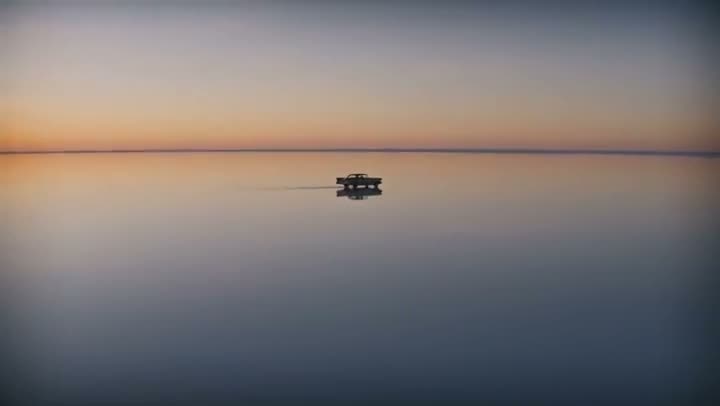
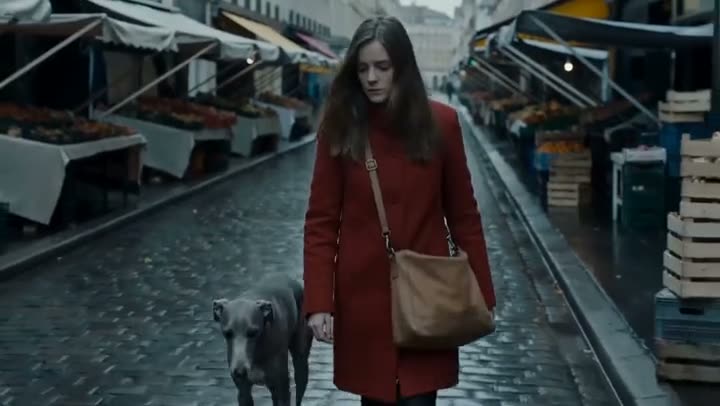
To make a text-to-video clip with Google Veo 3.1 or Kling 3.0, open the Video studio, leave the frame slots empty, choose the Model, set the shape, Duration and Sound, write the Prompt and press Generate Video. With no image attached the model invents the whole shot from your words. A 5 second Kling 3.0 clip costs 110 credits and a 4 second Google Veo 3.1 clip at 720p costs 150.
The studio has 13 models that take a text prompt on its own: Seedance 2.0, Kling 3.0, Google Veo 3.1, Grok Imagine, Wan 3.0, MiniMax H3, Seedance 2.5, Seedance 1.5 Pro, Seedance 2.0 Mini, Kling 3.0 Standard, Seedance 2.0 Fast, Kling 2.6 Pro and Google Veo 3.1 Fast. This article focuses on Kling 3.0 and Google Veo 3.1, and lists what each clip costs before you spend anything.
What you need
- A prompt: who or what is in the shot, what happens, how the camera moves and what the light is like.
- A Kinoseed account with credits. Generating starts with a plan; the cheapest text-to-video clip, Seedance 1.5 Pro at its shortest length, costs 12, which the $10 Basic plan (500 credits a month) covers.
Step by step
- 1
Open the Video studio and pick the Model
The Model card at the top shows Seedance 1.5 Pro, the default, at 25 credits for 5 seconds at 720p. Click it to switch to Kling 3.0, Google Veo 3.1, Seedance 2.0 or another model. Google Veo 3.1 Lite, Wan 2.7, MiniMax Hailuo 2.3 and MiniMax Hailuo 2.3 Fast always need an image, so pick a text-capable model for a prompt-only clip.
- 2
Leave the frames empty
The frame slots under the model (Start & end frames on Kling 3.0) are optional for text-to-video. Leave them empty and the clip is made from the Prompt alone. Add a start frame later if you want the shot to begin on a specific image.
- 3
Set the shape, Resolution, Duration and Sound
Choose the aspect from the shape buttons; the ratio is spelled out beside them. Kling 3.0 runs 5 or 10 seconds; Google Veo 3.1 runs 4, 6 or 8 seconds and has a Resolution choice of 720p, 1080p or 4k. Tick Sound to generate dialogue and effects with the clip; it costs more, and the Generate Video button updates the moment you tick it.
- 4
Write the Prompt
Describe one shot: the subject, the action, the camera move and the light, in a couple of sentences. "Slow dolly-in on a lighthouse keeper climbing a spiral stair, lantern light, dust in the air" gives the model more to work with than "a lighthouse". The prompt can be up to 2,000 characters.
- 5
Press Generate Video
The cost is on the button before you press it. The clip lands in the feed beside the controls, ready to download, with no watermark. A failed run is refunded automatically.

Prompts to copy
Paste any of these into Video studio as a starting point, then change the details to fit your photo.
Product
Matrix-style bullet time: a glass perfume bottle frozen mid-shatter on a black pedestal while the camera orbits 180 degrees around it, suspended shards, rim light, cinematic.
Landscape
Drone pull-out rising from a lone figure walking a knife-edge dune ridge, tilting up to reveal an endless desert, golden hour.
Character
Close-up of an old fisherman mending a net on a wooden pier at dawn, he looks up at the camera and smiles, gentle handheld drift, soft sea haze.
Kling 3.0 or Google Veo 3.1?
Kling 3.0 is the cheaper of the two for a 5 second clip: 110 credits, 210 for 10 seconds, or 160 for 5 seconds with Sound ticked. Its motion has weight, which suits people and products.
Google Veo 3.1 runs 4, 6 or 8 second clips at up to 4K. At 720p it costs 150 credits for 4 seconds and 290 for 8; 600 for 8 seconds with Sound; 290 for 8 seconds at 1080p. Pick it when you want a polished, filmic look or a higher resolution.
Seedance 2.0 is the third option for text-to-video, from 130 credits for 5 seconds at 480p (280 at 720p), with sound included in the price.
What a plan buys
The Starter plan's 1,200 monthly credits cover 10 five second Kling 3.0 clips, or 8 four second Google Veo 3.1 clips at 720p. Every plan includes every model. See pricing, or compare all the models on the models page.
More examples
Tips for better results
- One shot per prompt. A single action and a single camera move read better in 5 seconds than a sequence of events. For several shots in a row, use Cinema Studio.
- Name the camera move. Dolly-in, orbit, crane up, handheld drift: models follow camera language well.
- Leave Sound off while drafting. Tick it for the take you will post.
- Have a photo already? Turn the image into a video instead, which keeps the exact face or product.
Frequently asked questions
What does a text-to-video clip cost?
Generating starts with a plan. The cheapest text-to-video clip is 12 credits on Seedance 1.5 Pro, which the $10 Basic plan (500 credits a month) covers. The entry plan also covers short image-to-video clips on the cheaper models.
Is Veo 3.1 better than Kling 3.0?
They suit different jobs. Kling 3.0 is cheaper per short clip; Google Veo 3.1 goes up to 4K and has a filmic finish. The quickest test is the same prompt on both: the price of each is on the Generate Video button before you run it.
Do the clips have sound?
On Kling 3.0 and Google Veo 3.1, when you tick Sound, which raises the price. Seedance 2.0 includes sound in its price.
How long can a text-to-video clip be?
Kling 3.0 makes 5 or 10 second clips, Google Veo 3.1 4, 6 or 8, and Seedance 2.0 5, 8 or 10. For a longer piece, generate several clips and join them, for example with Transitions.
Try it on your own shot.
Video studio is open to explore. The price of a run is on the button before you spend anything.