Cinema Studio 3.5
Drop a brief, pick a pattern, and Kinoseed renders three coherent shots (wide, medium, close) in parallel.
Wide establishing → Medium tracking → Close-up emotional
Aspect
Sound
870creditsCtrl⏎
Shot 1
ExampleThree-shot sequence
Shot 2
Shot 3
How to direct a three-shot sequence
- 1
Write the brief
One scene, described once. It's reused across all three shots, which is what keeps them reading as the same moment.
- 2
Pick a pattern
The pattern is the edit: Three-Act opens wide and closes tight, Escalation builds, Action cuts for impact. It decides each shot's framing and camera move.
- 3
Generate all three at once
The shots render in parallel and land as they finish, so you're watching the first while the third is still going. Download each one individually.
Explore more apps
See all

Similarity Score
Score your content's IP similarity
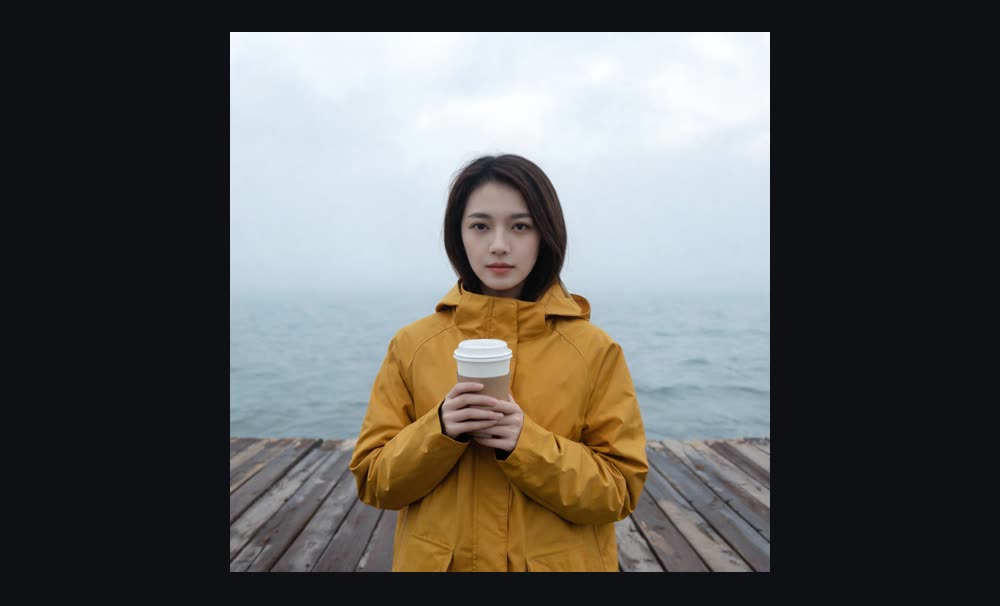

Expand image
Expand any image beyond its edges


Angles 2.0
Generate any angle view for any image
Transitions
Seamless transitions between any shots
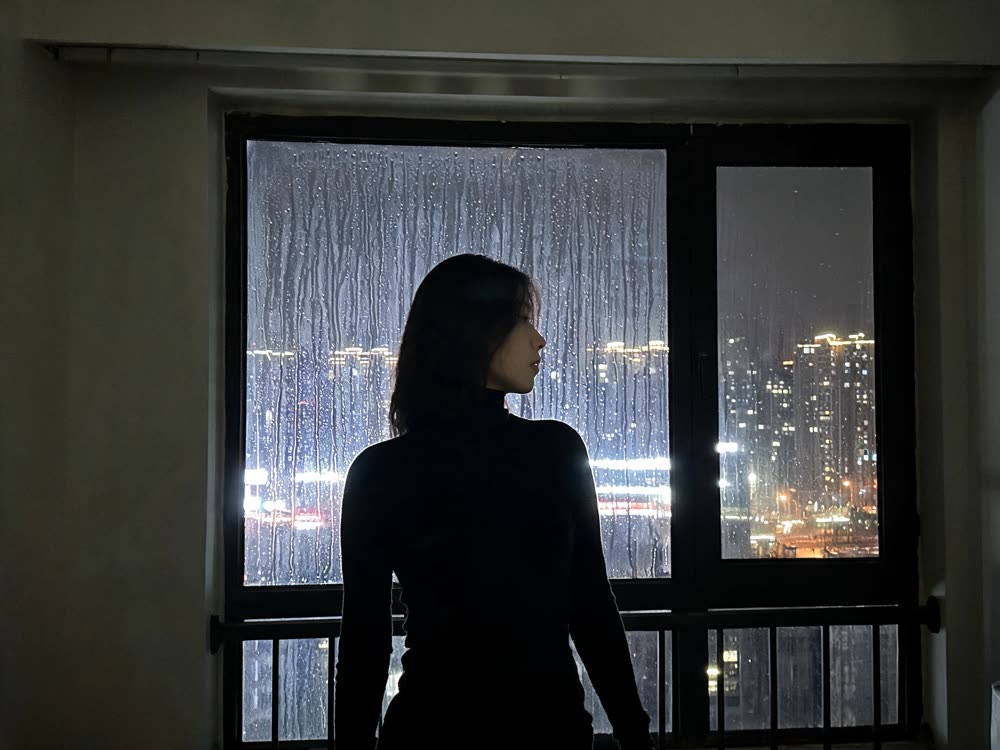
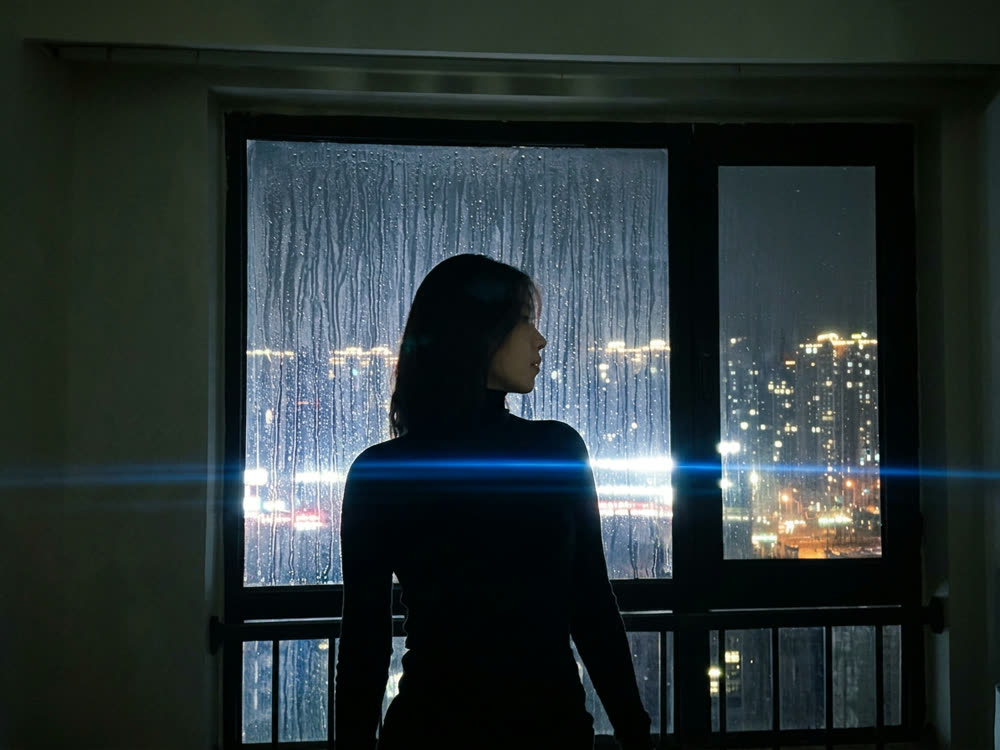
Cinematic Cameras
Shoot on real cine cameras, lenses & glass
Motion Control
Choreograph character action up to 30s