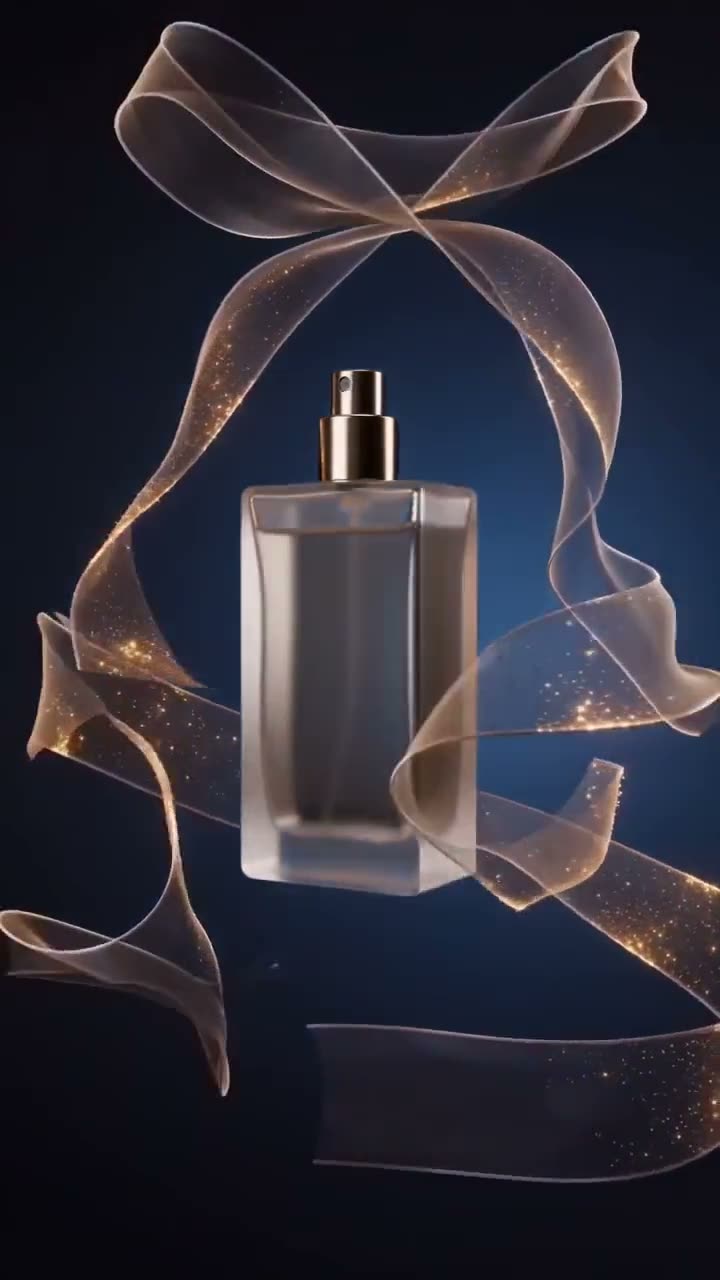
To make a video from several reference images, upload 2 to 9 images to Multi Reference (a character, a location, a garment, a prop), write one prompt that cites each by number as [Image1], [Image2] and so on, and press Generate Video. Seedance 2.0 Mini composes all of them into one continuous shot. A 5 second clip at 720p costs 150 credits.
It is the tool for when one start frame is not enough: the person has to look like this, wear that jacket and stand in that place. This article covers the steps, how to write a prompt that cites references clearly, and the price.
What you need
- 2 to 9 images, one per element: the character, the location, the clothing, the object. Clean, single-subject images work best.
- A Kinoseed account with 150 credits for a default clip. Video needs a plan; the $10 Basic plan (500 credits a month) covers it.
Step by step
- 1
Upload your References
Drop 2 to 9 images into References. The label counts them, for example References (3/9). Each image is numbered in upload order, so upload the main character first if you want them to be [Image1].
- 2
Write the Prompt, citing each image
The Prompt opens with an example: "[Image1] walks through the location in [Image2], wearing the jacket from [Image3]". Write your own shot the same way. The +[Image1], +[Image2] chips under the field insert the token at your cursor, so you never type brackets.
- 3
Set Aspect, Length and Res
Aspect is 16:9, 9:16 or 1:1. Length is 5, 8 or 10 seconds, and Res runs from 480p to 720p, starting on 720p.
- 4
Press Generate Video
The button shows the price before you press it: 150 credits for 5 seconds at 720p. Everything you cited lands in one shot in the feed, ready to download, with no watermark. A failed run is refunded automatically.
Multi Reference
Combine multiple reference inputs into one shot
Open in appSign in to generate. The price of a run is on the button.
Prompts to copy
Paste any of these into Multi Reference as a starting point, then change the details to fit your photo.
Person, place, garment
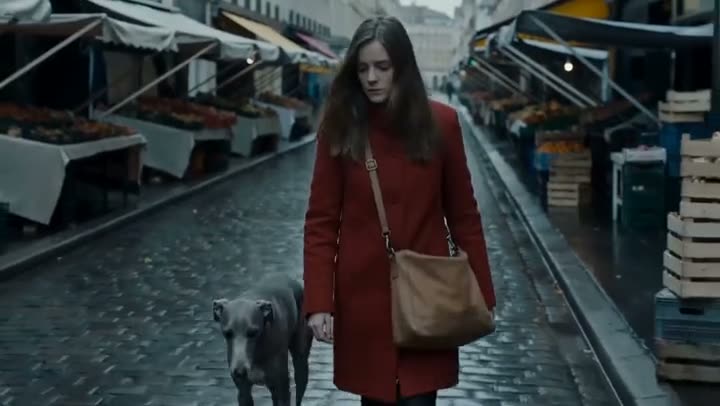
[Image1] walks slowly through the market street in [Image2], wearing the coat from [Image3]. Slow tracking move alongside her, overcast light, shot on 35mm.
Product in a scene
[Image1] picks up the bottle from [Image2] off the bathroom shelf in [Image3], turns it to the light and smiles. Clean daylight, gentle push-in.
Character and pet
[Image1] sits on the sofa in [Image2] while the dog from [Image3] jumps up beside them. Warm evening lamp light, handheld framing.
What it costs
At 720p: 150 credits for 5 seconds and 290 for 10. A 5 second draft at 480p costs 70. The number of references does not change the price: 2 images cost the same as 9.
The Starter plan's 1,200 monthly credits cover 8 default clips. See pricing.
Multi Reference or Image to Video?
Image to Video animates one photo as the first frame, so the shot starts exactly as the photo looks. Multi Reference takes several images as ingredients and builds a new shot that contains them. Use Image to Video to animate a picture, and Multi Reference to assemble a scene.
More examples
Tips for better results
- Cite every image. A reference that the prompt never mentions gives the model no instruction about where it belongs.
- One element per image. A photo of just the jacket is clearer than a photo of someone else wearing it.
- Keep the light consistent. References shot in very different light are harder to merge into one believable frame.
- For a character who has to look the same across many clips, start from a consistent AI character and use that portrait as [Image1].
Frequently asked questions
How many reference images can I use?
Between 2 and 9. Generate Video stays disabled until there are at least 2.
How does the model know which image is which?
By number, in upload order: the first image you add is [Image1], the second [Image2], and so on. Use those tokens in the prompt to say what each one is.
What does a multi-reference video cost?
Generating starts with a plan. The cheapest clip, 5 seconds at 480p, costs 70 credits, which the $10 Basic plan (500 credits a month) covers.
Which model does Multi Reference use?
Seedance 2.0 Mini, in its reference-to-video mode.
Try it on your own shot.
Multi Reference is open to explore. The price of a run is on the button before you spend anything.