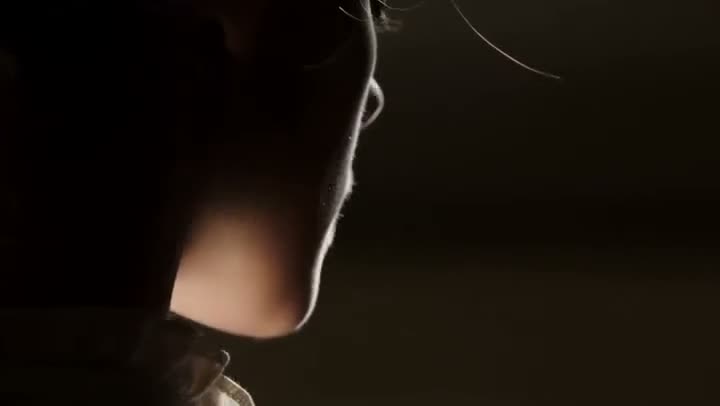
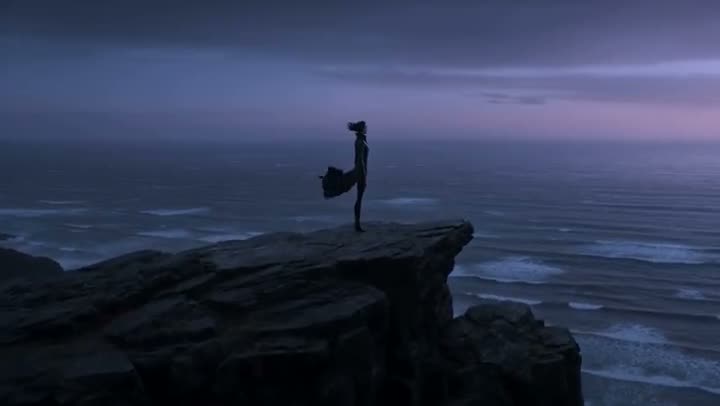
Grading is the step that makes footage look like a film rather than a phone clip, and it is the step most people skip: wheels, curves and scopes take years to use well. The shortcut is to color grade a video by naming the look you want. Each look is a specific relationship between highlights, shadows and skin, applied to your footage without touching the framing or the motion.
This article shows how to do that with Kinoseed's Color Grading tool, and which looks suit which footage.
What you need
- A video clip. With the Kling models, the clip needs to be between 3 and 10 seconds long.
- An idea of the mood you are after: warm, cold, moody, bright, period.
Step by step
- 1
Upload the Source clip
The footage to grade. Nothing about the framing, the motion or the cut is meant to change; only the colour moves.
- 2
Pick a Grade
Ten named looks, each on a swatch: Teal & Orange, Kodak Print, Bleach Bypass, Day for Night, Golden Hour, Neon Noir, Faded Matte, High Key, Mono Noir and Vintage Sepia. The line next to the label describes the one you have selected.
- 3
Add Notes if something must not change
Notes are optional and added to the grade, for example "keep the skin tones neutral" or "hold the reds in the neon sign". Use them to protect a brand colour or a face.
- 4
Set the Strength
Subtle keeps the original read of the scene, Balanced (the default) commits to the look, and Strong pushes it as far as it goes. Comparing two strengths on the same clip is the quickest way to find the right one.
- 5
Choose the Model and press Generate Video
Kling O1 Video Edit is selected for you; Kling 3.0 Omni Edit and Grok Imagine Edit are the alternatives, and each row shows its price for your clip. With the Kling models the original sound is always kept. The graded clip plays in the feed, ready to expand, download or recreate.
Color Grading
Apply cinematic color grades to any clip
Open in appFree to explore. Sign in to generate.
Which grade for which footage
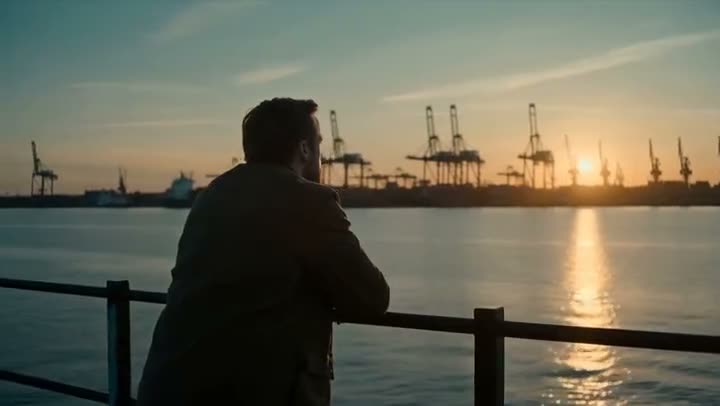
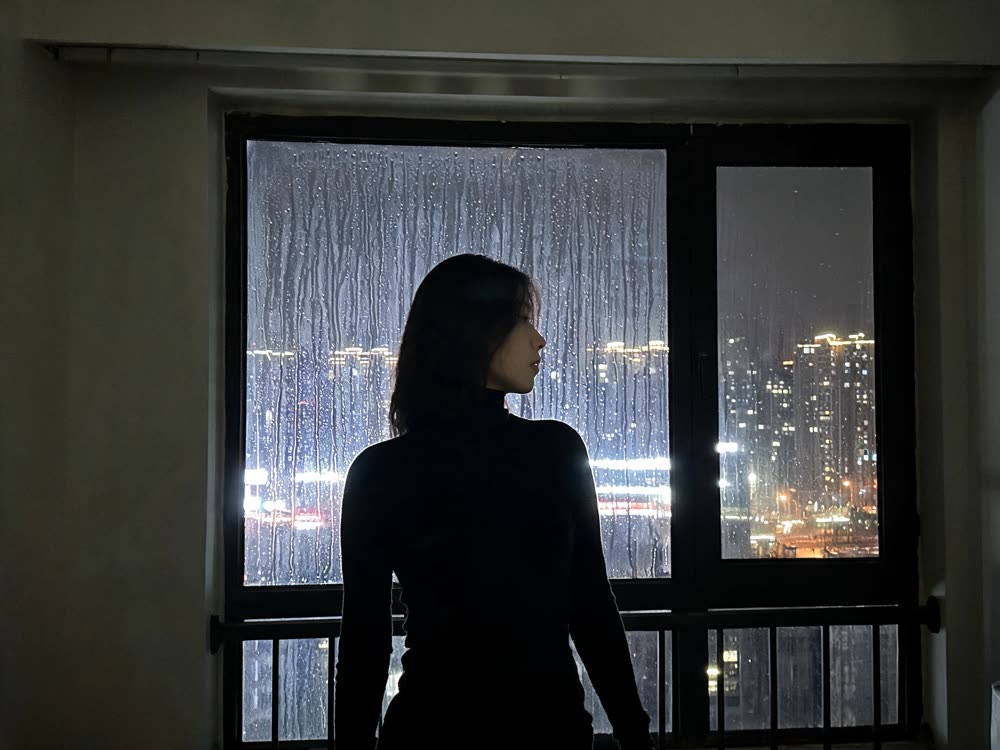
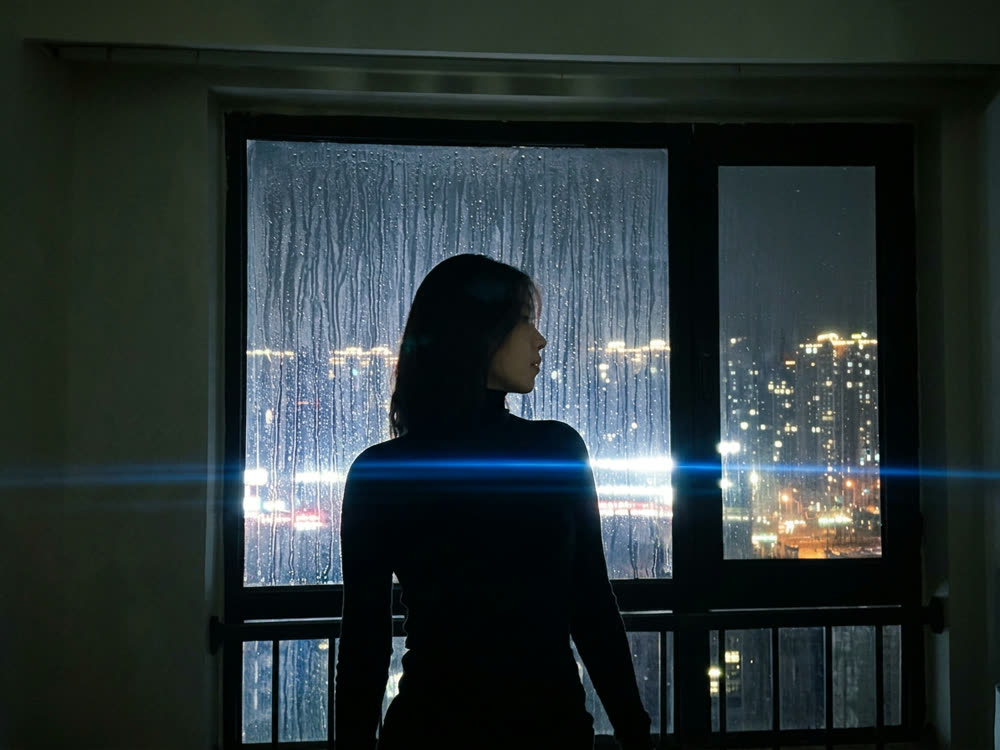
Teal & Orange is the modern blockbuster look and flatters skin against sky, sea and city. Kodak Print adds warm photochemical film character, good for travel and documentary. Bleach Bypass is harsh and silvery, built for action and grit. Day for Night turns daylight into moonlight, which saves a night shoot. Golden Hour adds late warm sun to footage shot at the wrong time of day.
Neon Noir pushes magenta and cyan into night scenes. Faded Matte lifts the blacks for a soft, muted social look. High Key is bright, clean and commercial, the usual choice for product and beauty. Mono Noir and Vintage Sepia take the colour out, hard and modern or aged and archival.
Grading a whole sequence
Use the same Grade and Strength on every clip in a sequence so the cuts match. If one shot was lit very differently, add a note for it rather than changing the grade, for example "keep the exposure even with a bright sunny exterior".
More examples
Tips for better results
- Start on Balanced, then go one step either way. Strong is a statement; use it when the look is the point of the shot.
- Protect skin with a note. "Keep the skin tones natural" is the single most useful line you can add to an aggressive grade.
- Upscale before grading, not after. Grading a soft clip makes the softness part of the look.
- Day for Night works best on footage with no visible sun and a clear sky. Hard midday shadows give the trick away.
Frequently asked questions
Does color grading change the content of my video?
It is not meant to. Every request is worded to keep the framing, motion and cut as shot and change only the colour. Check fine details like text on signs, and add a note if something must stay exactly as it is.
Is the audio kept?
Yes with the two Kling models, which always keep the original sound when grading.
How long can the clip be?
With Kling O1 Video Edit and Kling 3.0 Omni Edit, between 3 and 10 seconds. Split longer footage into shots and use the same grade on each.
How much does it cost?
It depends on the model and the clip's length. Each model row shows its price for your clip, and the exact number is on the button. Failed runs are refunded automatically.
Try it on your own shot.
Color Grading is open to explore. The price of a run is on the button before you spend anything.