Describing a dance in words does not work. "She does a sharp hip-hop routine" gives you some movement, never the routine you had in mind. The way to make an AI dance video that actually follows the steps is to show the model the move: a reference clip carries the choreography, and a photo decides who performs it.
That is what Kinoseed's Motion Control does. This article covers the inputs, the settings, and what makes a motion reference transfer cleanly. It works for any movement, not only dance: a walk, a gesture, a fight beat, a product demo.
What you need
- A motion reference: a video of the dance or movement you want.
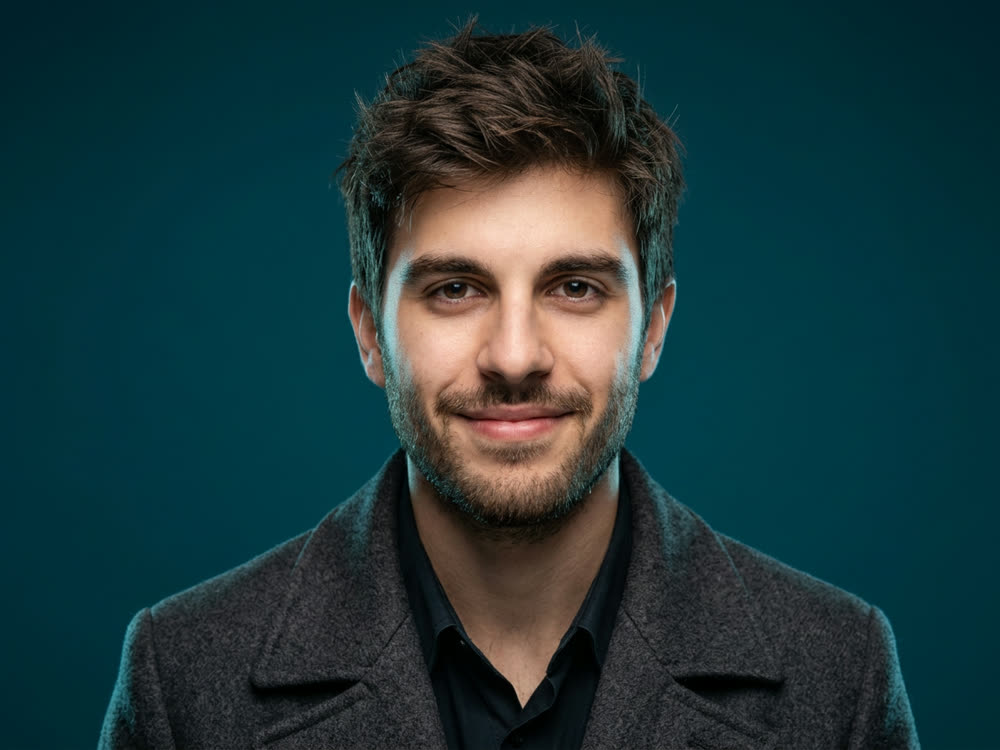
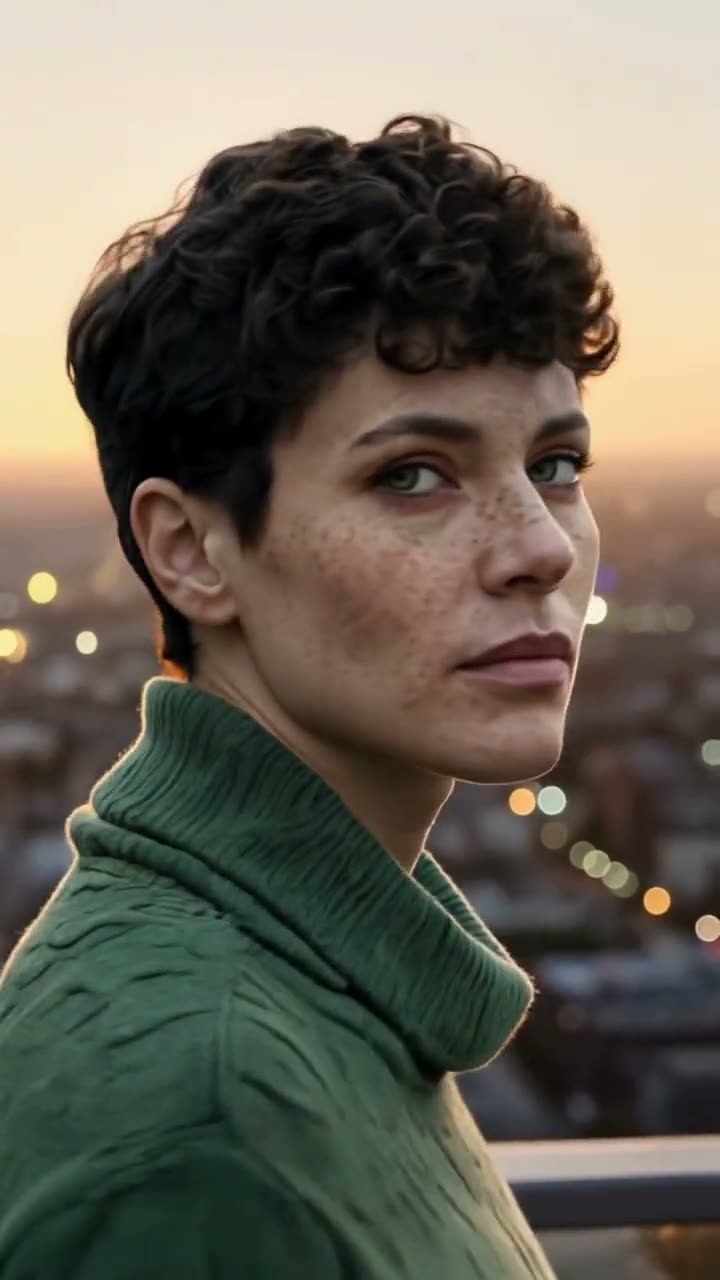
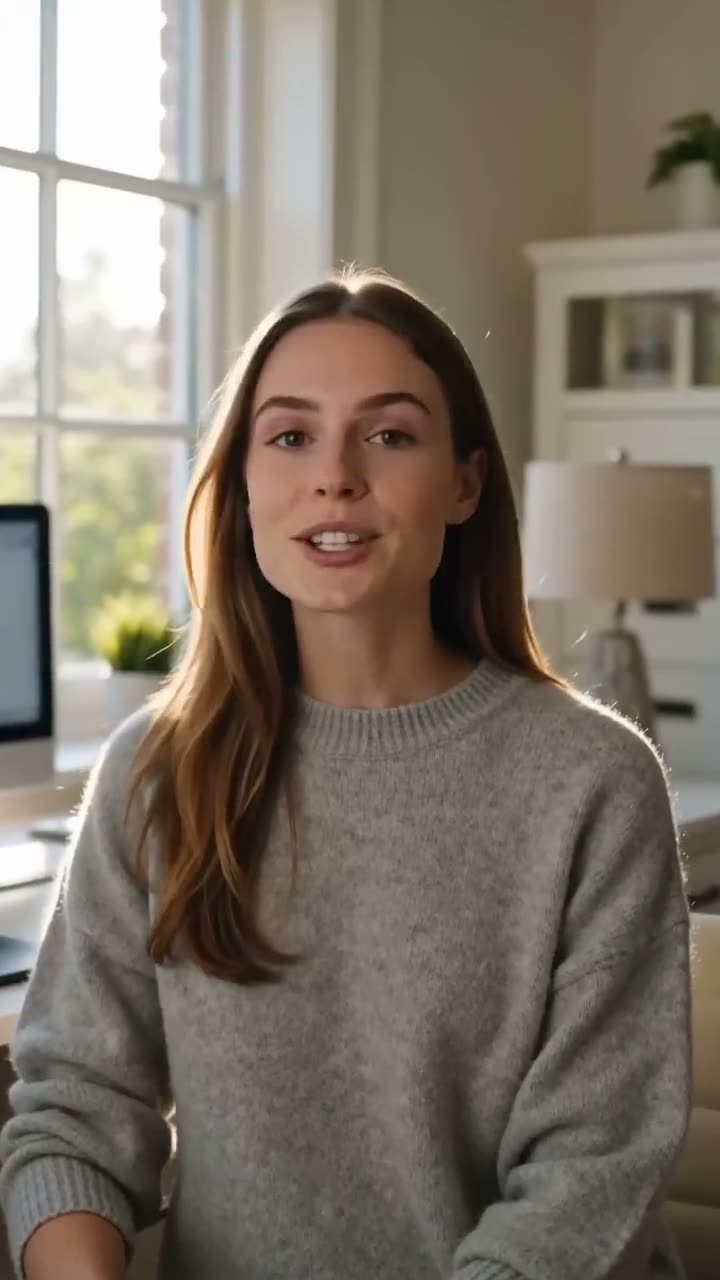
- A subject image: a photo of the character who should perform it, ideally full or half body.
- Permission from anyone whose photo or performance you use.
Step by step
- 1
Upload the Motion reference
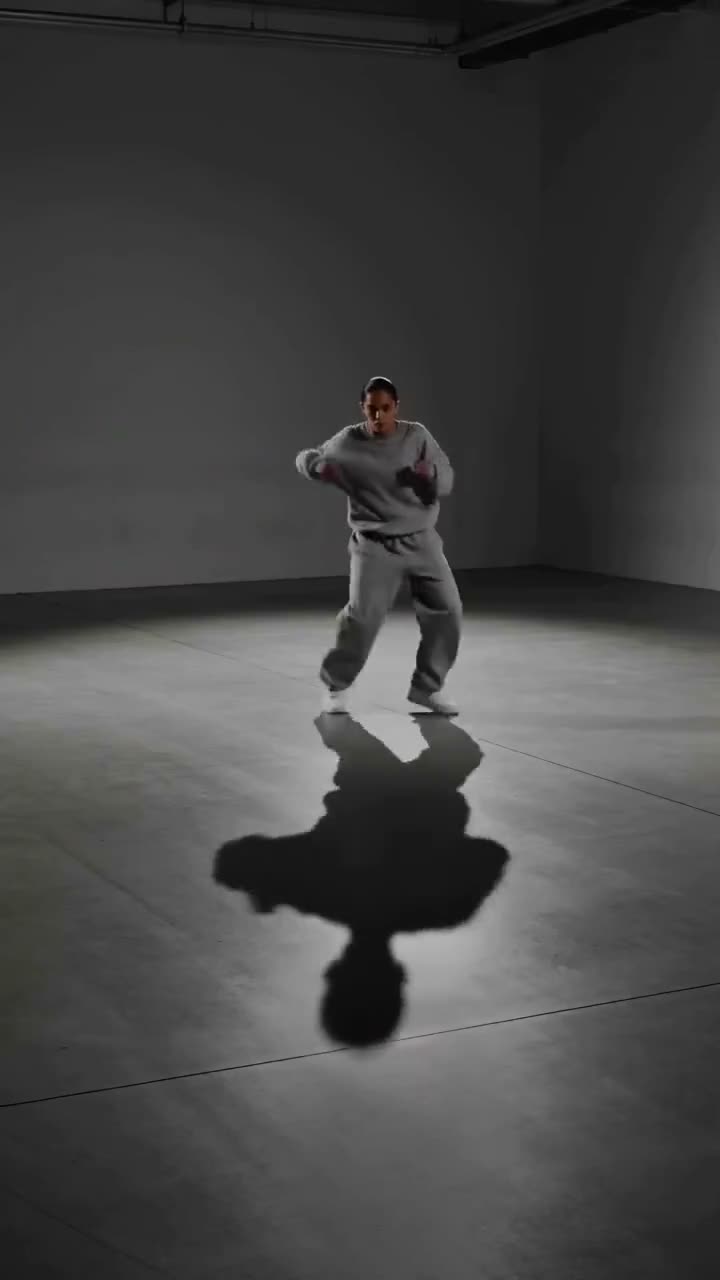
The clip whose movement gets transferred. The choreography is read off this, so a clean performance with the whole body in view, nothing crossing in front of it and a camera that holds still transfers best.
- 2
Upload the Subject image
The character who performs the move. A full or half body shot gives the model far more to work with than a headshot, because it has to know what the arms, legs and outfit look like.
- 3
Set Match orientation to
Choose Motion clip to keep the reference clip's framing, or Subject image to keep the framing of your photo. For a vertical dance clip from a phone, Motion clip is usually right.
- 4
Add a Direction and pick the Model
Direction is optional: the scene, wardrobe or mood, for example "on a neon-lit rooftop at night, light rain". The choreography still comes from the clip. Under Model, Kling 3.0 Motion Control is selected by default and Kling Motion Control is the alternative; each row shows its own price for your clip.
- 5
Choose the Audio and press Generate Video
Audio is either Keep the source audio or Drop it, so the music from your reference can come along with the move. The finished clip plays in the feed, ready to expand, download or recreate.
Motion Control
Choreograph character action up to 30s
Open in appFree to explore. Sign in to generate.
What makes a good motion reference
One performer, fully in frame, from start to finish. Feet leaving the bottom of the frame, a second dancer crossing in front, or a camera that whips around all make the movement harder to read. A plain background helps too: the model is looking for a body, and a busy set competes with it.
Match the shot type as well. A full-body reference and a full-body subject photo transfer naturally. A full-body routine onto a tight headshot asks the model to invent everything below the shoulders.
What it costs
The price depends on the model and the length of the reference clip, and the two models differ noticeably. Both prices are shown on the model rows as soon as the clip is uploaded, and the final number is on the button. A failed run is refunded automatically.
More examples
Tips for better results
- Film your own reference. A phone on a shelf, a plain wall and one take of the routine is a better motion reference than most clips you can find online.
- Trim the reference to the move. You pay by length, and the dead seconds before the music starts cost the same as the routine.
- Dress the subject photo for the move. Loose clothing in the photo moves like loose clothing; a stiff suit stays stiff.
- Want the same character in many clips? Build them once with a consistent character and reuse that portrait as the subject.
Frequently asked questions
Does it work with any movement, not just dancing?
Yes. Motion Control transfers whatever happens in the reference clip: walking, gestures, sport, a presenter's hand movements.
Can I keep the music from the reference clip?
Yes. Set Audio to Keep the source audio. Choose Drop it for a silent clip you can score yourself.
Do I have to write a prompt?
No. Direction is optional. Leave it empty and the move is still taken from the clip and performed by the character in your photo.
Can I use someone else's dance video?
Only if you have the right to. The same goes for the subject photo: use yourself, or people who have agreed to it.
Try it on your own shot.
Motion Control is open to explore. The price of a run is on the button before you spend anything.