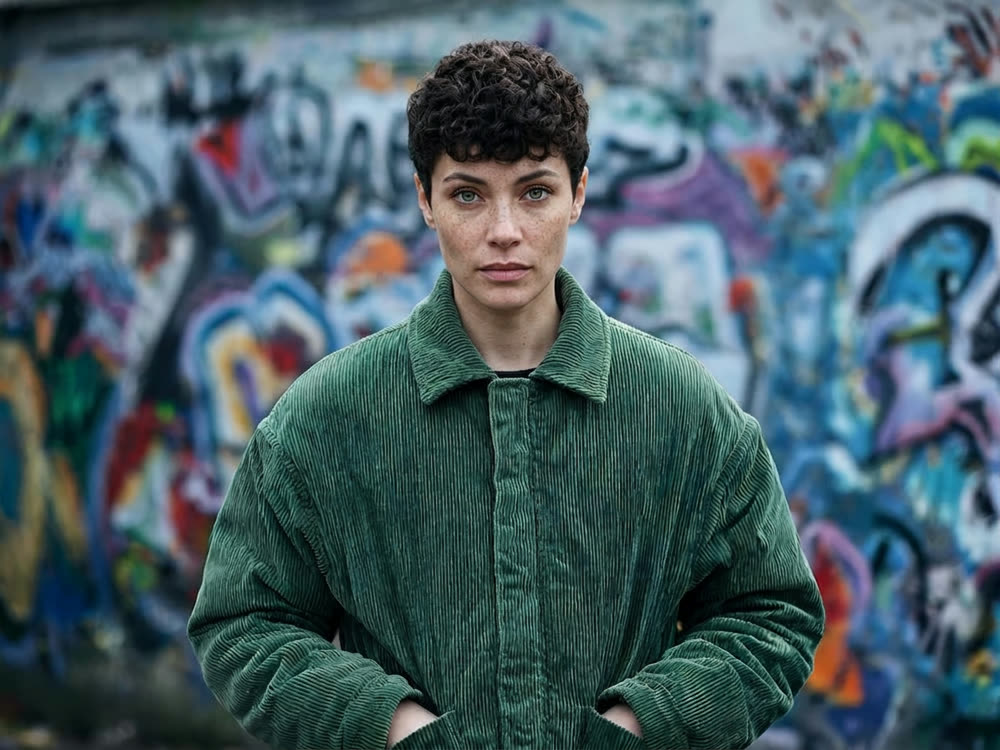
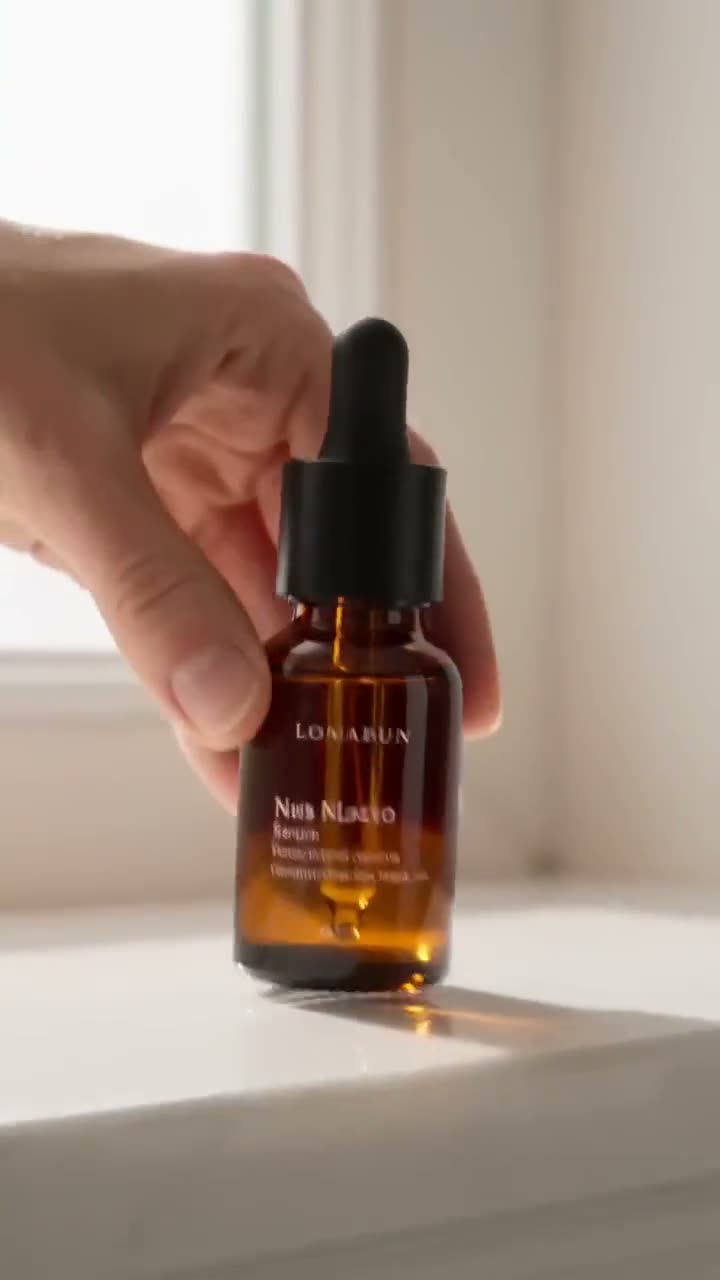
A talking photo is the fastest way to put a face on a message: a product explainer, a course intro, a localised version of an ad, a character in a short film. You do not need a camera, a studio or an actor on the day. AI lip sync takes a still portrait and a voice track and generates a video of that face speaking the words, with the mouth moving in time with the audio.
Here is how to make a photo talk with Kinoseed's Lipsync Studio.
What you need
- A portrait photo: front-facing, with the mouth clearly visible (PNG, JPG or WEBP).
- An audio file of the dialog, up to 30 seconds (MP3, WAV, OGG or M4A).
- Consent from the person in the photo, if it is not you.
Step by step
- 1
Upload the Portrait
Front-facing, mouth visible, nothing crossing the lower face. Profiles, hands over the chin and mouths hidden by a microphone are what lip sync models struggle with most.
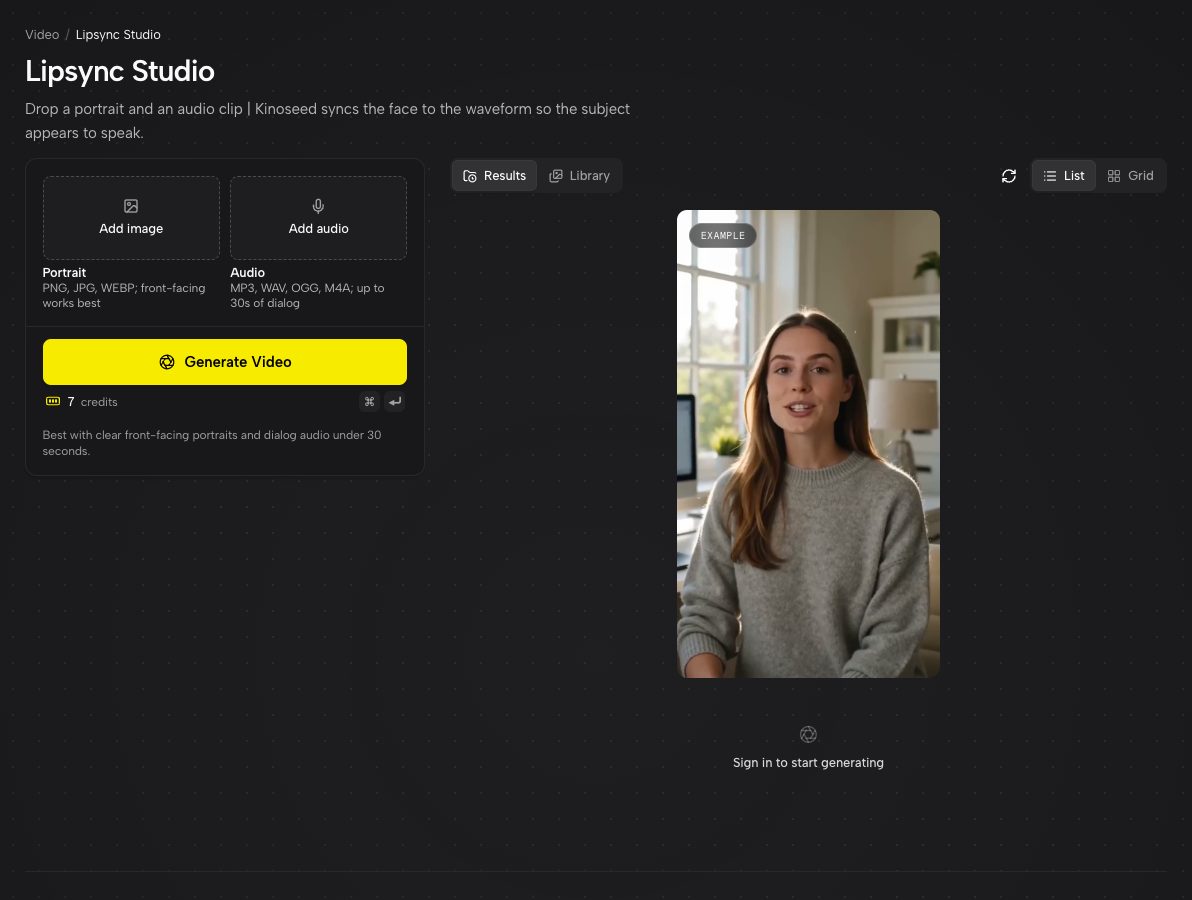
Lipsync Studio: a Portrait slot, an Audio slot and an example talking clip. - 2
Upload the Audio
Dialog under 30 seconds. Clean speech with little background noise gives the sharpest mouth shapes, so a voice memo recorded close to the phone beats a clip lifted from a noisy video.
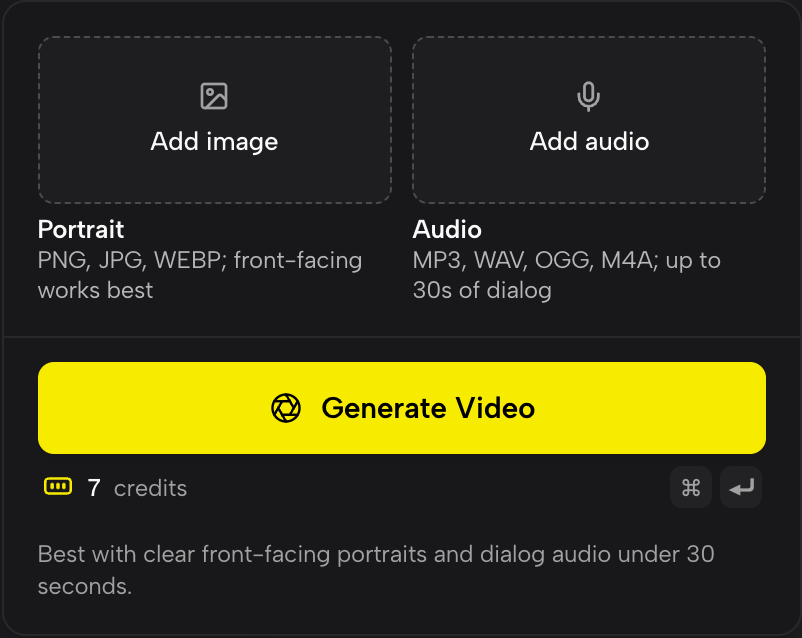
Portrait and Audio side by side. Both are needed before Generate Video unlocks. - 3
Press Generate Video
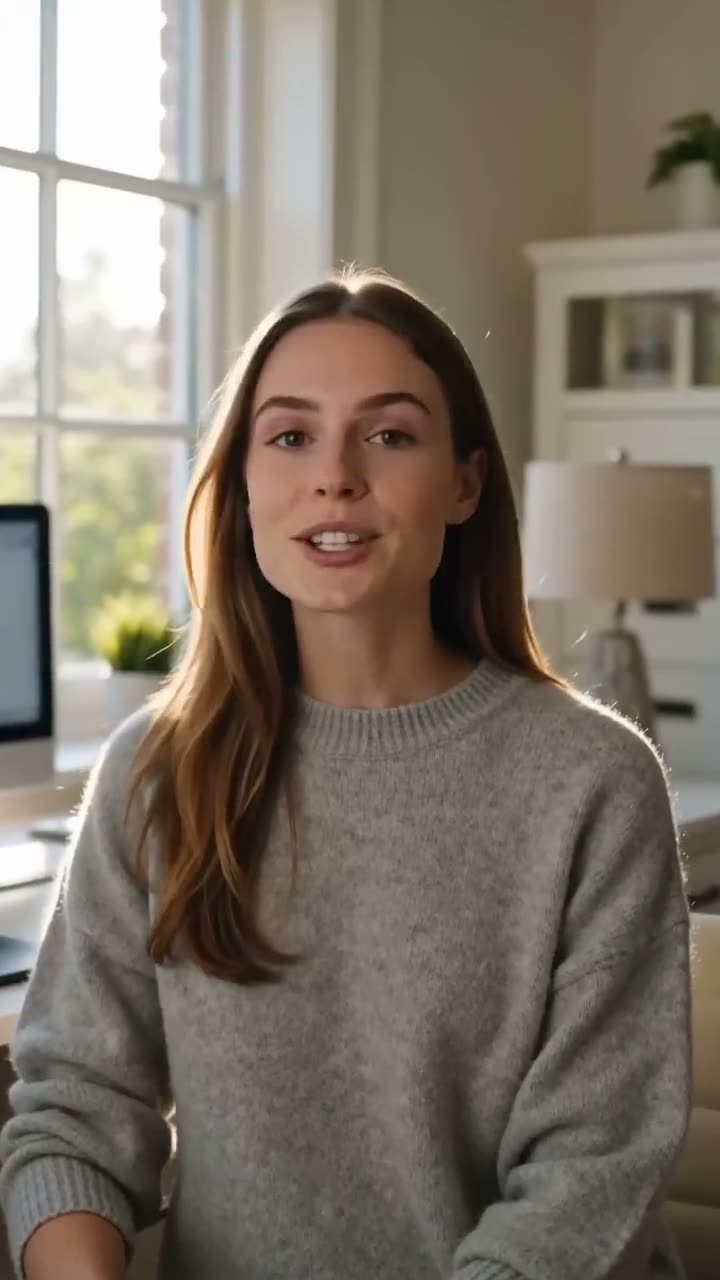
The face is driven by the waveform frame by frame. When it is done the video plays in the feed, where you can expand it, download it as an MP4 or recreate it.
Where the voice can come from
Anything you can export as an audio file: your own recording, a voice actor, a text-to-speech voice, or a translated dub of an existing video. That last one is the big use case: record once in English, dub the audio into Spanish and German, and make the same presenter speak all three.
Getting a natural result
The portrait sets the ceiling. A sharp, evenly lit face with a neutral, slightly open expression gives the model the most to work with. A big grin or a closed-mouth smirk in the photo has to be undone before the mouth can move, which shows.
Pace matters too. Clear, measured speech syncs more convincingly than fast talking over music. If the voice track has music under it, use a version without it and add the music back in your editor.
More examples
Tips for better results
- Crop the portrait to head and shoulders. The face should fill a good part of the frame.
- Trim silence from the start and end of the audio. The video runs as long as the audio does.
- Longer scripts: split them into 30 second sections, generate each one, and join them in your editor.
- Need a better portrait first? Upscale a soft photo, or build a consistent character with Soul ID Character.
Frequently asked questions
How long can the audio be?
Up to 30 seconds per video. For longer pieces, split the audio and join the clips afterwards.
What audio formats are supported?
MP3, WAV, OGG and M4A.
Does it work with drawings, paintings or 3D characters?
It works best on photographic faces. Illustrated and stylised characters can work if the face is front-facing with a clearly defined mouth.
Can I make anyone's photo talk?
Only with their consent. Kinoseed's terms prohibit impersonating a real person without permission, including non-consensual deepfakes.
Try it on your own shot.
Lipsync Studio is open to explore. The price of a run is on the button before you spend anything.