If you want an alternative to the Kling AI app, decide whether you want to leave Kling or only its app. Kinoseed runs Kling's models, Kling 3.0, Kling 3.0 and 2.6 Motion Control, Kling 3.0 Omni Edit and Kling O1 Video Edit, in the same place as Google Veo 3.1 and Seedance 2.0, on one credit balance. A 5 second Kling 3.0 clip is 110 credits without sound. The Kling app is still the better pick for Kling features Kinoseed does not have, and it is Kling's own home for new models.
Kinoseed is an independent product and is not affiliated with Kling or Kuaishou. Kling's own plans could not be confirmed from its site when this was written in October 2026, so this article does not quote its prices; check kling.ai for current terms.
Kling AI app vs Kinoseed at a glance
| Kling AI app | Kinoseed | |
|---|---|---|
| Kling video models | The full Kling line | Kling 3.0 (Pro tier), from text or a start and end frame |
| Motion control | Yes | Kling 3.0 Motion Control (120 credits for 5s) and Kling 2.6 Motion Control (65) |
| Kling video editing | Yes | Kling 3.0 Omni Edit (120 credits for 5s) and Kling O1 Video Edit |
| Other model families | No, Kling only | Veo 3.1, Veo 3.1 Lite, Seedance 2.0, Seedance 1.5 Pro, Grok Imagine, Wan 2.7, Hailuo 2.3 |
| Image models | Check kling.ai | Nano Banana Pro, GPT Image 2, Seedream 5.0 Lite, FLUX.2 and more |
| Free start | Check kling.ai | None; the $10 Basic plan (500 credits a month) is the cheapest way in, no watermark |
| Plans | Monthly memberships; check kling.ai | Basic is $10 a month for 500 credits, Starter $20 for 1,200, Creator $100 for 7,000, Studio $200 for 15,000 |
Kling figures are described in general terms because its pricing page could not be read in October 2026. Kinoseed figures are read from its model list, billing and pricing code.
What you need
- A prompt or a start frame you have used in the Kling app.
- For motion control: a short reference clip and a photo of the character.
- Credits for a few runs. Each run's price is on the button before you generate.
Step by step
- 1
Rerun a Kling 3.0 prompt
Open Image to Video, pick Kling 3.0 in the model picker, add your frame and prompt, and generate 5 seconds: 110 credits silent, 160 with sound.
- 2
Try Motion Control
In Motion Control, upload the Motion reference and the Subject image, pick a Model and press Generate Video. Both Kling motion models are in the Model list.
- 3
Send the same prompt to another model
In the video studio, switch to Google Veo 3.1 (290 credits for 8 seconds at 1080p) or Seedance 2.0 (280 for 5 seconds at 720p) and compare.
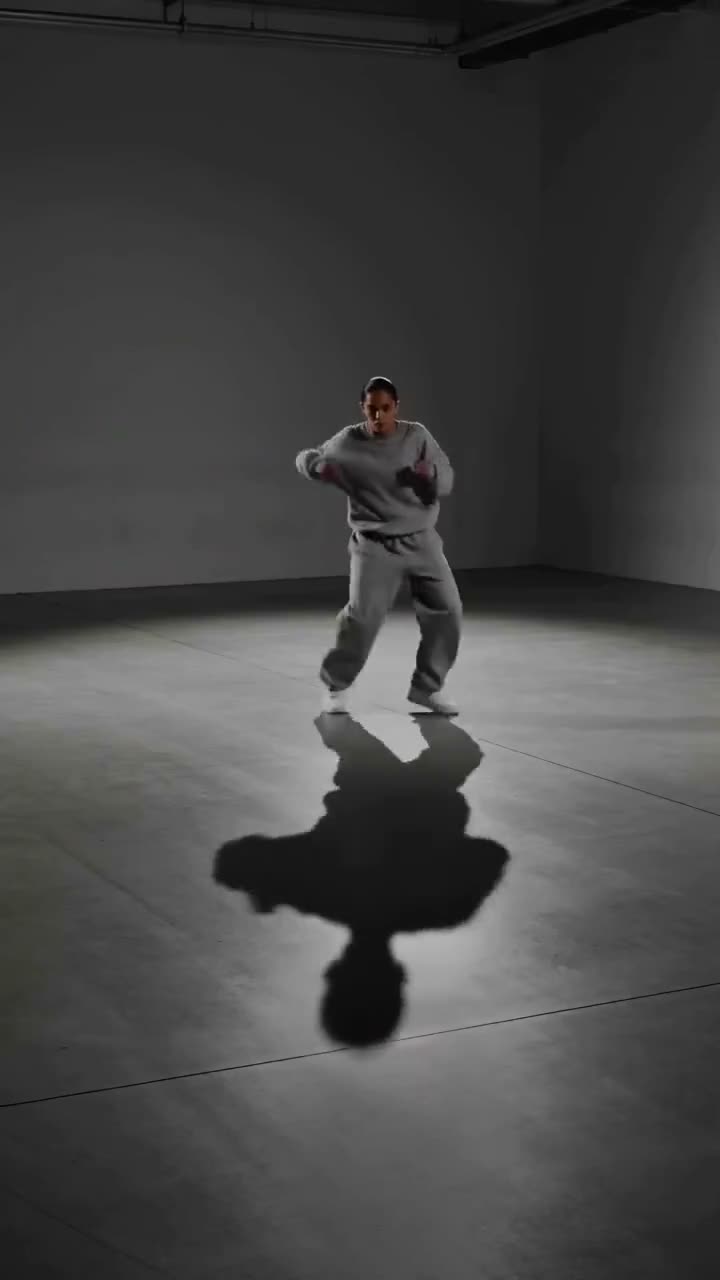
Motion Control
Choreograph character action up to 30s
Open in appSign in to generate. The price of a run is on the button.
What the Kling app does well
It is Kling's own home: every Kling model and feature is there, and the credit prices are set by Kling itself. If you only use Kling and want everything it offers, the app is the better pick.
What Kinoseed adds
The other leading model families next to Kling, so one prompt can go to Kling 3.0, Veo 3.1 and Seedance 2.0 without three subscriptions. Over 50 tools built on them, such as Recast, Video Face Swap and Transitions.
Every plan includes every model and tool. Results carry no watermark, failed runs are refunded automatically, and you can cancel anytime. See pricing.
Which to pick, by job
Every Kling feature: the Kling app. Kling 3.0 and Kling motion control alongside Veo and Seedance: Kinoseed. To choose between Kling motion models, read Kling 3.0 vs Kling 2.6 Motion Control; to weigh Kling against Google's model, read Kling 3.0 vs Veo 3.1.
More examples
Tips for better results
- Keep Kling 3.0 silent while you iterate. Sound costs more per clip.
- Draft motion control on Kling 2.6, then finish on Kling 3.0 if the cheaper run falls short.
- Use up credits already paid for in the Kling app before you switch.
- For a dance walkthrough, read how to make an AI dance video.
Frequently asked questions
Is Kinoseed affiliated with Kling?
No. Kinoseed is an independent product that runs Kling models through a provider, alongside models from other companies.
Can I use Kling 3.0 without the Kling app?
Yes. Kling 3.0 is in the model picker of Kinoseed's video studio, at 110 credits for 5 seconds without sound.
Does Kinoseed have Kling motion control?
Yes, both Kling 3.0 Motion Control and Kling 2.6 Motion Control, in the Motion Control tool. A 5 second move is 120 or 65 credits.
What does it cost to start?
Generating starts with a plan. The cheapest way in is the $10 Basic plan (500 credits a month), which covers image tools, short clips on the lighter video models and a 5 second Kling 3.0 clip, with no watermark on results.
Try it on your own shot.
Motion Control is open to explore. The price of a run is on the button before you spend anything.