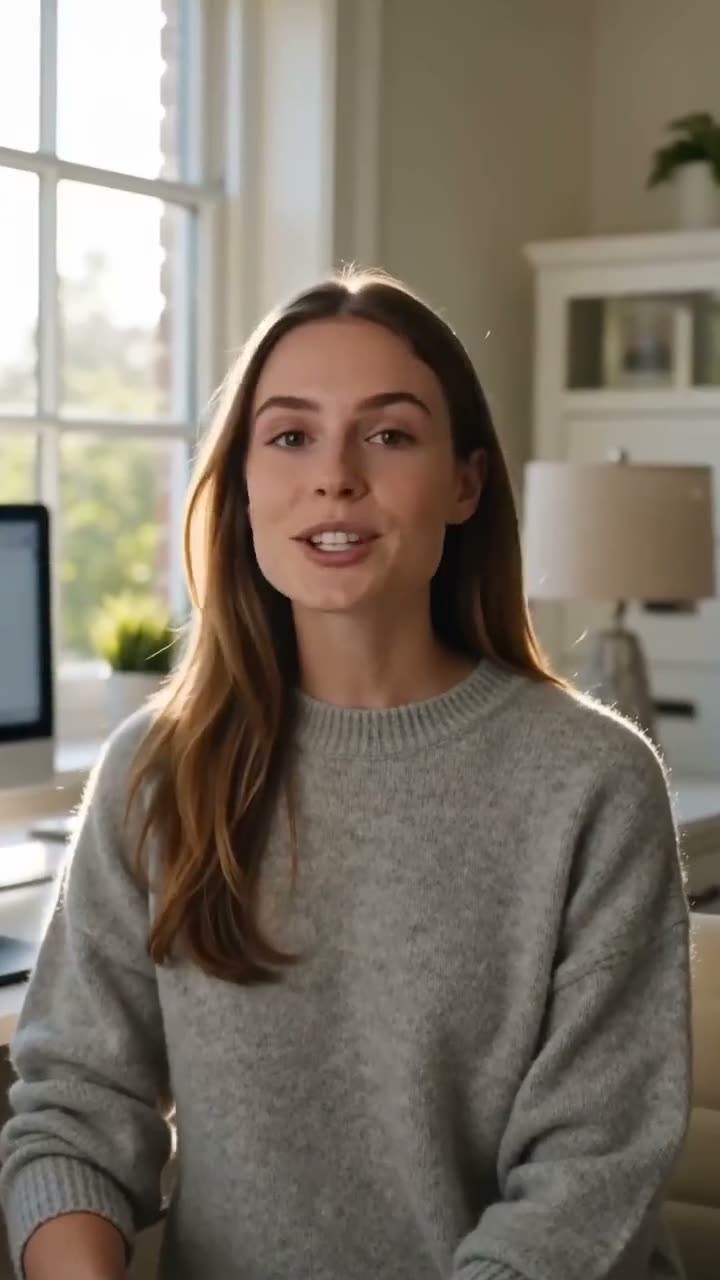
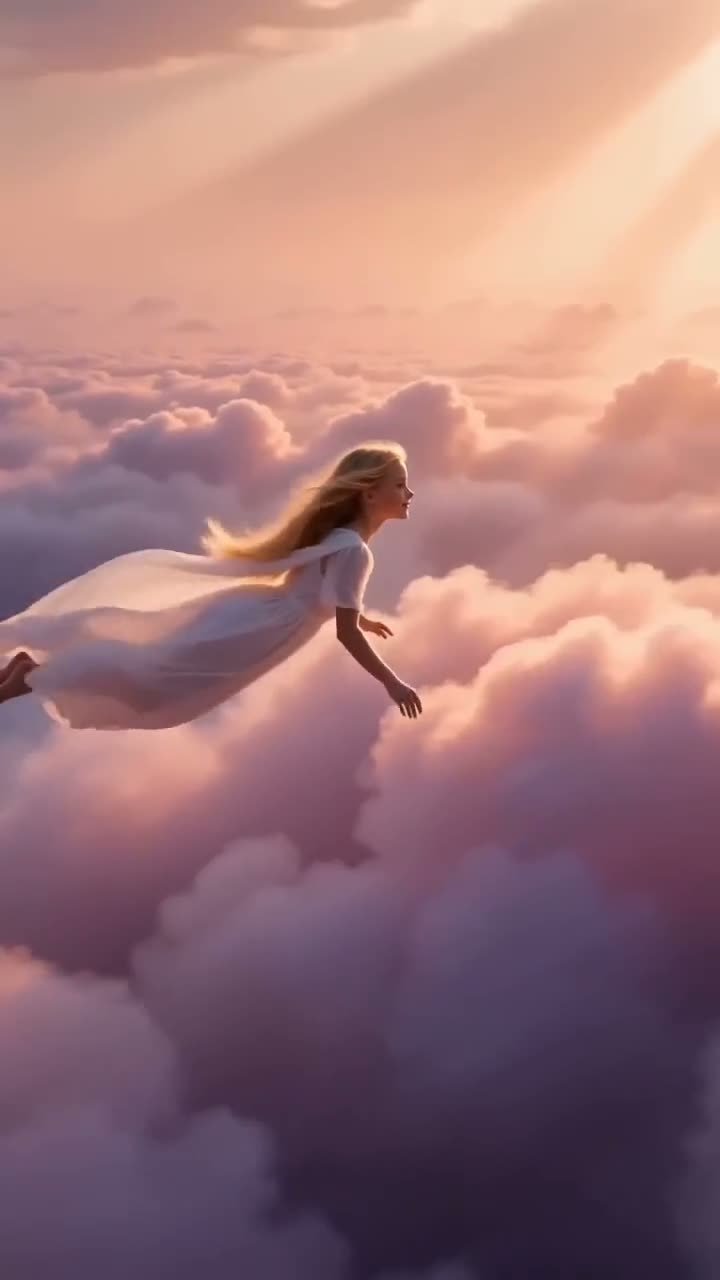
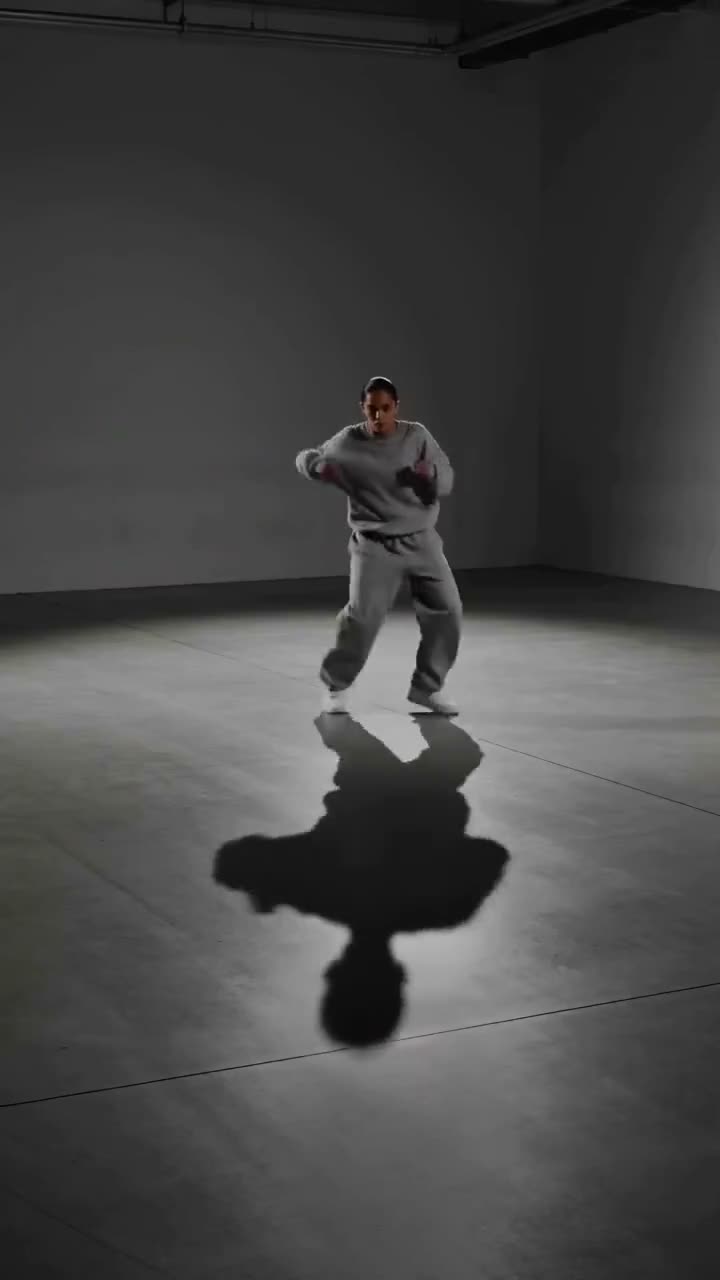
To make an AI music video of yourself, cut it from three kinds of shot. Dance shots: in Motion Control, upload a clip of the moves as Motion reference and your photo as Subject image, set Audio to Keep audio and press Generate Video (65 credits for 5 seconds on Kling Motion Control). Singing close-ups: in Lip Sync, upload your portrait and up to 30 seconds of the vocal (8 credits for 15 seconds). Scenery: in the Video studio, one text prompt per shot (25 credits for 5 seconds on Seedance 1.5 Pro at 720p). Then join them on the song in any editor.
A 30 second cut of three dance shots, one 15 second singing close-up and three scenery shots comes to about 278 credits at those prices, inside the $10 Basic plan (500 credits a month). Use a song you have the rights to, and your own face or someone who agreed.
What you need
- The song, or the part you want, as an audio file you have the rights to use. An isolated vocal track syncs best for the singing shots.
- A full or half body photo of yourself for the dance shots, and a front-facing portrait for the singing shots.
- A clip of the dance or moves to copy: film your own, or use one you have the right to use.
- A Kinoseed account with credits. Video starts with a plan; the $10 Basic plan (500 credits a month) is the entry plan.
Step by step
- 1
Plan the shots on the song
Split the song into sections and give each one a shot: dance for the chorus, a singing close-up for a verse line, scenery between them. Most shots run 5 to 10 seconds, so a 30 second cut is five to seven shots.
- 2
Make the dance shots in Motion Control
Upload the moves as Motion reference and your photo as Subject image. Set Match orientation to Motion clip for a vertical phone clip, add a Direction for the set ("on a neon rooftop at night"), and set Audio to Keep audio if the reference is already on your song. Kling Motion Control costs 65 credits for 5 seconds of reference and 130 for 10.
- 3
Make the singing close-ups in Lip Sync
Upload a front-facing portrait as Portrait and the vocal for that section as Audio, up to 30 seconds, then press Generate Video. The mouth follows the words: 8 credits for 15 seconds, 14 for 30.
- 4
Make the scenery in the Video studio
Write one shot per prompt in the look of the song: "slow drone over a foggy city at dawn", "rain on a car window at night". Seedance 1.5 Pro is selected and costs 25 credits for 5 seconds at 720p; pick 9:16 if the video is for Reels or TikTok.
- 5
Join the shots on the song
Download every clip as an MP4 and put them on the song's timeline in any editor, cutting on the beat. Use the original song as the soundtrack so the audio stays continuous across shots.
Motion Control
Choreograph character action up to 30s
Open in appSign in to generate. The price of a run is on the button.
Prompts to copy
Paste any of these into Motion Control as a starting point, then change the details to fit your photo.
Direction for a dance shot
On a rooftop at night under neon signs, light rain, city lights behind. Camera locked off.
Scenery shot
Slow drone shot rising over a foggy city at dawn, streetlights still on, soft pink sky. No people.
Mood shot
Close-up of a vinyl record spinning on a turntable, warm lamp light, dust in the air. Slow push in.
What a music video costs
Dance shots cost by the length of the reference clip: 65 credits for 5 seconds on Kling Motion Control. Singing close-ups cost by the length of the audio: 8 credits for 15 seconds. Scenery costs by model and length: 25 credits for 5 seconds on Seedance 1.5 Pro at 720p. The example cut above is about 278 credits. Every price is on the tool's Generate Video button before you press it; see what an AI video costs.
Getting dance shots that hold together
Film the reference yourself: phone on a shelf, plain wall, whole body in frame, one take. Use the same photo of yourself for every dance shot and the same Direction words, so the outfit and the set match from cut to cut. More on references: how to make an AI dance video.
More examples
Tips for better results
- You pay by the second: in Motion Control pick a shorter Length (First 5s, for example), and trim each vocal section to its shot before uploading.
- Keep the same photo, outfit and set words across shots so the video looks like one shoot.
- Cut on the beat. Short shots of 2 to 3 seconds from a longer clip often look better than one long shot.
- Leave Sound off on scenery shots; the song carries the audio.
Frequently asked questions
Can AI make a music video of me from one photo?
Yes. Motion Control makes your photo perform the moves of a reference clip, and Lip Sync makes your portrait mouth the vocal. Join the shots on the song in an editor.
How much does an AI music video cost?
Video starts with a plan. A 30 second cut of seven shots like the one above is about 278 credits; the $10 Basic plan (500 credits a month) has 500 credits a month.
Can I use any song?
Only a song you have the rights to use: your own, a licensed track, or music you have permission for. The same goes for dance clips you use as references.
Can I make a music video of someone else?
Only with their consent. Use your own photo, or a photo of someone who agreed to it.
Try it on your own shot.
Motion Control is open to explore. The price of a run is on the button before you spend anything.