

If you are looking for a Krea alternative, decide first which part of Krea you use. For real-time generation, training your own style or a node canvas, stay with Krea: Kinoseed has none of those. For generating and editing images on top models, upscaling, and turning images into video with a visible price per run, Kinoseed is a good fit: a Nano Banana 2 image is 16 credits, an upscale is 3, and every plan includes every tool.
Kinoseed is an independent product and is not affiliated with Krea. Krea facts below were checked on its public pricing page in October 2026 and can change; check krea.ai for current terms.
Krea vs Kinoseed at a glance
| Krea (as of October 2026) | Kinoseed | |
|---|---|---|
| Real-time generation | Yes | No |
| Train your own style (LoRA) | Yes, with limits by plan | No. Your Look keeps one face across new portraits |
| Node canvas or app builder | Yes, Krea Nodes | No. 50+ ready-made tools instead |
| Image upscaling | Yes; up to 2K on free, higher on paid plans | Image Upscale, 4x, 3 credits per image |
| Image models | Several, including Nano Banana 2 | Nano Banana Pro, Nano Banana 2, GPT Image 2, Seedream 5.0 Lite, FLUX.2 and more |
| Video models | Several, by plan | Kling 3.0, Veo 3.1, Seedance 2.0 and more, on every plan |
| Free start | 100 compute units a day | None; the $10 Basic plan (500 credits a month) is the cheapest way in, no watermark |
| Paid plans | Basic, Pro, Max and Business; Basic from $9 a month, less billed yearly | Basic is $10 a month for 500 credits, Starter $20 for 1,200, Creator $100 for 7,000, Studio $200 for 15,000 |
Krea figures are from krea.ai/pricing, checked in October 2026. Kinoseed figures are read from its billing and pricing code.
What you need
- An image you would normally upscale or edit on Krea.
- One prompt you have run there, to rerun on Kinoseed.
- A Kinoseed account and some credits. Generating starts with a plan; the $10 Basic plan (500 credits a month) covers 31 Nano Banana 2 images or 166 upscales.
Step by step
- 1
Upscale an image
Open Image Upscale, drop the Image, pick a Model and press Upscale Image. It costs 3 credits and changes resolution, not the picture.
- 2
Rerun a prompt in the image studio
In the image studio, paste the prompt and try Nano Banana 2 (16 credits), Nano Banana Pro (30) or GPT Image 2 (25).
- 3
Animate the result
Send the image to Image to Video. A 5 second Seedance 1.5 Pro clip at 720p without sound is 25 credits.
Image Upscale
Sharpen and upscale any image to 4K
Open in appSign in to generate. The price of a run is on the button.
What Krea does well
Real-time generation, where the image updates as you draw or type, is Krea's signature, and it also offers style training and a node canvas for building your own pipelines. It has a daily free allowance. If those are how you work, Krea is the better pick.
What Kinoseed offers instead
Ready-made tools for the jobs people search for, each priced on the button: Image Upscale, Background Remover, Inpaint, Expand image, Face Swap and around 50 more. The main image models in one studio, and the main video models on the same balance.
Results carry no watermark, failed runs are refunded automatically, and you can cancel anytime. See pricing.
Which to pick, by job
Real-time sketching, training a style, building node pipelines: Krea. Upscaling, removing backgrounds, fixing and extending photos, then turning them into video: Kinoseed. Not sure which image model to use? Read Nano Banana Pro vs GPT Image 2.
More examples
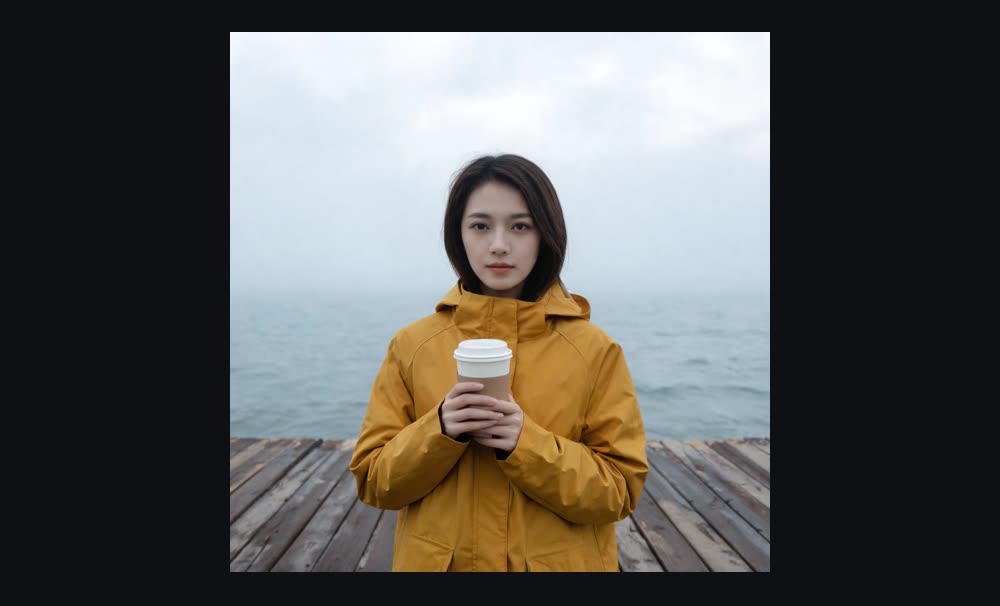

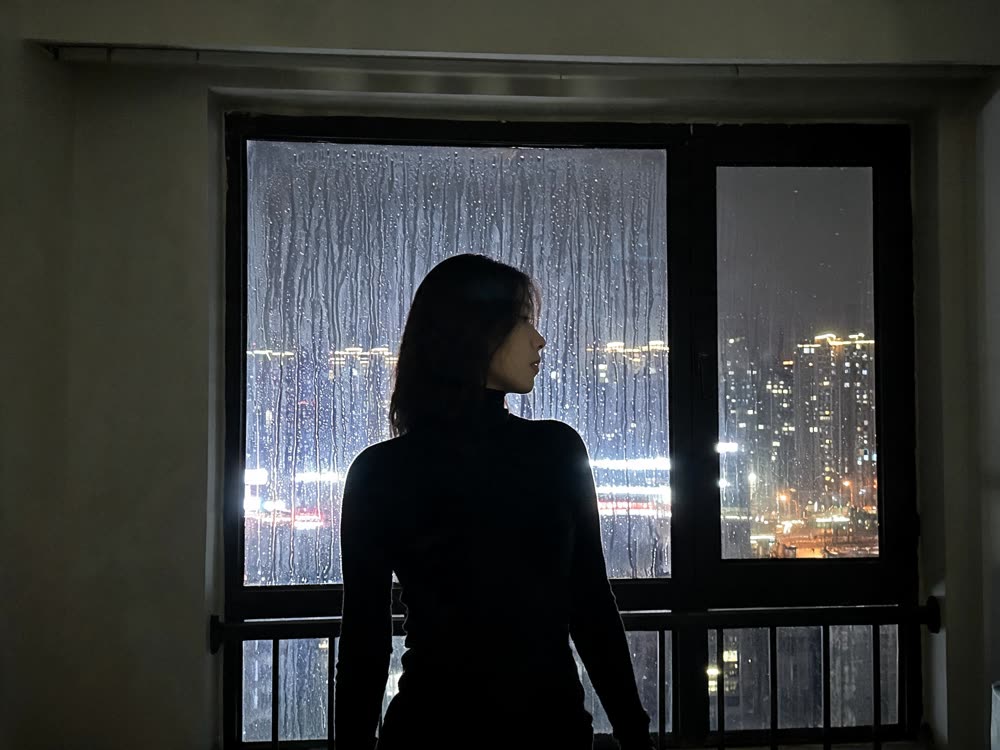
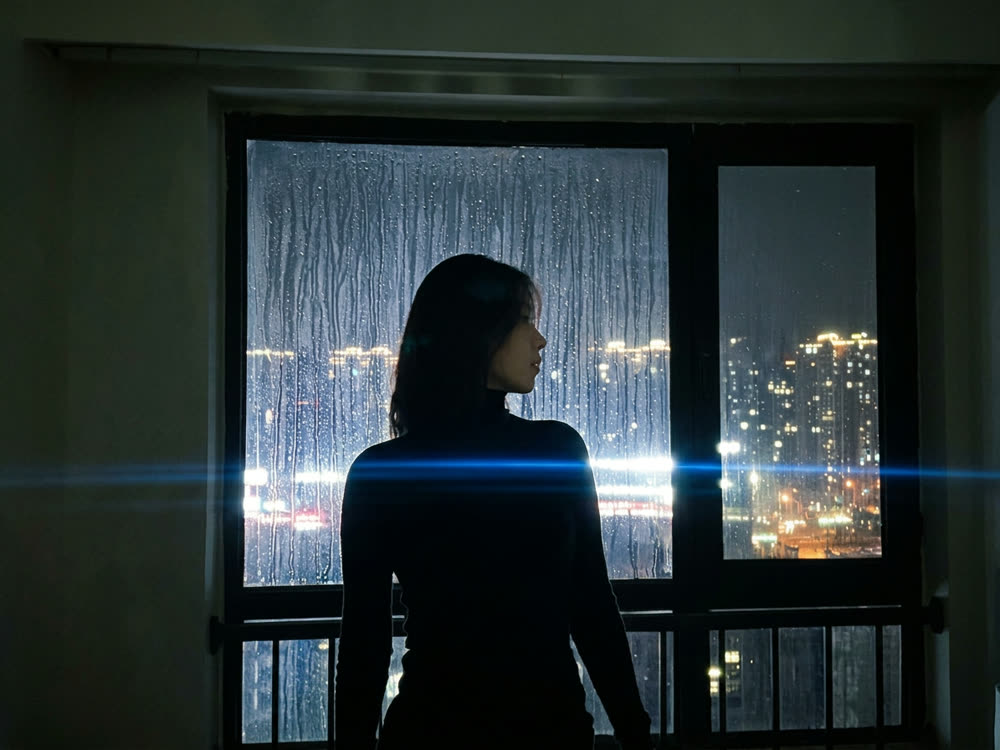
Tips for better results
- Upscale last. Edit and crop first, then upscale the final image once.
- Draft on Nano Banana 2, then render the final on Nano Banana Pro or GPT Image 2.
- Compare cost per finished image, not per credit or compute unit.
- For a full walkthrough, read how to upscale an image to 4K.
Frequently asked questions
Is Kinoseed affiliated with Krea?
No. Kinoseed is an independent product.
Does Kinoseed have real-time generation?
No. Every Kinoseed run is a single generation with its price shown first. For real-time drawing, Krea is the better tool.
How much does an upscale cost on Kinoseed?
3 credits per image, for a 4x upscale. Generating starts with a plan; the $10 Basic plan (500 credits a month) covers 166.
Can I make video too?
Yes. The video studio runs Kling 3.0, Veo 3.1, Seedance 2.0 and more on the same credit balance as images.
Try it on your own photo.
Image Upscale is open to explore. The price of a run is on the button before you spend anything.