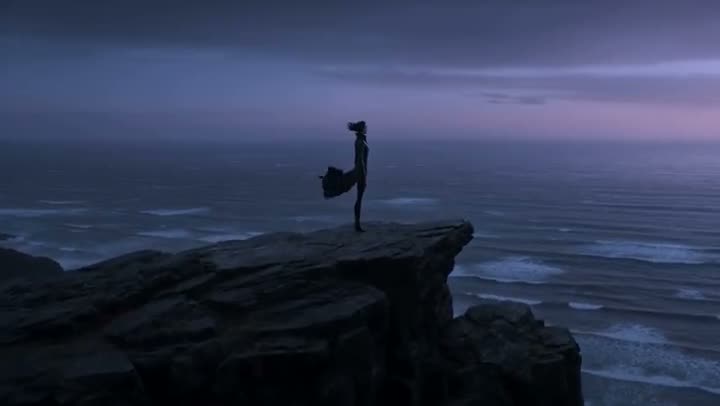
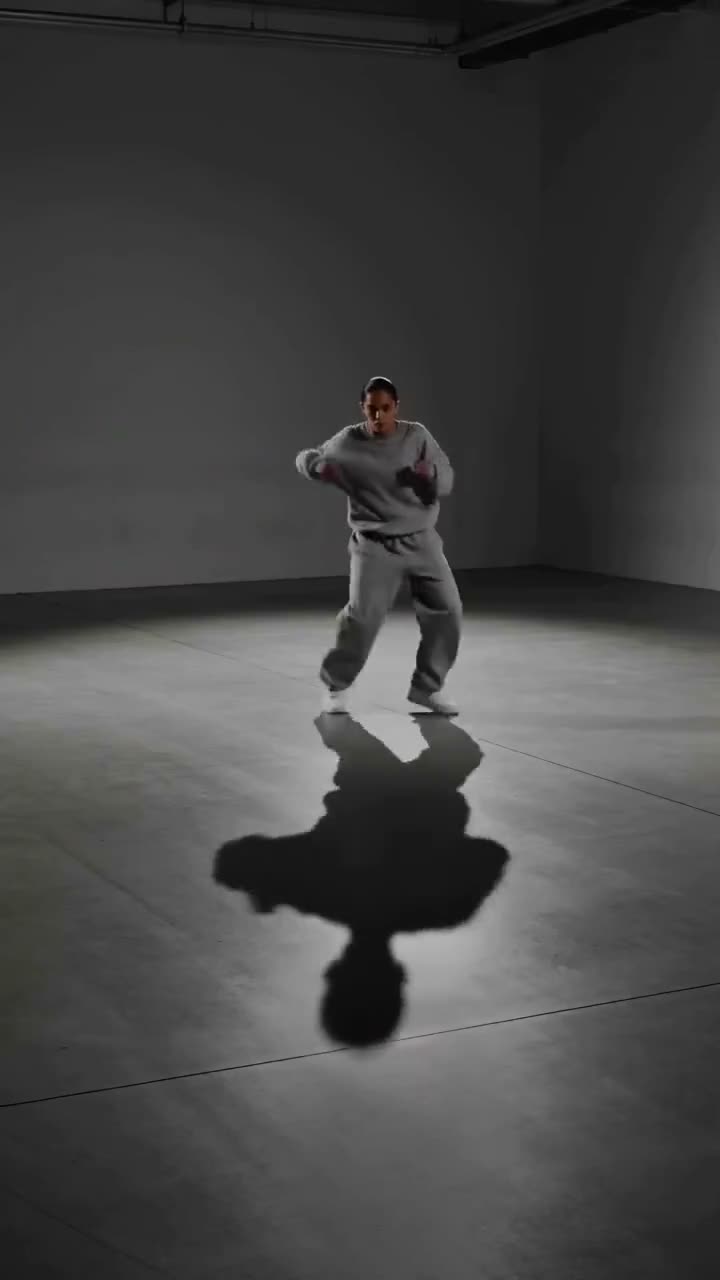
A storyboard panel tells you where everything goes. It does not tell you how the shot feels once the camera moves and the light comes in. Being able to turn a sketch into a video closes that gap: the drawing becomes a short, lit, moving clip that still follows the composition you drew, so you can judge a shot before anyone films or renders it.
This article walks through Kinoseed's Sketch to Video, which uses Sora 2 to animate a drawing, and how to get results that stay true to your lines.
What you need
- A sketch: pencil, ink or digital (PNG, JPG or WEBP). Rough is fine.
- A line about what should move, if you have a particular action or camera move in mind.
- A Kinoseed account to run it. New accounts start with 50 free credits.
Step by step
- 1
Upload your sketch
Drop the drawing into the Sketch slot. The lines are read as a composition to honour, not as an image to copy, so the result is a filmed-looking scene laid out the way you drew it, not an animated pencil drawing.
- 2
Write the Motion description
The field starts with a gentle default, "the subject begins to move; gentle handheld camera drifts in", which is a good first run. Replace it with the action, the camera move and the light you want: "the knight raises his sword as the camera cranes up, storm light breaking through".
- 3
Set the Aspect and Length
Aspect is 16:9 or 9:16. Length is 4s, 8s or 12s. The price on the button follows the length, so a 4 second test is the cheap way to check a sketch reads correctly.
- 4
Press Generate Video
The clip plays in the feed when it is ready. Expand it, download it as an MP4, or recreate it with an edited description.
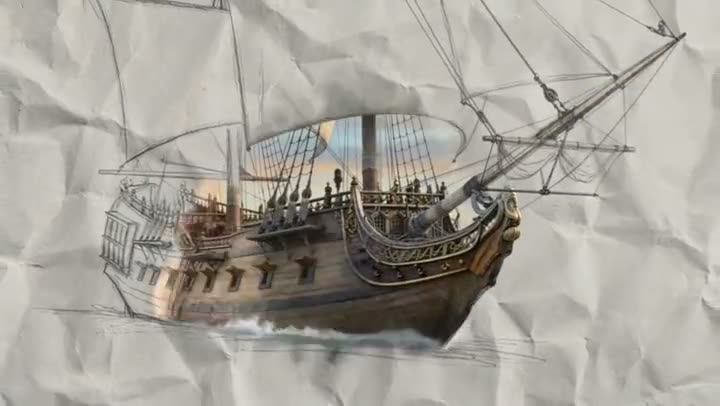
Prompts to copy
Paste any of these into Sketch to Video as a starting point, then change the details to fit your photo.
Character moment
she turns to look over her shoulder as wind catches her coat; slow push in, overcast evening light
Environment reveal
clouds roll across the valley and the castle lights come on one by one; slow aerial drift forward
Product concept
the bottle rotates slowly on its pedestal as a soft light sweeps across the glass; locked-off camera
What makes a sketch animate well
Clear shapes beat detail. The model needs to tell what each mass of lines is: a figure, a building, a horizon. A strong silhouette and an obvious horizon line give it a lot to work with. Labels and arrows drawn on the page can be read as part of the scene, so remove them or crop them out before uploading.
If you want a moving storyboard rather than single shots, make one clip per panel and join them with the AI video transitions tool.
More examples

Tips for better results
- Describe motion, not appearance. The sketch already says what is in the frame; the description should say what happens to it.
- One action per clip. A sketch that has to walk, turn, jump and land in four seconds comes back muddled.
- Draw in the aspect you will generate. A landscape sketch generated at 9:16 has to be reframed, and your composition moves with it.
- Scan or photograph the drawing flat and evenly lit. Shadows from a phone held over the page can be read as part of the scene.
Frequently asked questions
Does the sketch need to be neat?
No. Rough pencil, marker thumbnails and digital doodles all work. Clear shapes matter more than clean lines.
Which model does Sketch to Video use?
Sora 2, in image-to-video mode, with your drawing as the reference frame.
Will the result look like a drawing?
Usually not. The tool treats the lines as a layout and renders the scene with natural depth, motion and lighting. Describe a style in the Motion description if you want something more illustrated.
How long are the clips?
4, 8 or 12 seconds, in 16:9 or 9:16.
Try it on your own shot.
Sketch to Video is open to explore. The price of a run is on the button before you spend anything.