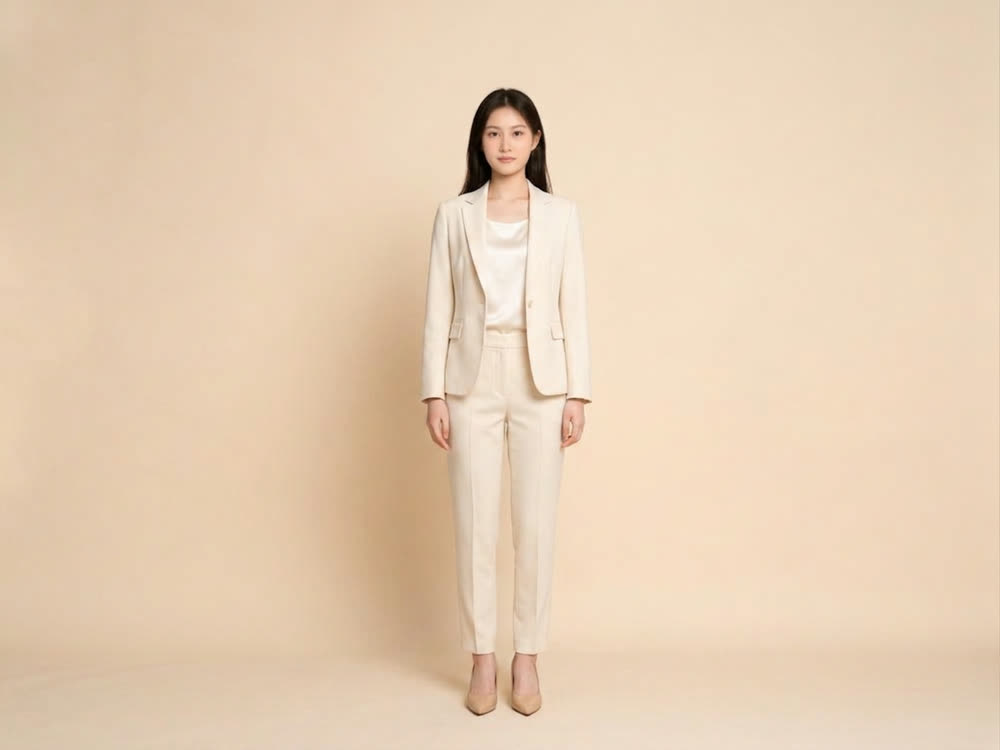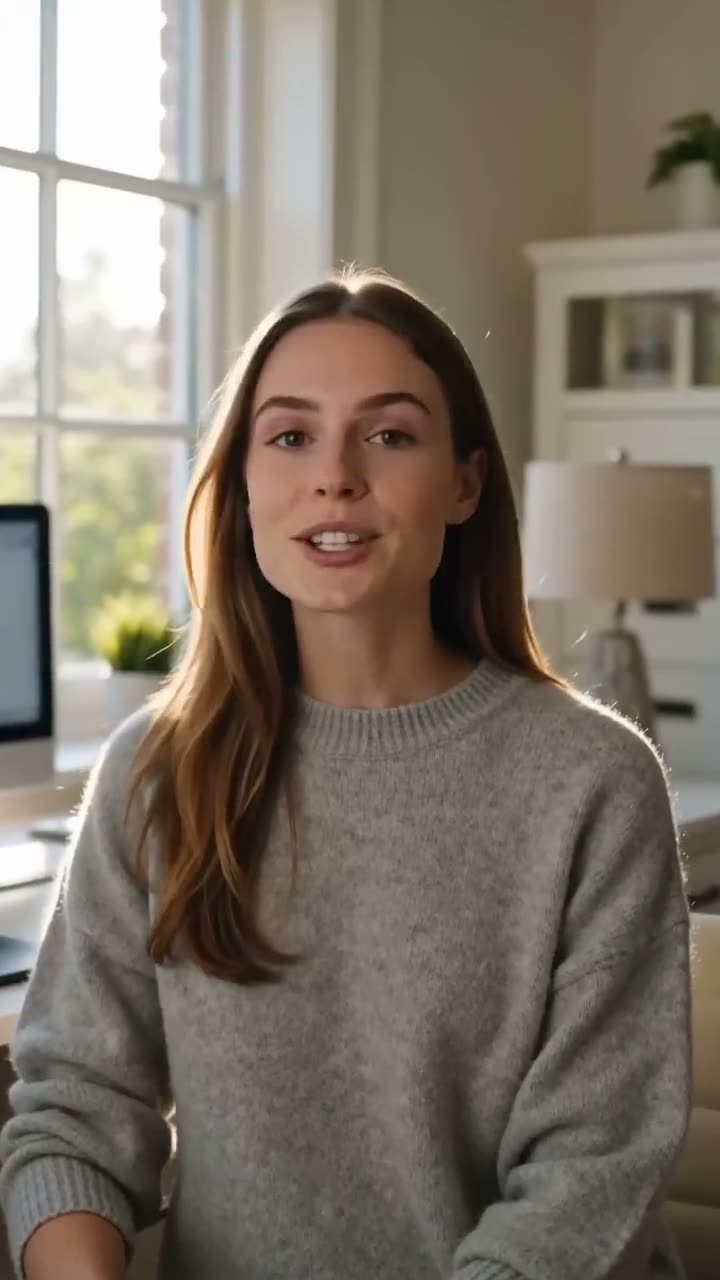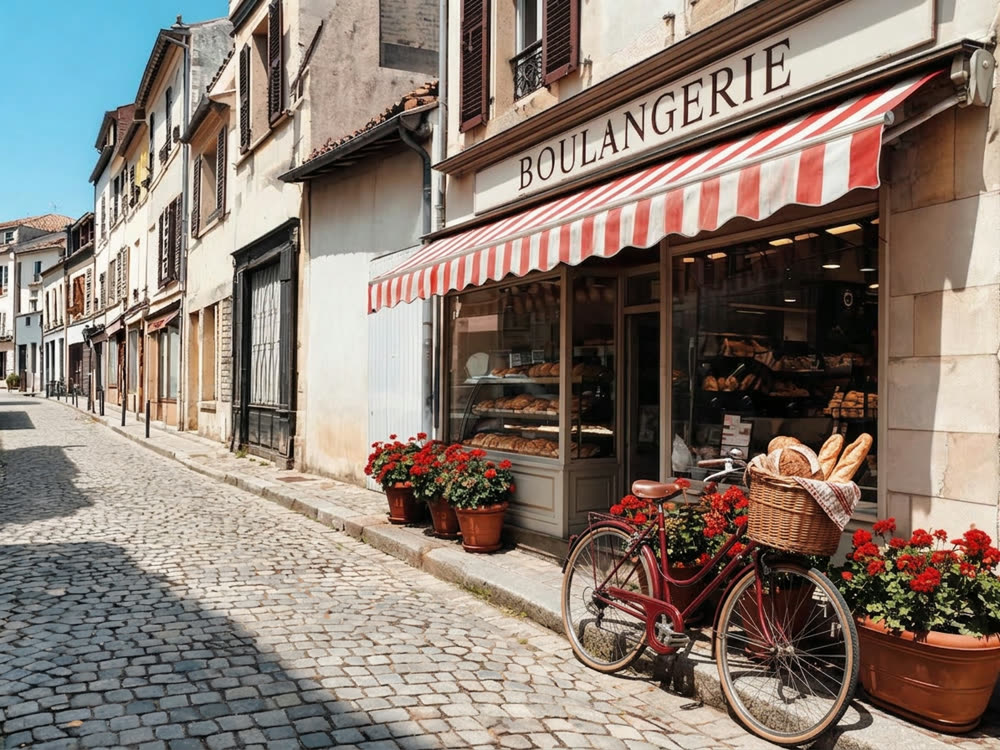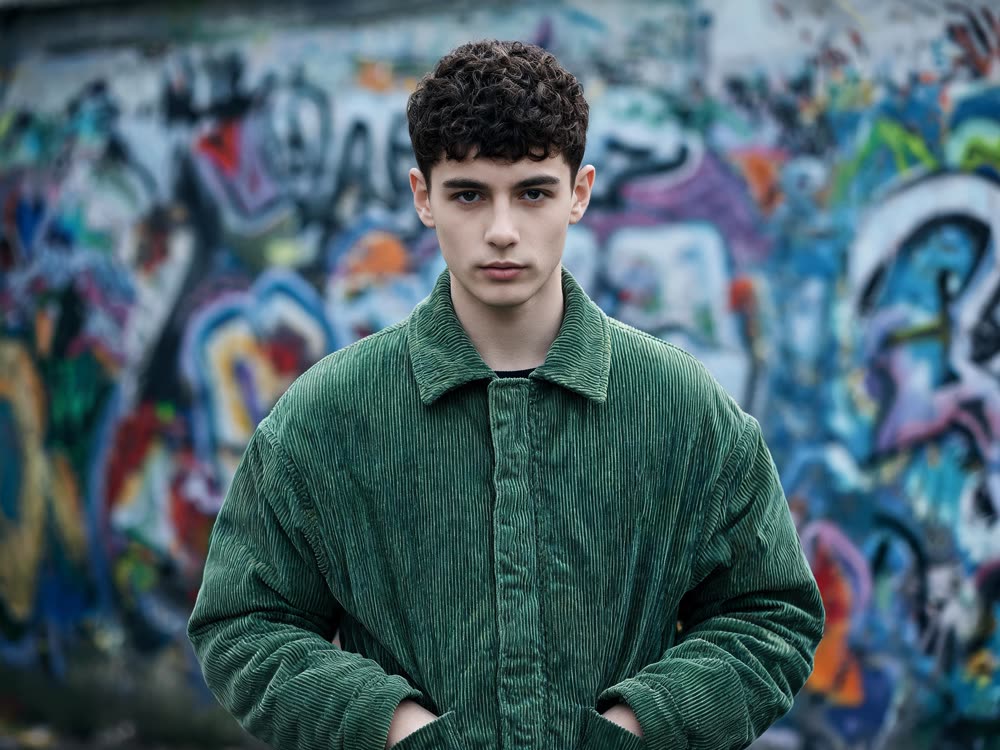
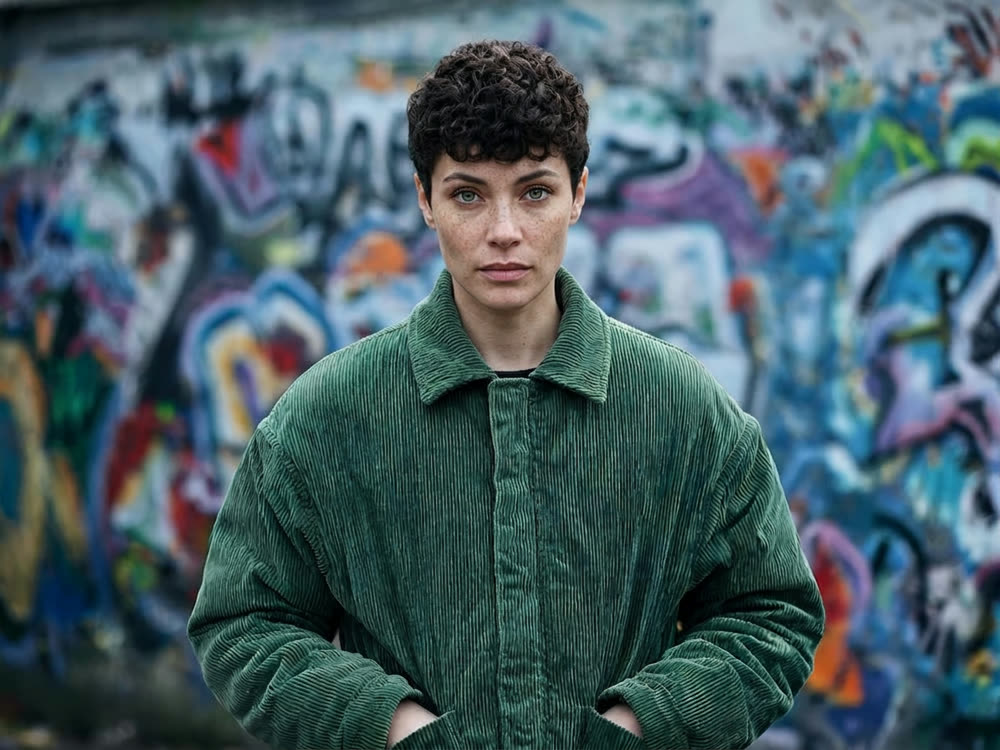
Most face swap apps give you a face that looks cut out of a magazine and taped on. The skin tone is off, the light comes from the wrong side, the head angle does not quite fit. A good AI face swap relights and reshapes the incoming face to match the photo it lands in, so the result reads as one picture.
Here is how to face swap a photo with Kinoseed's Face Swap, and how to pick source photos that make it convincing.
What you need
- The target photo: the scene, body and outfit you want to keep.
- A clear photo of the face going in, ideally front-facing and well lit.
- Permission from anyone whose face you use.
Step by step
- 1
Add the Target image
This is the scene you want to end up in. Its pose, clothing, hair and background are all kept. Only the face changes.
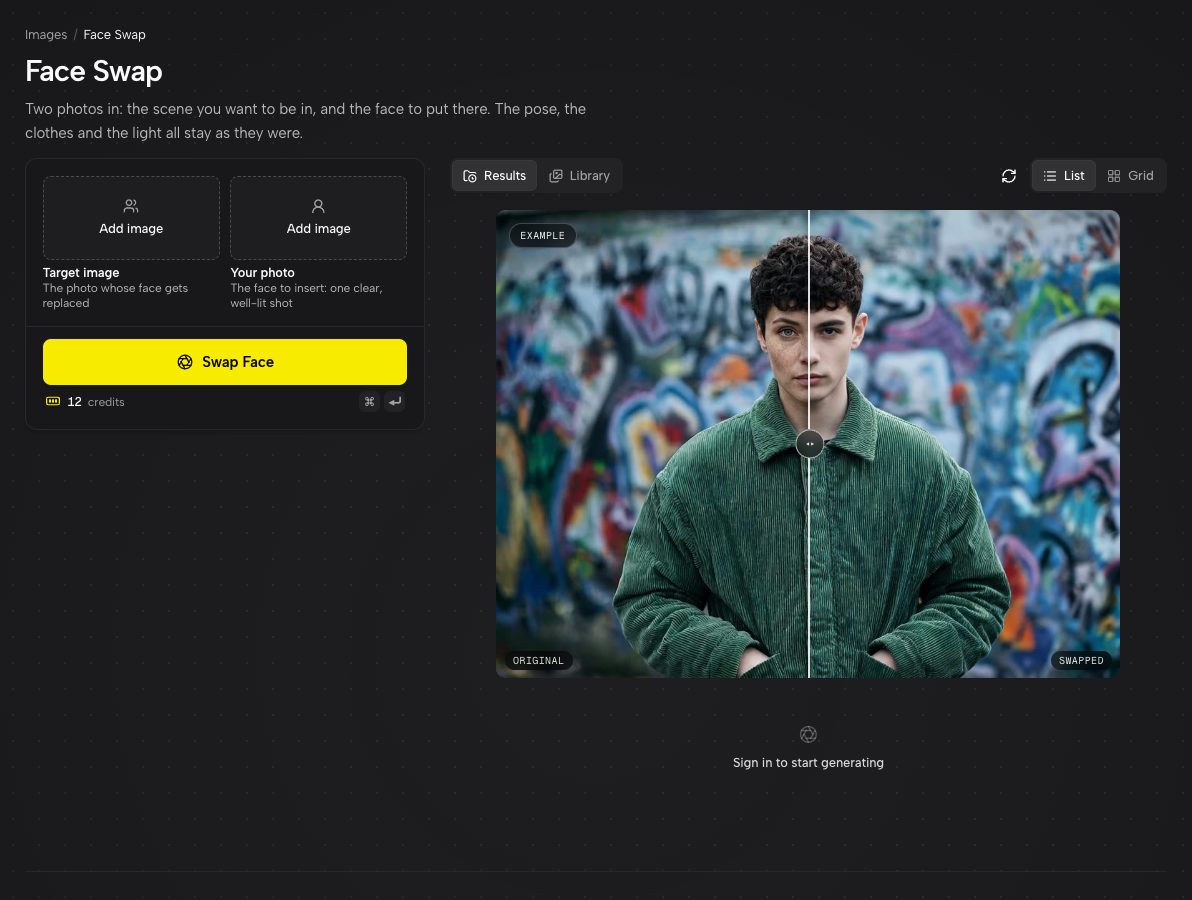
Face Swap, with an example swap on the right. - 2
Add Your photo
This is the face that travels. One clear, well-lit shot works best: straight-on beats a three-quarter angle, and a big face beats a small one in a crowd.
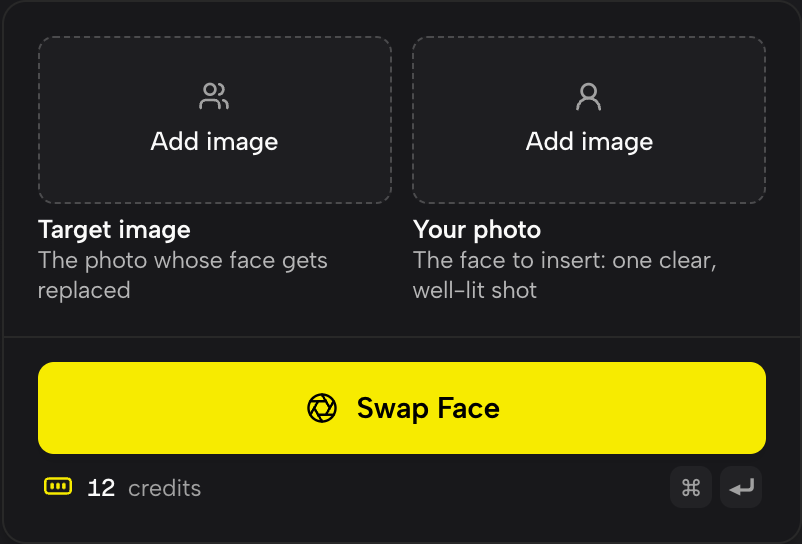
Target image on the left, Your photo on the right. The face moves from right to left. - 3
Press Swap Face
The inserted face is matched to the target's light and head angle, and the result comes back in the target's own frame, ready to open full size and download.
The slot order is the thing people get wrong
Target image is where the face lands. Your photo is the face that moves. Load them the other way round and you get the right faces on the wrong bodies. If a result looks inside out, swap the two uploads and run it again.
Face swap or character swap?
Face Swap changes the face only, and keeps the build, clothes and hair of the target. If you want the whole person replaced, body and wardrobe included, use Character Swap instead. For clothes only, see the outfit guide.
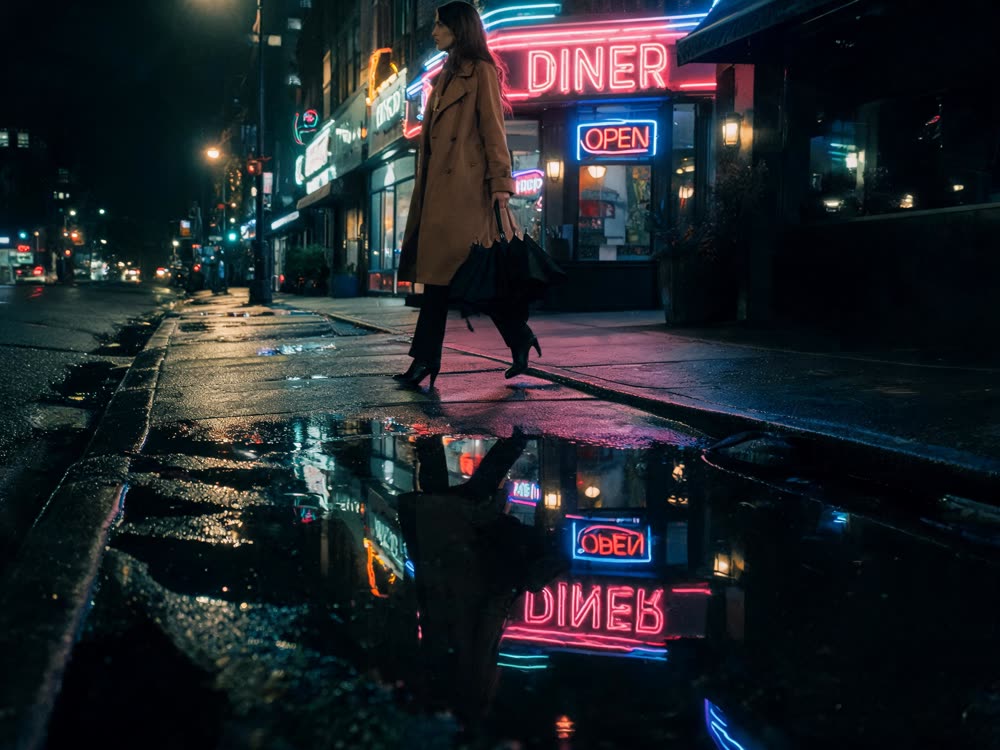
More examples
Tips for better results
- Match the angle. A face shot straight on rarely lands convincingly on a head turned in profile. Pick a source photo that roughly matches where the target is looking.
- Lighting is inherited from the target. Mild mismatches get relit; a face lit hard from the left dropped into a softly lit room still reads as a paste.
- Avoid sunglasses, hands or hair across the source face. The model can only carry over what it can see.
- Higher resolution helps. A face that fills the frame gives far more identity to work with than a face that is 40 pixels wide.
Frequently asked questions
Does the face swap keep the hair and outfit?
Yes. Everything except the face comes from the target photo: hair, clothing, pose, background and framing.
Can I face swap a video?
Yes, with the separate Video Face Swap tool. Face Swap is for still photos.
Is face swapping allowed?
Only with consent. Kinoseed's terms prohibit impersonating a real person without their permission, including non-consensual deepfakes. Use your own face, or faces you have the right to use.
Why does my swap look pasted on?
Usually the head angle or the lighting of the two photos differs a lot. Choose a source face that roughly matches the target's angle and light, and make sure the face is large and unobstructed.
Try it on your own photo.
Face Swap is open to explore. The price of a run is on the button before you spend anything.