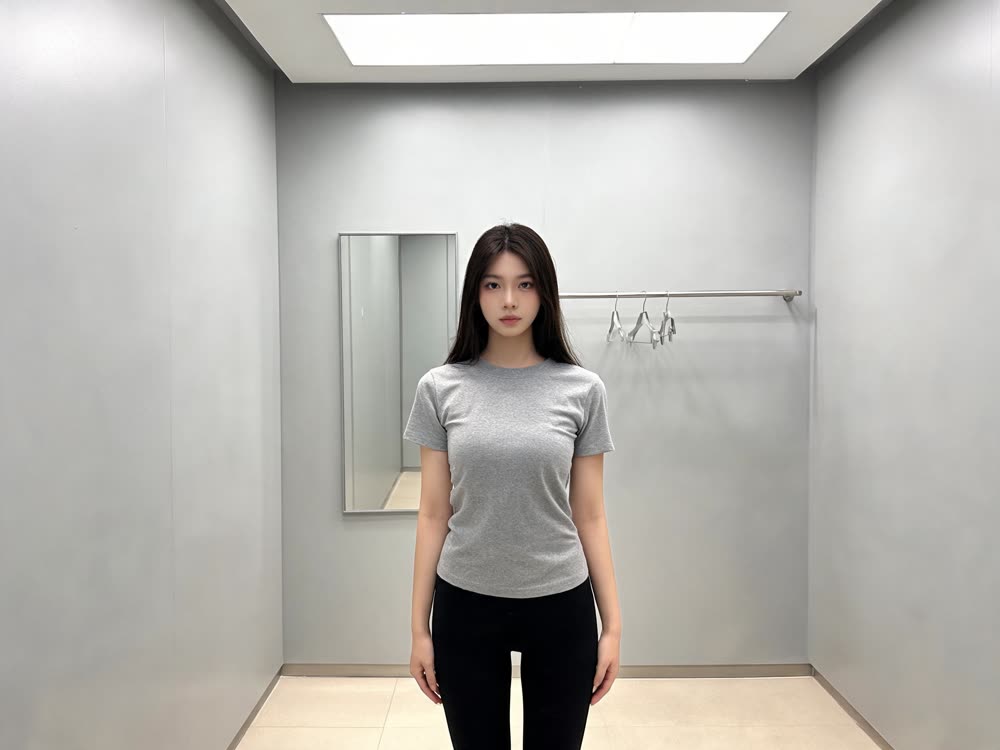
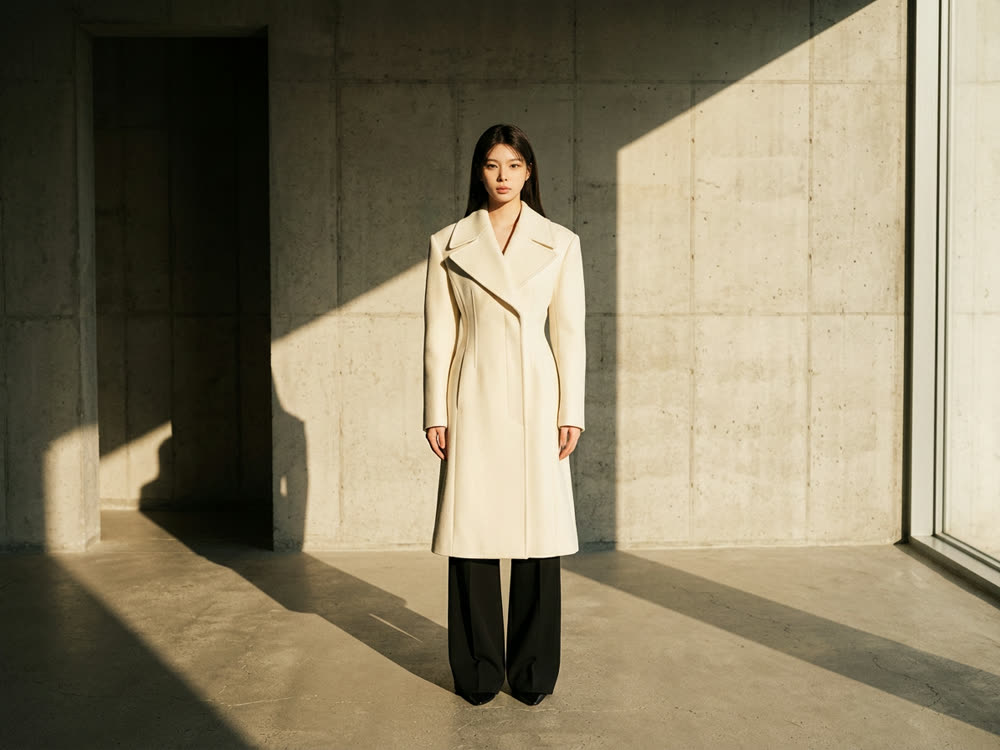
A fashion photoshoot needs a model, a set of outfits, a studio and a day. An AI fashion photoshoot needs one photo of the person. You choose the styling, and the model renders that same face and body in a matching set of looks, with the same backdrop and light across every frame, so the results read as one shoot rather than a pile of unrelated pictures.
This article shows how to run one with Kinoseed's Fashion Factory: what photo to start from, how the styles differ, and how to build a lookbook out of a few runs.
What you need
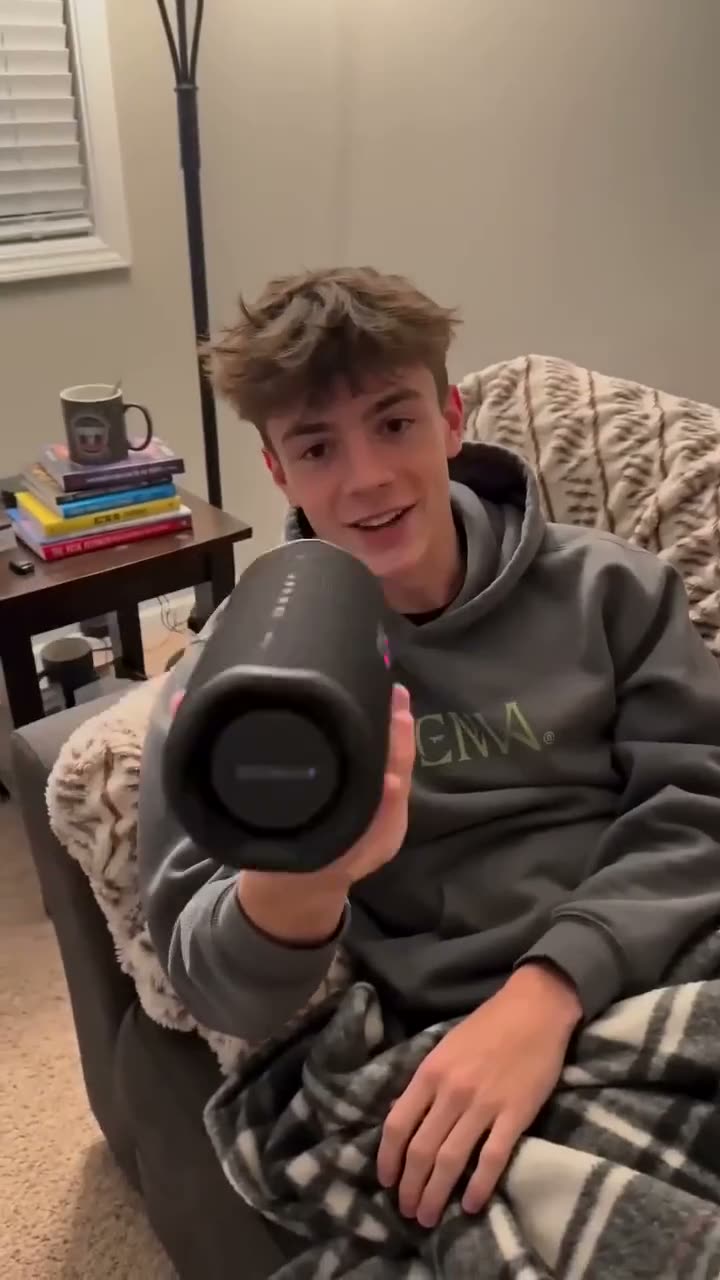
- One photo of the person: full body or three-quarter, facing the camera, in simple clothes. Your own, or someone who has agreed to it.
- A Kinoseed account. A set of two looks costs 14 credits, so the 50 free credits new accounts start with cover a few runs.
Step by step
- 1
Add the Identity reference
Upload the photo of the person. The face, proportions and hair are taken from it and kept in every look, so a sharp, front-facing, evenly lit photo matters more than anything else.
- 2
Pick an Outfit style
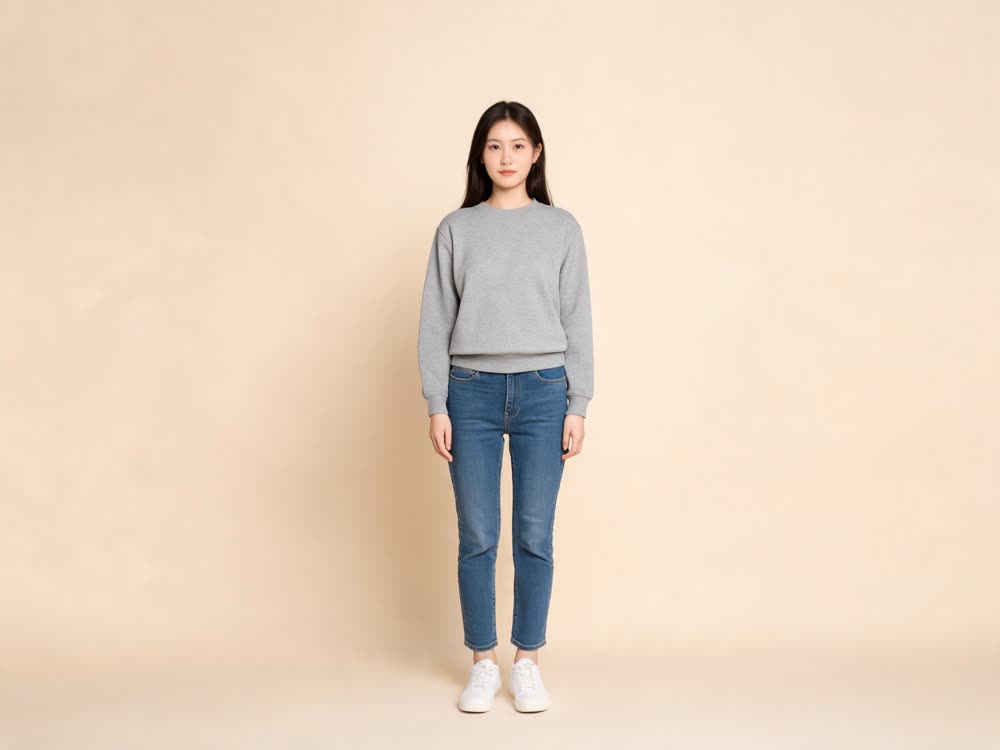
Eight styles: Streetwear, Business, Minimalist, Athleisure, Formal evening, Beach, Vintage and Avant-garde. The line under the label shows exactly what the selected style puts on the person: Minimalist, for example, is an oversized cream knit, wide-leg trousers and simple leather sandals with no logos.
- 3
Choose the Set size and Aspect
Set is how many looks come back in one run: ×1 for 8 credits, ×2 for 14 or ×4 for 30. Aspect is 1:1, 4:5 or 9:16, with 4:5 selected for you, the usual shape for a feed post or a product page.
- 4
Press Generate Set
Every look in the set shares the person, the neutral seamless backdrop and the soft studio light, with slight pose changes between frames. Open any of them full size or download them from the results.
Building a lookbook
Keep the Identity reference the same and run one style at a time. Four runs at ×2 (Streetwear, Business, Minimalist and Formal evening) give you eight frames of the same model across a full range for 56 credits. Because every run uses the same backdrop and light, they sit together on one page.
Showing a specific garment
Fashion Factory dresses the person in a style, not in your exact product. To put a particular piece of clothing on someone, use Outfit Swap, which keeps the person, pose and room and changes the clothes. To place a product into a lifestyle scene, see Product Placement.
From stills to video
Take the best look into Motion Control to make the model walk or turn, or into UGC Factory for a creator-style clip about the outfit.
More examples
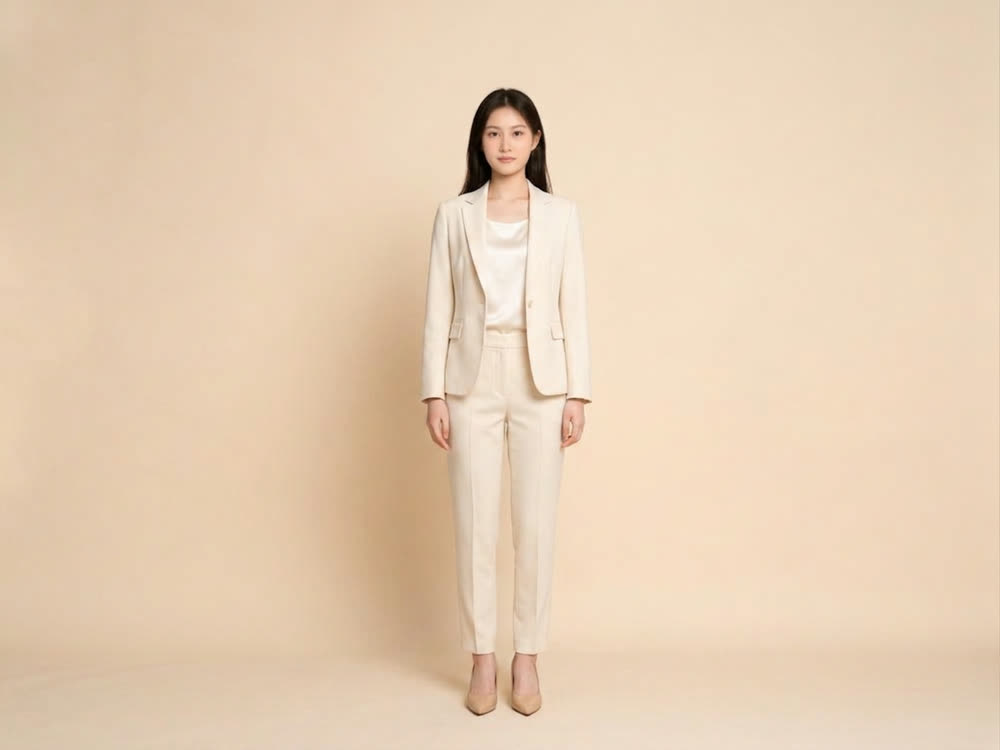

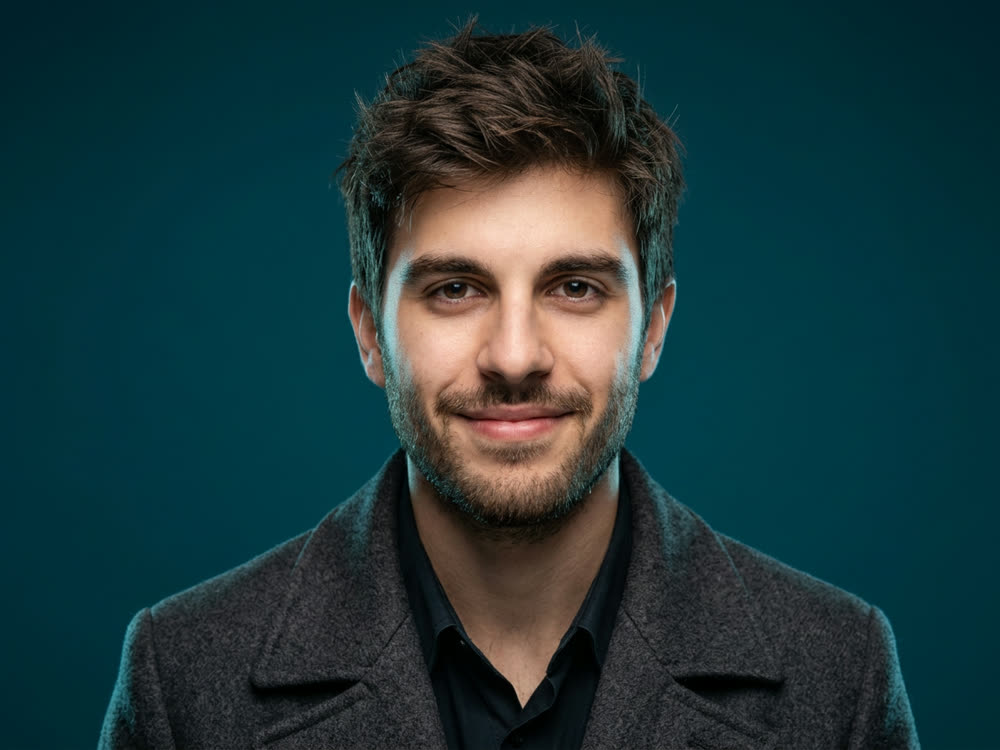
Tips for better results
- Start from simple clothes. A plain t-shirt and jeans in the reference give the style the most room; a bold printed jacket can leak into the new look.
- Draft with ×1 or ×2. Use ×4 once you know a style suits the person.
- Pick 9:16 for Stories and Reels covers, 4:5 for the feed and most shop galleries, 1:1 for marketplaces that crop square.
- Check hands and shoes before you publish. Those are the details most likely to need a second run.
Frequently asked questions
Do I need a real model?
You need one photo of a person who has agreed to it. That can be you, a model you have hired once, or an original face you generated in the image studio.
Can I put my own product on the model?
Not in Fashion Factory, which dresses the person in the style you pick. For a specific garment, use Outfit Swap.
Which model does it use?
Seedream 5.0 Lite, editing from your identity reference.
How much does an AI fashion photoshoot cost?
8 credits for one look, 14 for two and 30 for four. New accounts get 50 free credits, and results made on free credits carry a small Made with Kinoseed mark.
Will the face stay the same across looks?
That is what the identity reference is for, and the prompt asks for the same face, proportions and hair in every frame. Compare each result with the reference before you publish it.
Try it on your own photo.
Fashion Factory is open to explore. The price of a run is on the button before you spend anything.