Fashion Factory
Drop a person, pick an outfit style, get a fashion set: same identity, multiple looks.
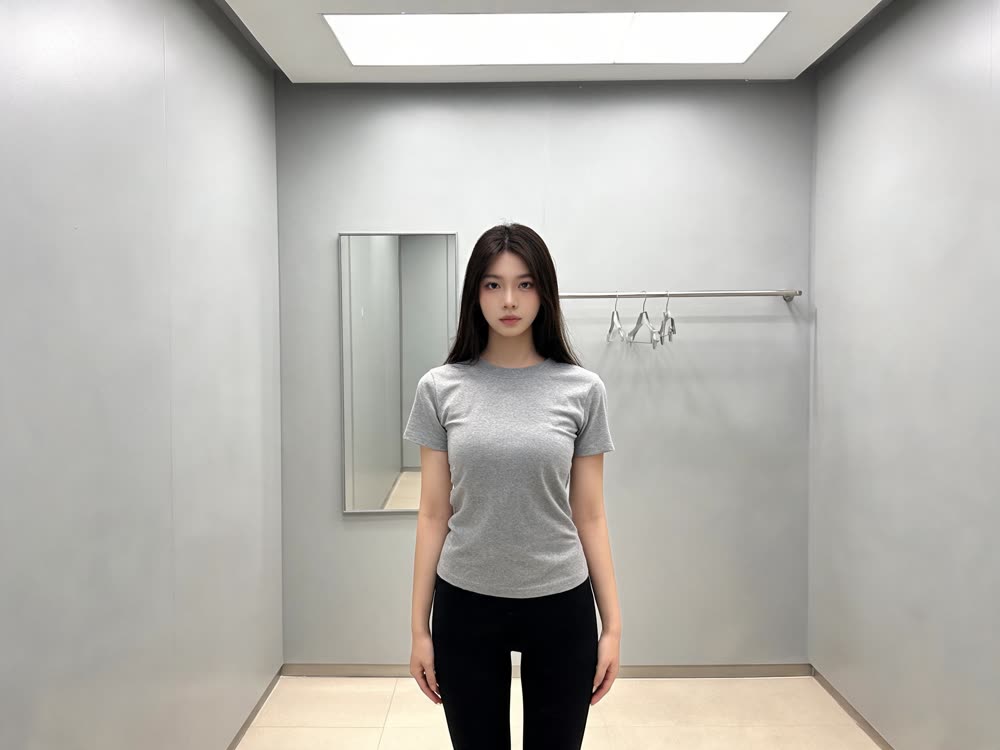
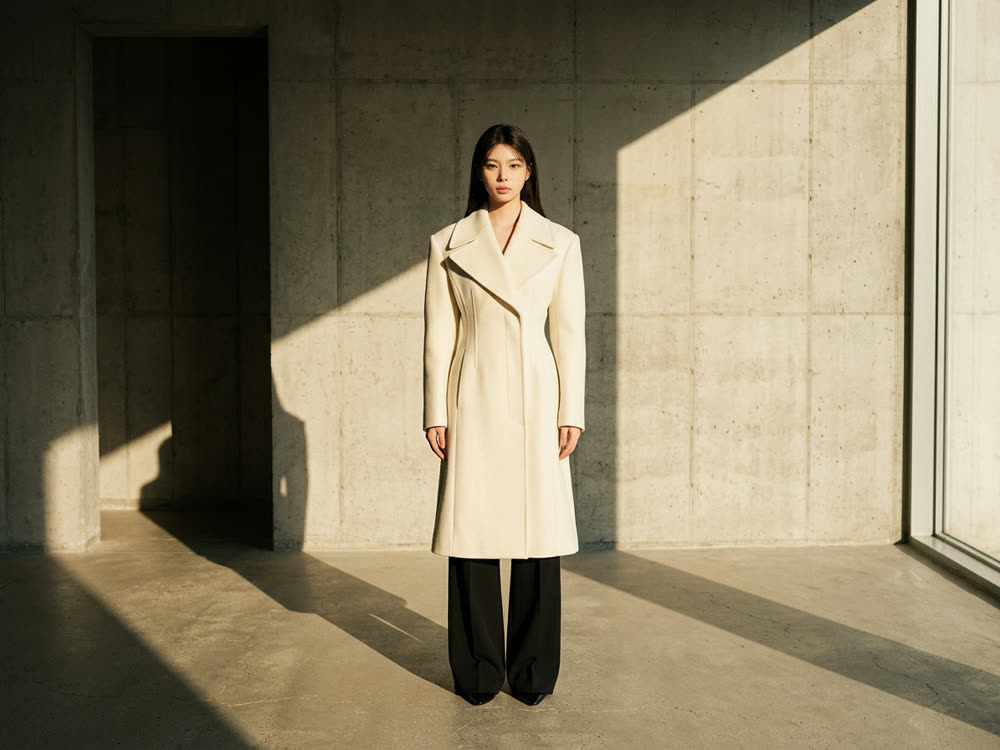
How to shoot a set of looks
- 1
Add one photo of the person
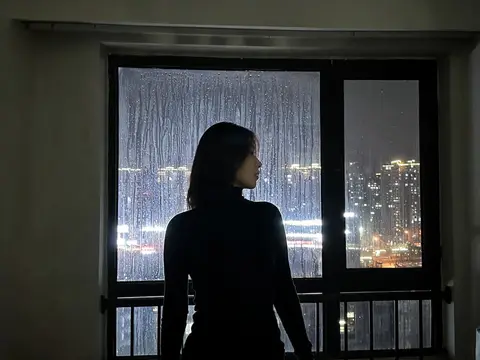
The identity reference. A clear, well-lit photo where the face is easy to see holds the likeness best across every look.
- 2
Pick the outfit style
The style the looks are dressed in, then how many come back in the set and the aspect they are shot at.
- 3
Generate the set
Every look keeps the same person and the same light, so the results read as one shoot rather than as separate images.
Explore more apps
See all

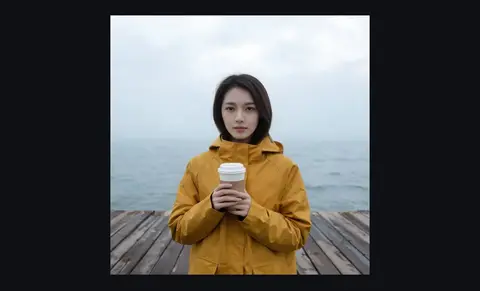
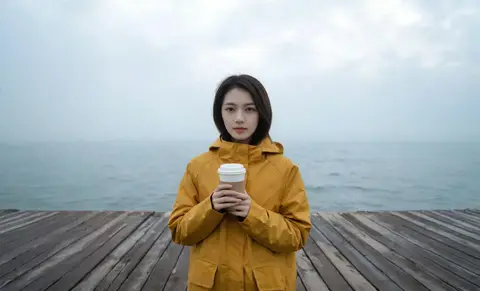
fashion-factory: questions and answers
›What does Fashion Factory make?
A set of fashion images of the same person in different outfits within one style. Upload an identity photo, pick a style, and Seedream 5.0 Lite returns the looks in one run.
›Which outfit styles are available?
Streetwear, Business, Minimalist, Athleisure, Formal evening, Beach, Vintage and Avant-garde. Every look in a run follows the style you picked, on the same person.
›How many looks do I get per run?
You choose 1, 2 or 4 images and the aspect ratio. The Generate button shows the cost for the batch.
Articles about fashion-factory
- How to Make an AI Fashion Photoshoot from One Photo · Make an AI fashion photoshoot from one photo: the same person in up to four looks per run, shot as one consistent set for a lookbook, a shop or social.